RSS
RSS (Rich Site Summary) delivers regularly updating content, giving you an overview of new content from whatever page you are interested in.
Tracking data you actually care about shouldn't require opening a dozen browser tabs. Connect your RSS feeds to Klipfolio and pull news, updates, and content streams into a single, automatically refreshing dashboard.
What is an RSS feeds dashboard?
An RSS feeds dashboard is a centralized view that aggregates content from multiple RSS feed URLs, displaying headlines, summaries, and links in real time without manual refreshes.
How to connect RSS feeds to Klipfolio
Connecting an RSS feed takes about four steps. You'll need the URL of any RSS feed you want to display.
- Open the Service Connectors page in Klipfolio and select RSS Feeds.
- Retrieve your RSS feed URL. Navigate to the news source or site you want to track, scroll to the bottom of the page, and select RSS. If no RSS link appears, search the site name plus "RSS" in your browser. Copy the URL from the resulting page.
- Paste the URL into the URL field on the New Data Source page. Set Data Format to XML and Method to GET, then click Get data.
- Confirm and save. Review the returned data, optionally model your data source, click Continue, name your data source, set a refresh schedule, and click Save.
Sample RSS feed URLs to get you started:
- Google News:
https://news.google.com/news?cf=all&hl=en&pz=1&ned=ca&output=rss - CBC Top Stories:
https://www.cbc.ca/webfeed/rss/rss-topstories - BBC World News:
http://feeds.bbci.co.uk/news/video_and_audio/world/rss.xml#
View the step-by-step setup guide
Top reasons to use Klipfolio for RSS feed dashboards
Before switching tabs again, consider what a connected dashboard actually gives you:
- Everything in one place. Pull feeds from news, industry blogs, or internal sources into a single view so your team stops hunting across sites.
- Automatic refreshes. Klipfolio retrieves updated feed content on a schedule you set, from one minute to 24 hours, so your dashboard always reflects the latest content.
- Fully customizable layouts. Arrange feeds alongside KPIs, charts, and other data sources. Display your RSS dashboard on a TV screen, share it via public link, or embed it in another tool.
- No manual exports. Once connected, the feed updates without any action on your part.
From manual browsing to live dashboards
| What you do without Klipfolio | What Klipfolio adds |
|---|---|
| Open multiple tabs for each source | One dashboard aggregates all feeds automatically |
| Refresh pages manually for updates | Scheduled data refreshes keep content current |
| Copy headlines into reports by hand | Feed content is always live and ready to share |
| Track news separately from metrics | Combine RSS feeds with KPIs in a single view |
Stop switching tabs to stay informed. Connect your first RSS feed and build your dashboard today.
Use pre-built RSS metrics
Assemble a RSS dashboard by selecting pre-built metrics from the Klip Gallery.
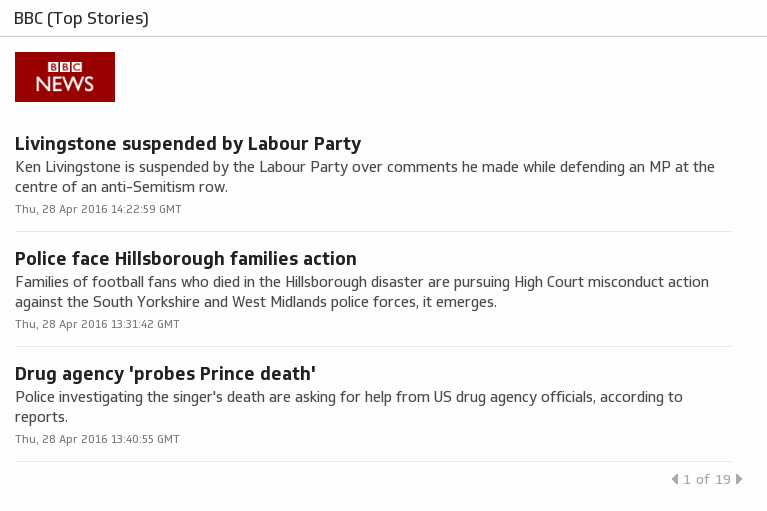
BBC (Top Stories)
BBC News provides trusted World and UK news as well as local and regional perspectives.
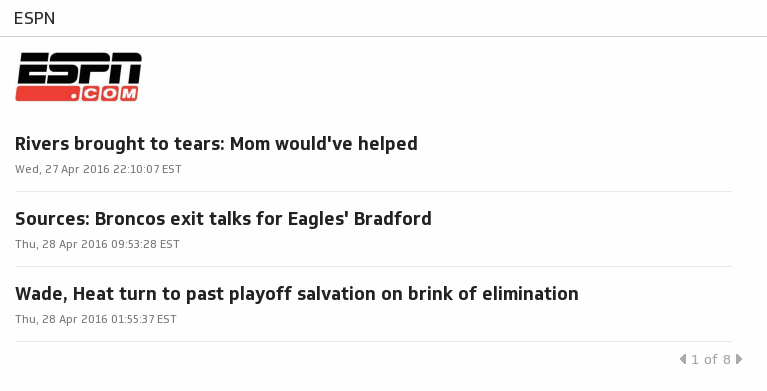
UsesESPN
Get sports news coverage, highlights and commentary for NFL, MLB, NBA, College Football, NCAA Basketball and more.
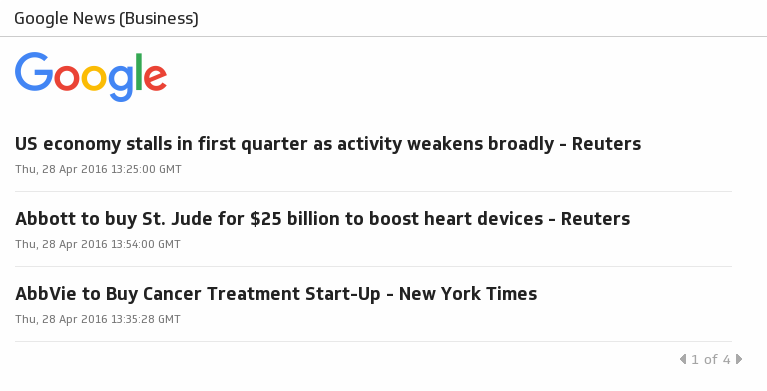
UsesGoogle News (Business)
Get the latest on business stories, company news, world economy, stocks, finance, investments, market trends and more with the Business section of Google.
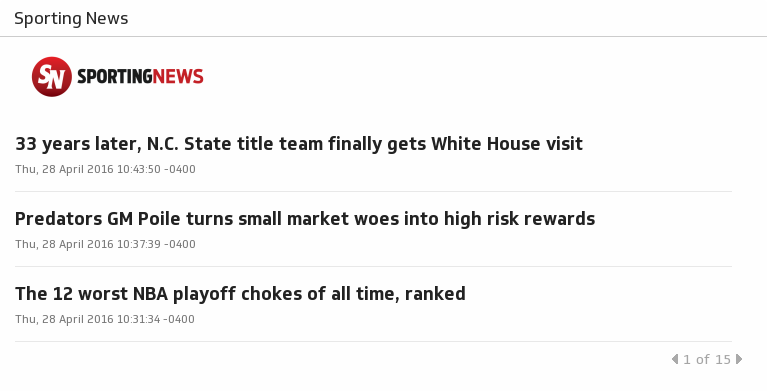
UsesSporting News
Get the latest sports news, video, analysis and better info. Covering the NFL, MLB, NBA, NHL, NASCAR, college football and basketball, soccer and more.
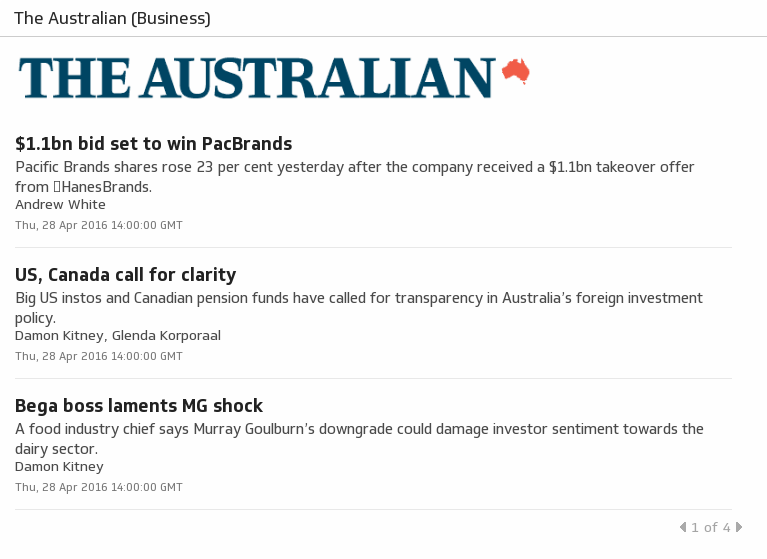
UsesThe Australian (Business)
Find the latest business news and stock market news from The Australian.
UsesThe Economist (The World This Week)
Getting real time updates on leading business news keeps you informed, without having to waste time navigating through news websites or searching through print media every morning.
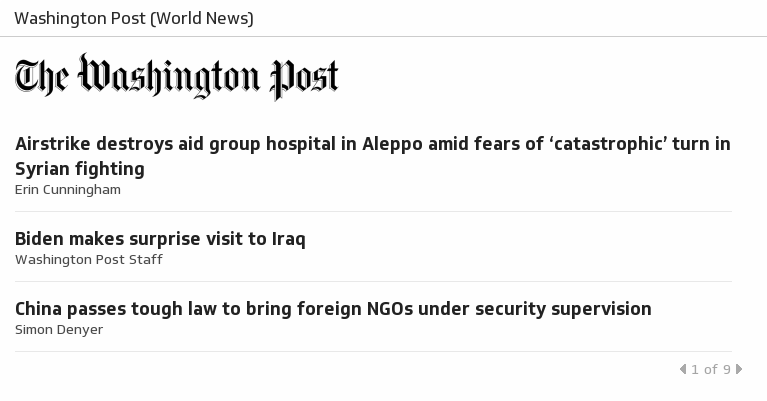
UsesWashington Post (World News)
The Washington Post World section provides information and analysis of breaking world news stories.
Uses