Sessions by Device Type
See what devices your website traffic is using for the time period of your choice.
Sessions by Device Type
What is Sessions by Device Type?
Sessions by Device Type is a web metric that shows the number and percentage of website visits coming from each device category (desktop, mobile, and tablet) over a selected time period.
Knowing where your audience comes from matters. A visitor on a phone has a different experience than one on a desktop, and if your site isn't built for both, you're losing people before they even see your offer.
Why Sessions by Device Type matters
Mobile has dominated web traffic for years. The shift means that device-level data isn't just a technical detail; it's a signal that should shape how you design, advertise, and prioritize your site.
When you know which devices your visitors use, you can:
Allocate ad spend more precisely across desktop, mobile, and tablet audiences
Prioritize responsive design work based on where traffic actually comes from
Catch device-specific problems before they cost you conversions
Without this breakdown, you're making site and budget decisions blind.
Challenges with Sessions by Device Type
The main limitation of this metric is what it doesn't tell you. Sessions by Device Type shows which devices people use, but not who those people are.
Device data alone doesn't reveal demographics, intent, or behaviour patterns. A mobile visitor could be a first-time browser or a returning buyer. Relying on device type to target audiences, without layering in persona or demographic data, leads to blunt decisions.
Use this metric as context, not as a standalone targeting signal.
Best practices for Sessions by Device Type
As mobile and tablet traffic continues to grow, a responsive website is the baseline. A responsive site adjusts layout, text size, and navigation automatically to match the screen it's being viewed on.
Beyond that, two areas deserve consistent attention.
Test on real devices, not just emulators. Eric Siu, CEO, Single Grain LLC recommends reviewing your landing pages from different devices directly. Check that pages load correctly, include all the elements needed to prompt action, and display cleanly without layout issues caused by responsive styling. Online emulators give you a starting point, but live testing on actual devices is the only way to confirm accuracy.
Understand cross-device behaviour. Pierre DeBois, Founder, Zimana points to webrooming and showrooming as examples of why cross-device analysis matters. Webrooming is when a customer researches a product online while in a physical store. Showrooming is the reverse: browsing in-store, then buying online. Both behaviours signal that a single session rarely tells the whole story. Foot traffic becomes web traffic, and web traffic spans devices.
To capture this accurately, adding a User ID in your analytics setup helps connect the same person's behaviour across sessions and devices. Learn more about tracking this on a Google Analytics dashboard.
How to monitor Sessions by Device Type
Sessions by Device Type becomes more useful when tracked alongside other digital marketing metrics. Consider pairing it with:
Organic Search Performance by Device: shows which devices are finding you through search
Web Traffic Sources: reveals whether mobile visitors come from paid, organic, or referral channels
Bounce Rate by device: flags where the experience is breaking down on specific screen sizes
Tracking these together gives you a complete picture of how device type affects the full user journey, not just how many people showed up.
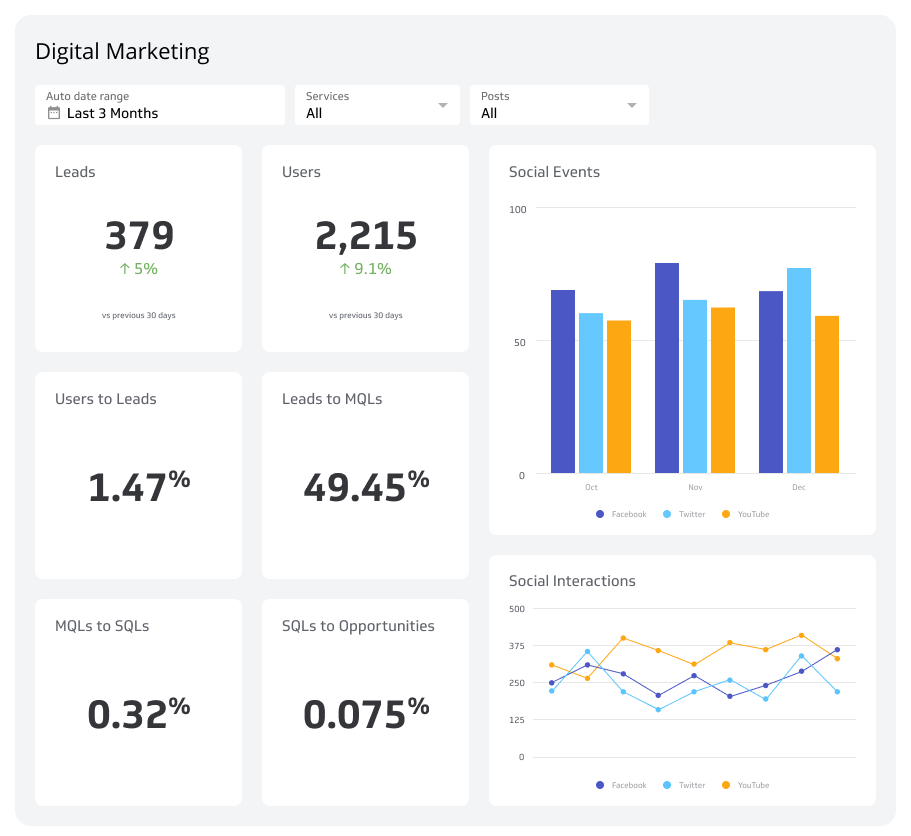
You can bring all of these metrics into a single view with a Digital Marketing Dashboard, so you're not piecing together the story from separate reports.
Create custom dashboards for you and your team.
Get started with KlipsTop resources
Why Your Brand Must Analyze Traffic by Device, Dani Fankhauser
How Google Analytics Can Make Cross Device Marketing Easier, Pierre DeBois
Google Analytics: Desktop vs. Mobile vs. Tablet Metrics, Jonathan Ellins