Klip Gallery
Track your key performance measures with pre-built Klips. Get the ones that matter most to your business from the Gallery to your dashboard in minutes.
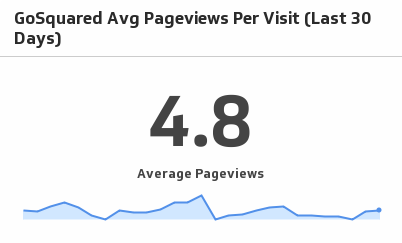
Avg Pageviews Per Visit (Last 30 Days)
See traffic trends unfold as you monitor average pageviews per visit over the past 30 days.
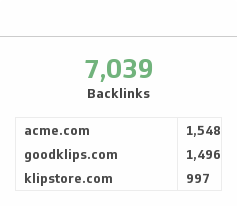
UsesBacklinks
Monitor the number of backlinks to your website and compare it to your competitors.
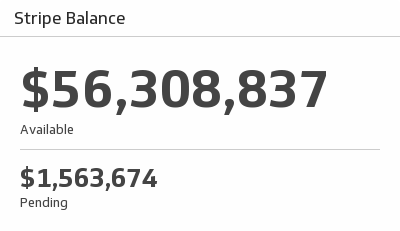
UsesBalance
Monitor your Stripe account balance and see how much is available and pending.
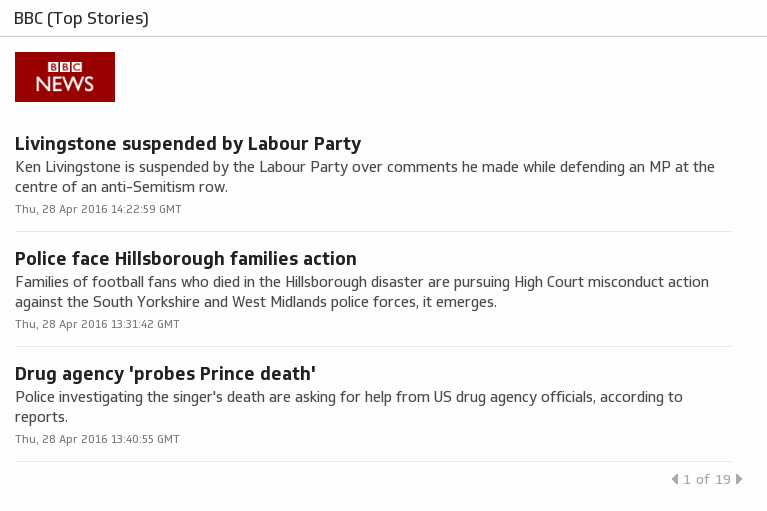
UsesBBC (Top Stories)
BBC News provides trusted World and UK news as well as local and regional perspectives.
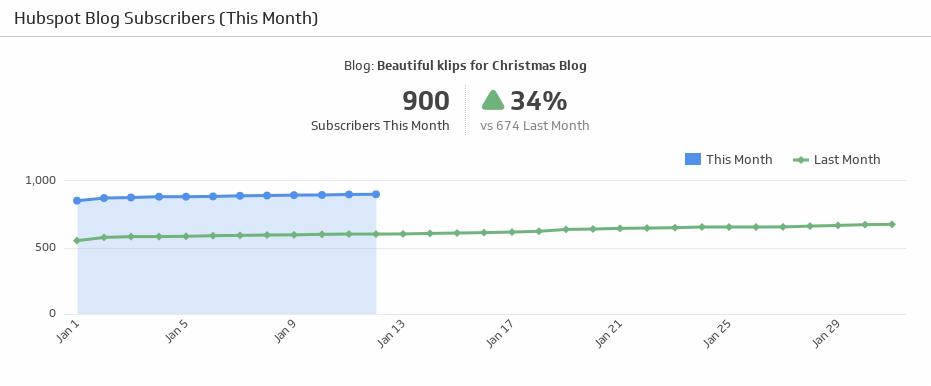
UsesBlog Subscribers (This Month)
Track the number of subscribers for this month and compare it against the last month subscribers count.
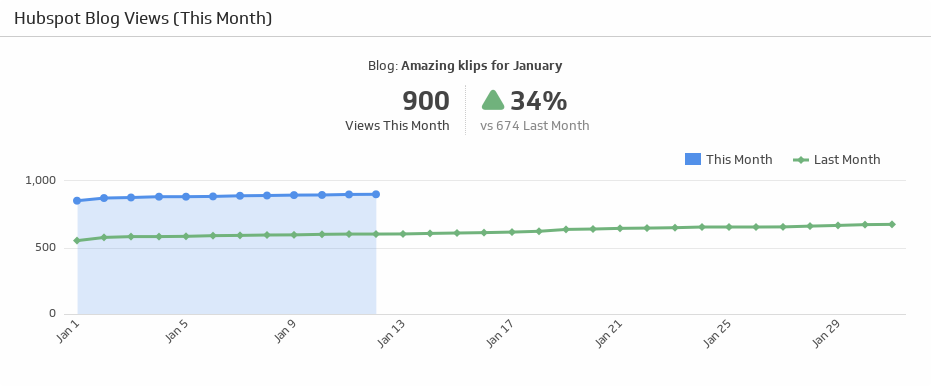
UsesBlog Views (This Month)
Compare how many people looked at your blog this month and last month, and use the handy indicator to quickly see if the percentage of views is up or down.
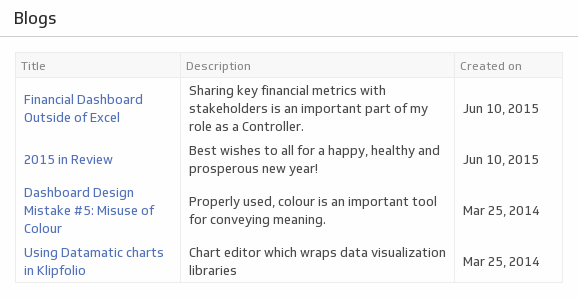
UsesBlogs
Use this at-a-glance chart to track when your latest blog posts came out, and what their topic was.
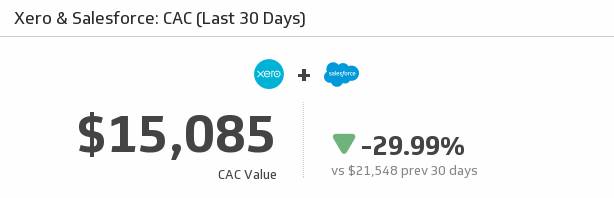
UsesCAC (Last 30 Days)
Let this Klip address the most important question on your marketing team - what is our cost to acquire a customer (CAC)? This Klip uses your monthly Xero and Salesforce data to answer that very question.
UsesCampaign Impressions
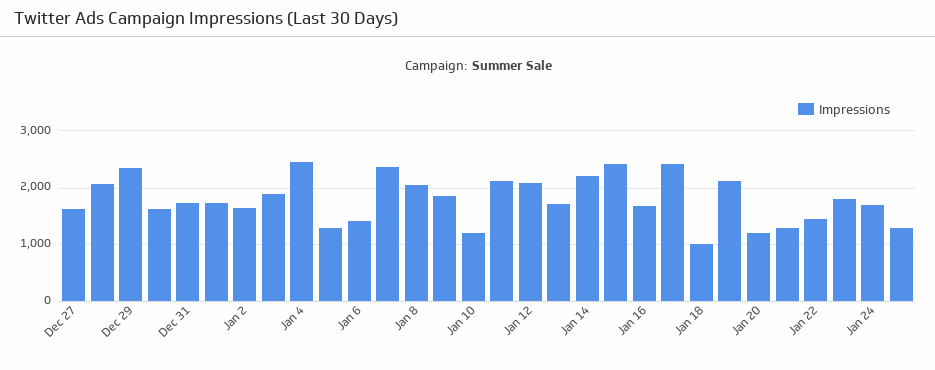
Make sure your campaigns are attracting attention! See the number of impressions generated from your Twitter Ads campaign over the last 30 days.
UsesCampaign Performance
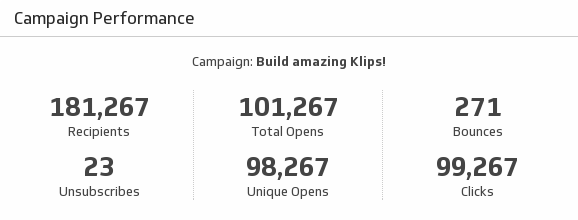
Help your team make informed decisions by monitoring key metrics on your email marketing campaign performance.
UsesChannel Subscribers
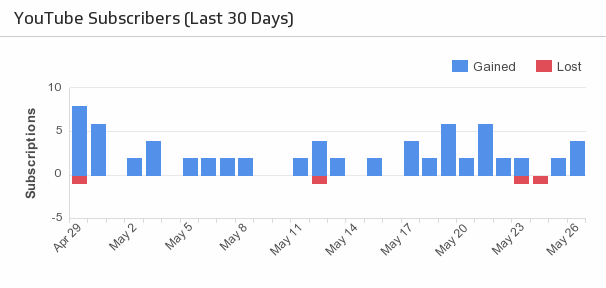
Compare your lost and new subscribers over the last 30 days.
UsesChannel Views
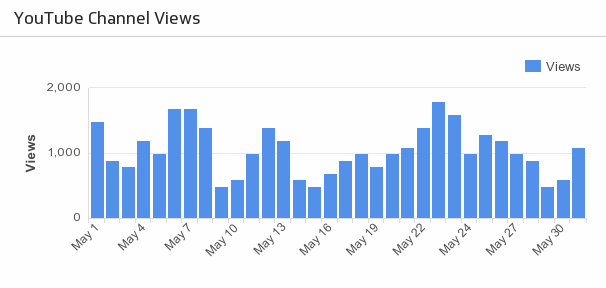
For high-level insight, track your total channel views over the last 30 days.
UsesCheck History
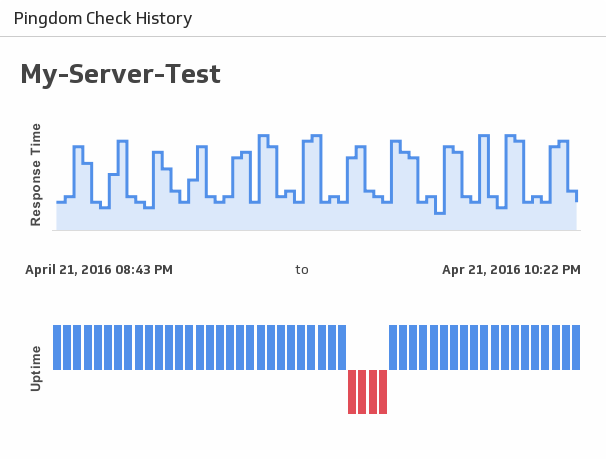
See historical uptime and response times for a server of your choice.
UsesChecks Summary
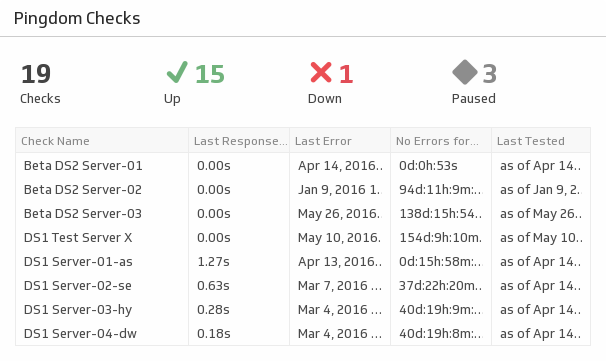
See stats for your services including statuses, response times and error times.
UsesClicks
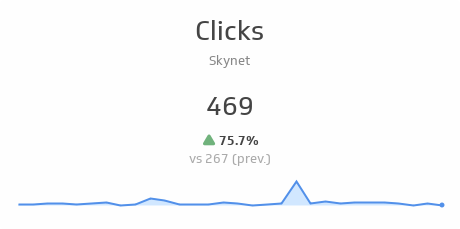
See total clicks over the past 30 days and compare it to the previous 30 days. The sparkline shows the trend over the past 30 days.
UsesClicks
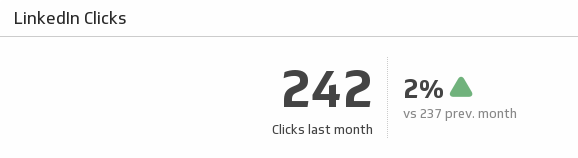
Make sure your LinkedIn content continues to attract attention by comparing last month's page clicks with the previous month.
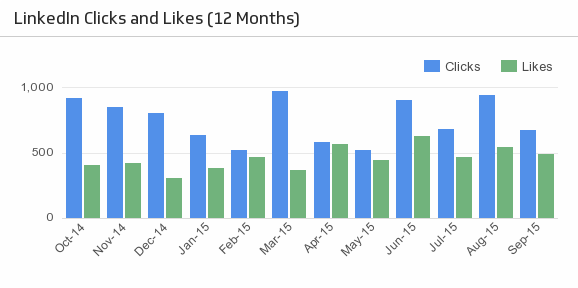
UsesClicks and Likes (12 Months)
See how your LinkedIn clicks and likes trend over time.
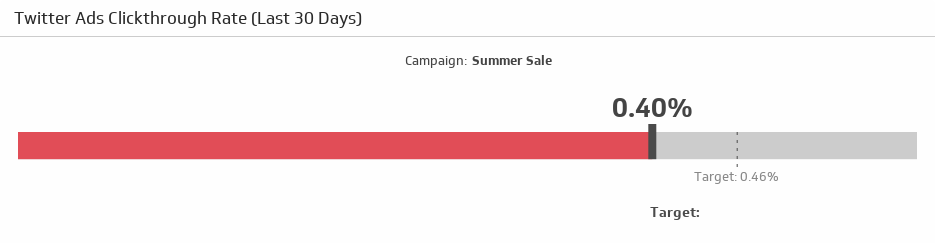
UsesClickthrough Rate
Compare your clickthrough rate over the last 30 days to your target.
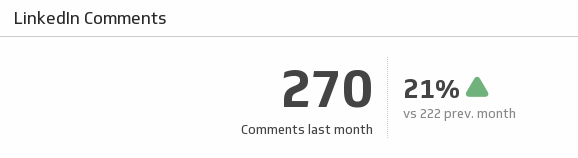
UsesComments
Keep your LinkedIn followers talking! Monitor your total comments last month and compare it to the previous month.
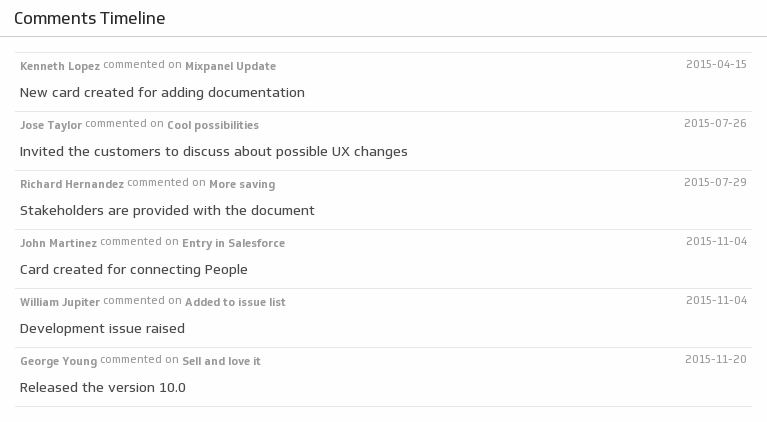
UsesComments Timeline
Listen to your team with a timeline of Trello comments.
UsesCompleted To Dos
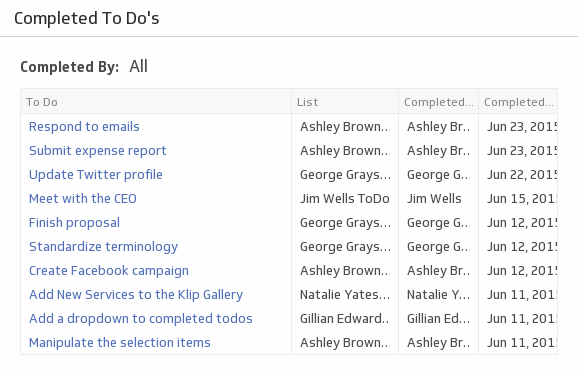
See a list of tasks each team member has completed using a handy drop down menu.
UsesConversations
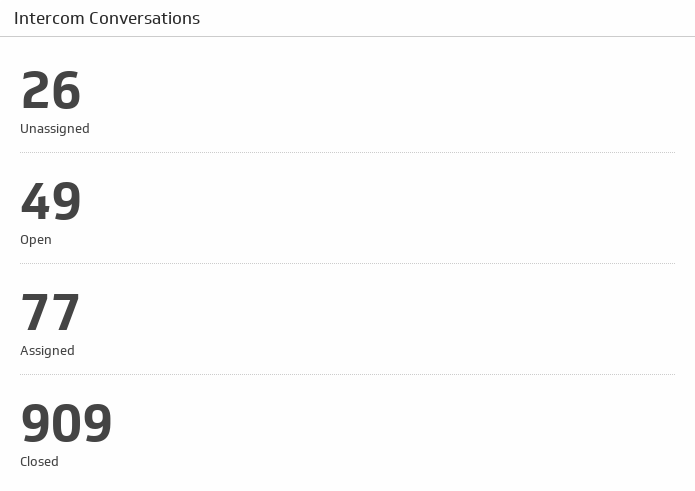
See the total count of your open, closed, unassigned, and assigned conversations.
UsesConversations by Admin
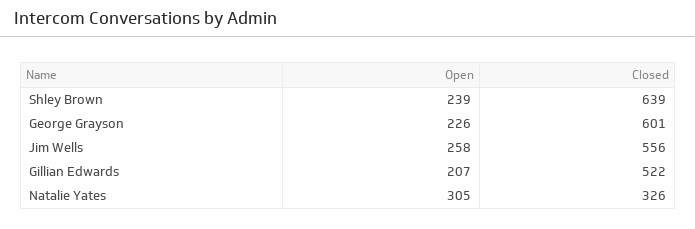
Get a total count of open and closed conversations for each of your Admins.
UsesCTR Improvement Opportunities (Last 30 Days)
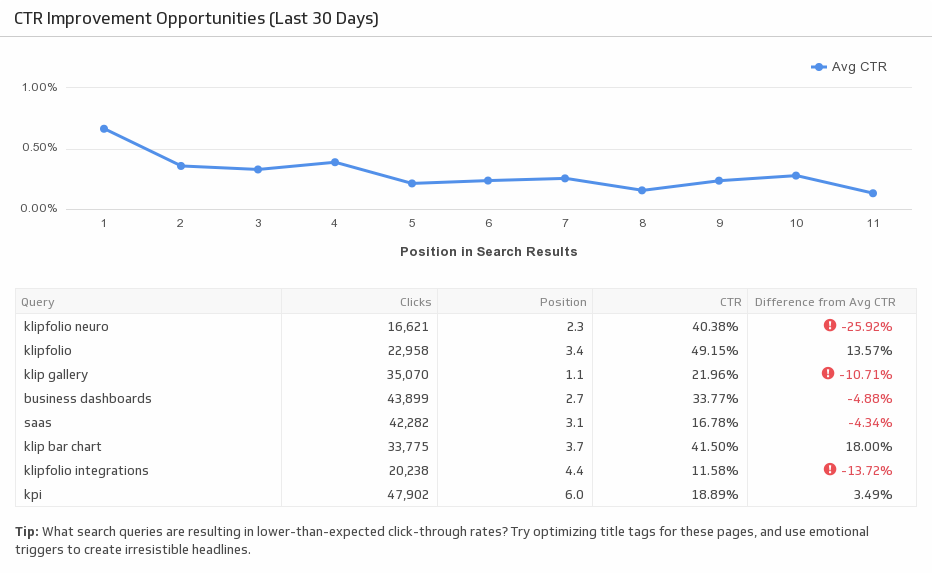
Improve your click-through rate by evaluating your organic keyword performance. This pre-built metric allows you to analyze different keyword rankings and shows you which areas to improve on.
Uses