Klip Gallery
Track your key performance measures with pre-built Klips. Get the ones that matter most to your business from the Gallery to your dashboard in minutes.
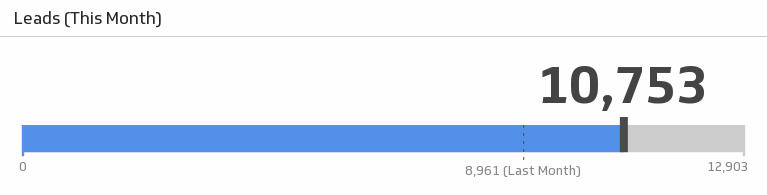
Leads This Month
Monitor your leads this month and see how the number compares to the previous month.
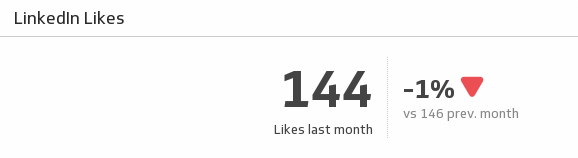
UsesLikes
Showcase the number of likes your LinkedIn page got at the end of last month and understand how it compares to the previous month.
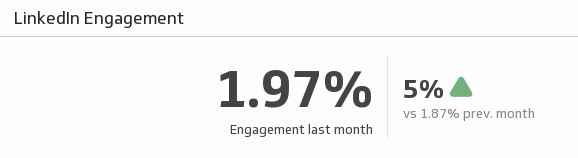
UsesLinkedIn Engagement
From comments to shares, Engagement measures how people react to your updates. See your LinkedIn page engagement for last month and see how it compares to the previous month.
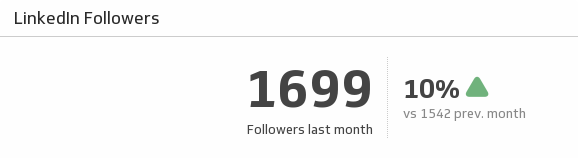
UsesLinkedIn Followers
See how many LinkedIn followers you had last month and compare it to the previous month.
UsesLinkedIn Key Metrics
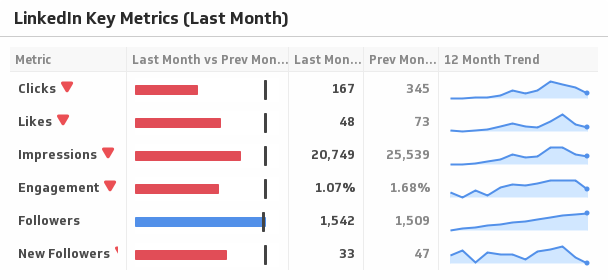
Use this sophisticated Klip to compare your key LinkedIn metrics last month to the previous month, and display the trends over time.
UsesList Growth
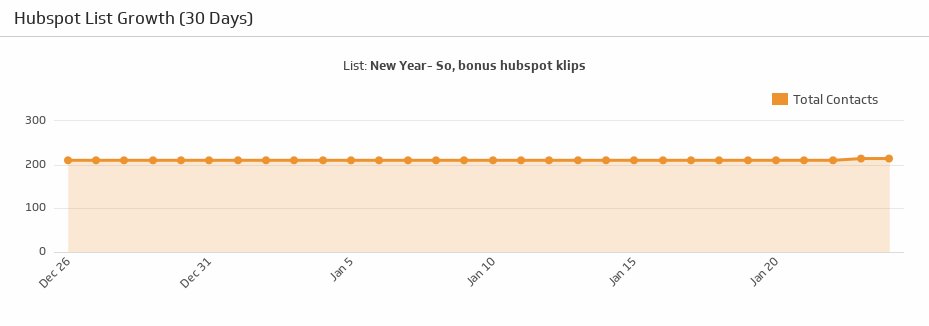
Select one of your HubSpot lists and see how it has grown over the past 30 days.
UsesList Stats
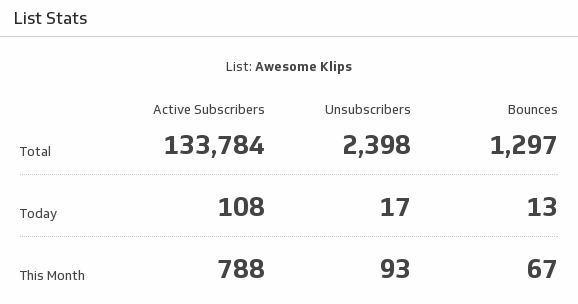
Use this indispensable Klip to monitor key stats on your email marketing list.
UsesLoyalty (Last 30 Days)
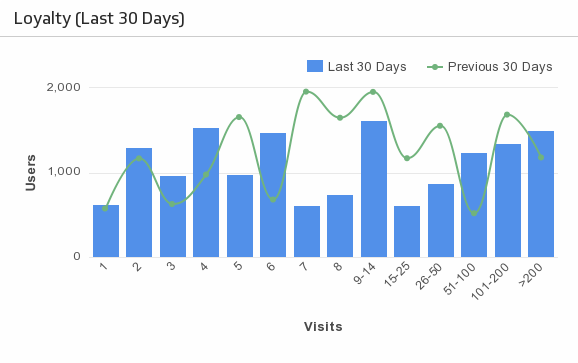
Monitor the loyalty of your website visitors by tracking the number of repeat visits.
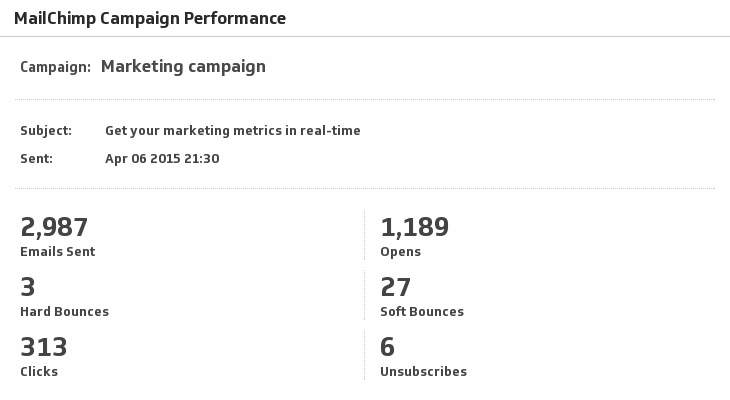
UsesMailChimp Campaign Performance
Monitor your Sent, Opens, Bounces, Clicks and Unsubscribes for your campaigns in MailChimp.
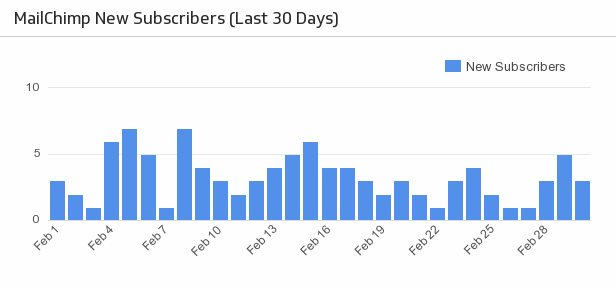
UsesMailChimp New Subscribers
Make sure your MailChimp email campaigns are fruitful with a handy bar chart monitoring the daily number of new subscribers over the past month.
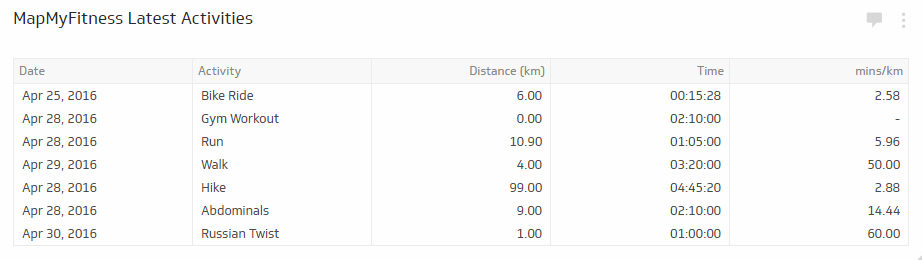
UsesMapMyFitness Latest Activities
Keep track of all your workouts in one integrated Klip with this MapMyFitness-Klipfolio Zap.
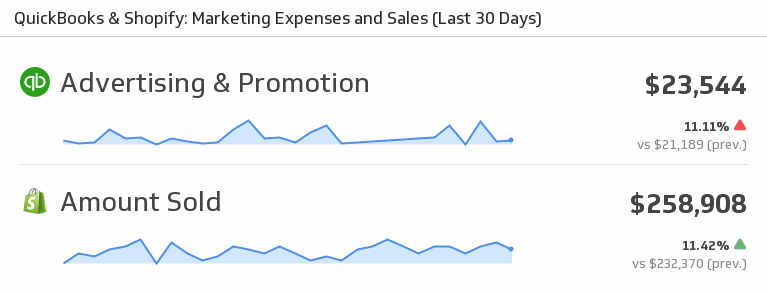
UsesMarketing Expenses and Sales
Mash up your QuickBooks and Shopify data to see your Marketing Expenses and Sales for the last 30 days.
UsesMarketing Expenses and Sales
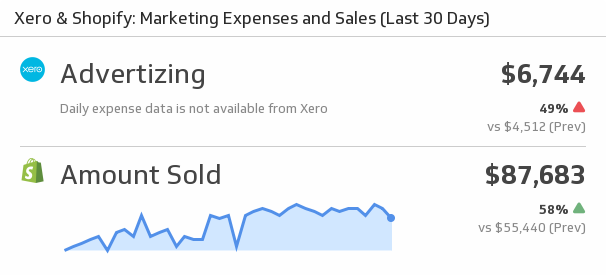
Mash up your Xero and Shopify data by displaying Xero marketing expenses and Shopify Sales.
UsesMetrics
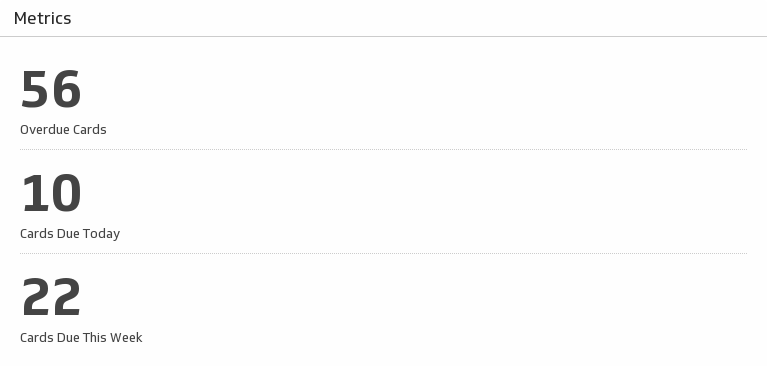
Track the key metrics for the cards on your chosen Trello board.
UsesMonthly List Growth
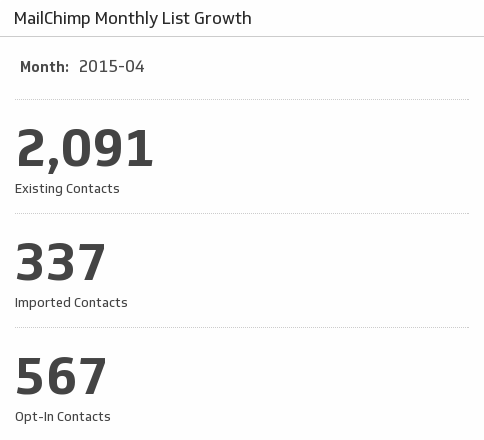
Monitor the growth of your MailChimp contacts.
UsesMoz Rank
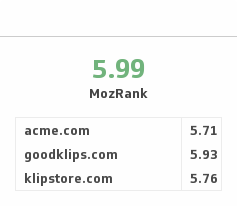
Ensure you have high quality incoming links by monitoring your Moz Rank and comparing it with your competitors.
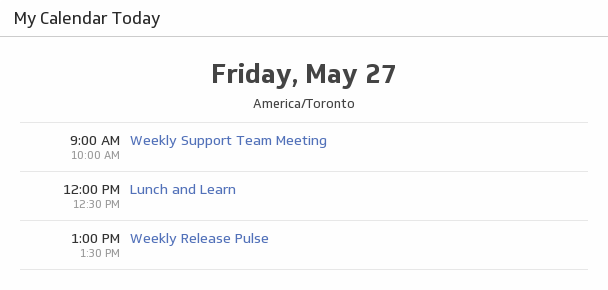
UsesMy Calendar Today
See what Google Calendar events you have today and never miss a meeting.
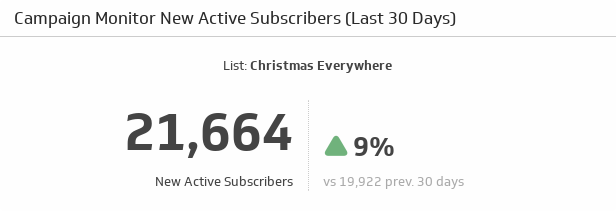
UsesNew Active Subscribers (Last 30 Days)
Watch the number of new and active subscribers grow over the past 30 days, and compare it to the previous 30 days.
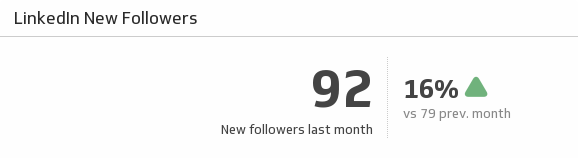
UsesNew Followers
See how many new followers your LinkedIn page gained at the end of last month and understand how it compares to the previous month.
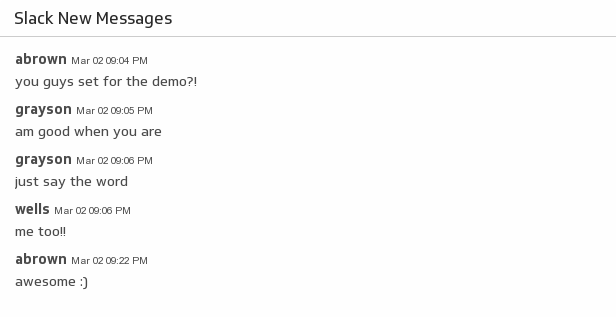
UsesNew Messages
Make it easy to see the conversations on your favourite Slack channel by adding it to your dashboard.
UsesNew Tickets
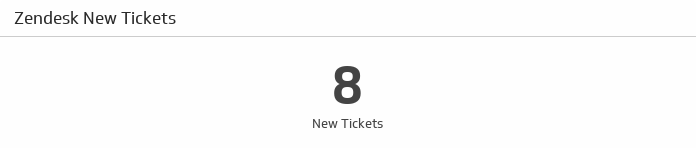
See how many new tickets you have in Zendesk.
UsesNew vs. Returning Users (Last 7 Days)
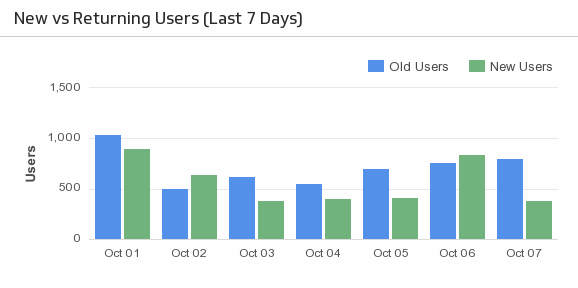
Use this simple, yet effective, bar chart to compare your new versus returning users over the past 7 days.
UsesOpen Opportunites (This Year)
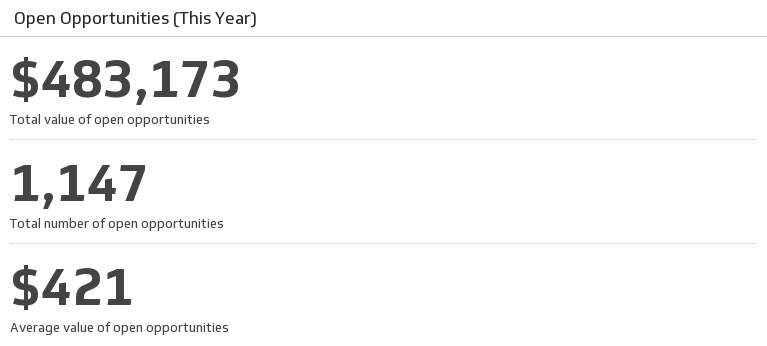
Track your key metrics on open opportunities and always know what your sales potential is.
UsesOpen Opportunities by Stage
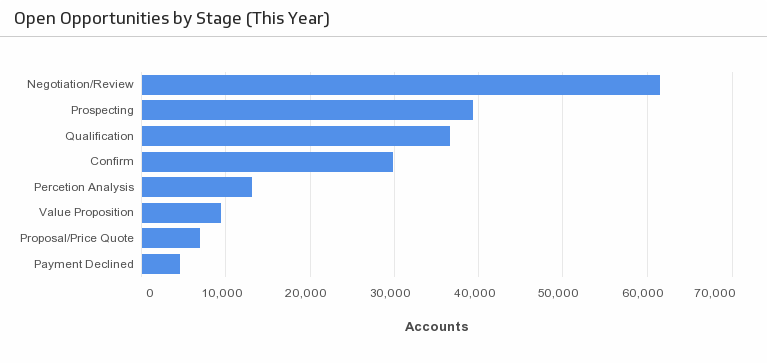
Understand the stage at which your opportunities are in the sales cycle.
Uses