Open Job Requisitions
Monitor the number of open positions within your company.
Open Job Requisitions by Department
| Department | Open Positions | Change |
|---|---|---|
| Marketing | 7 | +2 |
| Development | 3 | — |
| HR | 5 | +1 |
| Finance | 2 | — |
| Total open | 17 | +3 |
What is Open Job Requisitions?
Open Job Requisitions is the total count of approved positions that have been authorized for hiring but remain unfilled at a given point in time.
Tracking this number tells HR leaders and recruiters exactly how much hiring work is in front of them, and where the pipeline may be stalling.
Why Open Job Requisitions matters
Every unfilled role has a cost. Work goes undone, existing team members absorb the load, and the longer a position stays open, the harder it becomes to hit business targets.
Monitoring Open Job Requisitions keeps that pressure visible. When the number climbs unexpectedly, you know to investigate: Is the sourcing pipeline thin? Are offers being declined? Is one department driving most of the backlog? You get answers before the problem compounds.
For leaders managing lean teams, this metric removes the guesswork. Instead of waiting for a recruiter to report back, you can see the state of your hiring pipeline at a glance, and make resourcing decisions with confidence.
How to calculate Open Job Requisitions
The formula is straightforward:
Open Job Requisitions = Total number of open job requisitions
Count every position that has been approved for hiring and has not yet been filled. This includes roles actively being sourced, roles where interviews are in progress, and roles that are approved but not yet posted.
Reporting frequency
Monthly is the standard reporting cadence for Open Job Requisitions. Some teams with high hiring volume track this weekly to stay ahead of recruiter workload.
What a good target looks like
Targets vary by company size and hiring stage. A team with five recruiters managing 30 open requisitions is in a different position than one managing five. A useful starting point: set a per-recruiter capacity threshold (for example, no more than eight to ten active requisitions per recruiter) and flag when the total pushes past that ceiling.
An example target for a small HR team might be five open requisitions, keeping workload manageable and time-to-fill predictable.
Variations of this metric
Related metrics you may track alongside Open Job Requisitions:
- Approved open job requisitions: Filters the total to include only requisitions that have received formal budget and headcount approval, excluding informal or pending requests.
- Job vacancy: A broader term sometimes used interchangeably, though it can include positions not yet formally requisitioned. Clarify the definition with your team before mixing the two in a report.
Who tracks Open Job Requisitions
This metric is most useful for:
- HR managers monitoring recruiter workload and hiring pipeline health
- Recruiters prioritizing which roles to focus on
- C-level and VP/Director leaders assessing whether the company can execute on its growth plan
Create custom dashboards for you and your team.
Get started with KlipsTrack Open Job Requisitions in a dashboard
Tracking Open Job Requisitions in a spreadsheet works until it doesn't. When hiring ramps up across multiple departments, a manual count gets stale fast and gives you a picture of yesterday, not today.
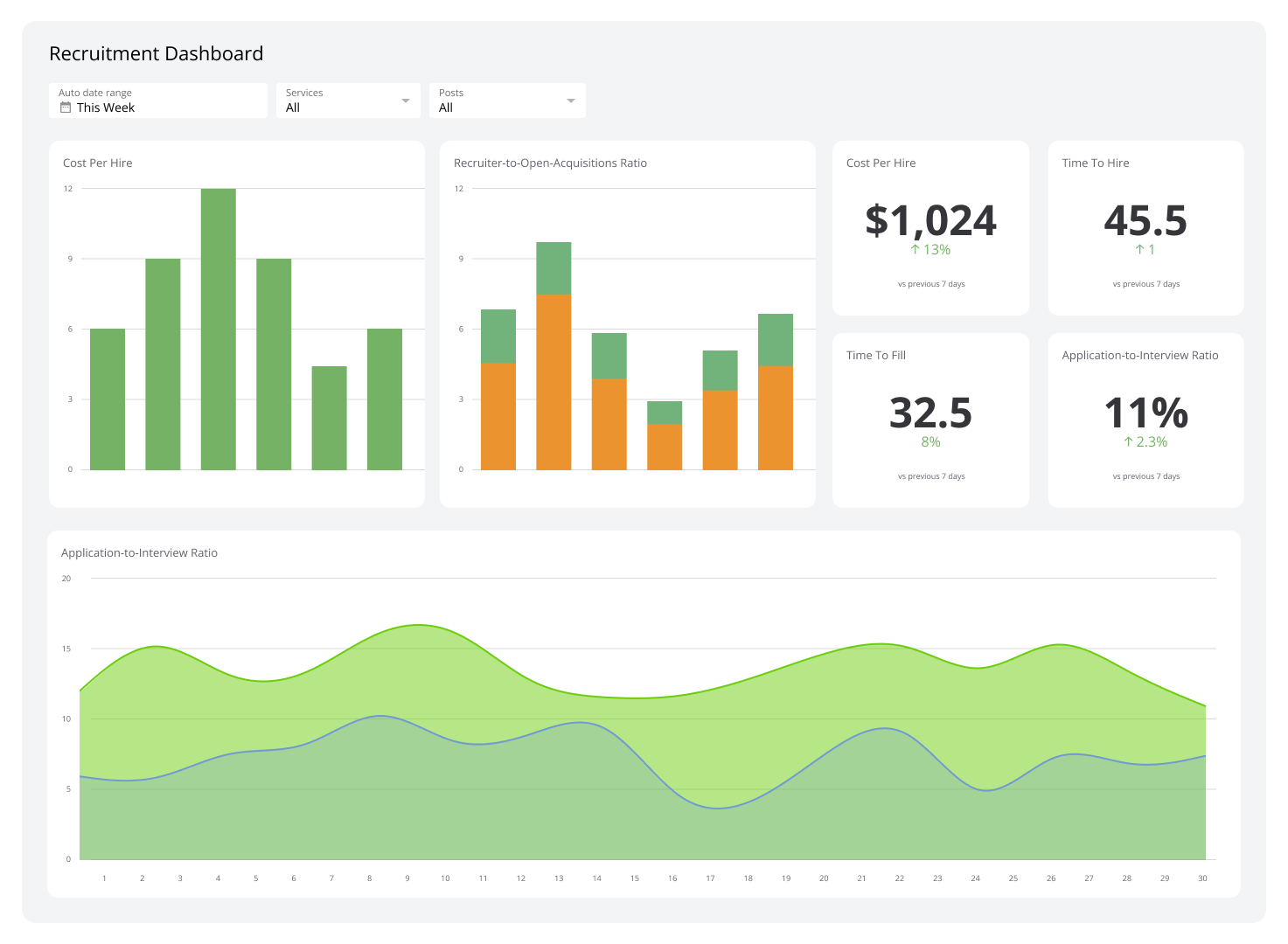
A real-time HR dashboard pulls your requisition data automatically, keeps the number current, and puts it alongside related metrics like Time to Hire and Cost per Hire. You stop chasing the number and start acting on it.
Klips connects to your HR systems and surfaces Open Job Requisitions alongside the metrics that give it context, so your team always knows where things stand without having to ask.