Facebook Page Likes
Understand the effectiveness of your company's Facebook Page.
Facebook Page Likes by source
| Source | Daily likes |
|---|---|
| Page profile | 120 |
| Favourite | 37 |
| Like story | 5 |
| Mobile | 24 |
| Total | 186 |
What is the Facebook Page Like metric?
Facebook Page Likes show the total number of unique users who have liked your company's Facebook Page. When someone likes your Page, your posts, updates, and events appear in their news feed, expanding your organic reach without additional spend.
Page Likes are a foundational KPI for social media marketing. A growing Like count signals that your content is resonating and that your audience is choosing to stay connected. Tracking this metric over time tells you which campaigns, content types, or moments drove real audience growth, and which ones didn't move the needle.
Key terms
Page Likes are the total number of unique users who have liked your company's Facebook Page.
Page Visits are the number of times users have visited your Facebook Page.
Success indicators
- Growth in Page Likes over time
- Growth in Page Visits alongside Likes
- Increase in engagements driven by a larger audience
What is a good Facebook Page Like benchmark?
Benchmarking against industry competitors gives you a realistic sense of where you stand. When comparing, account for paid advertising: pages running Facebook Ads typically accumulate Likes faster than those relying on organic reach alone. A meaningful benchmark compares pages with similar ad spend levels, not just similar industries.
If a competitor's Like count looks unusually high, check their Facebook Engagement rate. High Likes with low engagement often signals an audience built on paid promotions rather than genuine interest.
Best practices for increasing Facebook Page Likes
The following tips are adapted from Karen Uyenco at Meltwater:
Complete your Page Info: Fill in every field, including categories, website URL, address, phone number, and hours. A complete profile helps your Page surface in both Facebook and Google search results.
Post content worth engaging with: Facebook's algorithm rewards posts that earn likes, comments, and shares by extending their reach. Prioritize content that genuinely interests your audience over content that just promotes your brand.
Post consistently: There is no universal magic number, but most guides suggest three times a week to once a day. An inactive Page rarely earns new followers.
Promote your Page across all your owned channels: Add your Facebook Page link to your website, email signatures, newsletters, and any evergreen content you control.
Invite your existing community: Employees, customers, and partners are your most likely early advocates. A direct, personal invitation to like your Page costs nothing and often converts well.
Use the Facebook Page Plugin: Embed your Page on your website so visitors can like and share without leaving your site.
Let data guide your content: Use Facebook Insights to see which posts drive the most reach, engagement, and new Likes. Adjust your content mix based on what the numbers tell you, not just what feels right.
Run targeted Facebook Ads: Paid promotion remains one of the fastest ways to grow your audience. Facebook's targeting options let you reach people who match your ideal customer profile closely.
Run a contest: Contests can accelerate audience growth. If you run one, make sure it complies with Facebook's Promotion Guidelines.
Monitor and learn continuously: Track reach, engaged users, engagement rate, and new Page Likes in Facebook Insights. Knowing what drives your numbers means you can repeat what works and cut what doesn't.
How to monitor Facebook Page Likes
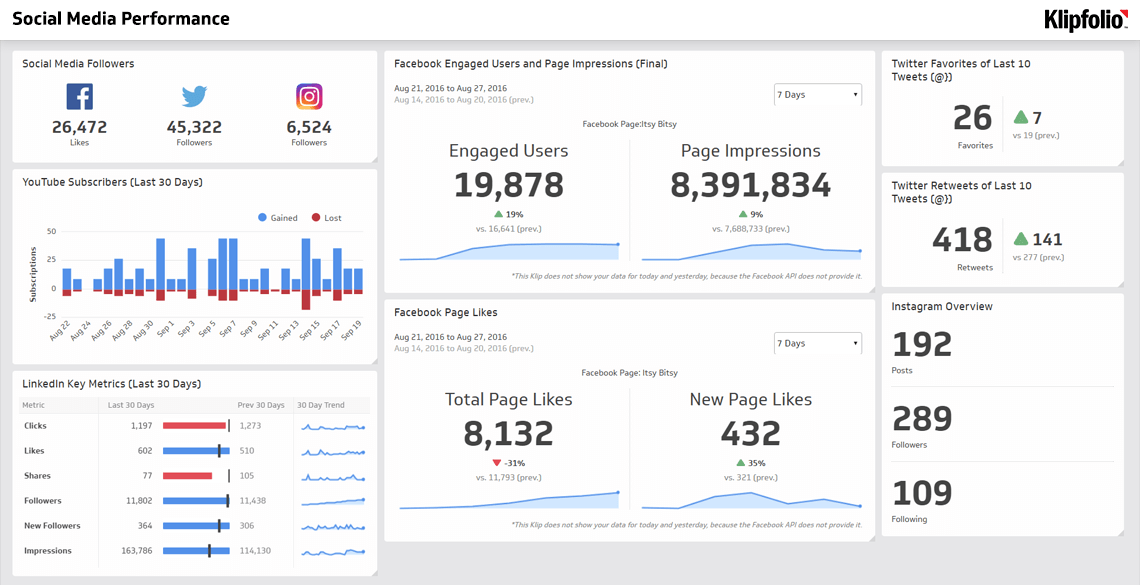
Once you have targets set for Page Likes, you need a reliable way to track progress without checking manually every day. A real-time dashboard pulls your social metrics into one place, so you always know where you stand without digging through platform reports.
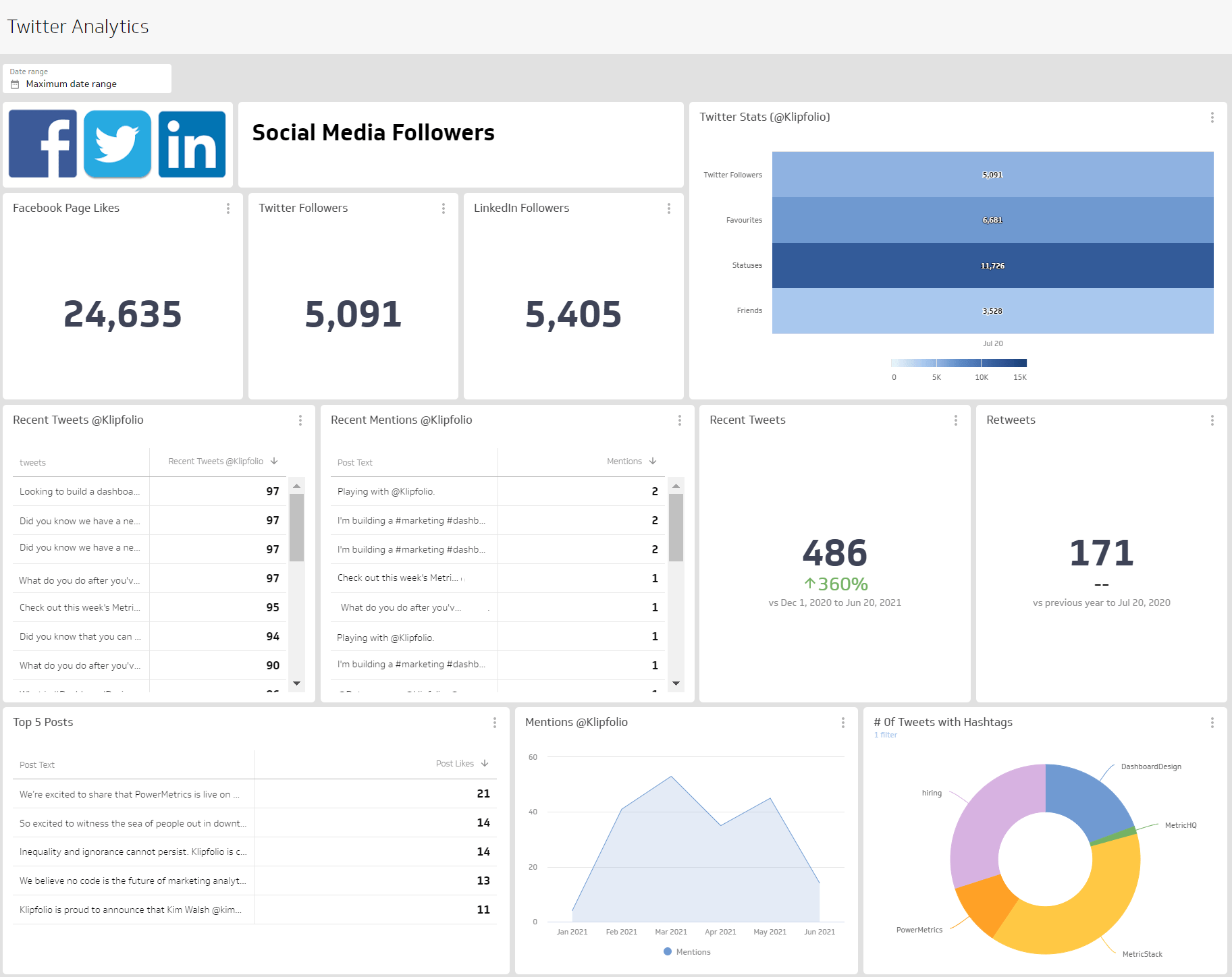
Track Facebook Page Likes alongside your other social KPIs on a Social Media Dashboard.
Create custom dashboards for you and your team.
Get started with Klips