YouTube Channel Subscribers
Measure the total number of YouTube accounts following your channel and receiving updates each time you post new content.
YouTube Channel Subscribers
What are YouTube Channel Subscribers?
YouTube Channel Subscribers is the total number of YouTube accounts actively following your channel, receiving notifications each time you post new content. It measures audience loyalty and sustained interest in your videos.
Why YouTube Channel Subscribers matter
Subscriber count tells you more than raw view numbers. A view can come from anywhere. A subscriber chose to stay.
When someone subscribes, they're signalling that one video wasn't enough. They want more. That's a meaningful difference for any team trying to build an audience, grow a brand, or drive consistent traffic from YouTube.
For a social media manager or marketing team, tracking YouTube Channel Subscribers over time answers a practical question: is the content strategy working? Are you building an audience, holding steady, or losing ground?
A few specific reasons this metric earns a place on your reporting dashboard:
Audience growth signals content quality. Rising subscribers indicate your content is resonating and earning repeat interest, not just one-off clicks.
Subscribers drive compounding reach. Each new subscriber increases the likelihood your next video gets early views, which feeds YouTube's recommendation algorithm.
Subscriber loss is a warning signal. A drop in subscribers after a specific video or campaign tells you something went wrong, and gives you a chance to course-correct before it compounds.
It benchmarks channel health over time. Month-over-month subscriber growth is one of the clearest indicators of whether your channel is gaining momentum or stalling.
Without consistent tracking, you're left pasting numbers into a spreadsheet after the fact, or explaining your channel's performance to a stakeholder from scratch every time they ask.
How to calculate YouTube Channel Subscribers
The net change in subscribers over a period is calculated as:
(Gained Subscribers - Lost Subscribers) + Total Subscribers at Beginning of Period
This formula gives you the total subscriber count at the end of any reporting period, accounting for both new followers and those who unsubscribed.
Example: If you started the month with 2,100 subscribers, gained 350, and lost 98, your end-of-month count is:
(350 - 98) + 2,100 = 2,352 subscribers
YouTube Studio provides gained and lost subscriber data directly, broken down by video, date range, and traffic source.
What is a realistic subscriber target?
Subscriber targets vary widely depending on channel age, industry, content frequency, and promotion strategy. A brand-new channel growing to 500 subscribers in its first three months is performing differently from an established channel targeting 10,000 new subscribers per quarter.
A useful benchmark: set your target based on your own historical growth rate, then test whether specific content formats or publishing cadences move that number. The goal isn't a universal number. It's a number that reflects what growth looks like for your channel specifically.
Example KPI target: 2,352 subscribers at end of month.
How to track YouTube Channel Subscribers
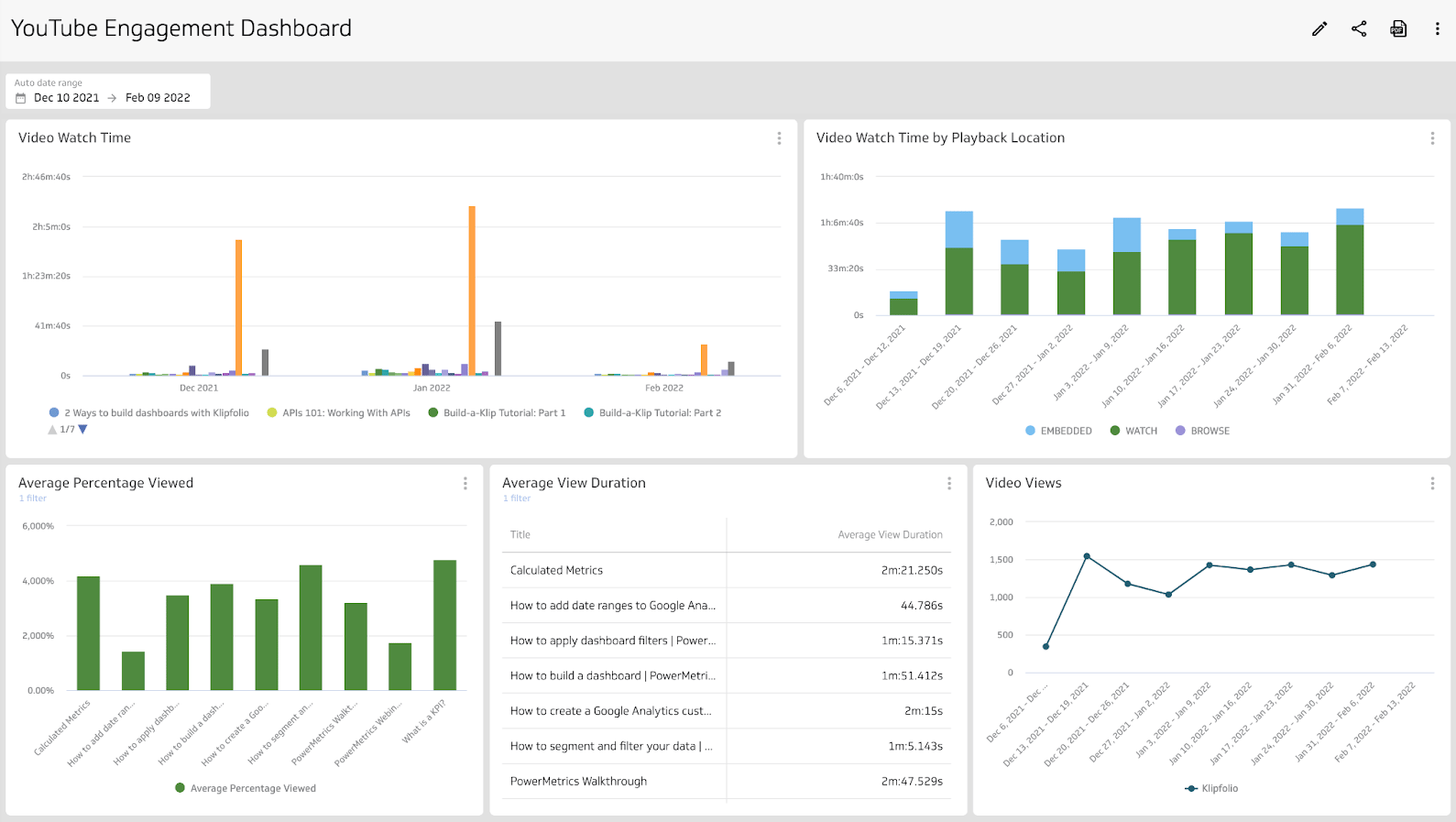
YouTube Studio gives you the raw data. The gap is context: seeing subscriber growth alongside views, watch time, and engagement in one place, updated automatically, without someone pulling it manually each week.
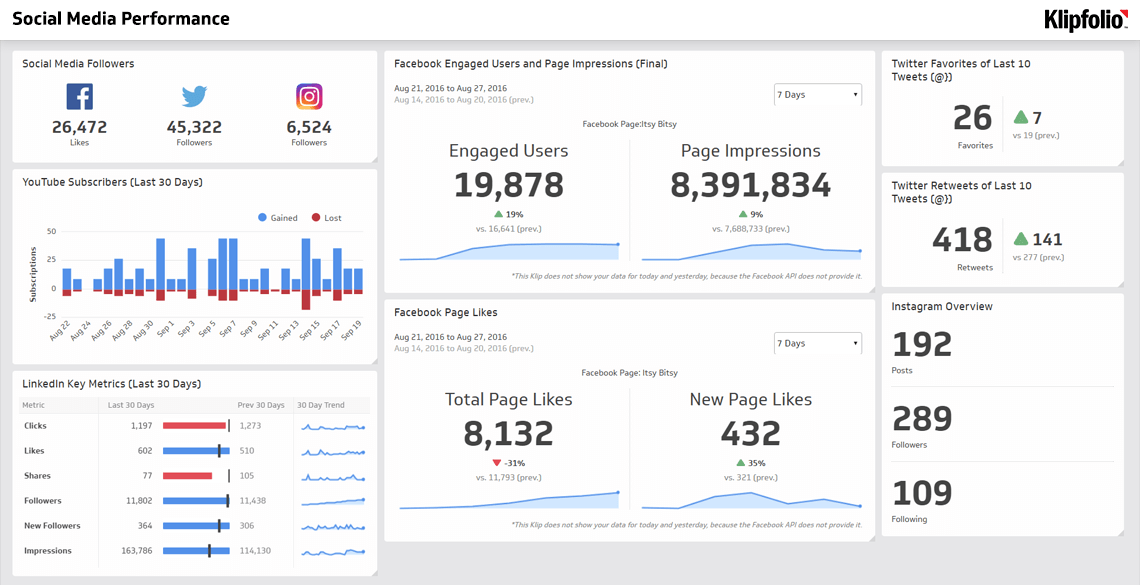
A connected dashboard closes that gap. When YouTube Channel Subscribers sits next to your other social and content metrics, you can see patterns you'd miss in isolation. A subscriber spike after a specific video tells you what to make more of. A quiet month with strong watch time tells you retention is healthy even when growth is flat.
Klipfolio connects directly to YouTube and surfaces subscriber data in real time, so your team always has a current, accurate picture without the manual work.
Reporting frequency and audience
Reporting frequency: Monthly
Primary audience: Social Media Managers, Marketing teams
Create custom dashboards for you and your team.
Get started with KlipsVariations
This metric may also appear as:
YouTube Subscribers
Channel Subscribers
Subscriber Count