Customer Service Representatives Occupancy
Measure the percentage of time support agents spend actively handling customer interactions, and find the pace that keeps your team effective without burning them out.
CSR Occupancy
What is CSR Occupancy?
CSR Occupancy measures the percentage of time a support agent spends actively handling customer interactions during their available work time. It tells you whether your team is stretched too thin, sitting idle, or working at a sustainable pace.
CSR Occupancy is a core support metric that balances team efficiency against agent wellbeing. Too low, and you're paying for idle time. Too high, and agents burn out with no room to breathe between calls.
How to calculate CSR Occupancy
The formula is straightforward:
CSR Occupancy = (Time spent handling customer requests / Total available work time) × 100
Time spent handling customer requests includes talk time, hold time, and any after-call work (ACW) directly tied to a customer interaction. Total available work time is the full shift duration minus scheduled breaks.
Example
An agent works an 8-hour shift (480 minutes). They spend 384 minutes on calls and post-call work. Their occupancy rate is:
384 / 480 × 100 = 80%
That 80% figure is widely cited as a healthy target. It leaves enough time for training, team communication, and recovery between interactions.
Why CSR Occupancy matters
A support leader who only tracks ticket volume or Average Handle Time can miss a quieter problem: agents who are either underused or quietly running at 95% occupancy with no recovery time.
CSR Occupancy gives you that visibility. It answers a question that matters for both cost and culture: are your agents working at a pace that's sustainable?
High occupancy (above 85 to 90%) often signals a staffing gap. Agents handle calls back-to-back with no buffer. Quality drops, errors increase, and burnout follows.
Low occupancy (below 65%) can point to overstaffing, poor scheduling, or a mismatch between shift coverage and call volume patterns.
Neither extreme is safe to ignore. The goal is a consistent range that keeps your team effective without pushing them past the point of diminishing returns.
What a healthy occupancy rate looks like
Most support operations target CSR Occupancy between 75% and 85%. The right number depends on your team's structure:
High-volume inbound call centres can sustain higher occupancy because interactions are shorter and more predictable
Complex support teams handling technical or escalated cases need more buffer time between interactions
Blended teams managing calls, email, and chat simultaneously require lower occupancy targets to account for context-switching
Tracking occupancy weekly gives you enough data to spot trends without overreacting to a single busy day.
CSR Occupancy vs. agent utilization
These two metrics are related but measure different things.
| Metric | What it measures |
|---|---|
| CSR Occupancy | Time spent on customer-facing work as a share of available time |
| Agent Utilization Rate | Total productive time (including training, admin, and meetings) as a share of paid time |
Occupancy is narrower. It focuses specifically on customer-handling time, making it the more direct signal for call centre staffing and scheduling decisions.
How to track CSR Occupancy
Manual tracking is possible but slow. Pulling occupancy data from your call centre platform, cross-referencing it with shift logs, and calculating weekly figures by hand introduces delays and errors at exactly the point when you need reliable numbers.
A connected dashboard keeps CSR Occupancy current without the manual effort. When your call data feeds in automatically, your team sees the real number, not last week's export. That means you can act on a rising occupancy trend before it becomes a staffing crisis, not after.
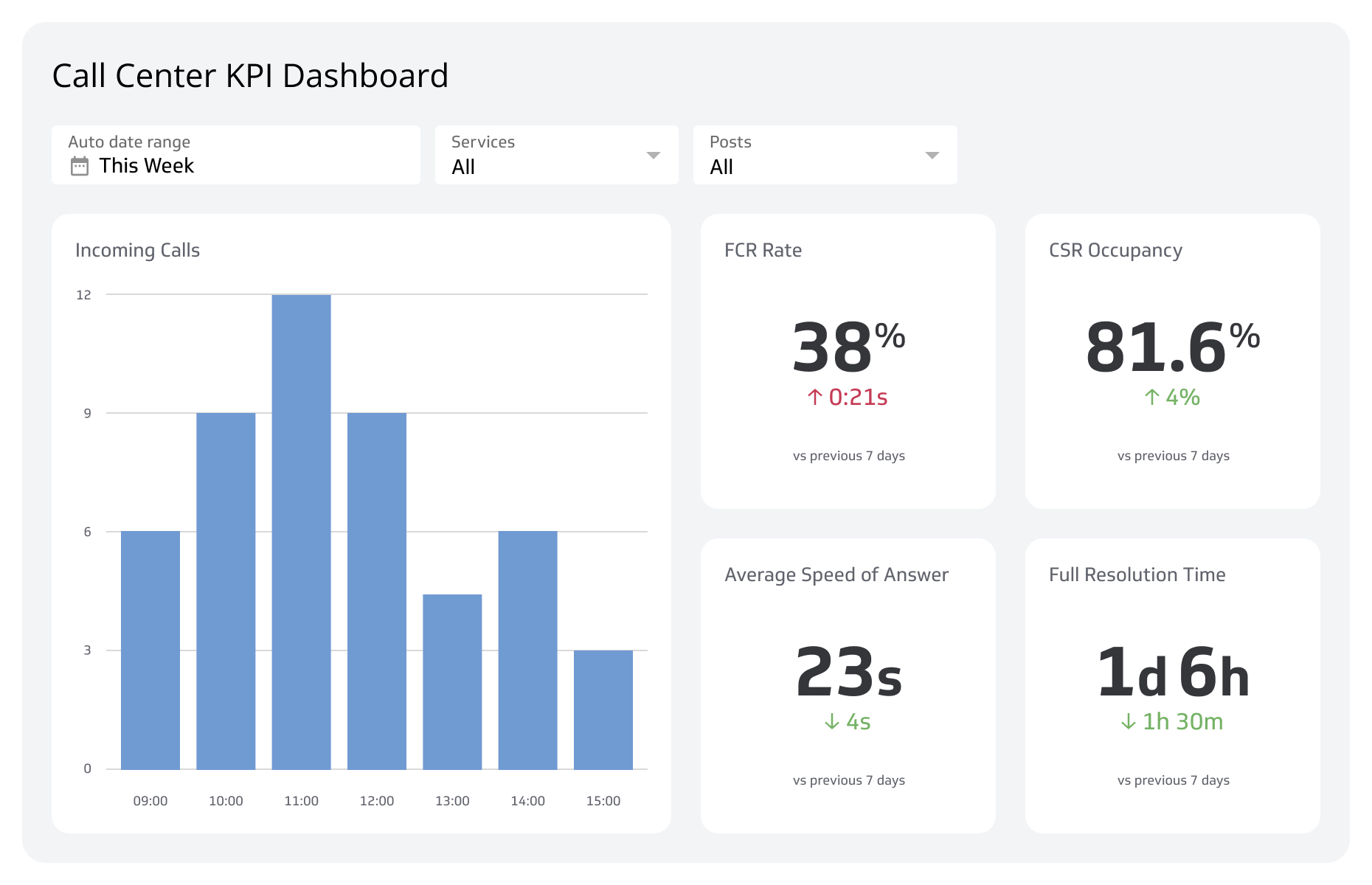
Klips connects to the tools your support team already uses and displays CSR Occupancy alongside related metrics like Average Handle Time and First Contact Resolution, so the full picture stays in one place.
Create custom dashboards for you and your team.
Get started with KlipsReporting details
| Field | Detail |
|---|---|
| Reporting frequency | Weekly |
| Target | 80% |
| Audience | Support Manager |
| Also known as | CSR Occupancy |