Order Status
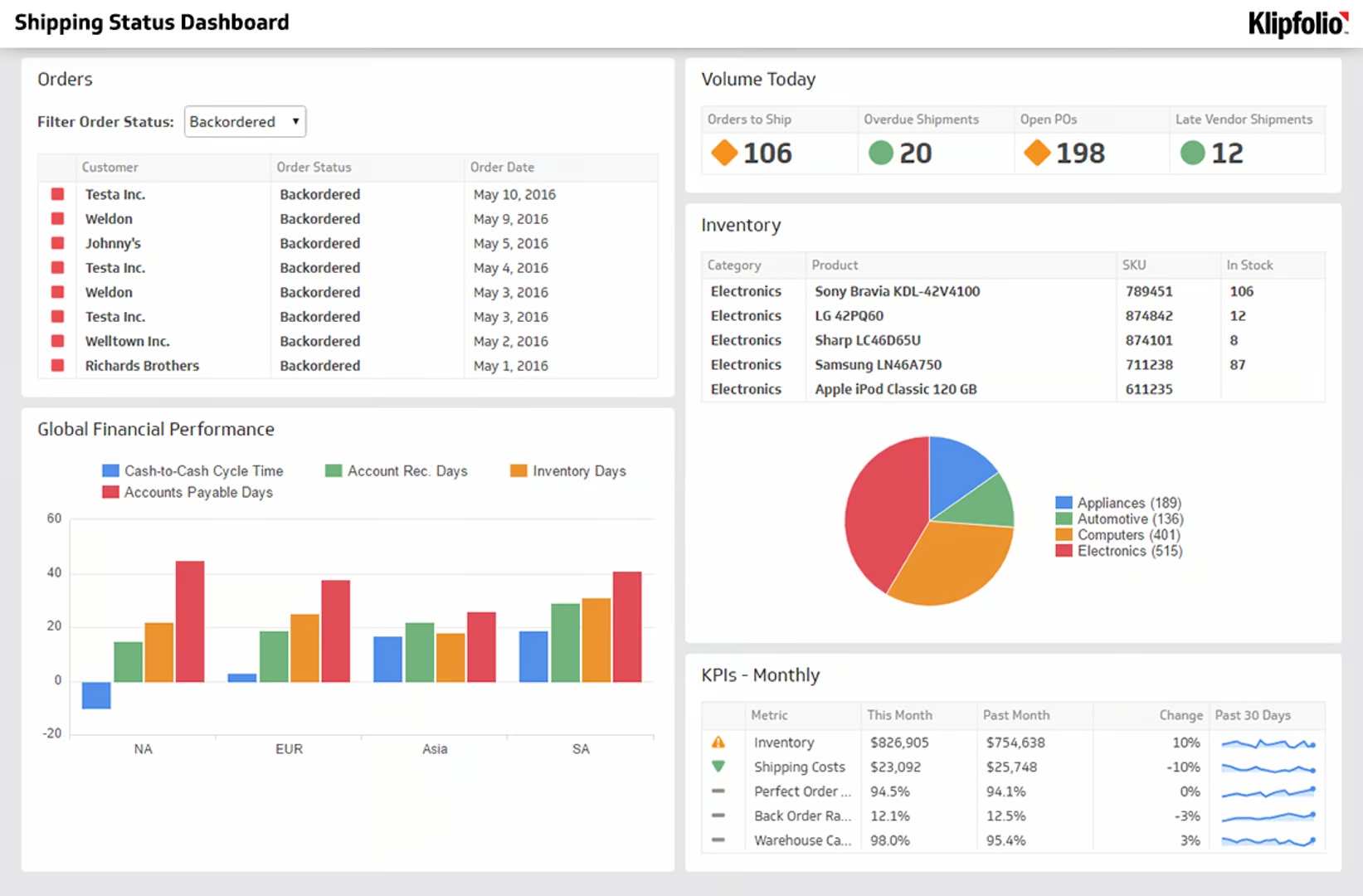
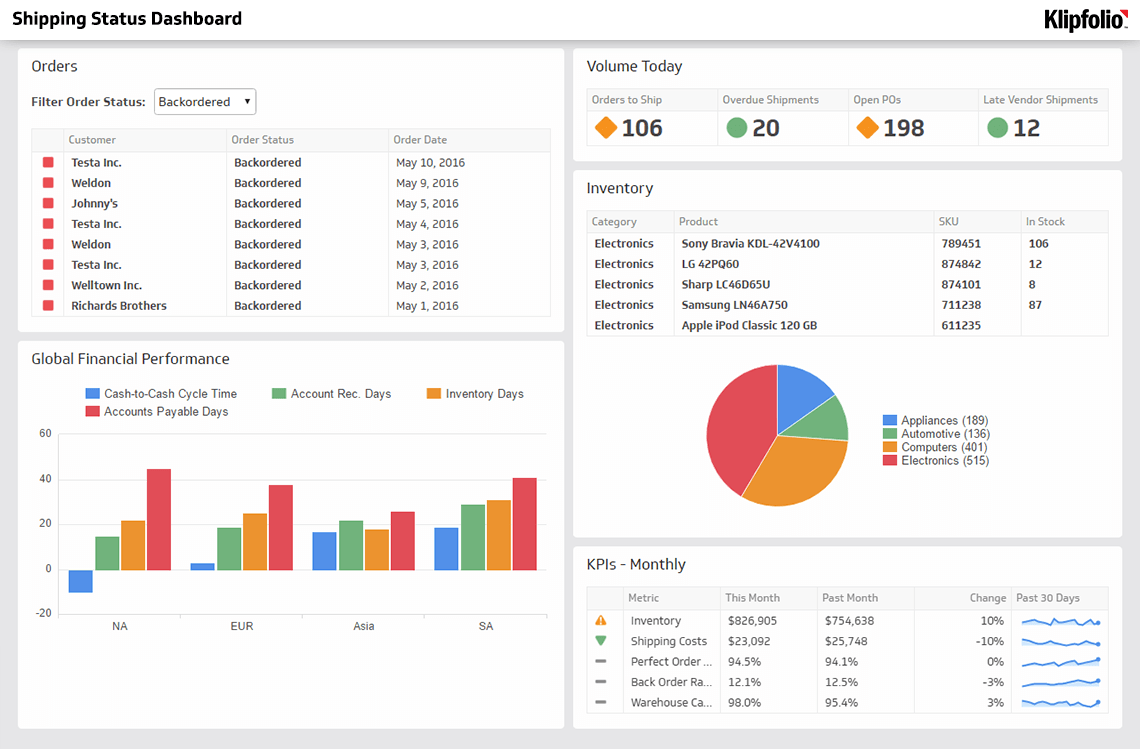
Tracks the real-time status of all orders and categorises each one based on its current state, such as "Backordered," "On Hold," or "Shipped."
Order Status Distribution
| Status | Order Count | Trend |
|---|---|---|
| Delivered | 2,847 | +12% |
| Shipped | 1,203 | +8% |
| Processing | 856 | -3% |
| Backordered | 342 | +5% |
| On Hold | 128 | +2% |
Order Status is a supply chain metric that tracks the real-time status of every order and categorises each one based on its current state, such as "Backordered," "On Hold," or "Shipped."
What is Order Status?
Order Status is a metric that monitors where each order stands in the fulfilment process at any given moment. It categorises orders by their current state and can include supporting data such as order dates, shipping timelines, and inventory accuracy.
Why Order Status matters
Knowing the status of every order in real time gives operations teams the visibility they need to act before problems escalate. A single delayed shipment can affect customer satisfaction, inventory planning, and downstream fulfilment.
Order Status tracking helps you:
- Identify bottlenecks early: Spot orders stuck in "On Hold" or "Backordered" before they affect delivery commitments.
- Improve customer communication: Give accurate, timely updates instead of reactive responses to complaints.
- Support inventory decisions: Connect order status data to stock levels and replenishment triggers.
- Measure fulfilment performance: Use status trends over time to evaluate warehouse and logistics efficiency.
What Order Status tracks
Because Order Status reflects the specific conditions of your supply chain, the categories and data points it includes will vary by business. Common status categories include:
- Pending: Order received but not yet processed.
- Processing: Order is being prepared for fulfilment.
- Backordered: Item is out of stock and awaiting replenishment.
- On Hold: Order is paused, often due to a payment or verification issue.
- Shipped: Order has left the warehouse.
- Delivered: Order has reached the customer.
- Returned: Customer has initiated a return.
Each category can carry additional data fields, such as the date the status was assigned, the responsible team or carrier, and the expected resolution date.
How to track Order Status on a dashboard
Order Status is most useful when it is visible to the right people in real time. A supply chain dashboard centralises this data across all active orders, making it easy for managers and operations teams to monitor fulfilment health at a glance.
Klipfolio connects to your order management system and surfaces Order Status data alongside related KPIs. Explore supply chain dashboards to see how teams track fulfilment performance in one place.