Ticket Queue
Understand what a ticket queue is, how to measure it, and how to keep your support team focused on what matters most.
Ticket Queue Status
| Priority | Open | Avg. Age | Assigned |
|---|---|---|---|
| Critical | 48 | 2.1 hrs | 94% |
| High | 156 | 4.7 hrs | 87% |
| Medium | 218 | 8.3 hrs | 79% |
| Low | 342 | 16.2 hrs | 62% |
| All tickets | 764 | 9.8 hrs | 80% |
A ticket queue is the list of open support tickets your team needs to resolve, organized by priority, age, assignment, and status.
When your queue is visible and well-organized, agents know what to work on first. When it isn't, urgent issues get buried, response times slip, and your team spends more time triaging than resolving.
Why ticket queue management matters
Every minute a ticket sits unresolved is a minute your customer waits. When tickets pile up without clear prioritization, response times suffer, satisfaction drops, and your team shifts into reactive mode.
The goal isn't just a tidy list. It's knowing, at any moment, what's urgent, what's stalled, and what needs your attention before it becomes a problem.
Tracking your ticket queue helps you:
- Respond faster to urgent issues: Priority flags ensure critical tickets don't get buried under routine requests.
- Reduce ticket age: Monitoring how long tickets linger helps you spot bottlenecks before they compound.
- Balance workload: Seeing who is handling what lets you redistribute tickets fairly and catch capacity issues early.
- Identify trends: Patterns in ticket type or volume often point to a product gap or a process that needs fixing.
Key elements of an effective ticket queue
A useful ticket queue includes:
- Priority level: Urgent, high, medium, or low. Agents and customers should be able to escalate as needed.
- Ticket age: How long a ticket has been open. Older tickets often signal unresolved or overlooked issues.
- Assigned agent: Who is responsible for each ticket. Clear ownership prevents tickets from falling through the cracks.
- Ticket type: Category (billing, technical, feature request, and so on) to spot patterns across the queue.
- Current status: Open, in progress, waiting for customer, or resolved.
- Customer name or account: Context about who is affected and how significant the impact is.
Measuring ticket queue performance
Track these indicators to gauge how well your team is managing the queue:
- Tickets resolved per period: A high or rising count shows your team is moving work through efficiently.
- Tickets ageing in the queue: A low or falling count means you're preventing tickets from getting stuck.
- Average response time: How quickly agents pick up new tickets after they arrive.
- Average resolution time: How long it takes from open to closed, end to end.
- Escalation rate: The percentage of tickets moved to higher priority. A spike often signals a systemic issue worth investigating.
How to visualize ticket queue data
Pasting ticket counts into a spreadsheet or asking someone to pull a report tells you what happened. It doesn't tell you what's happening now.
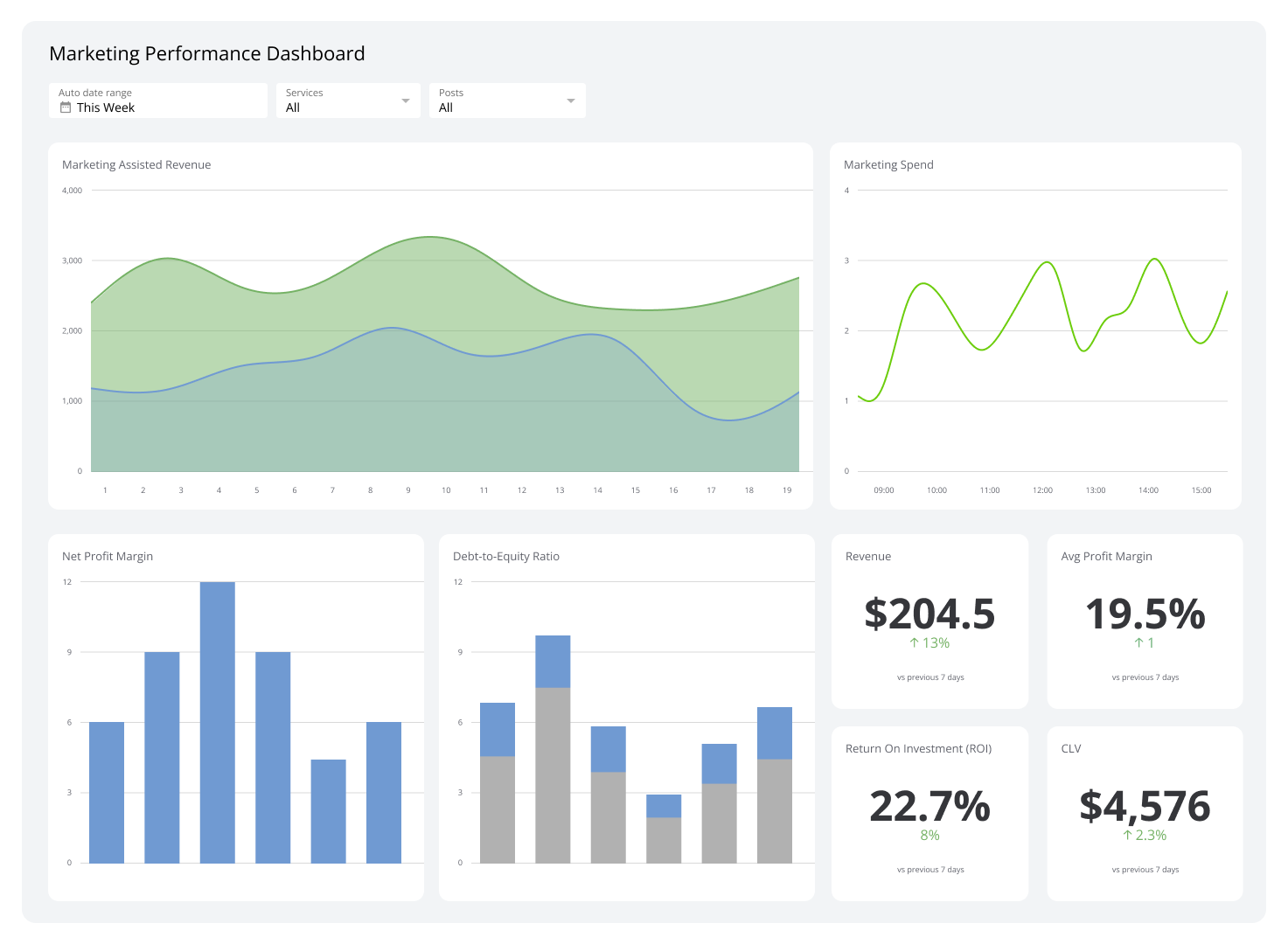
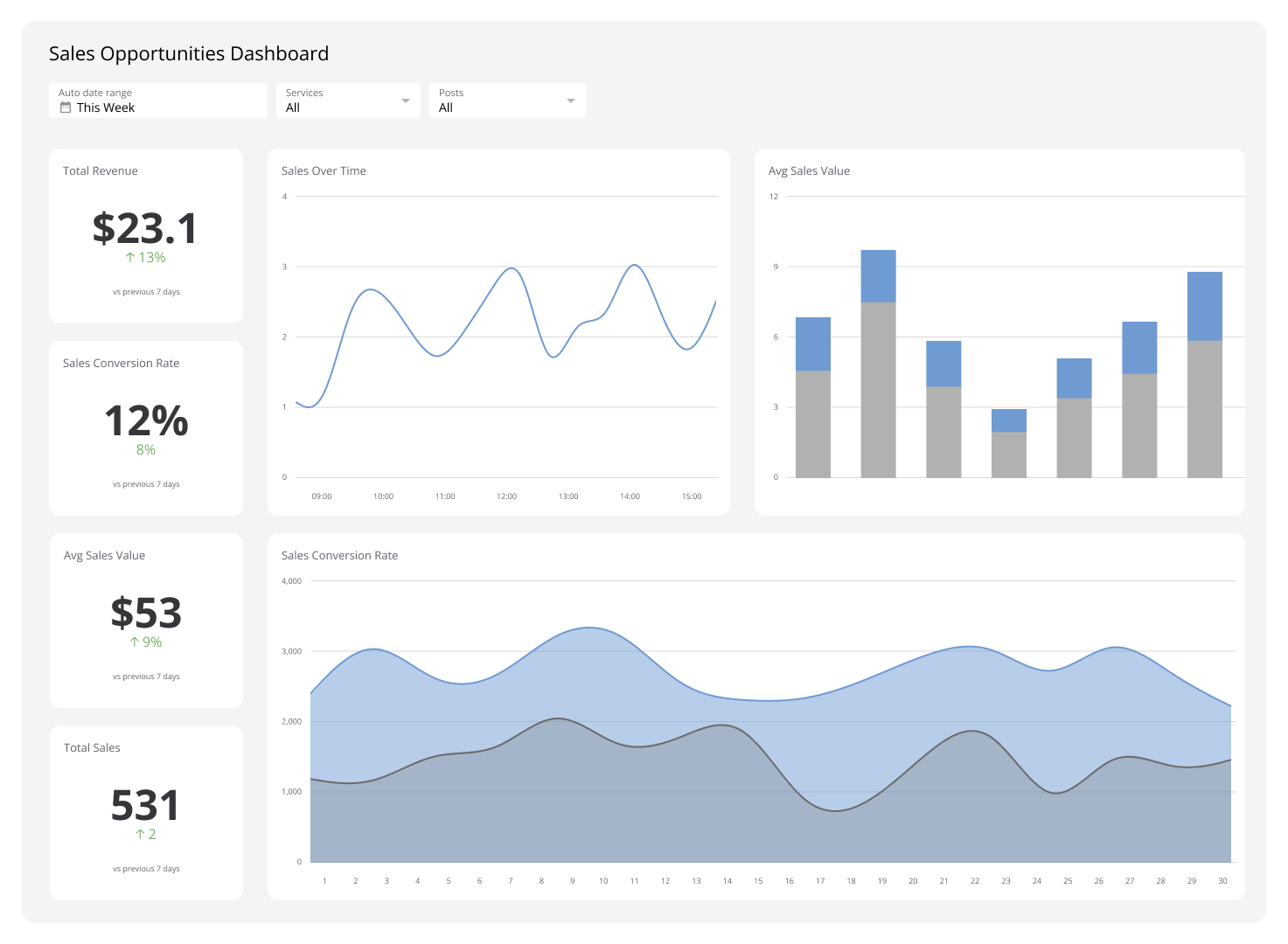
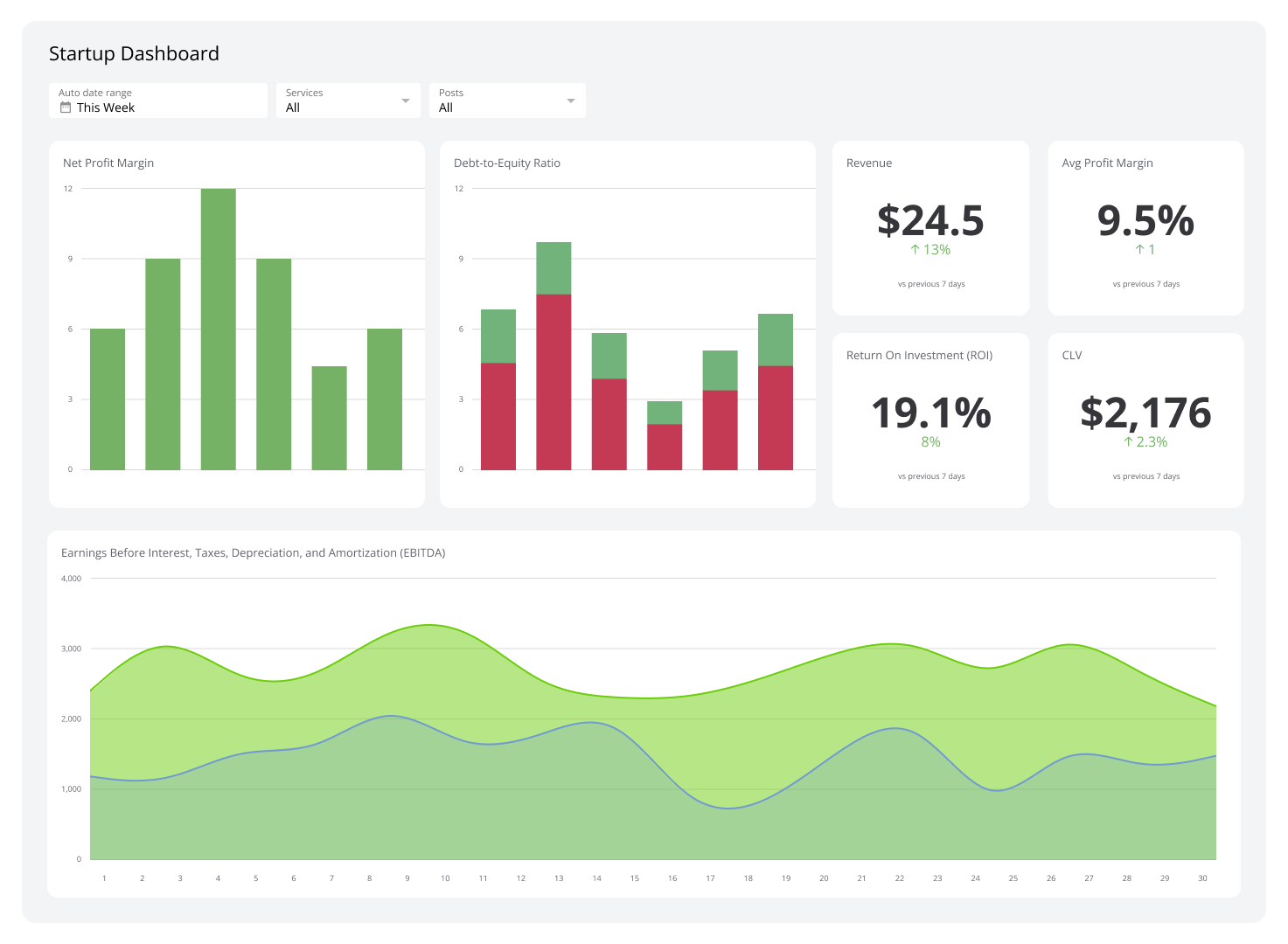
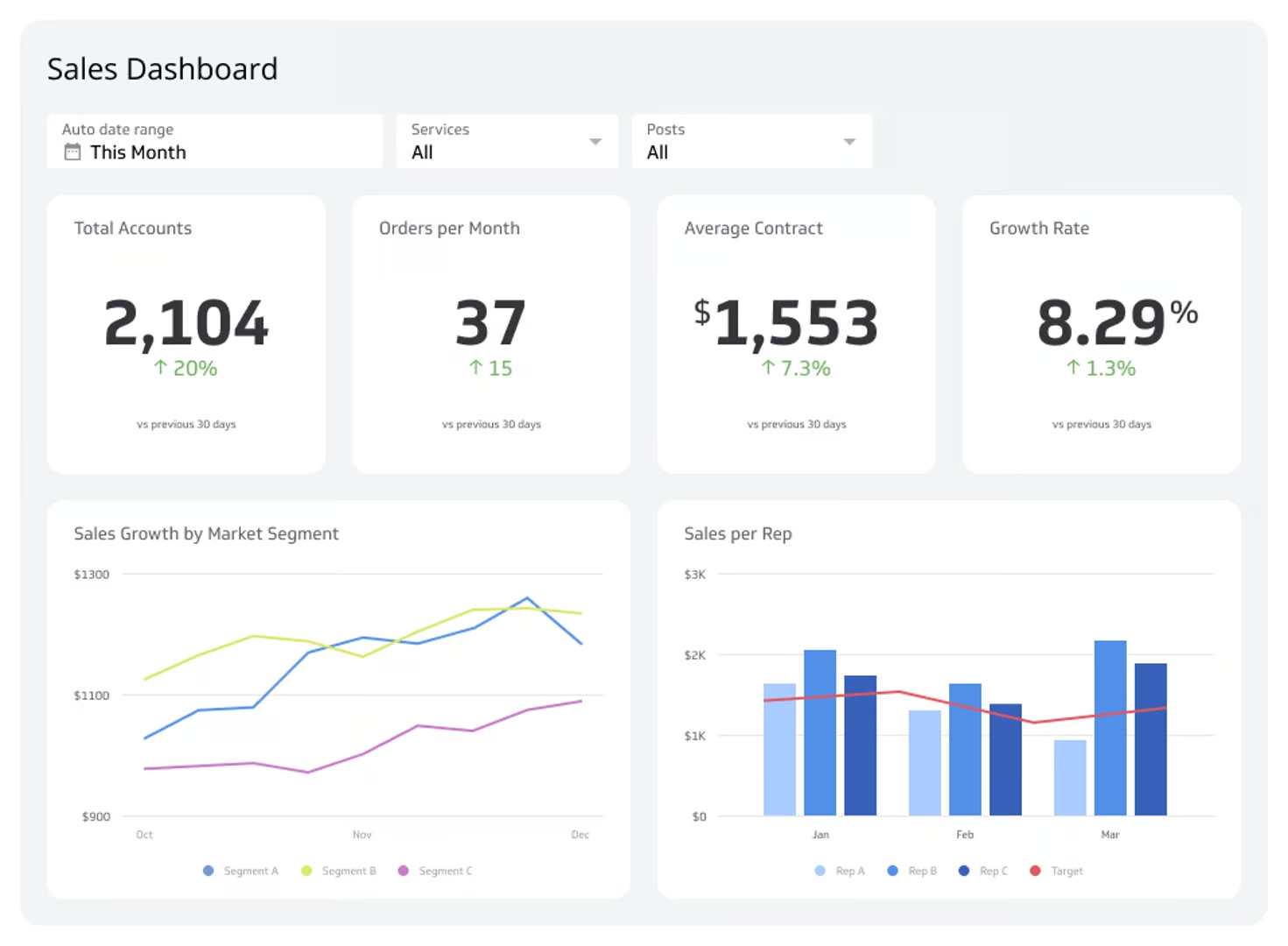
Dashboard software like Klipfolio connects directly to your help desk tools and displays your ticket queue in real time, updating automatically as agents work through tickets. You can build views that show:
- A count of tickets by priority level.
- A list sorted by age, oldest first.
- A breakdown by ticket type or assigned agent.
- Trend charts showing how queue size changes over time.
When that data lives in one place, your team stays aligned on priorities and you can spot capacity issues before they become crises, without waiting for someone to compile a report.
Create custom dashboards for you and your team.
Get started with KlipsBest practices for ticket queue management
- Set response time targets: Define how quickly urgent, high, medium, and low-priority tickets should be acknowledged, and make those targets visible to the team.
- Review the queue daily: A quick morning check helps agents plan their day and catch escalations before they stall.
- Escalate when needed: Empower agents to flag tickets that require manager attention or specialist input. Escalation done well is a feature, not a failure.
- Clear resolved tickets regularly: Closing or archiving resolved tickets keeps the queue focused on what actually needs attention.
- Act on trends: If certain ticket types pile up consistently, investigate the root cause. The queue is a signal, not just a to-do list.
A healthy ticket queue gives your support team the clarity to act on what matters most. Track it closely, respond to what you see, and you'll resolve issues faster and keep customers confident they're in good hands.