Pageviews per Session
Measure the average number of pages a user views during a single session.
Pageviews per Session
What is Pageviews per Session?
Pageviews per Session is the average number of pages a user views during a single visit to your website.
This metric tells you how effectively your site keeps visitors engaged. When users move through multiple pages, your content is relevant, your navigation is intuitive, and your internal linking is working. A low number often points to content gaps, poor site structure, or a mismatch between what visitors expect and what they find.
How to calculate Pageviews per Session
Add the total pages viewed across all user sessions, then divide by the total number of sessions.
Pageviews per Session = Total Pageviews / Total Number of Sessions
Example: If your site records 5,500 pageviews across 500 sessions in a week, your Pageviews per Session is 11.
What is a good Pageviews per Session benchmark?
Most websites aim for 2 to 4 pages per session, but there is no universal target. Content-heavy sites like blogs or news publications often see higher numbers. E-commerce sites may also trend higher as users browse product pages.
Context matters. A single-page site or a campaign landing page will naturally score low, and that is expected. Compare your number against your own historical data and industry peers rather than a fixed standard.
Why Pageviews per Session matters
This metric gives marketing managers a direct signal about content quality and engagement and site usability. It answers a question every leader should care about: are visitors finding what they came for, or leaving empty-handed?
A rising Pageviews per Session number typically means:
- Visitors are finding value in your content and want to explore further
- Internal linking is working to guide users through related topics
- Site navigation is clear enough that users can find what they need
- Content depth is sufficient to sustain interest across multiple pages
A declining number is worth investigating. It may indicate slow page load times and performance issues, irrelevant content, or a navigation structure that makes it hard for users to continue browsing. The practical question is: what should you do about it?
How to improve Pageviews per Session
Several tactics consistently move this metric in the right direction:
- Strengthen internal linking: Connect related articles, product pages, and resources throughout your content so users have clear paths forward
- Add related content recommendations: Surface recommended posts or pages at the end of each article
- Improve navigation: Make categories, menus, and site search easy to use so visitors can find what they are looking for
- Create content series: Structure content so one piece naturally leads to the next
- Reduce page load times: Slow pages cause visitors to abandon sessions before exploring further
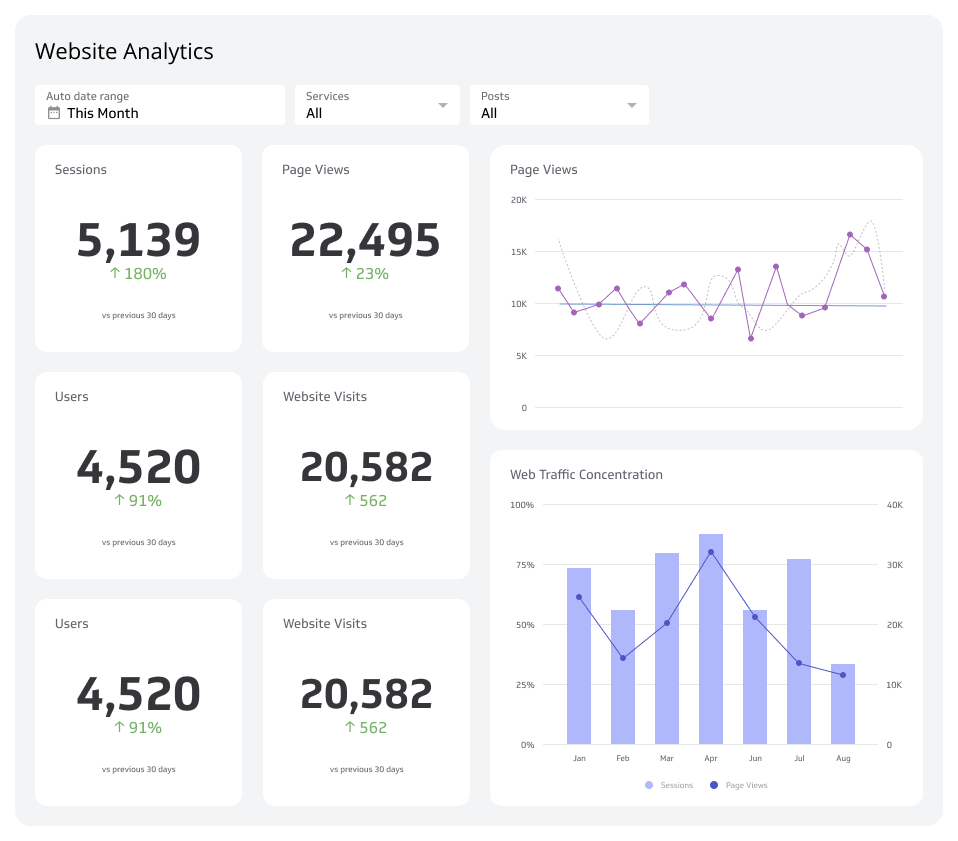
Tracking Pageviews per Session alongside metrics like Bounce Rate and Average Session Duration gives you a fuller picture of engagement. A dashboard that keeps these numbers current means you know when something shifts without having to pull a report and piece it together yourself.
Reporting frequency
Weekly
Example of KPI target
11 pages per session
Audience
Marketing Manager
Create custom dashboards for you and your team.
Get started with KlipsVariations
- Page depth
- Depth of visit
To explore more metrics that shape your digital marketing performance, visit our guide on digital marketing metrics.