Income and Expenses (Last 12 Months)
Track your income, expenses and profit over the past 12 months
Income and Expenses
What is Income and Expenses (Last 12 Months)?
Income and Expenses (Last 12 Months) is a financial metric that shows how much money a business earned and spent over a rolling 12-month period, month by month.
It's one of the clearest pictures of business health available to a founder, executive, or finance lead. Instead of a single snapshot, you get a moving view: revenue trends, cost patterns, and whether profit is holding steady or quietly eroding.
Key terms
Before diving in, here are the three concepts that anchor this metric:
Income: The total money received by the business from operations and other sources.
Expense: The costs required to run the business, including payroll, software, rent, and cost of goods sold.
Profit: What remains after subtracting expenses from income. Positive profit means the business is generating more than it spends.
Why this metric matters
A rolling 12-month view does something a single month's P&L cannot: it smooths out seasonal spikes and shows the underlying direction of your finances.
If expenses are creeping up while income holds flat, that trend shows up here before it becomes a crisis. If a strong quarter is masking weak months elsewhere, this view surfaces it. The result is fewer surprises and more confident decisions about where to invest, where to cut, and whether the business is on track.
For leaders without a dedicated finance team, this metric acts as an early-warning system. You don't have to dig through spreadsheets or wait for a monthly close to know whether costs are outpacing revenue.
Success indicators
A healthy Income and Expenses picture looks like this:
Income consistently exceeds expenses, producing a profit in most or all months.
Expenses grow at a slower rate than income, signalling improving efficiency over time.
Profit is stable or improving month over month, rather than volatile or declining.
How to build the 12-month view
Getting this metric up and running requires four steps:
Connect your accounting data. Pull from your general ledger or export your P&L from your accounting system.
Map the chart of accounts. Group lines into revenue, cost of goods sold, and operating expenses so the view is clean and consistent.
Compute the trailing 12 months. Sum the last 12 months for each line, rolling forward with each new period so the view stays current.
Add a plan comparison. Overlay your budget or forecast to show where actuals are ahead or behind.
Data you need
Monthly revenue and expense totals by category
Budget or forecast figures by month
Headcount and vendor counts for context on cost drivers
How to improve performance
When Income and Expenses trends in the wrong direction, these levers are worth examining first:
Protect gross margin. Review delivery costs and pricing discipline. Margin erosion often starts here before it shows up in net profit.
Stage hiring decisions. Tie headcount growth to revenue milestones rather than projections.
Audit recurring software costs. Remove unused seats and renegotiate vendor terms annually.
Common pitfalls
A few mistakes make this metric harder to trust:
Mixing cash and accrual accounting. Pick one basis and label it clearly. Mixing them produces numbers that are difficult to interpret or compare.
Ignoring one-time items. Large legal fees, financing costs, or write-offs can distort the trend. Call them out separately.
Over-aggregating. A single "expenses" line hides what's actually driving costs. Keep a drill-through to account-level detail.
Create custom dashboards for you and your team.
Get started with KlipsTrack Income and Expenses in Klips
Klipfolio's Klips connects directly to your accounting system and keeps your Income and Expenses view current without manual exports or copy-paste workflows.
Once connected, you can:
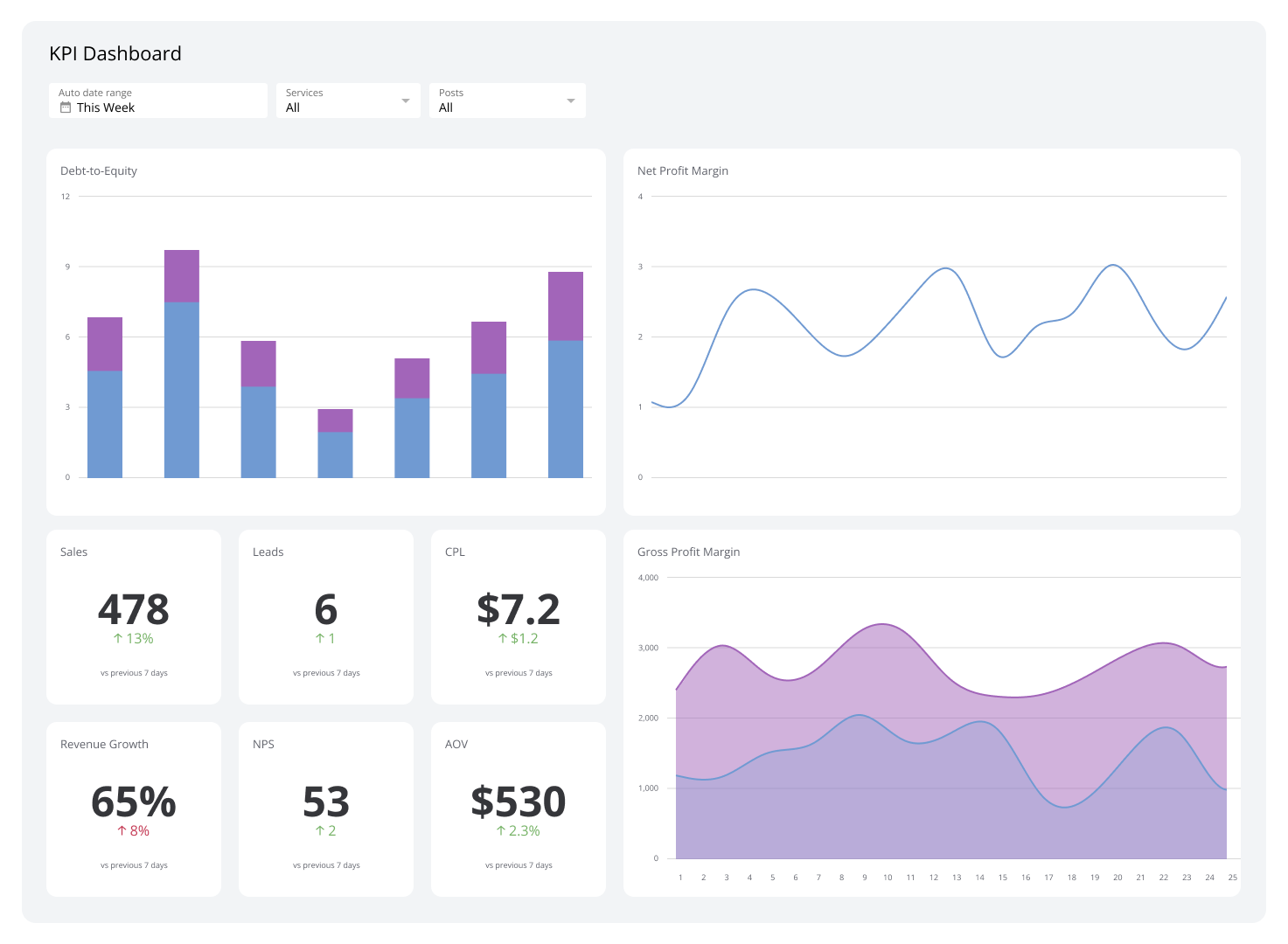
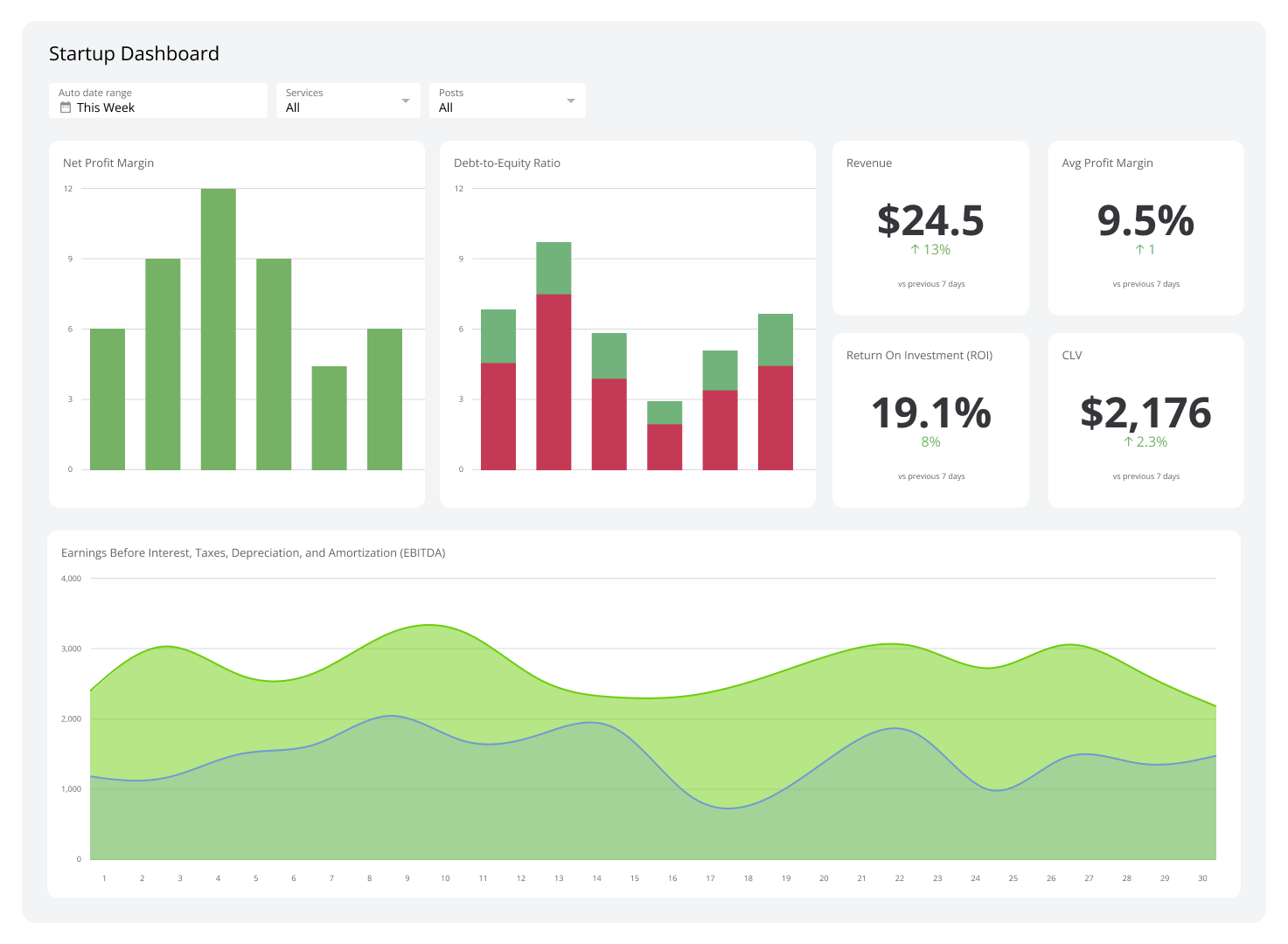
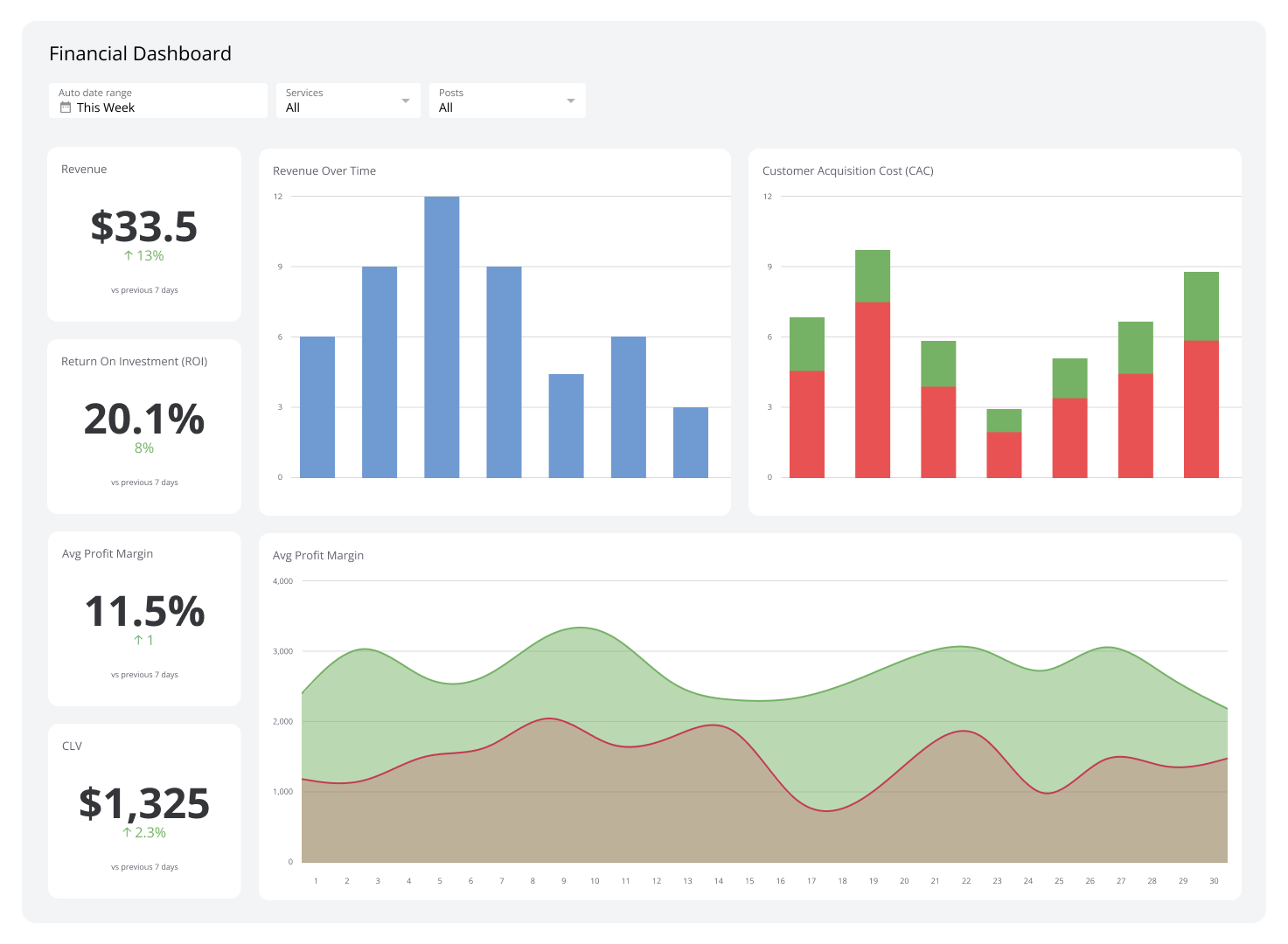
Build the right visuals. A stacked area chart for income vs. expenses, a line for net profit, and a bar for variance to plan give leadership everything they need at a glance.
Set thresholds. Colour rules highlight months where expenses outpace income, so the problem is visible without anyone having to go looking for it.
Distribute automatically. Schedule a month-end snapshot to go directly to finance and leadership, so the numbers reach the right people without a manual step.
Monitoring Financial KPIs on a dashboard means your team stays aligned on the same numbers, updated on the same schedule. Read more about executive dashboards.