
KPIs and Business Intelligence Dashboards: Best Practices
Learn how to choose the right KPIs for your business intelligence dashboard. Covers best practices for marketing, sales, and executive dashboards.
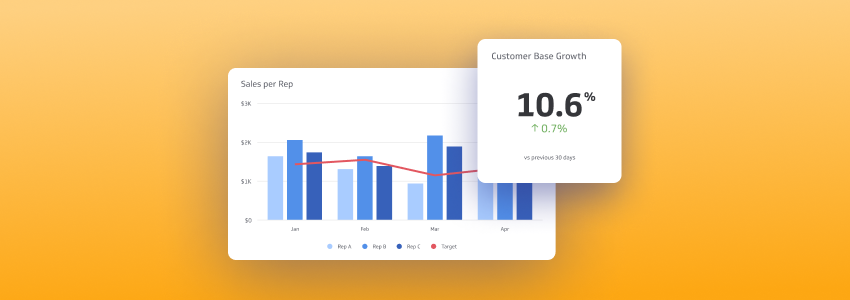
Reporting should be actionable, meaningful, understandable, and accurate. Each business and department will have different key performance indicators, so take time to develop KPIs that reflect your specific goals — not someone else's template.
Dashboards by industry
Marketing dashboards
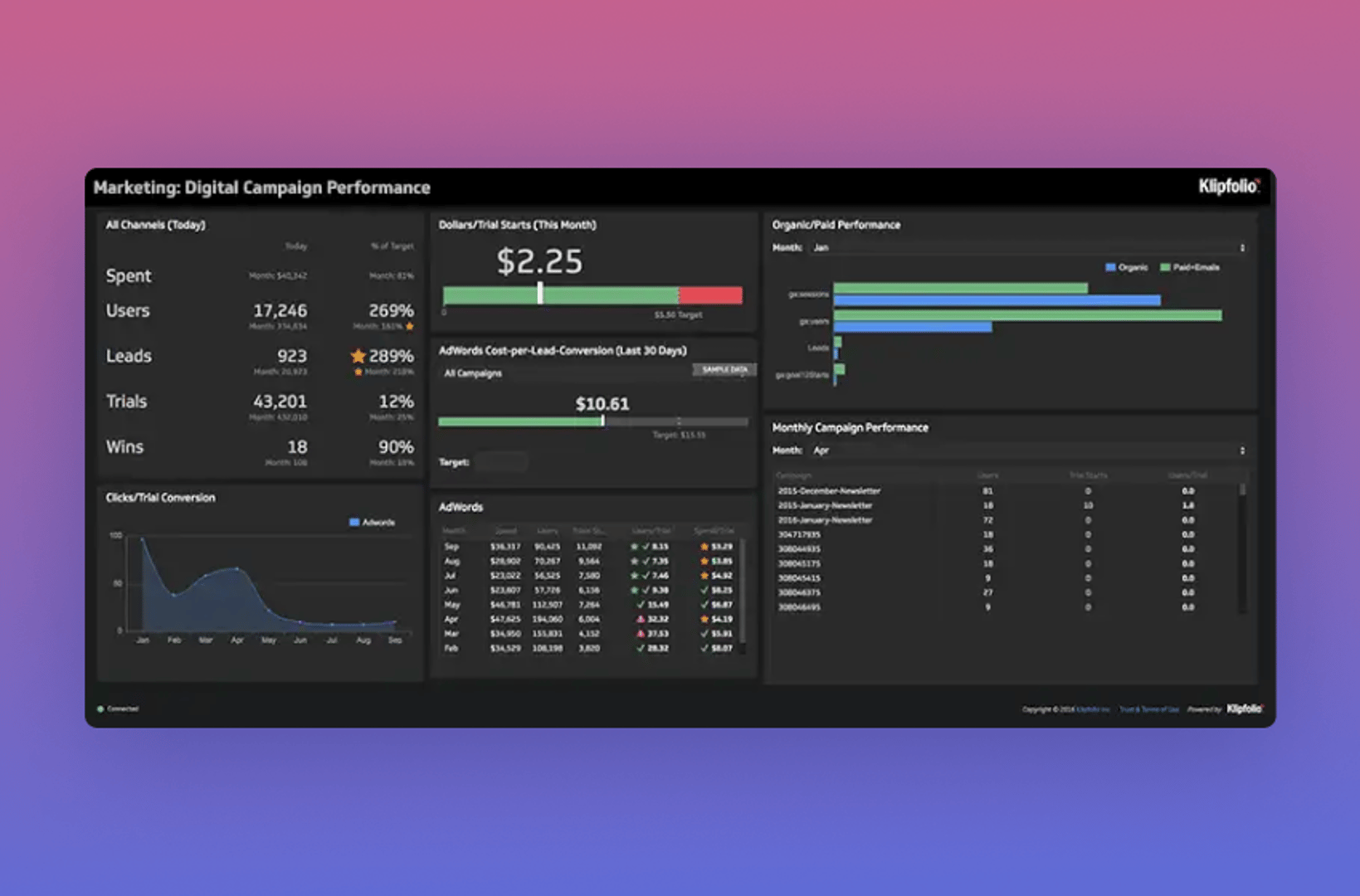
The marketing department needs a dashboard that displays campaign performance, return on marketing investment, and web traffic. Learn more about the best digital marketing KPIs for your business.
Sales dashboards
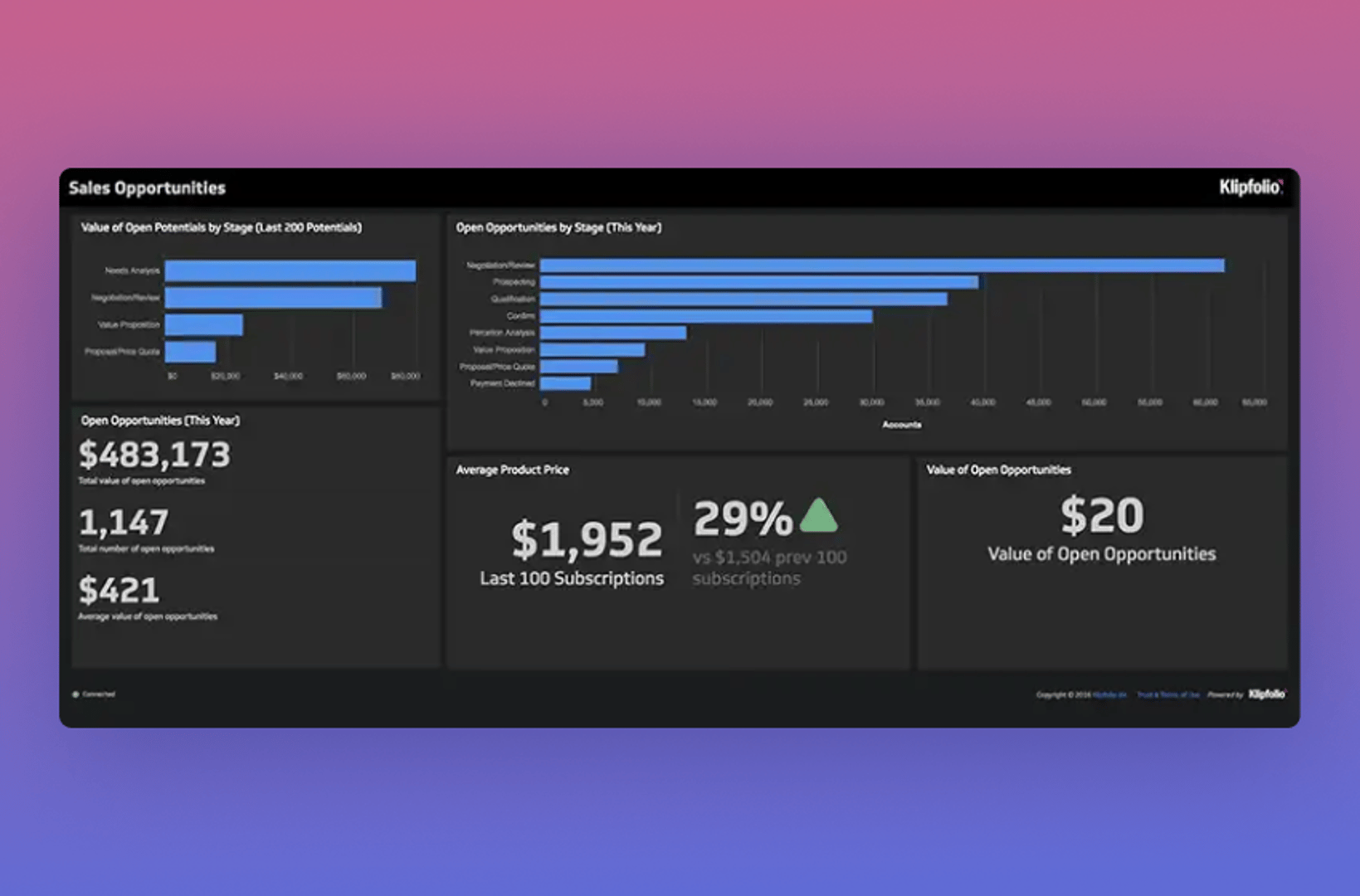
The sales department needs to track the number of open opportunities, account growth rate, and monthly recurring revenue growth.
Executive dashboards
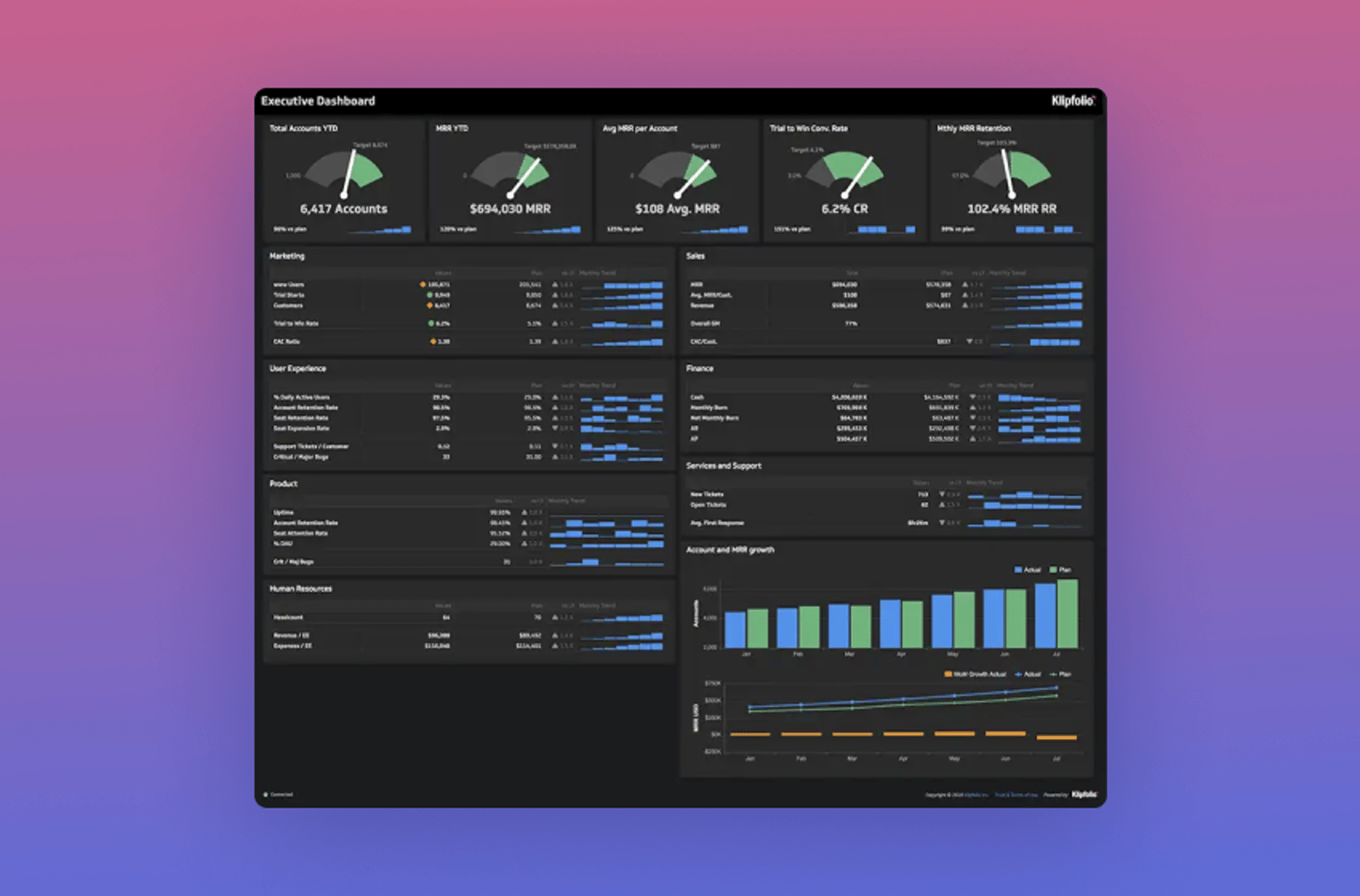
The executive team needs to monitor top-level data from all departments — tracking metrics such as support response time, net monthly burn, account retention rate, monthly recurring revenue, and lead-to-win rate. These are the numbers that tell you whether the business is on track, without having to ask anyone.
KPI best practices
How to pick the right KPIs for your business intelligence dashboard
Select KPIs that match the audience viewing the dashboard. Executives need a different set of KPIs than managers or specialists. Displaying irrelevant KPIs confuses your audience and leads to poor dashboard adoption.
Here are seven principles that separate effective, decision-driving KPIs from ones that create noise.
Create custom dashboards for you and your team.
Get started with KlipsAligned: connect KPIs to strategic objectives
A business's performance is ultimately relative to its mission and goals. Your KPIs should be grounded in those objectives. Many companies have short and long-term goals that differ across levels of the organization. A few tips to navigate this:
Select different KPIs for different levels of your company. Use longer-term goals for executive levels and shorter-term goals for management. Rather than finding a few metrics that apply everywhere, select KPIs for each audience based on their responsibilities and the decisions they own.
Avoid cookie-cutter KPIs. Your company and its goals are unique, and your KPIs should be too.
Attainable: only track what you can actually measure
There is no point selecting a KPI if the underlying data cannot be obtained — either because the application is too costly or you lack the resources to implement it. Before selecting a KPI, ask yourself:
What data points do I need to measure this KPI?
What technologies and processes do I need to access this data regularly?
How much will this cost, and what are the potential returns?
Acute: be specific enough to drive action
KPIs should keep everyone on the same page and moving in the same direction. They need to be specific enough to inform concrete actions. A vague KPI can be interpreted and acted on in too many ways.
Lifetime Value to Customer Acquisition Cost Ratio (CAC/LTV) is an acute KPI. It is useful to service businesses to the extent that decision-makers understand the data flowing into it and have some control over it. "Operating Costs" is not an acute KPI and is less useful in an operational decision-making context.
Limiting the number of KPIs you focus on also matters:
Fewer KPIs force harder thinking about what is truly key to your business.
Focus compounds. The fewer KPIs you track, the more attention each one receives.
Monitoring costs add up. The more KPIs you maintain, the more time and money it takes to track and improve them.
Accurate: make sure the numbers are trustworthy
A KPI is only as useful as the data behind it. If your team doesn't trust the number, they won't act on it. Ask yourself:
Does the KPI include all relevant information?
Does any of the data feeding into the KPI cloud the overall results?
How accurately does the KPI reflect and predict business performance? If everything is on track but the KPI is not, ask whether it is truly a key performance metric.
Actionable: every KPI should drive a decision
Is there something you can actually do to change the trajectory of this metric? If not, it is likely not the right metric to feature. The KPIs on your dashboard should tell you what to do next, not just what happened.
Can at least some of the events the KPI measures be influenced by the business?
Can the KPI be structured in a way that inspires action?
Alive: revisit KPIs as the business changes
It is easy to get comfortable with a set of KPIs you have relied on for a long time, but your business is not static — and your KPIs should not be either. Revisit them regularly and ask:
Do the original reasons for selecting these KPIs still hold true?
Has your business or its operating context changed?
Can your KPIs be refined to reflect those changes?
Are decision-makers actively working to improve them?
Do they have the right tools to do so?
Is your KPI ecosystem supporting data-driven decision-making and improving business outcomes?
Care: if you can't explain why it's there, remove it
Pretty metrics are not enough. Every KPI on your dashboard needs a purpose. When adding examples of KPIs and metrics to your dashboard, ask yourself: "Why do we care about this?" If no clear business question drives the visualization, leave it off the dashboard.
Create custom dashboards for you and your team.
Get started with KlipsDesigning a business intelligence dashboard
Business intelligence tools help you stay in control of your business, but some dashboards do this better than others. Good design means your team gets the answer at a glance — without having to dig, ask, or paste numbers into a spreadsheet to make sense of them.
Here are a few dashboard design best practices to follow.
- Build one dashboard for each role — don't try to create a one-size-fits-all dashboard
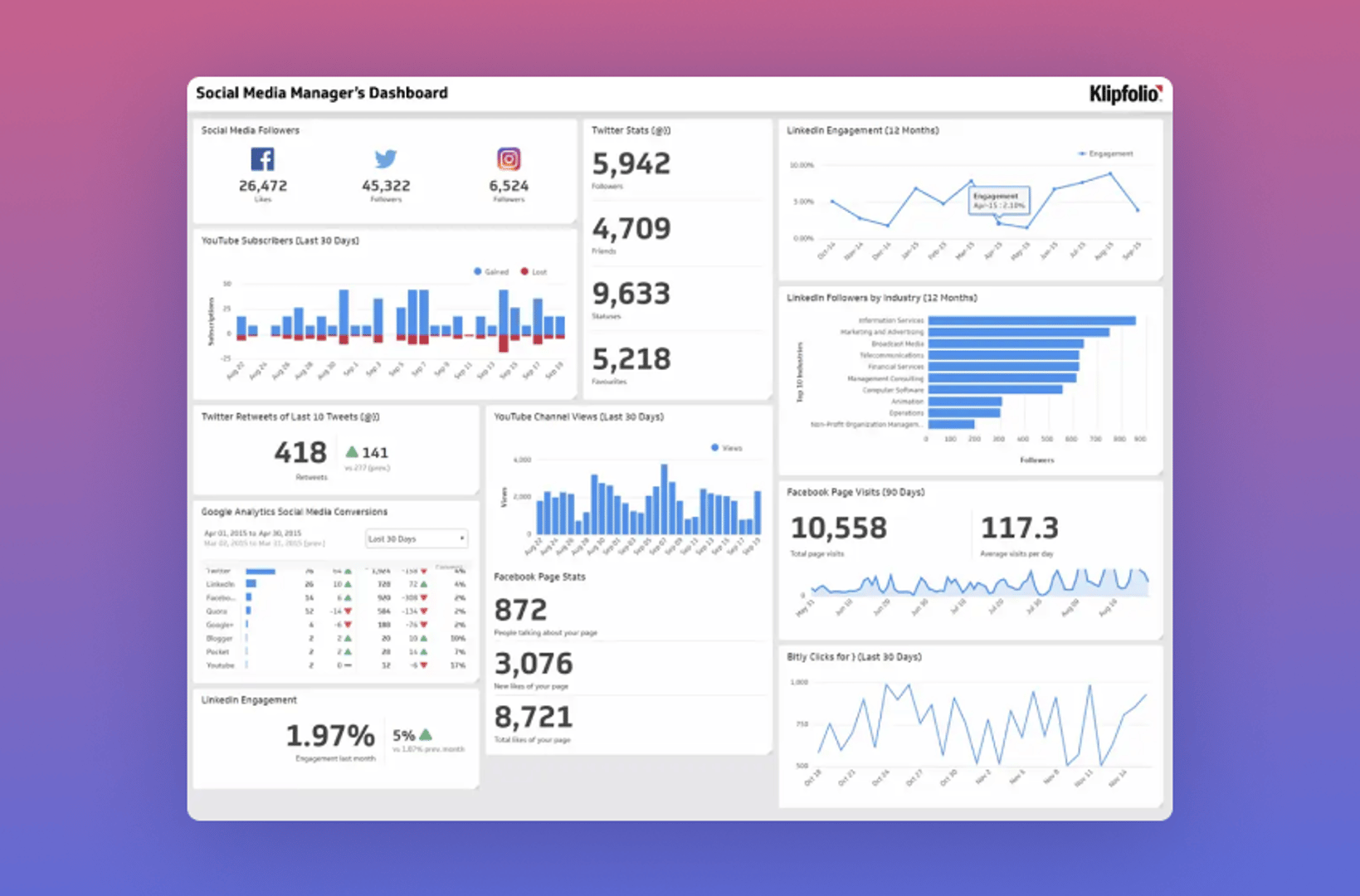
- Feature comparison values to give metrics context
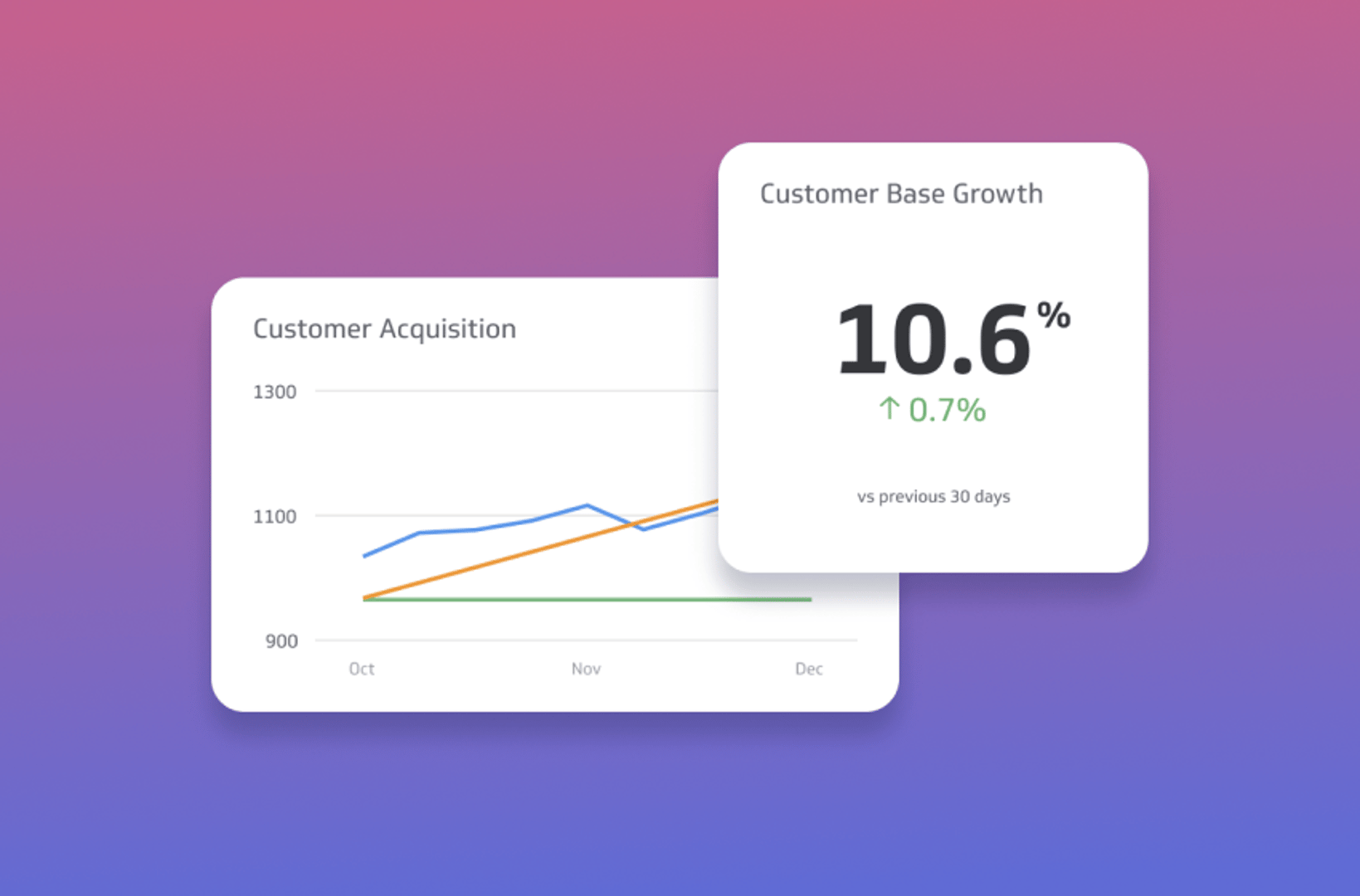
- Group together related data so viewers can scan sections quickly
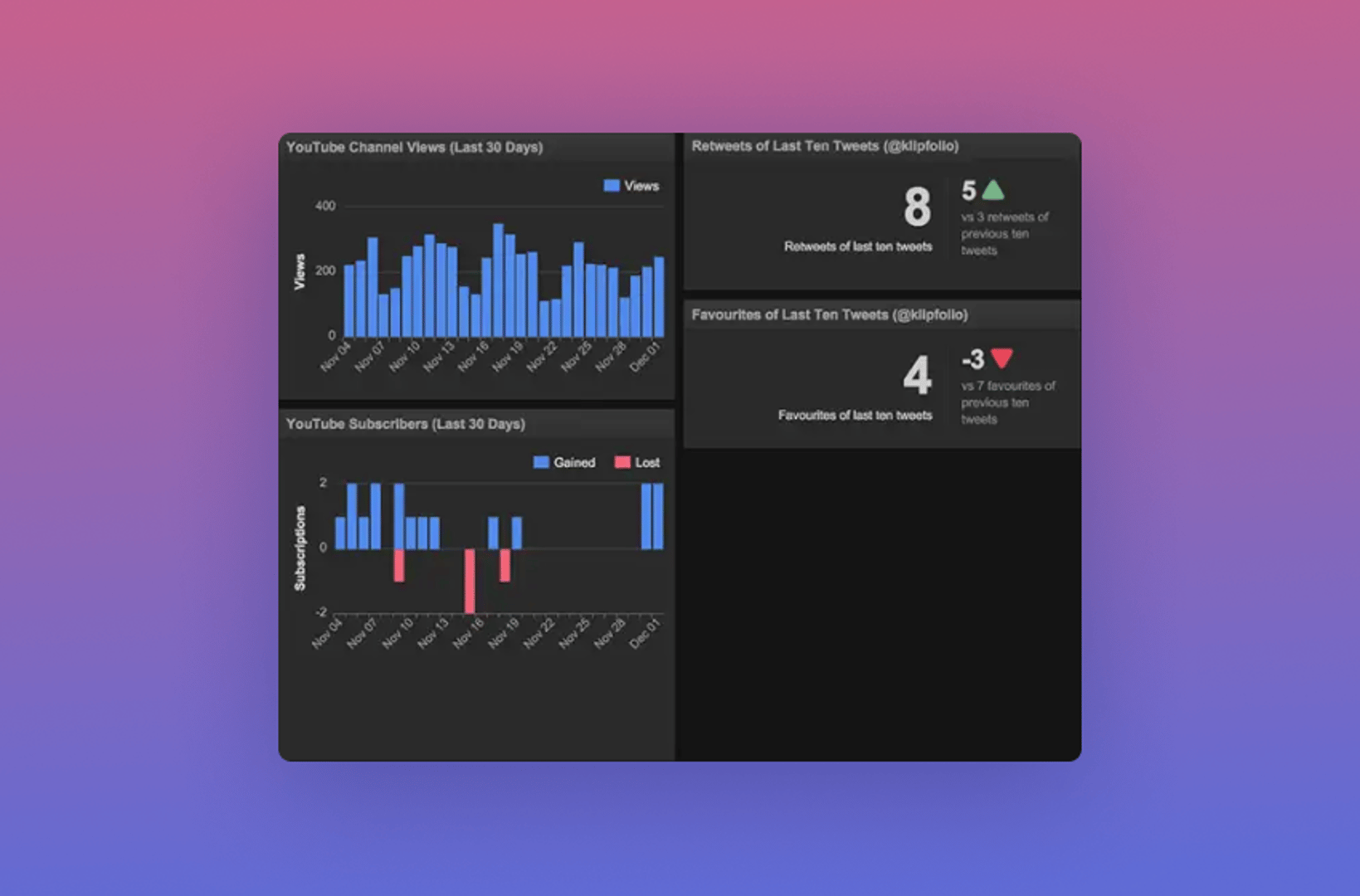
- Make your visualizations scannable and precise — remove anything that does not add meaning
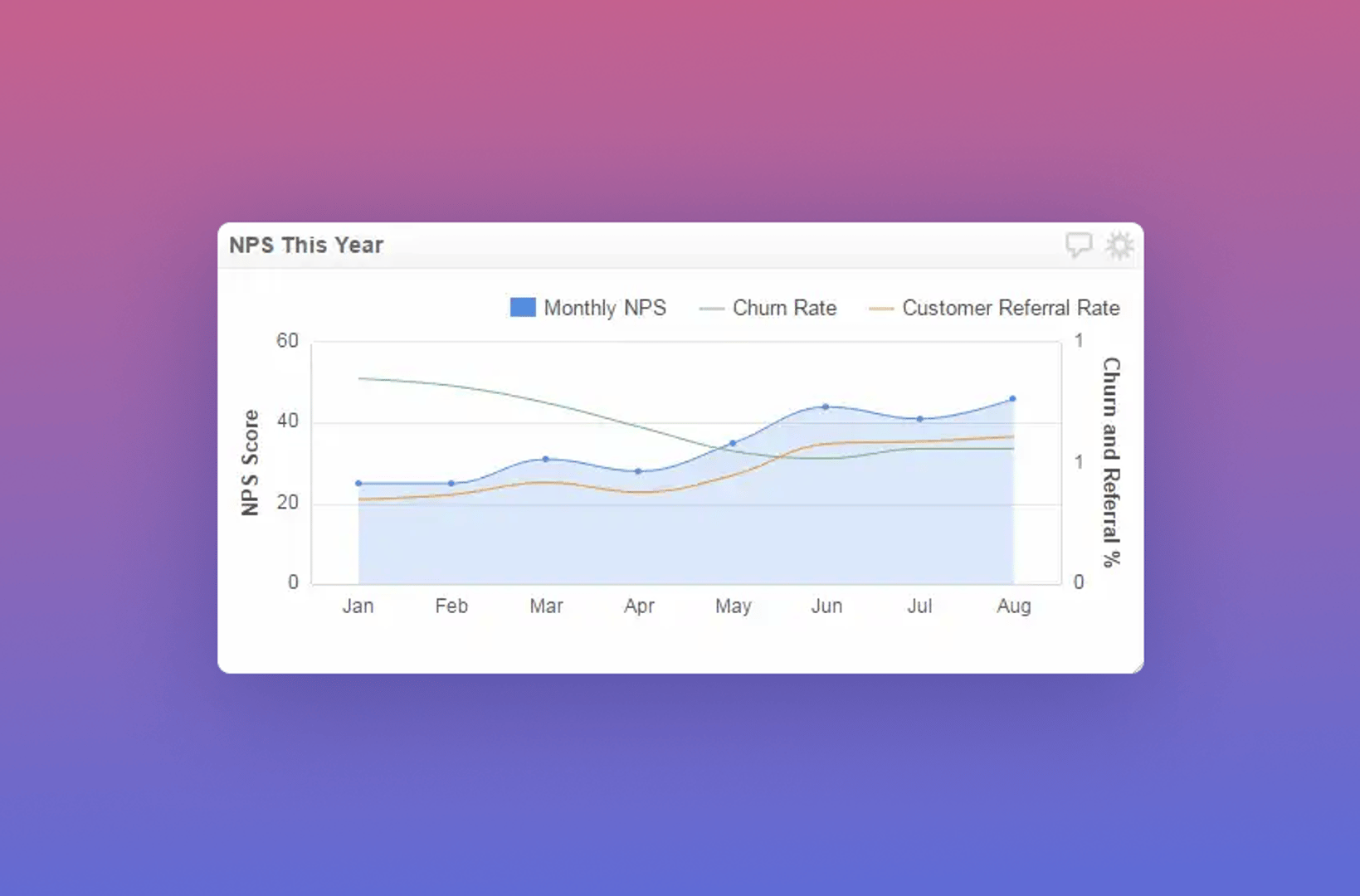
- Use colours appropriately — avoid multiple random colours that create visual noise
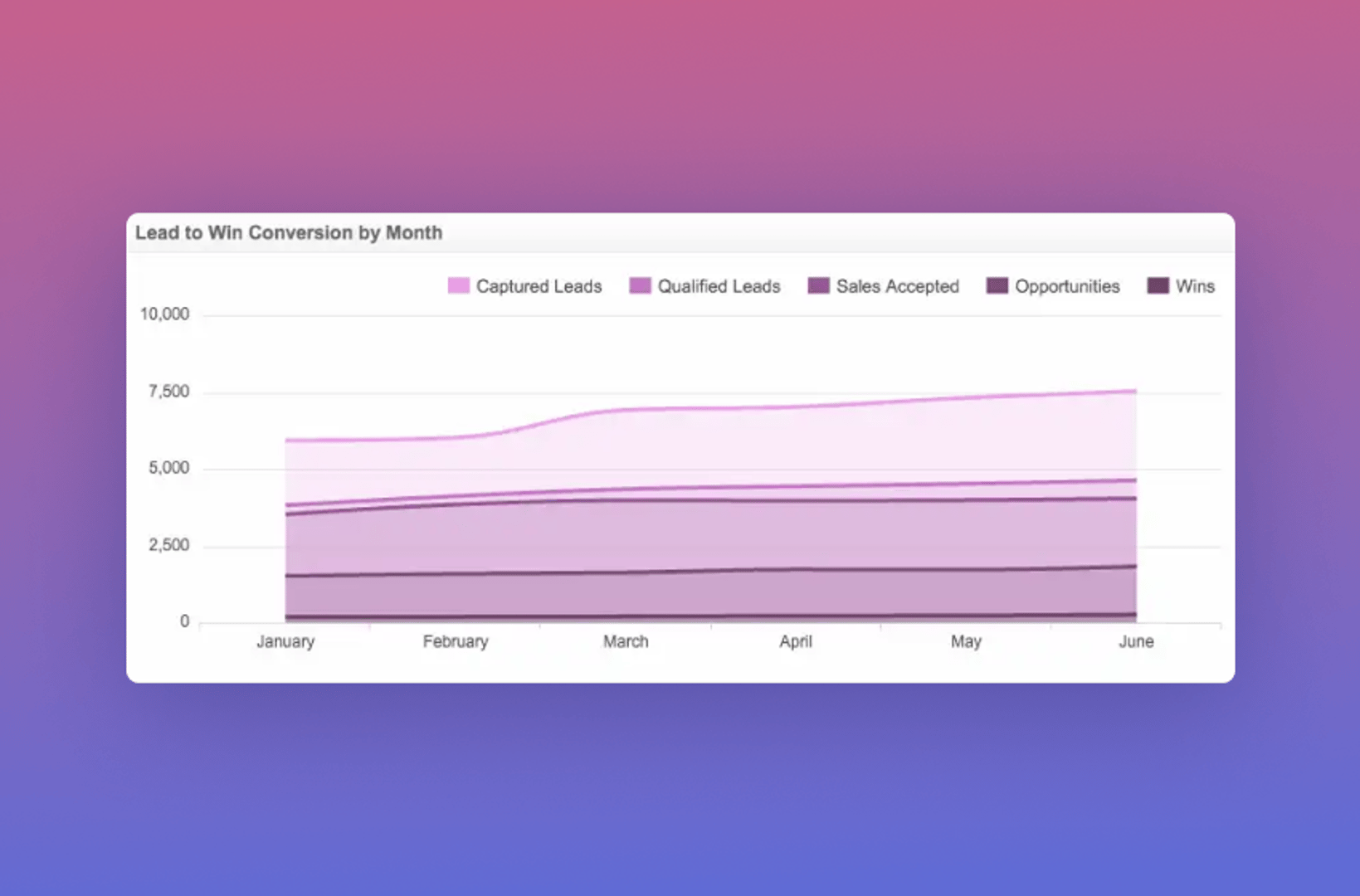
- Make results clear and easily digestible — your audience should understand the dashboard at a glance
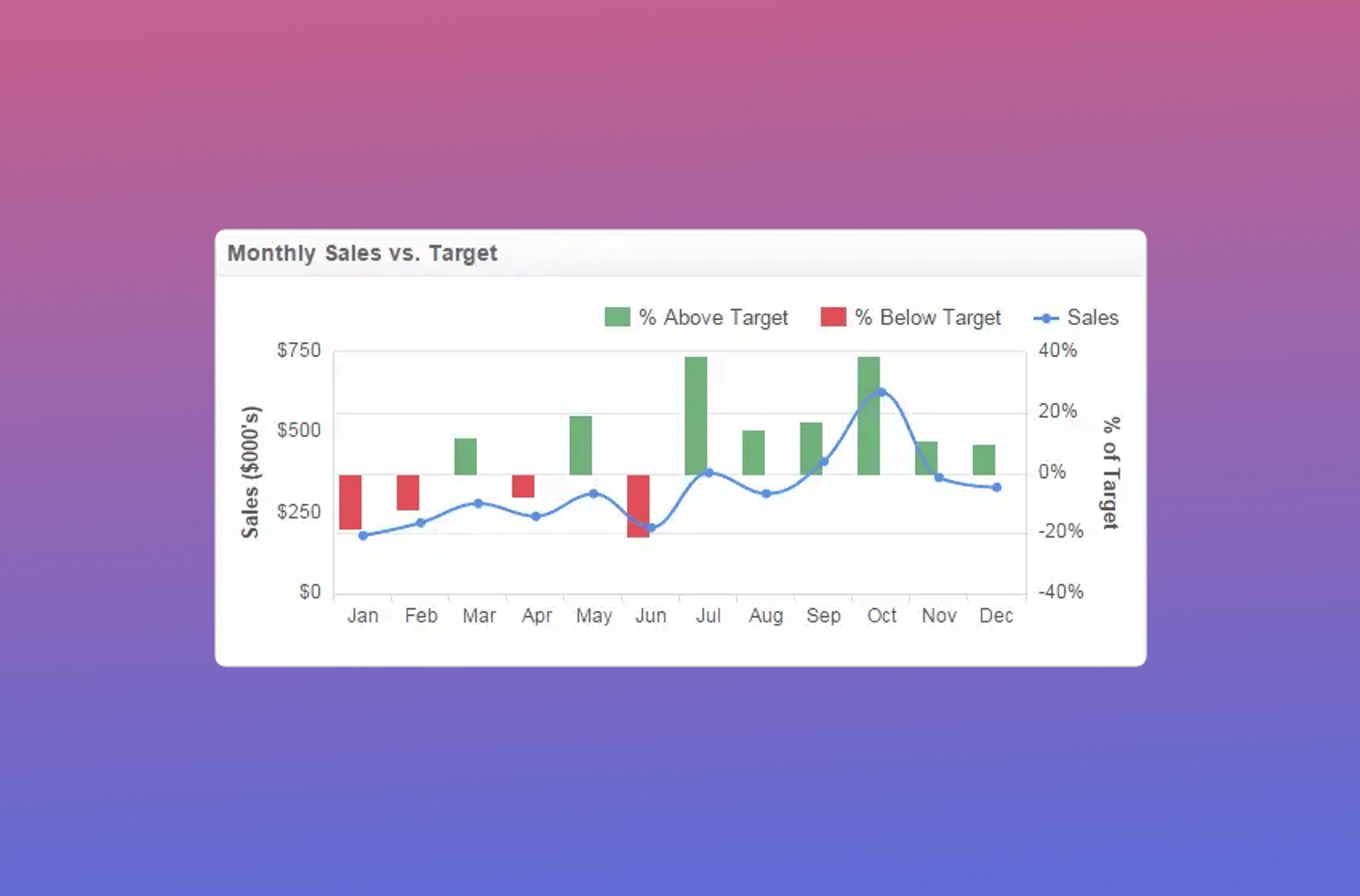
Updated 2026-09-08
Continue learning

Project Management Dashboard: Guide to KPIs and Examples

What are business metrics? Definition and examples

Metrics layer: One set of definitions for your team

What is a KPI? Types, limitations, and how to make KPIs work for your business
What Is a Dashboard? Types, benefits, and how to build one

KPI dashboard: 10 guidelines for operational metrics
Most recent
- OCT 16Klips MCP Server: Use AI to Work with Your Data
- SEP 2310 ways to automate Klips with the Klips API
- SEP 14Automate Klips: from repetitive tasks to managing reporting at scale
- AUG 20The consolidating stack: 3 years of SMB data connection trends
- MAY 28Dashboard Data Security and Privacy: A Five-Layer Framework
- MAR 30The CEO's guide to metrics that actually matter