Ad Click
An ad click is a user interaction that occurs when someone clicks on a digital advertisement, directing them to a destination chosen by the advertiser.
Ad Clicks
An ad click is a user interaction that occurs when someone clicks on a digital advertisement, directing them to a destination chosen by the advertiser.
What is an Ad Click?
An ad click happens when a user selects a digital advertisement and is taken to a linked destination, such as a product page, landing page, or app download.
Ad clicks are one of the most basic units of measurement in online advertising. Every click represents a moment when a message was compelling enough to prompt action, and that action is what advertisers pay for and measure.
Ads appear in many forms across the web:
Banner ads on websites that redirect users to a related or sponsored destination when clicked
Call-to-action buttons such as "Buy now" or "Download free" embedded in content or sidebars
Native ads styled to blend with surrounding content, designed to feel less intrusive and increase click likelihood
Why ad clicks matter for your business
An ad click is more than a data point. It is a signal that your message reached the right person at the right moment.
Each click tells you something useful: that the creative was relevant, the placement was appropriate, or the offer was compelling. Without clicks, even the most polished campaign produces no results. With consistent clicks, you start to understand what your audience responds to and where your budget is working.
Ad clicks feed directly into downstream outcomes. More clicks to the right pages can mean more leads, more purchases, and more revenue. Tracking clicks alongside conversion data tells you whether traffic is turning into results, or just filling a report.
How ad clicks are tracked
Advertisers use two primary methods to track ad clicks: cookies and ad servers.
Cookies are small files stored in a user's browser that record activity across sessions. When a user clicks an ad, a cookie can capture that interaction and connect it to later behaviour on the destination site, such as a purchase or a sign-up.
Ad servers handle the broader workflow. They manage ad delivery, place ads across multiple sites, and record every click in real time. The data they collect shows not just how many clicks occurred, but where, when, and on which creative.
Together, these tools give advertisers a clear picture of which ads are working and which are not. A banner placed on a skiing website may generate far fewer clicks for a swimwear brand than the same banner placed on a fitness or travel site. That placement intelligence is what turns ad spending into a decision, not a guess.
What to do with ad click data
Raw click counts are a starting point. The real value comes from what you do with the data.
When you know which ads are generating clicks, you can shift budget toward what is performing and away from what is not. When you know which placements drive the most engaged visitors, you can negotiate better ad positions. When you track clicks over time, patterns emerge that help you plan campaigns with more confidence and less waste.
Waiting until the end of a campaign to review clicks means missing the chance to course-correct in real time. The most useful setup surfaces this data continuously, so you can act on it without having to chase it down.
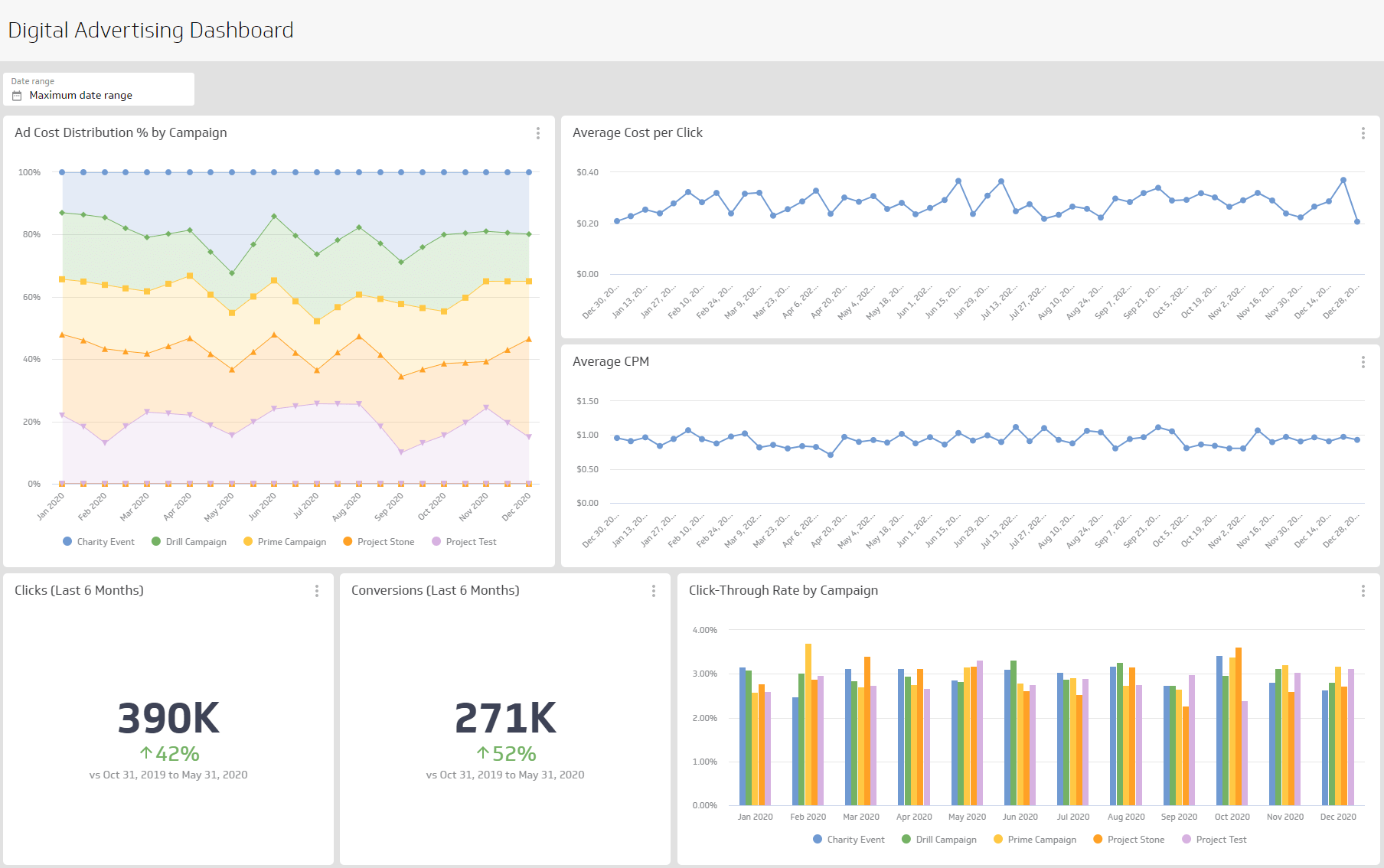
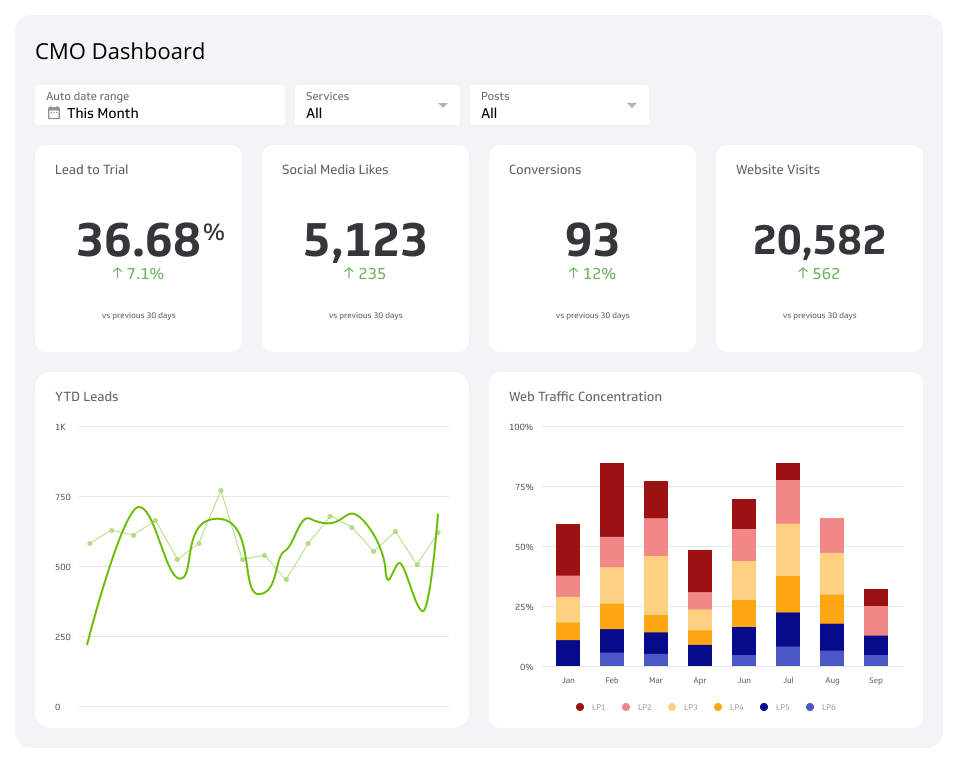
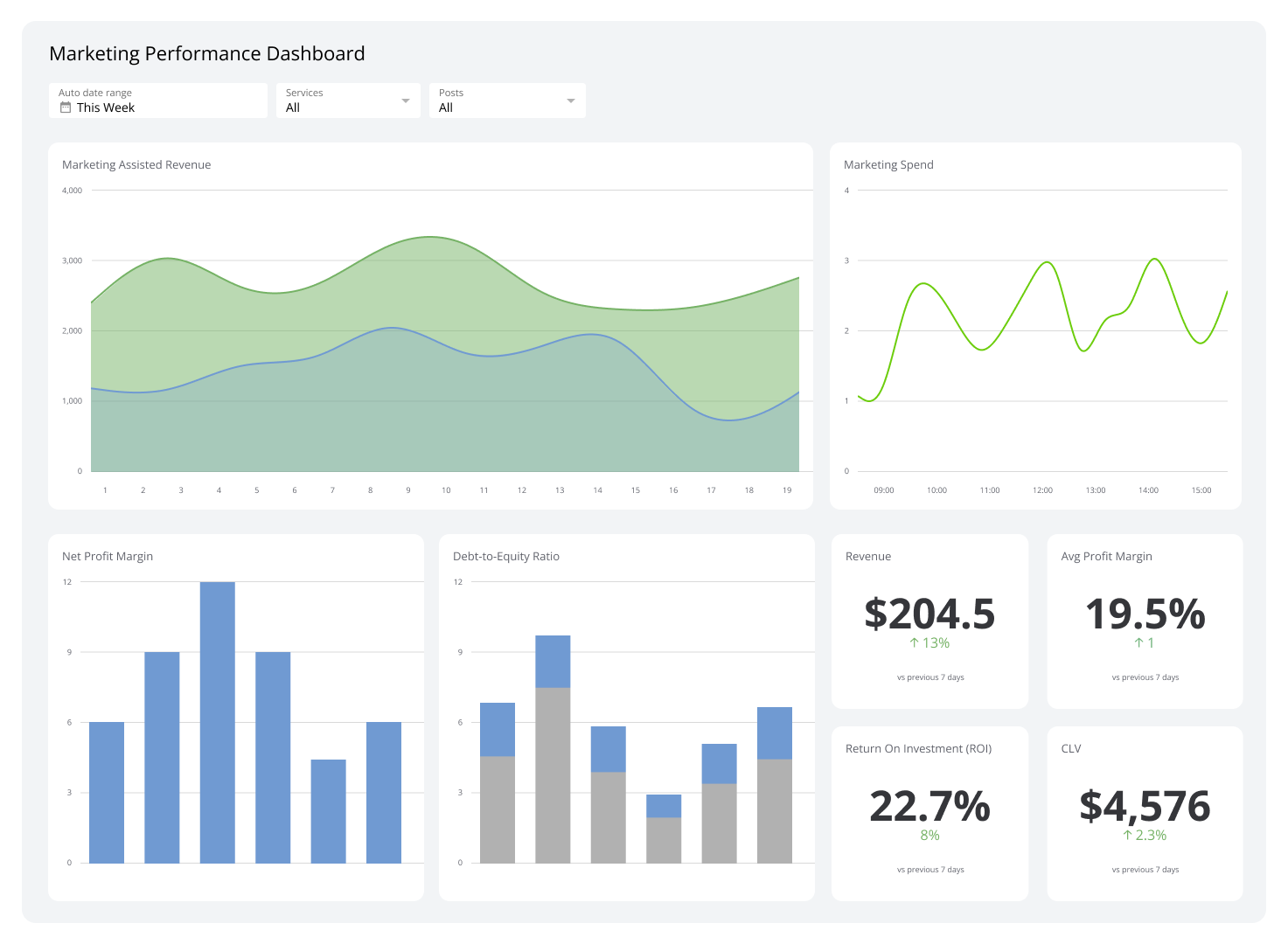
A dashboard that pulls ad click data automatically, alongside cost, conversion, and revenue metrics, gives you the full picture without manual assembly. Klipfolio connects to your ad platforms and keeps those numbers current, so the people who need to make decisions always have accurate data in front of them.