
KPI dashboard: 10 guidelines for operational metrics
Learn how to choose and display the right operational metrics on your KPI dashboard. 10 practical guidelines to drive faster decisions and keep your team aligned.

Companies that grow without losing control share one habit: they know their numbers, and they trust them. A KPI dashboard built around the right operational metrics makes that possible.
Key performance indicators (KPIs) only deliver value when they're defined well, displayed clearly, and connected to decisions someone is accountable for. The guidelines below help you build a dashboard that does exactly that.
What is an operational metrics dashboard?
An operational metrics dashboard is a centralized, real-time view of the KPIs that drive day-to-day business performance. It surfaces what's on track, what's off, and what needs attention, without requiring you to go looking.
Why operational metrics matter for your business
Data is spread across more tools than ever: CRMs, finance platforms, marketing channels, support queues. Without a single view, you're either waiting for someone to pull a number, pasting figures into a spreadsheet, or explaining your business context to a generic AI tool from scratch every time you need an answer.
Making operational data visible across your organization does more than reduce manual work. It maps performance against goals your team has already agreed on, and it gives every department the information they need to act, not just report.
The challenge isn't access to data. It's knowing which metrics matter, and presenting them in a way that drives the right behaviour.
KPI management on a business dashboard
Dashboard software connects to multiple data sources and filters out the noise, so the KPIs that matter are front and centre for the right people. The payoff isn't just a cleaner screen: it's faster decisions, fewer errors, and a small team that operates with the confidence of a much larger one.
Dashboards also let you drill down into data, track performance against targets, and spot exceptions before they become problems. That's the difference between knowing something happened and knowing what to do about it.
There are thousands of KPIs available to track. It's tempting to adopt them off the shelf. Some will fit your business; many won't. The ten guidelines below help you choose and use the ones that will.
Explore Dashboard Examples to find the right starting point for your business.
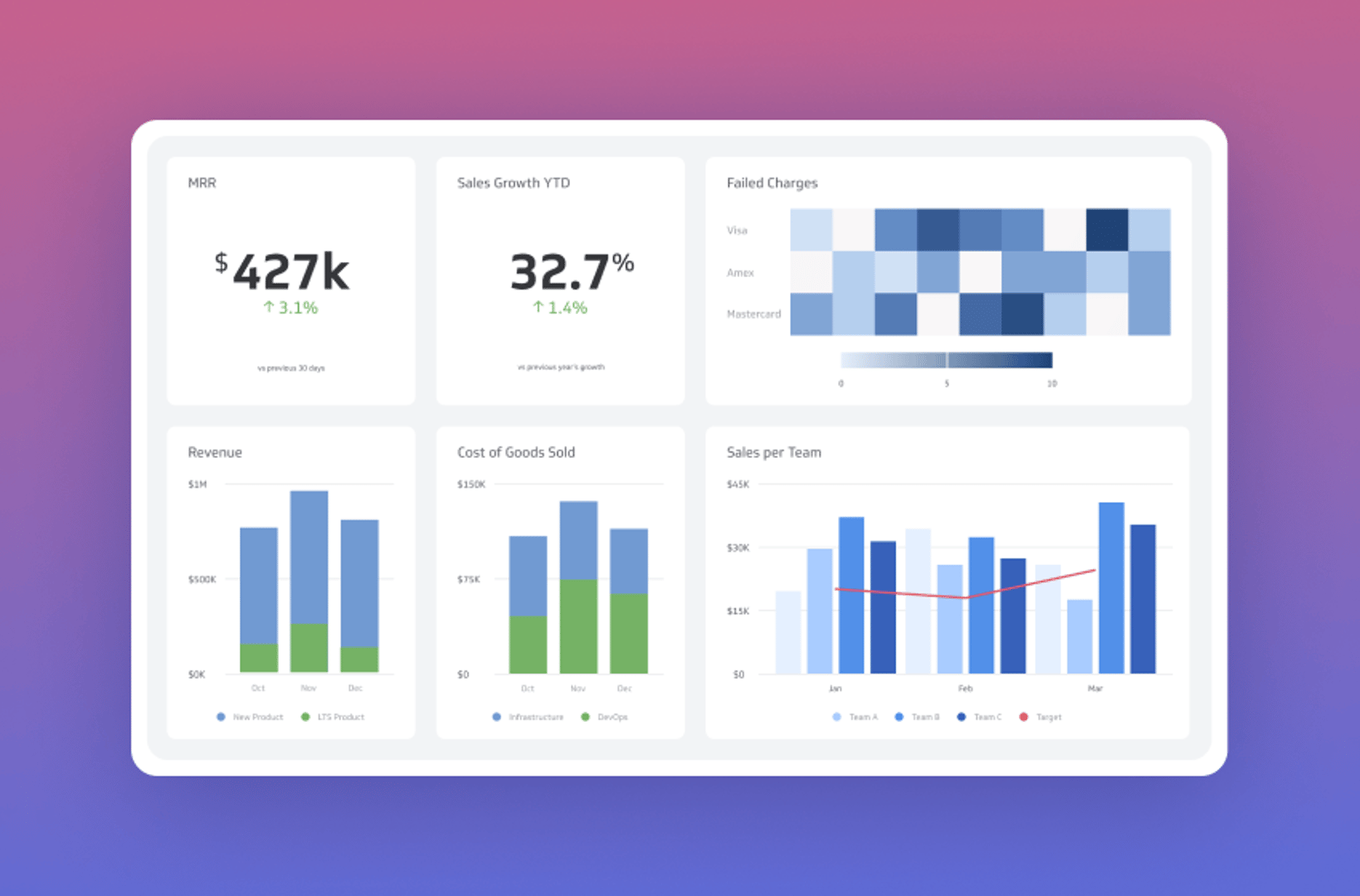
10 guidelines for selecting the right KPIs for your business dashboard
1. Tie KPIs to strategic goals
KPIs should connect directly to what your business is trying to achieve. They need support from the executive level down to individual contributors, and they need to drive the right behaviour at every level. Keep in mind that KPIs aren't only internally focused: customer-driven metrics belong here too.
2. Make every KPI actionable
Each indicator needs an owner: someone accountable for the result, with the authority to act on it. Establish that accountability when you define the KPI, not after. If no one can take corrective action on a metric, it's not a KPI worth tracking.
3. Measure KPIs at the right frequency
The right cadence depends on the metric. Some KPIs should be measured in real time or hourly; others daily, weekly, or quarterly. KPIs reviewed only monthly may be strategically important, but they're less useful for operational decisions. Match the refresh rate to the decision it supports.
4. Match KPIs to their audience
A KPI dashboard should show each person the metrics most relevant to their role and goals. What a sales leader needs to see is different from what a support manager or a CFO needs. Relevance drives attention; attention drives action.
5. Keep dashboards simple and easy to read
Clarity beats complexity. Visual communication experts like Stephen Few have documented how quickly a cluttered chart loses its audience. Speedometers, animated maps, and layered graphs can impress in a demo and confuse in practice. Key information should be self-evident at a glance, so exceptions are visible without interpretation.
6. Provide context for every number
A number without context is just a number. Tracking actual performance against a goal, a target, or a historical average tells you whether what you're seeing is good, bad, or expected. Visual alerts and drill-down views give the "why" behind the number, and point toward what to do next.
7. Educate your team on what the KPIs mean
Visibility alone isn't enough. Everyone who sees a KPI needs to understand what it measures, why it matters, and how it connects to their work. Build that education into onboarding so new employees understand the dashboard from day one, not six months in.
8. Be ruthless about what "key" means
The "K" in KPI stands for Key. Dashboards that track 20 or more competing metrics stop being useful fast. Ask honestly: is this metric actually driving a decision? Is it connected to a goal that matters? Fewer, better KPIs outperform a long list of metrics that nobody acts on.
9. Treat time savings and better decisions as the return
Manual reporting is a cost: time spent pulling numbers, correcting errors, and waiting on updates. A dashboard automates that process. The real return is the time your team gets back, the errors that don't happen, and the confidence that comes from trusting the number in front of you. A leader who doesn't have to ask "is this up to date?" makes faster, better decisions.
10. Start small and expand deliberately
Pilot deployments work better than big rollouts. Start with a focused set of KPIs for one team or function, get the definitions and presentation right, and let early users see how the data improves their work. People advocate for tools that make them better at their jobs. Build from that proof point, not from a comprehensive spec.
Build a dashboard that earns daily use
The best dashboard isn't the one with the most data: it's the one your team checks every day because it tells them something useful. Apply these guidelines and you'll end up with a dashboard that surfaces what matters, supports confident decisions, and keeps everyone aligned without anyone having to chase a number.
Updated 2026-09-08
Continue learning
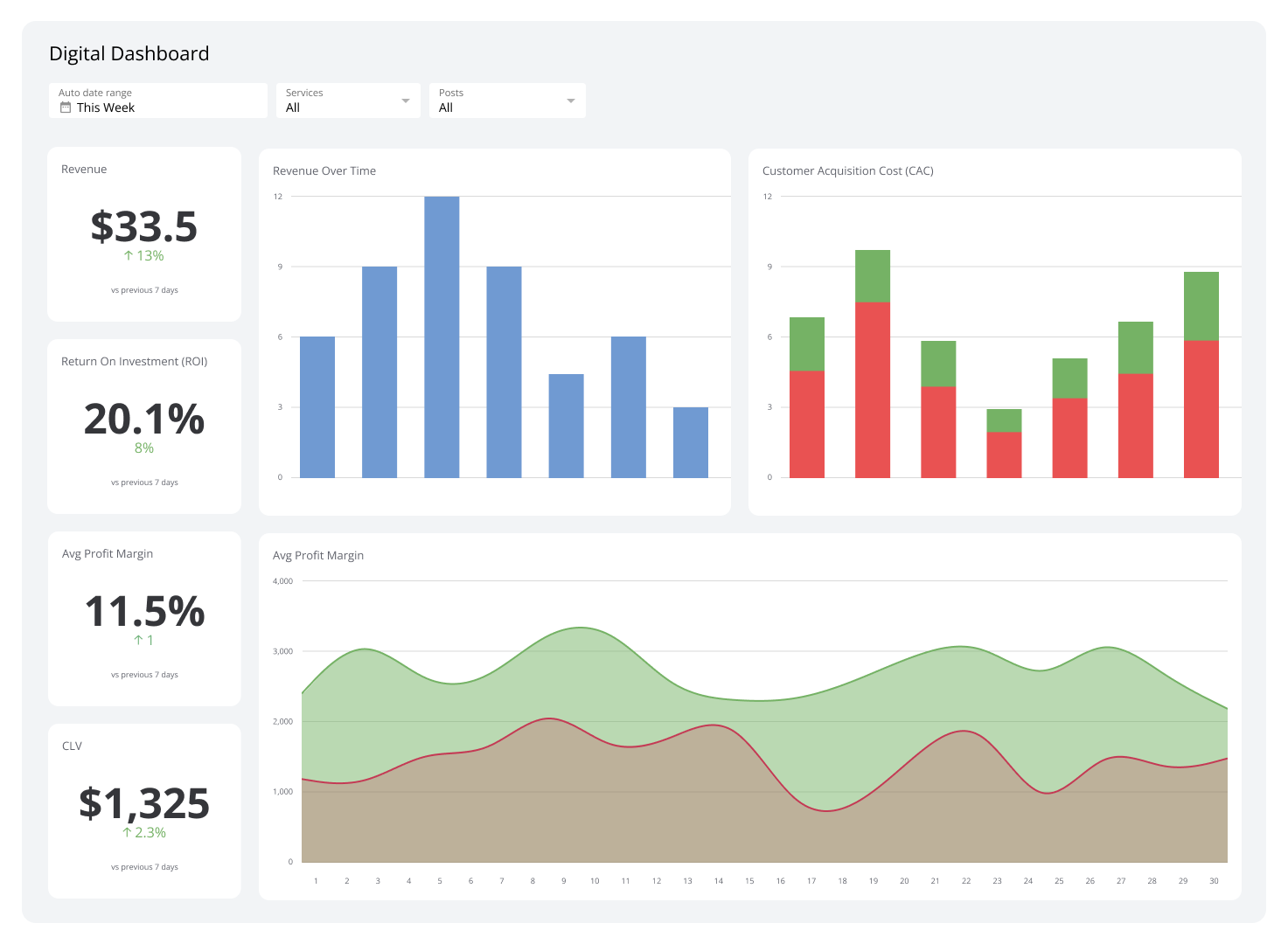
What Is a Dashboard? Types, benefits, and how to build one
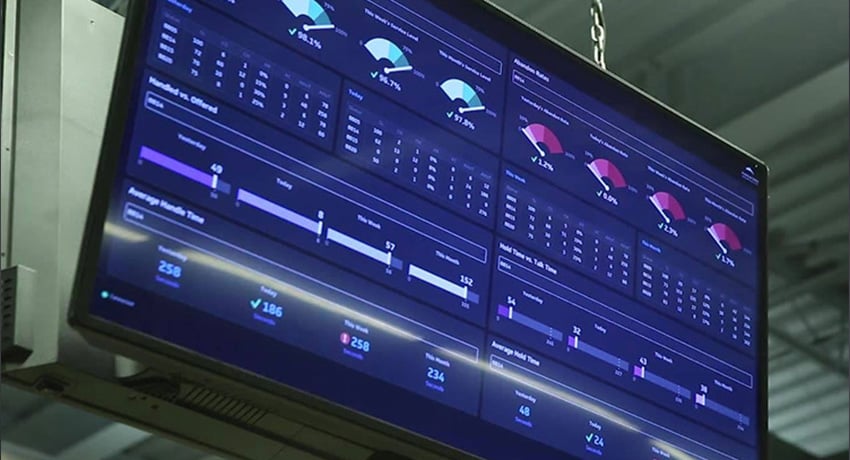
Best practices for TV and wallboard dashboards
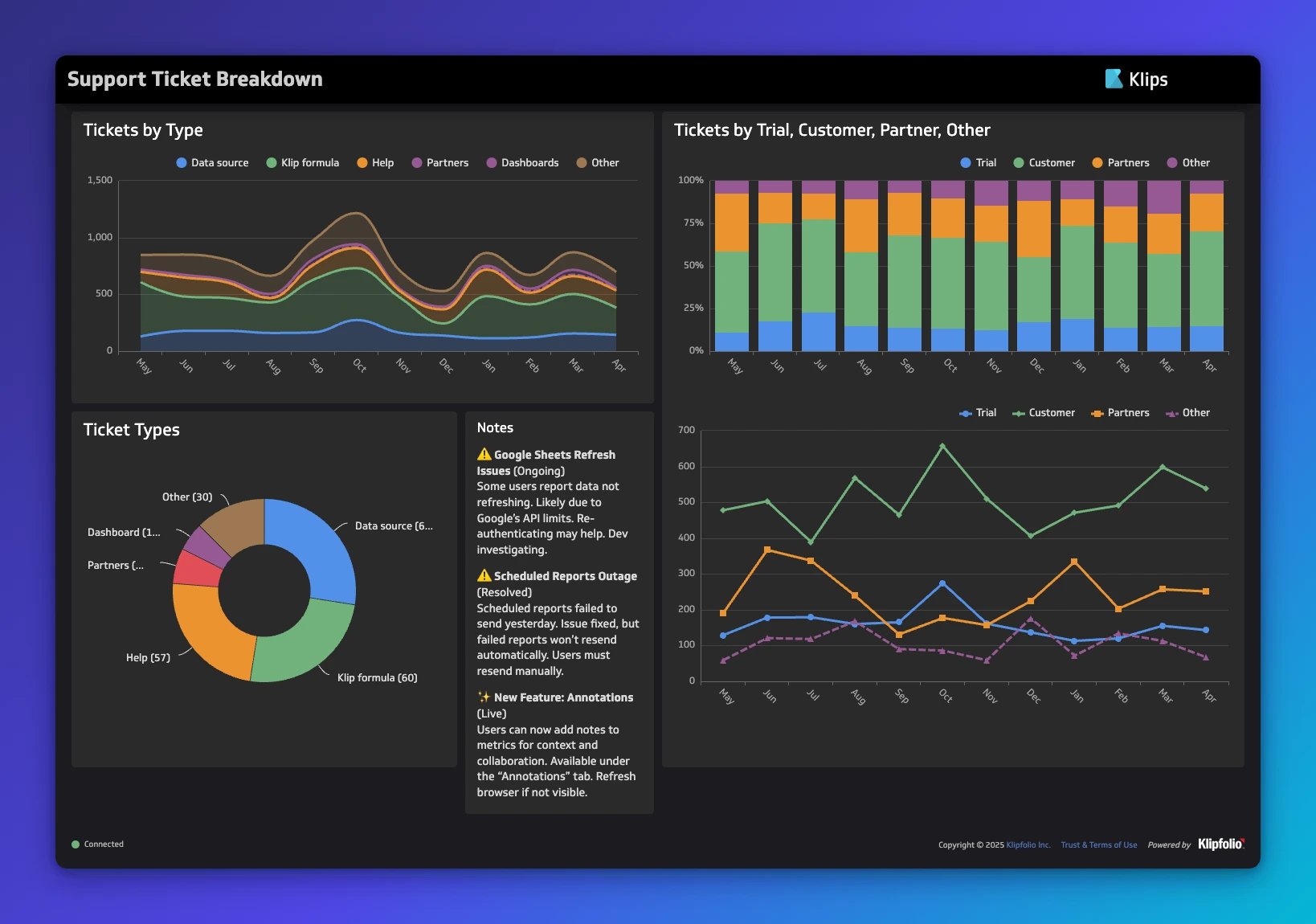
Dashboard design: principles, visualizations, and best practices
KPIs and Business Intelligence Dashboards: Best Practices

What are Dashboards and Scorecards? Key differences explained

What is a KPI? Types, limitations, and how to make KPIs work for your business
Most recent
- OCT 16Klips MCP Server: Use AI to Work with Your Data
- SEP 2310 ways to automate Klips with the Klips API
- SEP 14Automate Klips: from repetitive tasks to managing reporting at scale
- AUG 20The consolidating stack: 3 years of SMB data connection trends
- MAY 28Dashboard Data Security and Privacy: A Five-Layer Framework
- MAR 30The CEO's guide to metrics that actually matter