Unsubscribes
Unsubscribes measure the number of recipients who opt out of your email list, showing whether your content, cadence, and audience fit are working.
Unsubscribe reasons
- Too many emails38%
- Content not relevant24%
- Never signed up16%
- No longer interested14%
- Other8%
What are unsubscribes?
Unsubscribes measure the number of recipients who opt out of your email list. Tracking this metric tells you whether your content, cadence, and audience fit are working.
Why this KPI matters
A steady trickle of unsubscribes is normal as lists evolve. What you want to catch early is a spike, because spikes point to message misfires, poor targeting, or audience fatigue.
Managing your Unsubscribes rate protects deliverability, improves engagement, and keeps your paid acquisition from carrying the full load of list growth.
Reporting frequency: Monthly
Example target: 2% unsubscribe rate
Audience: Marketing Manager
How to calculate unsubscribes
The standard formula divides unsubscribes by total subscribers:
Unsubscribe Rate = Unsubscribes / Total Subscribers
Most teams also track a per-send rate alongside the overall list rate:
Per-Send Unsubscribe Rate = Unsubscribes / Emails Delivered (per campaign)
Use both for a complete picture.
Calculation tips
Use delivered, not sent, for per-send rate. Exclude bounces from the denominator so the math reflects real recipients.
Segment by source and campaign type. Lifecycle flows, promotions, and newsletters behave differently and shouldn't be averaged together.
Use rolling windows. All-time totals hide current problems. A 7-day or 30-day window surfaces trends faster.
Data you need
Subscriber list with join date and source
Campaign sends with delivered, opens, clicks, unsubscribes, and complaints
Template and topic tags for analysis
How to reduce unsubscribes
Set expectations early. Tell subscribers what you send and how often, then meet that promise.
Offer frequency controls. Let people switch to weekly or monthly digests instead of leaving entirely.
Clean your list. Sunset unengaged contacts after a fair win-back attempt. A smaller, engaged list outperforms a large, disengaged one.
Send useful content. Tie messages to customer goals and lifecycle stages, not just promotions.
Target carefully. Segment by behaviour and past purchases. Stop sending everything to everyone.
Common pitfalls
Forcing logins to unsubscribe. Friction raises spam complaints. Keep the opt-out path easy.
Counting spam complaints as unsubscribes. Track them separately and escalate quickly if they rise.
Ignoring per-send data. A low overall rate can mask a single campaign that drove heavy opt-outs.
Create custom dashboards for you and your team.
Get started with KlipsTrack unsubscribes in Klips
Connecting your email service provider to Klips lets you move from static exports to a live view of list health.
Connect your ESP. Pull sends and list events from platforms like Mailchimp, HubSpot, or SendGrid.
Model your metrics. Calculate overall list Unsubscribe Rate, per-send rate, and 7-day and 30-day moving averages.
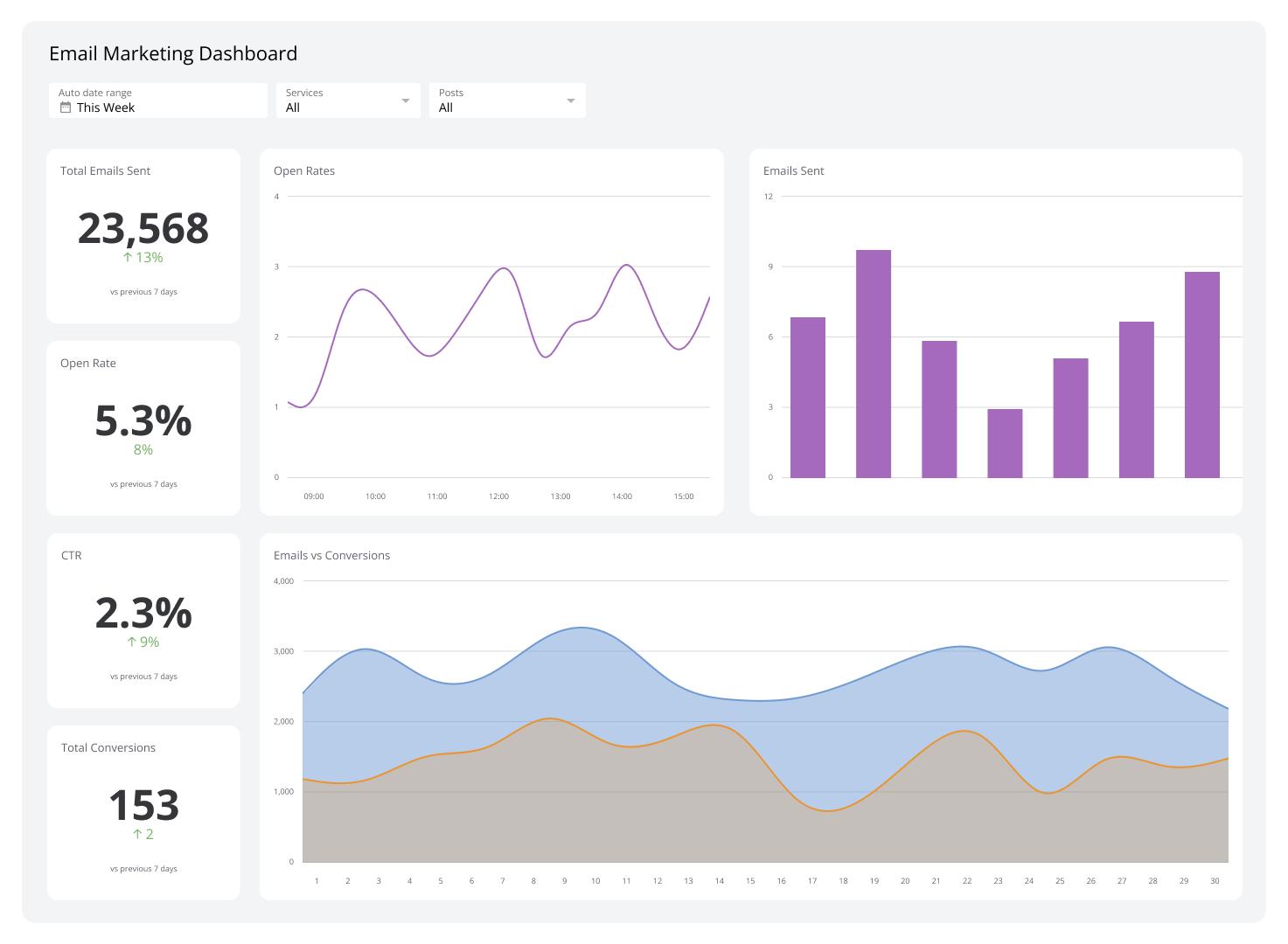
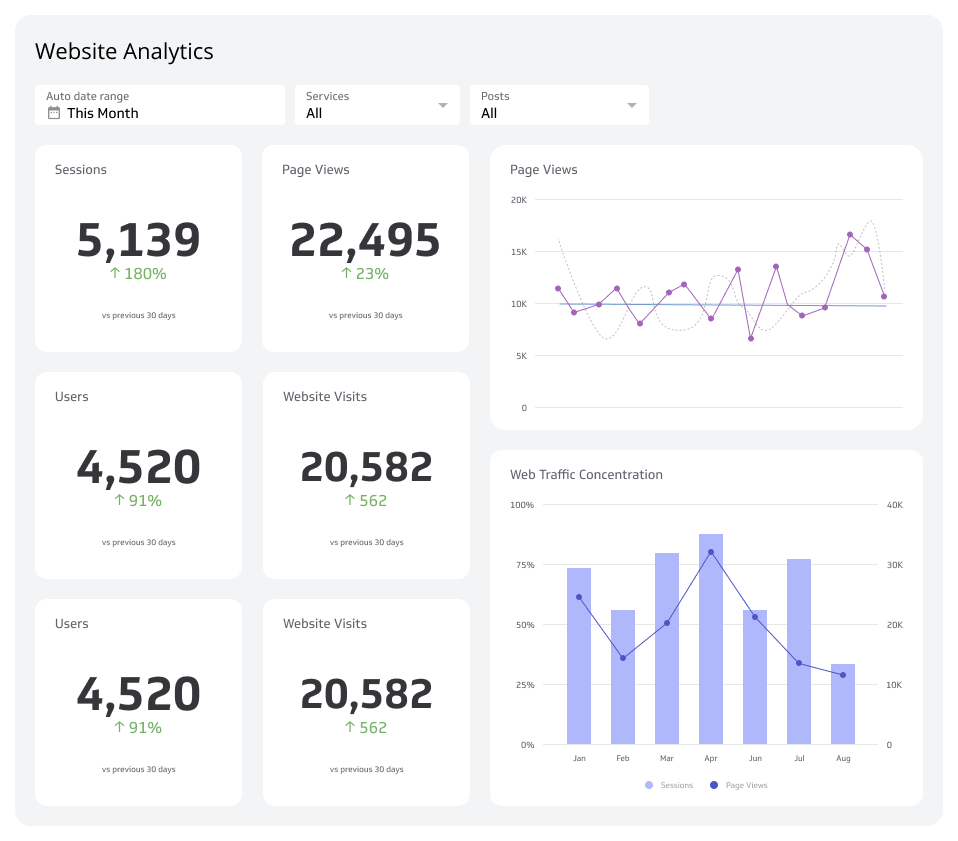
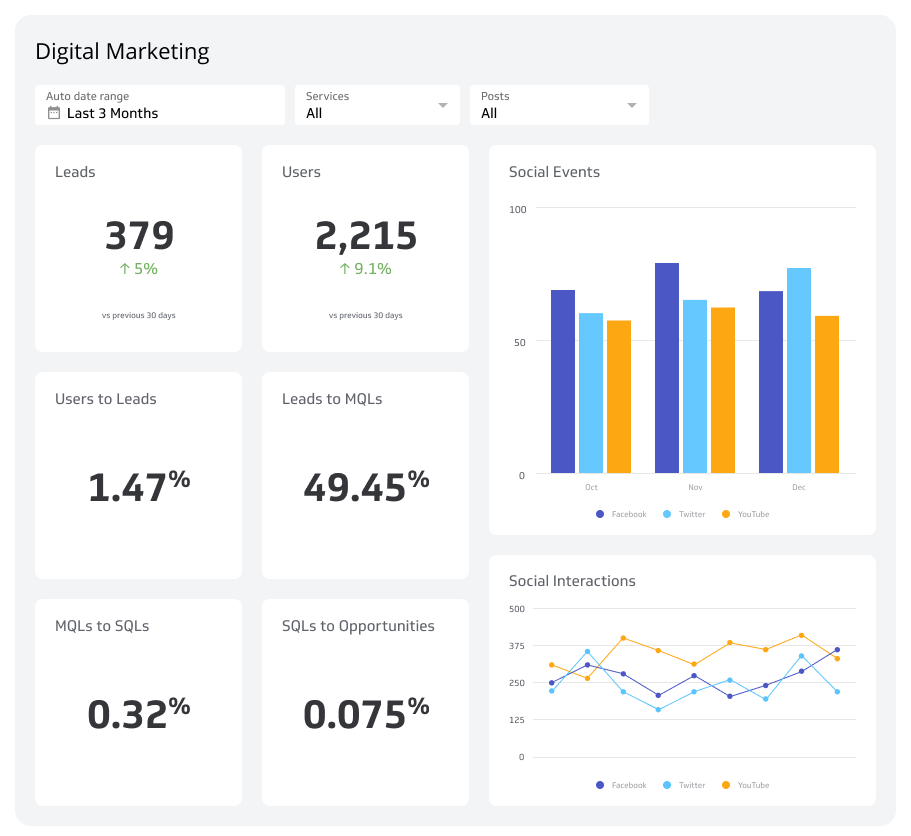
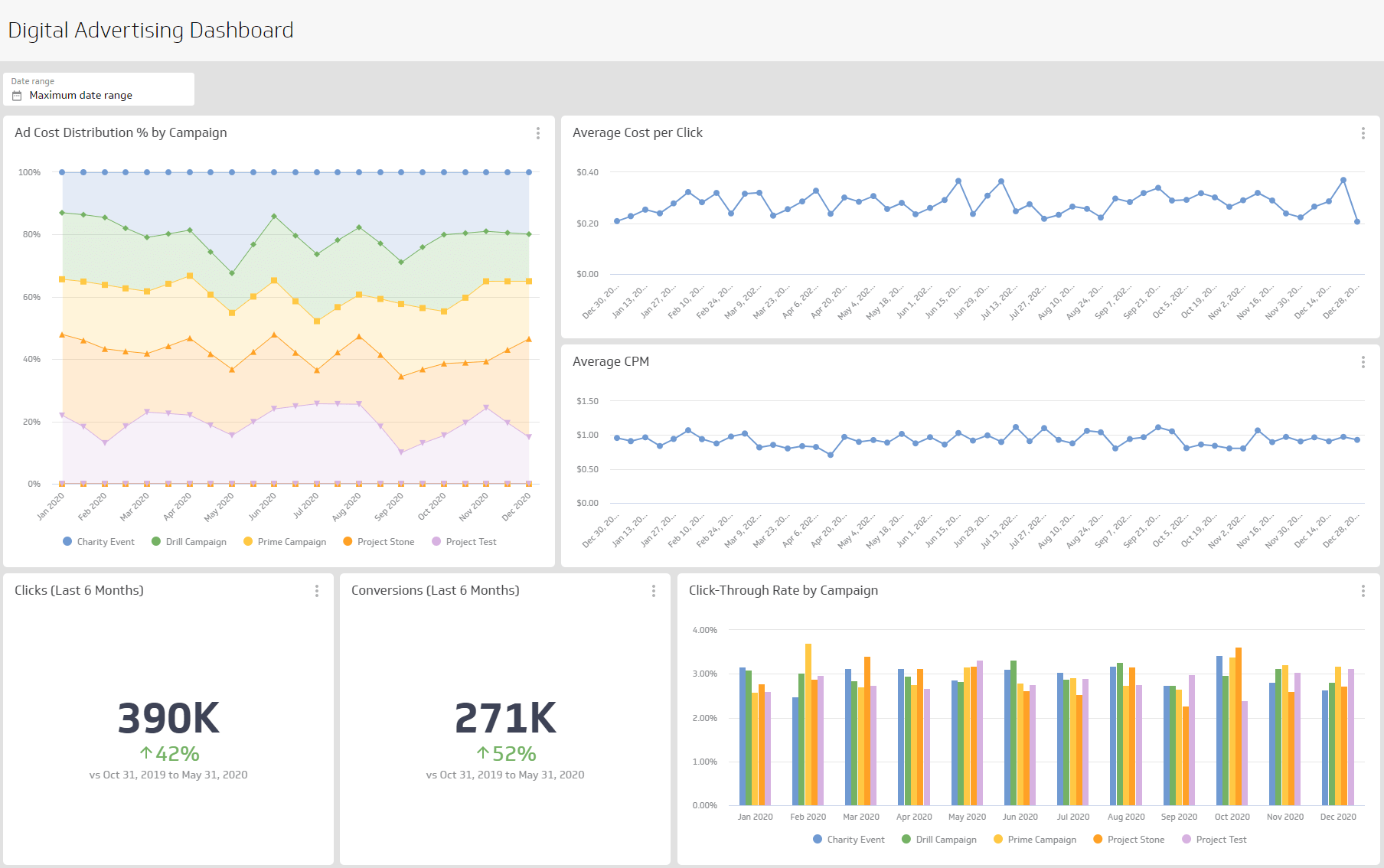
Visualize trends. Use a line chart for trend over time, a bar chart broken down by template or topic, and a single-value Klip for the current month.
Set alerts. Colour rules flag sends above your threshold. Add a table of outlier campaigns with subject lines for quick review.
Share results. Send a weekly email digest to content and CRM owners so they can adjust topics and frequency before the next send.