Email Forwards
Measure how many times recipients share your email with others, a direct signal that your content delivered enough value to pass along.
Email Forwards per campaign
What are Email Forwards?
Email Forwards measures how many times recipients share your email with others. It's a direct signal that your content delivered enough value for someone to pass it along.
When a subscriber forwards your email, they're endorsing it to their own network. That endorsement extends your reach beyond your original list without any additional spend. High forward counts consistently point to content that's timely, useful, or genuinely surprising.
Why Email Forwards matter
Unlike Open Rate or Click-Through Rate, which measure individual engagement, Email Forwards capture something harder to earn: a personal recommendation. The reader didn't just read your email. They decided someone else needed to see it too.
That's a meaningful distinction. It tells you which topics resonate deeply enough to travel, and it surfaces content themes worth repeating. When you track Email Forwards alongside other email KPIs, you stop guessing at what to write next.
Forwards also bring new people to your list organically. A forwarded email is often the first impression a non-subscriber gets of your brand, and it arrives with a built-in endorsement from someone they trust.
Formula
Email Forwards = Total number of times recipients forwarded your email to another contact
Most email service providers (ESPs) track this automatically when forward tracking is enabled. Some platforms distinguish between one-to-one forwards and forwards sent to multiple recipients. Check your ESP's documentation to confirm how forwards are counted in your reports.
How to track Email Forwards accurately
Before you can act on this metric, you need to make sure you're capturing it reliably.
- Enable forward tracking in your ESP's settings. Many platforms have this off by default.
- Use a unique tracking link or pixel in your template so forwards are attributed to the correct campaign.
- Segment forwards by campaign to identify which emails drive the most sharing.
- Compare across time periods week-over-week or month-over-month to spot patterns.
Reporting frequency
Monthly is the standard cadence for Email Forwards. A month gives you enough sends to identify patterns without waiting so long that the insights go stale. High-volume senders may find weekly tracking useful; smaller lists may suit a quarterly review.
Example KPI target
A realistic target depends on your industry, list size, and content type. A common benchmark for a mid-sized B2B or B2C list is around 76 forwards per campaign. Thought leadership content often sees forward rates in the range of 5 to 15% of opens.
Set your target based on what you're trying to achieve:
- Awareness campaigns should aim for higher forward counts to maximize organic reach.
- Conversion-focused campaigns may prioritize clicks over forwards.
- Thought leadership content typically sees the strongest forward rates.
Who owns this metric
Marketing Manager. Email Forwards is most relevant to marketing leaders who own campaign strategy, content, and audience growth. This metric tells them which messages drive organic amplification and which topics are worth investing in further.
Related metrics
Forward Rate
Calculate Email Forwards as a percentage to compare campaigns of different sizes:
Forward Rate = (Total Forwards / Total Emails Delivered) × 100
This normalizes the count against send volume, making it easier to benchmark across campaigns.
Forwards to a friend
Some platforms track one-to-one forwards separately from broadcast-style forwards. One-to-one forwards tend to signal a more personal, deliberate recommendation.
Social shares vs. email forwards
Social shares and email forwards both indicate content value, but forwards carry a stronger signal. A forwarded email is a private, deliberate act. A public post takes seconds and carries less weight.
How to improve Email Forwards
Write content worth sharing
Emails that solve a real problem, offer a surprising insight, or surface genuinely useful information get forwarded. If your content could have been written by anyone for anyone, it probably won't travel.
Make forwarding easy
Add a "Share this email" link or a forward-to-a-friend feature directly in your template. Remove friction from the action you want people to take.
Track by content type
Note which formats generate the most forwards: industry news, how-to guides, research reports, or case studies. Double down on what resonates.
Personalise and segment
Highly relevant emails are more likely to be forwarded. Use segmentation and dynamic content so each recipient sees information that applies to their situation.
Ask for it
A simple line at the end of your email can move the needle: "Know someone who'd find this useful? Forward it along." You don't need a formal referral program to make this work.
Create custom dashboards for you and your team.
Get started with KlipsTracking Email Forwards in Klipfolio
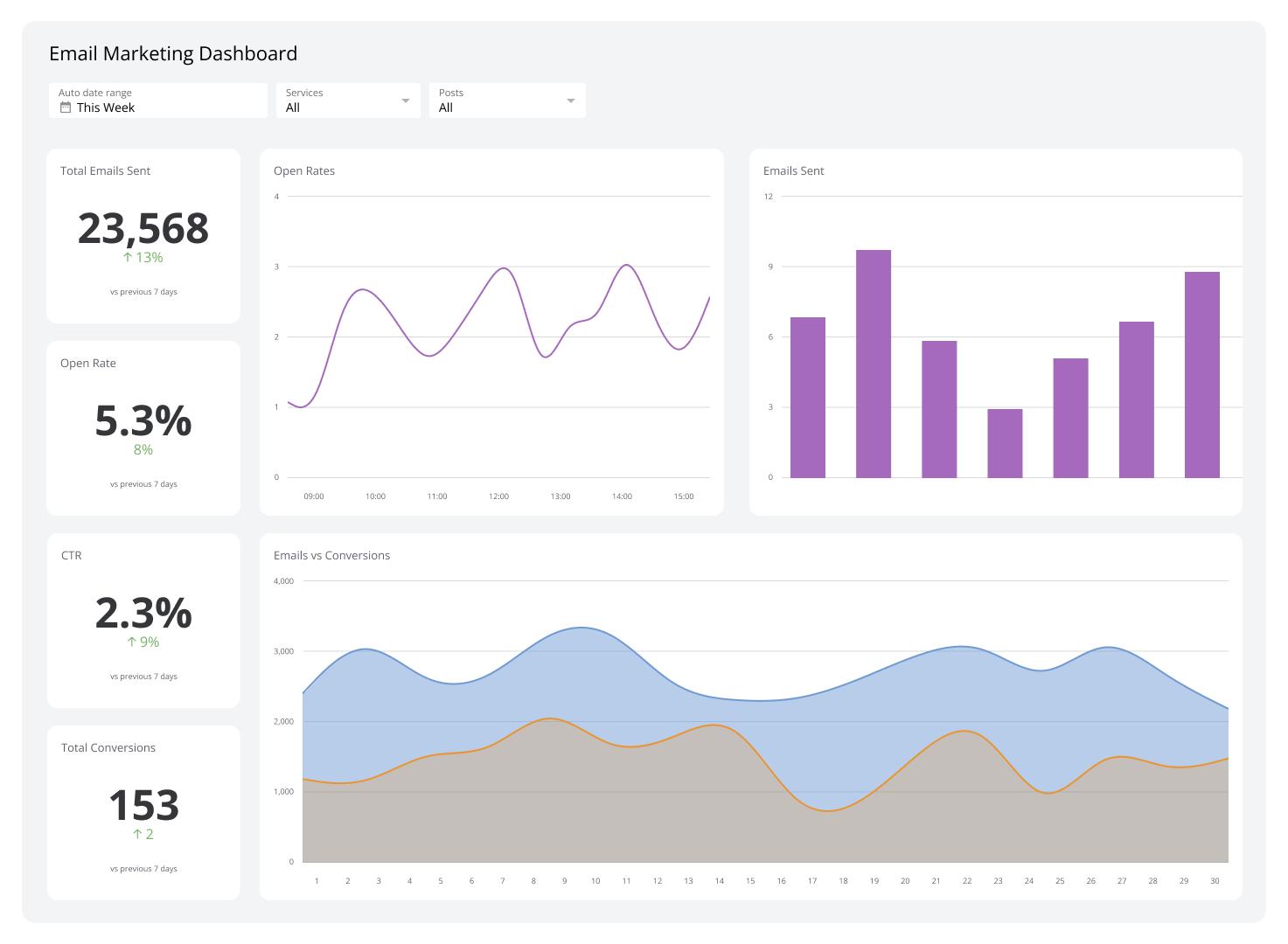
Use Klips to monitor Email Forwards alongside your other email marketing metrics in one place, without pulling exports or building manual reports.
Connect your ESP (HubSpot, Mailchimp, ConvertKit, and others) and build a dashboard that shows:
- Total forwards by campaign or time period
- Forward Rate as a percentage of opens or deliveries
- Top-performing emails by forward count
- Trend lines to surface seasonal patterns or content themes that consistently drive sharing
When your email data is centralized and updating automatically, you stop finding out what worked after the campaign is over. You see it in time to act.