Recruiter to Open Requisitions Ratio
Measure how many open roles each recruiter is responsible for filling, and whether your team has the capacity to hire well.
Recruiter to Open Requisitions Ratio
What is Recruiter to Open Requisitions Ratio?
Recruiter to Open Requisitions Ratio measures how many open roles each recruiter is responsible for filling at a given time. It tells you whether your team has the capacity to hire well, or whether workload is quietly undermining quality and speed.
Formula
Recruiter to Open Requisitions Ratio = Total active recruiters / Total open requisitions
Reporting frequency
Monthly
Example of KPI target
0.3 recruiters to requisitions (roughly 1 recruiter per 3 to 5 open roles, depending on role complexity)
Audience
HR Head, Recruiters
Variations
Recruiter requisition load, Requisition load
Why Recruiter to Open Requisitions Ratio matters
When recruiters carry too many open roles, candidates wait longer, quality screens get rushed, and hiring managers lose confidence in the process. When the ratio is too light, you may be over-resourced for the current pipeline. Either way, you're making decisions without a clear picture of capacity.
Tracking this ratio gives HR leaders the signal they need before a problem surfaces: stage hiring, prioritize critical roles, and keep candidates moving without burning out the people responsible for filling seats.
This is especially useful for lean HR teams where one person often covers sourcing, coordination, and offer management simultaneously. The ratio makes that invisible load visible.
How to calculate Recruiter to Open Requisitions Ratio
Three inputs drive this calculation:
Active recruiters: Count only those actively working requisitions this period. Exclude anyone on leave or assigned to non-hiring work.
Open requisitions: Include only roles actively being sourced. Exclude roles that are paused, on hold, or pending approval.
The ratio: Divide active recruiters by open requisitions to get the recruiter-side view. Invert it (open roles / recruiters) to see average load per recruiter.
Segment for clarity
A single blended ratio hides meaningful differences. Break it down by:
Role type: Technical and senior roles typically require lower ratios than hourly or high-volume roles
Seniority: Leadership searches carry more complexity and longer cycles
Region or business unit: Distributed teams often have uneven load
What a healthy ratio looks like
There is no universal benchmark. Industry guidance varies widely, and the right number depends on role complexity, sourcing strategy, and how much coordination work sits with the recruiter versus a coordinator.
A useful starting point: many HR teams flag concern when a recruiter carries more than 15 to 20 requisitions simultaneously for complex roles, or more than 30 to 40 for high-volume hourly hiring. What matters more than the number itself is the trend. A ratio climbing month over month is a signal worth acting on before quality or speed degrades.
Improve recruiting capacity
When the ratio signals pressure, these adjustments help:
Prioritize critical roles: Share a weekly top-10 list with hiring managers so recruiters focus where it matters most
Standardize intake: Clear role profiles and intake meetings cut sourcing cycles and reduce rework
Automate status updates: Dashboards and automated candidate notes replace manual email threads, freeing recruiter time for higher-value work
Separate sourcing and coordination: If sourcers or coordinators split the load, track their contributions separately so the ratio reflects true capacity
Track Recruiter to Open Requisitions Ratio in Klips
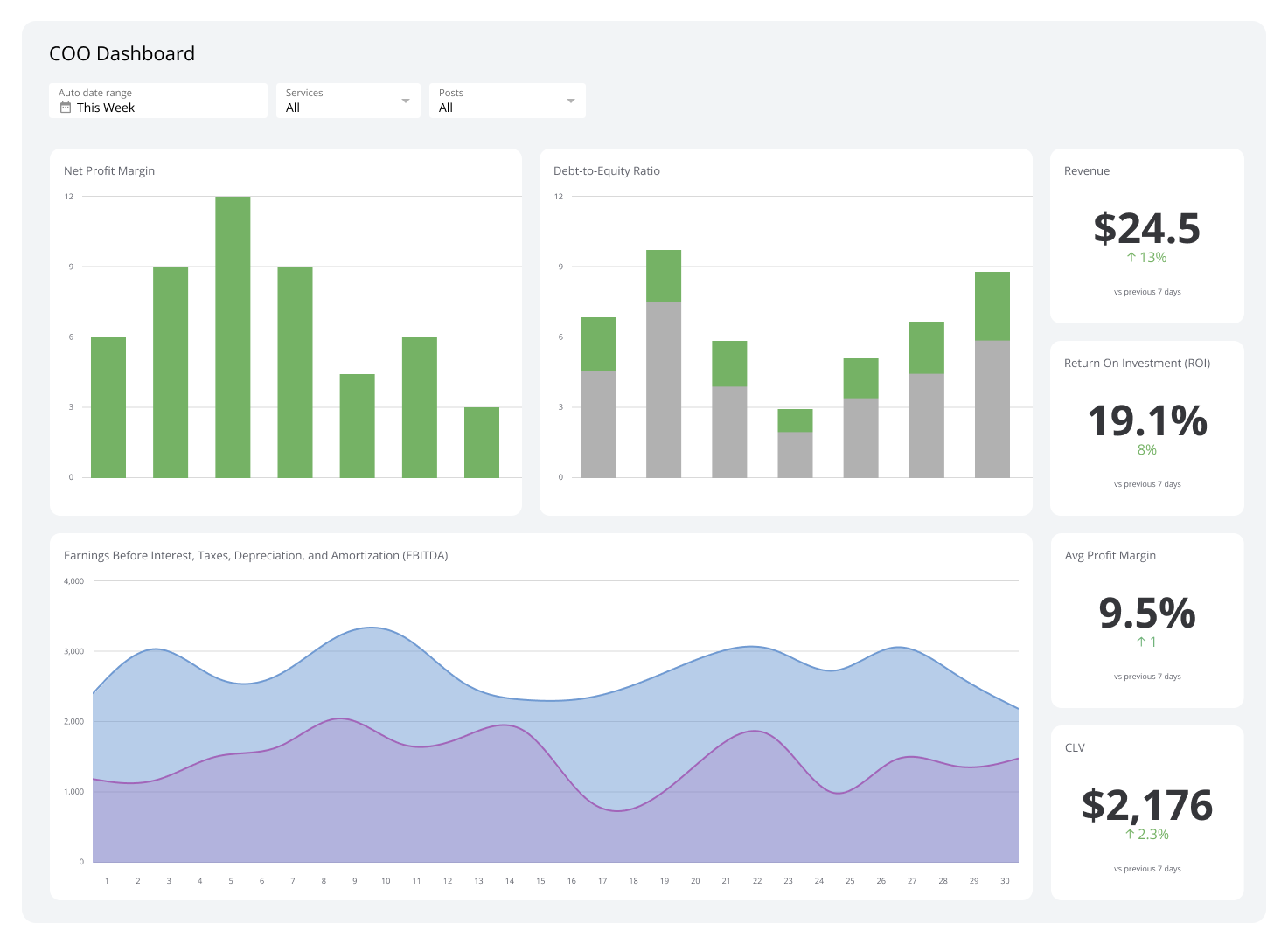
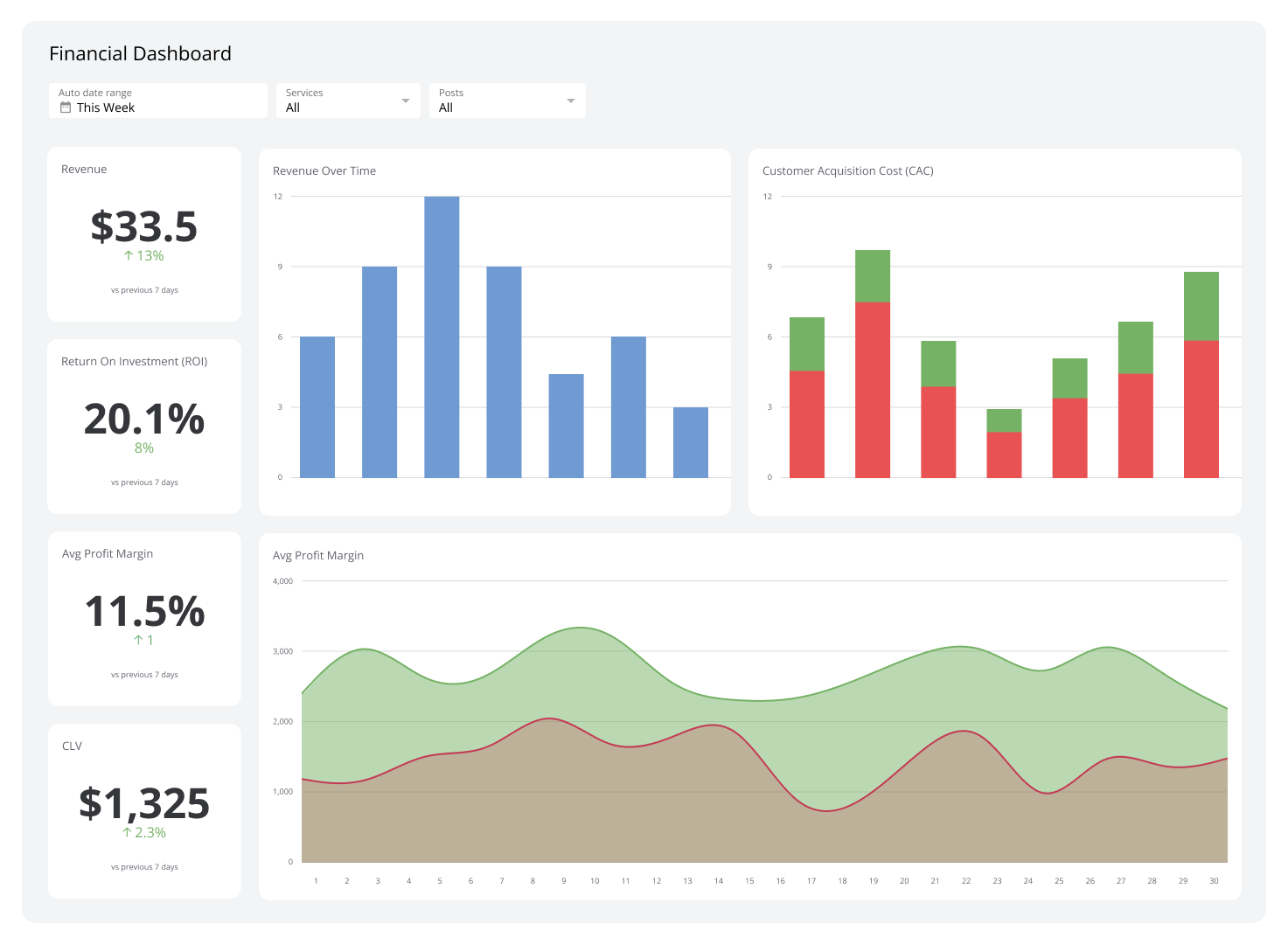
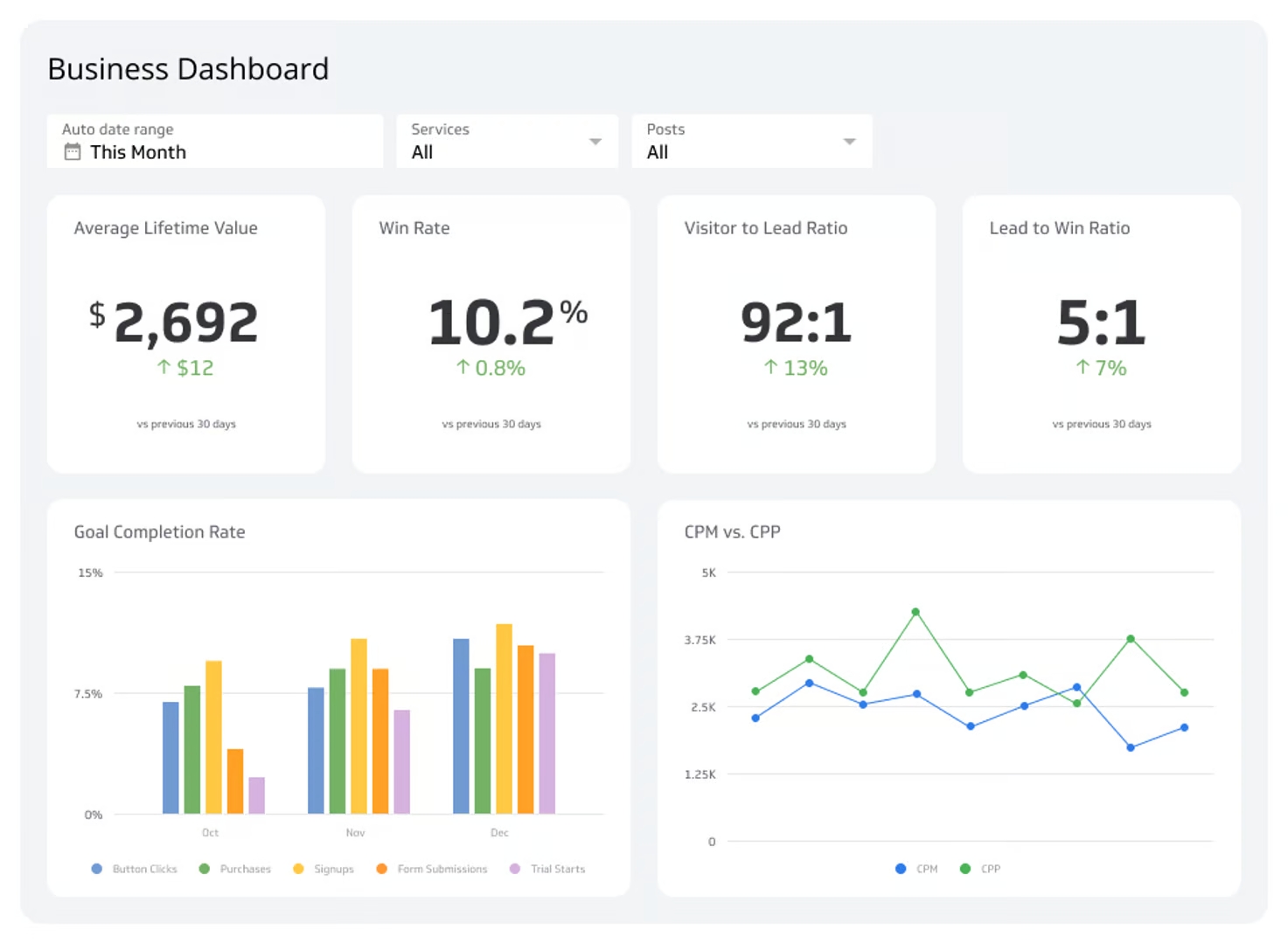
Connecting your ATS data to a Klips dashboard means you stop waiting for someone to pull a number and start knowing it. A well-built recruiting capacity dashboard shows you the ratio overall, broken down by recruiter and role type, with trend lines that make capacity problems obvious before they become hiring delays.
Connect your ATS: Pull open roles and pipeline stages directly into Klips
Map ownership: Link each role to a primary recruiter so load is visible by person
Visualize capacity: A single-value Klip for the overall ratio, bar charts by role type, and trend lines over time
Set thresholds: Colour rules flag teams above the safe limit automatically
Share the snapshot: Send a weekly recruiting capacity view to HR leadership and finance so resourcing decisions are grounded in real data
Create custom dashboards for you and your team.
Get started with KlipsCommon pitfalls
Counting paused requisitions: Roles on hold inflate the ratio and distort workload. Only include actively sourced roles.
Using a single blended target: A ratio that works for hourly hiring will understate pressure on a team filling senior technical roles. Set separate benchmarks by role type.
Missing hidden multitasking: Recruiters who also handle coordination and onboarding carry more load than the ratio shows. Track sourcers and coordinators separately if they split responsibilities.