Correspondence Replied to On Time
Measure how many customer requests were answered within a set, appropriate amount of time.
Correspondence Replied to On Time
Overview
Leaving customers waiting too long damages satisfaction and loyalty. The Correspondence Replied to On Time metric tracks what percentage of customer requests receive a response within your target timeframe. It tells you, at a glance, whether your team is keeping its commitments, and where things are slipping before customers notice.
Why this metric matters
When customers feel heard quickly, they stay loyal and recommend you to others. Slow responses frustrate people and erode trust, even when your eventual answer is excellent.
More practically: this metric gives leaders a reliable signal without having to dig. You can see, at any point, whether your team is on track or falling behind, and act on that before it becomes a retention problem.
Tracking Correspondence Replied to On Time helps you:
- Identify bottlenecks: Spot when your team is overwhelmed or when certain request types consistently take longer.
- Set realistic standards: Define what "on time" means for your business (24 hours, 4 hours, 1 hour) and hold to it consistently.
- Improve team performance: Give your support staff clear targets and a shared understanding of what success looks like.
- Connect to retention: Fast, reliable responses correlate directly with higher customer retention and Net Promoter Score (NPS).
How to calculate it
Correspondence Replied to On Time = (Contact requests replied to within target time / Total contact requests) × 100
Example
Your support team receives 100 customer emails in a week. Your target is a reply within 24 hours. By Friday, 95 of those emails received a response on time.
Correspondence Replied to On Time = (95 / 100) × 100 = 95%
A 95% rate means one in twenty customers waited longer than promised. That context matters when you're deciding whether to adjust staffing or tighten your process.
Benchmarks and targets
Industry benchmarks vary by sector and customer expectations:
- SaaS and software: 90 to 95% within 24 hours is typical; many teams aim for 95%+ within 4 to 8 hours.
- E-commerce: 85 to 90% within 24 hours is common; some target same-day responses.
- Professional services: 80 to 90% within 48 hours may be acceptable, depending on complexity.
Set your target based on your customers' expectations, your team size, and your business model. A realistic target you can sustain is more useful than an aspirational one you consistently miss.
Who should track this KPI
- Support managers: Monitor team performance, allocate resources, and identify training needs.
- Support team members: Understand individual and team targets; use feedback to improve.
- Customer success leaders: Ensure support quality aligns with broader customer retention goals.
- Executives: Track customer satisfaction trends and support team efficiency without having to pull the numbers themselves.
Variations and related metrics
- On-time correspondence reply rate: Another name for the same metric.
- First Response Time: Measures the speed of the initial reply, not necessarily resolution.
- Resolution Time: Tracks how long it takes to fully resolve a customer issue, not just acknowledge it.
- Customer Satisfaction Score (CSAT): Surveys customers on their support experience; often correlates with reply speed.
- Net Promoter Score (NPS): Measures overall customer loyalty; support quality is a key driver.
How to improve this metric
- Set clear SLAs: Define realistic response time targets for different request types (urgent, standard, low-priority).
- Prioritize and triage: Use automation or simple rules to flag urgent requests so your team handles them first.
- Automate acknowledgement: Use templates or auto-responders to confirm receipt immediately while a human works on the full answer.
- Hire or redistribute: If you consistently miss targets, add team members or reallocate workload before the gap widens.
- Reduce friction: Streamline your ticketing system, remove unnecessary approval steps, and give agents the authority to respond without waiting for sign-off.
- Review regularly: Monitor daily or weekly performance as a team. Celebrate wins and troubleshoot blockers together, rather than waiting for a quarterly review.
Create custom dashboards for you and your team.
Get started with KlipsHow to track correspondence replied to on time
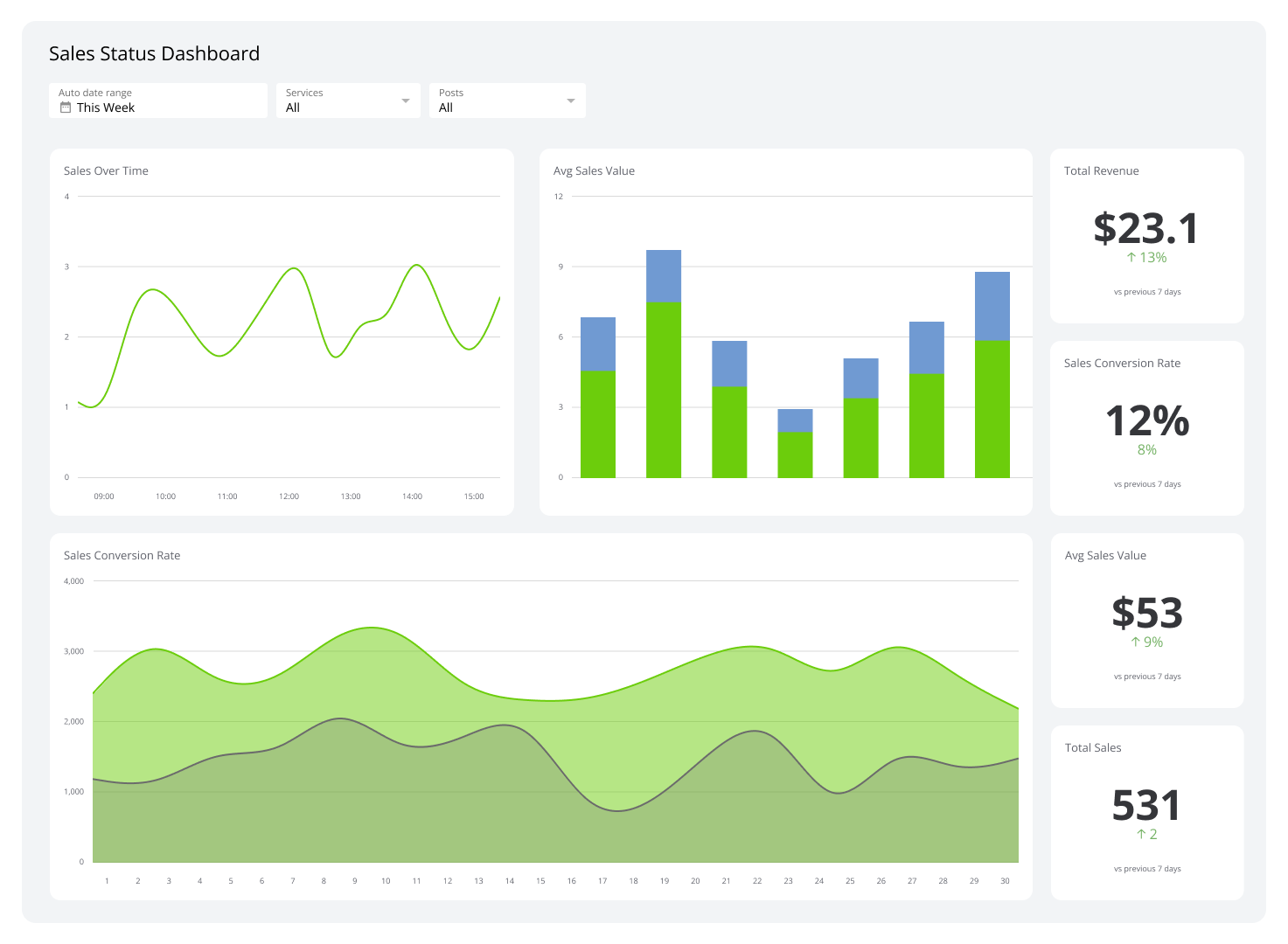
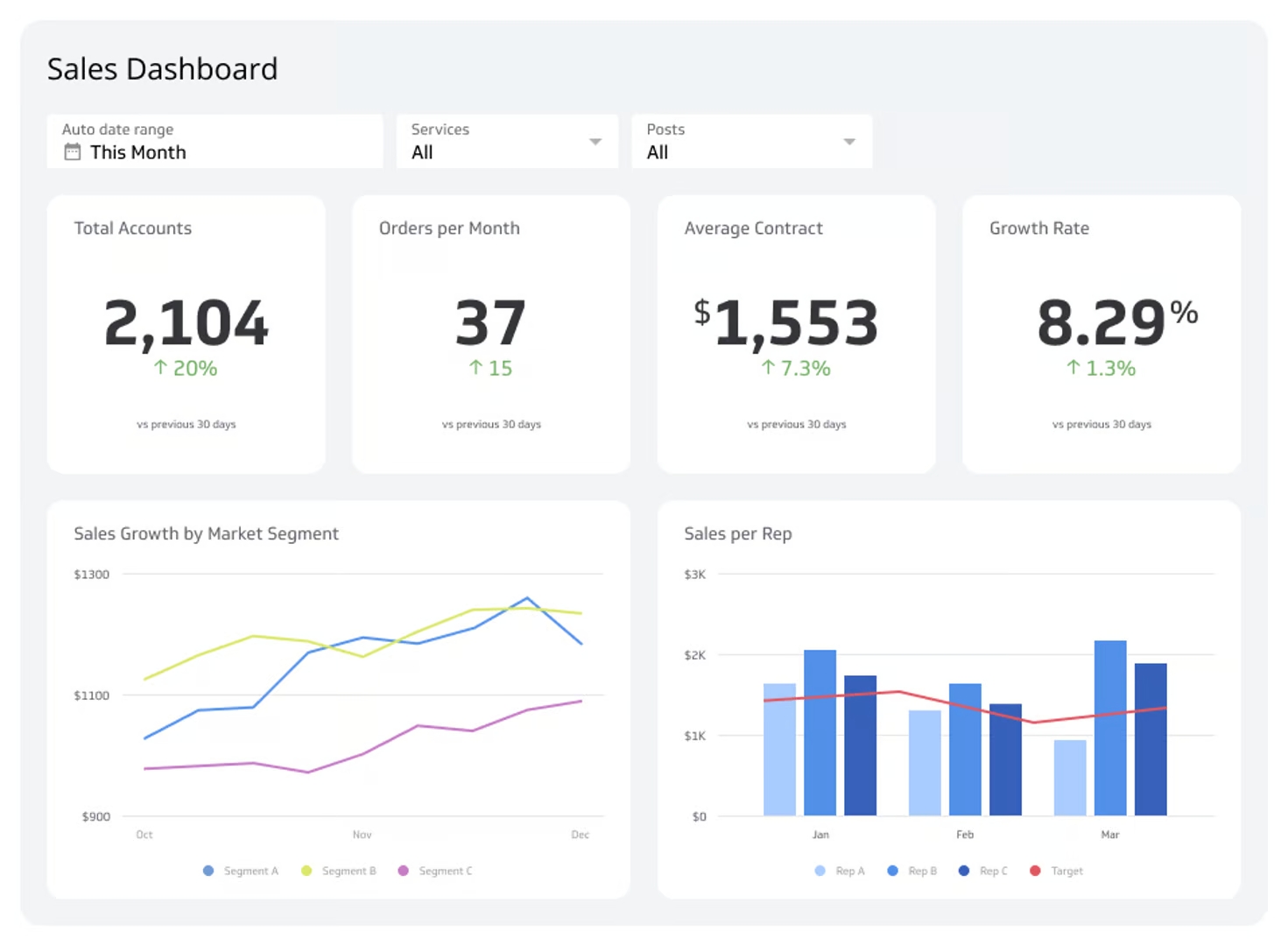
Modern support platforms (Zendesk, Freshdesk, Intercom, HubSpot Service Hub) calculate reply time automatically. The more useful step is pulling that data into a centralized dashboard so you know what's happening without having to log in and check.
A connected dashboard lets you:
- Monitor daily or weekly trends against your target, without building a report from scratch each time.
- Segment by agent or team to identify top performers and those who need support.
- Compare by request type to spot which categories consistently take longest.
- Alert the team when performance dips below target, so you can act before customers feel it.
The goal isn't a prettier report. It's knowing, at any moment, whether your team is keeping its promises, and having enough confidence in that number to act on it.
Klipfolio connects to your support tools and surfaces Correspondence Replied to On Time alongside the other metrics your team depends on, so the answer is always current and always in one place.