Complaints Not Resolved on First Call
Measure the total number of complaints that required additional calls to be resolved.
Complaints Not Resolved on First Call
What is Complaints Not Resolved on First Call?
Complaints Not Resolved on First Call measures the percentage of customer complaints that required more than one contact to reach a resolution. A lower rate means customers get answers faster, and your team spends less time on repeat contacts.
Complaints Not Resolved on First Call is the inverse of First Contact Resolution (FCR). Where FCR counts successes, this metric counts the gaps.
Formula
(Complaints not solved on first call / Total complaint calls) × 100
Example: If your team handles 400 complaint calls in a week and 80 require a follow-up contact, your non-resolution rate is 20%.
Reporting frequency
Weekly
Example of KPI target
20% not resolved
Audience
Support Manager, Support Team
Variations
Complaints requiring additional calls
First call non-resolution rate
Why this KPI matters
Every repeat contact costs twice: once to handle the second call, and again in the trust the customer loses while waiting. A high non-resolution rate is rarely just a support problem. It often signals unclear policies, knowledge gaps, or product issues that engineering hasn't heard about yet.
Reducing non-resolution rate means customers get closure faster, your team handles more new contacts instead of reruns, and you spend less on escalations and refunds. It also gives leaders a reliable signal: when this number moves, something in the business changed.
How to calculate Complaints Not Resolved on First Call correctly
Before you run the formula, a few definitions need to be consistent across your team.
Define resolution clearly. The customer confirms the issue is solved and no further action is needed. If your team closes tickets before that confirmation, the metric will look better than it is.
Filter to complaint calls. Exclude general inquiries. Only calls tagged as complaints should count in the denominator.
Identify recontacts accurately. Flag first calls that generated a second contact for the same issue within a defined window (typically 7 days).
Segment the results. Break down by product, issue type, region, and agent seniority. A blended rate hides where the real problems are.
How to reduce non-resolution rate
The most common causes are fixable with process and policy changes, not more headcount.
Sharpen discovery. Train agents to confirm the problem statement and desired outcome before troubleshooting. Solving the wrong problem is a fast path to a second call.
Keep knowledge current. Agents who have to guess at procedures will hedge their answers. Procedures that are easy to search and up to date remove that hesitation.
Give agents authority to act. If common complaints require supervisor approval, resolution slows down. Clear policies that let agents resolve standard issues in one touch make a measurable difference.
Route complex issues immediately. Sending a difficult complaint to a specialist on the first contact is faster than a front-line attempt followed by an escalation.
Share patterns with engineering. Many non-resolutions trace back to product defects. A regular feedback loop between support and product teams reduces the root cause, not just the symptom.
Track Complaints Not Resolved on First Call in Klips
You should not have to pull this number manually every week. A connected dashboard keeps it visible without anyone having to ask.
Connect your data. Bring in call records and ticket data so you can match first contacts to follow-ups end to end.
Model the metric. Flag complaint calls that generated a second contact within your recontact window. That becomes your numerator.
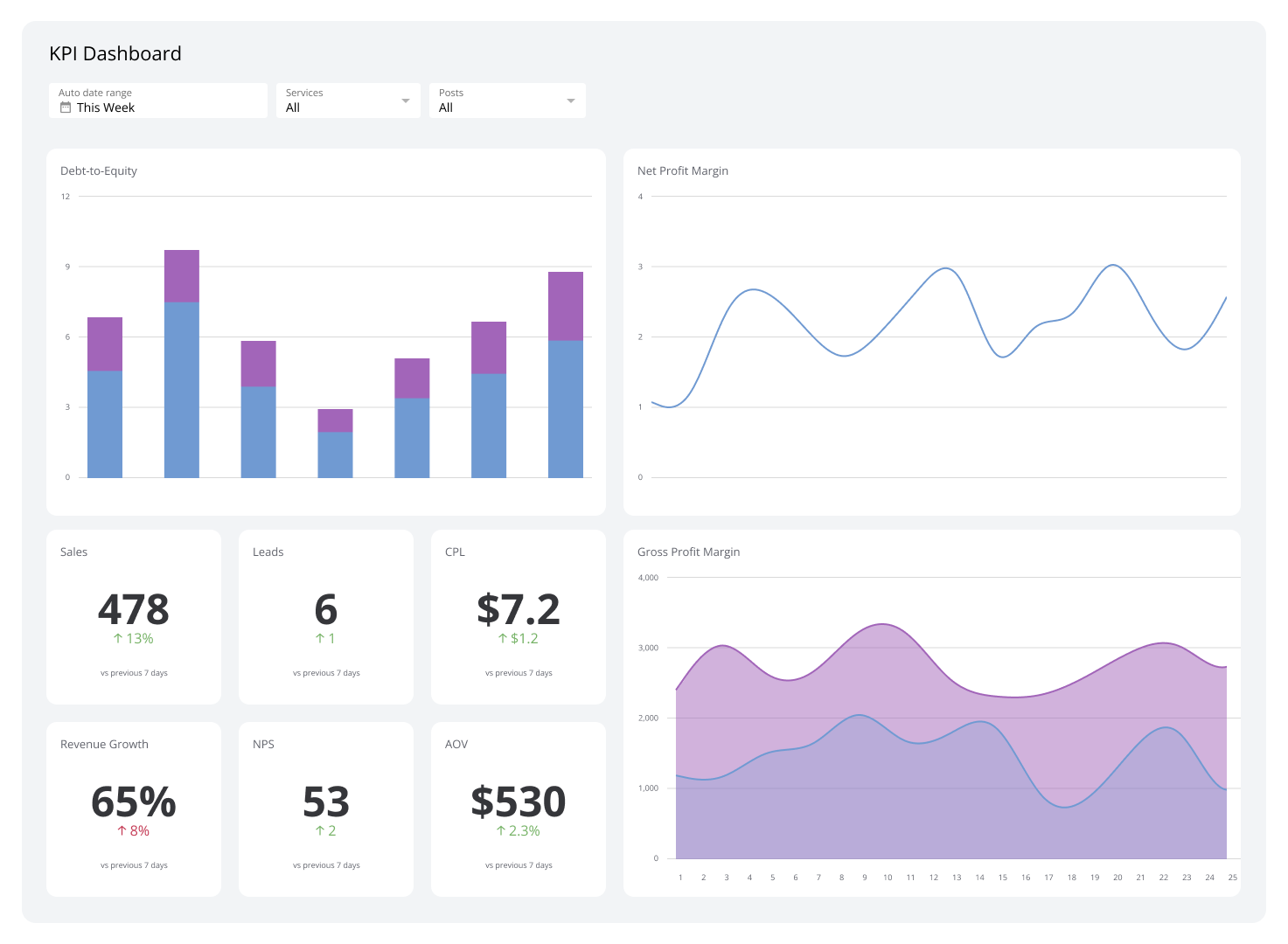
Build the view. A single-value Klip for the current rate, a weekly trend line, and a bar chart by issue type give you the full picture at a glance.
Set thresholds. Colour rules on the Klip flag queues that are above target, so the problem surfaces without anyone having to go looking.
Distribute it. A scheduled weekly report sent to support and product teams keeps both sides of the problem accountable.
Create custom dashboards for you and your team.
Get started with KlipsCommon pitfalls
Inconsistent complaint tagging. If agents tag complaints differently, the denominator shifts and the metric drifts. Audit tagging regularly and keep the taxonomy simple.
Optimizing for speed alone. Rushing calls to hit handle-time targets raises recontact rates. Tie this KPI to FCR and CSAT so the team isn't trading one number for another.
Treating it as a support-only metric. When non-resolution clusters around specific products or issue types, that is a signal for engineering and product, not just the support team. Get those patterns in front of the right people quickly.