
Marketing Dashboards
Build marketing dashboards and reports to strengthen your marketing strategy and make decisions with confidence.
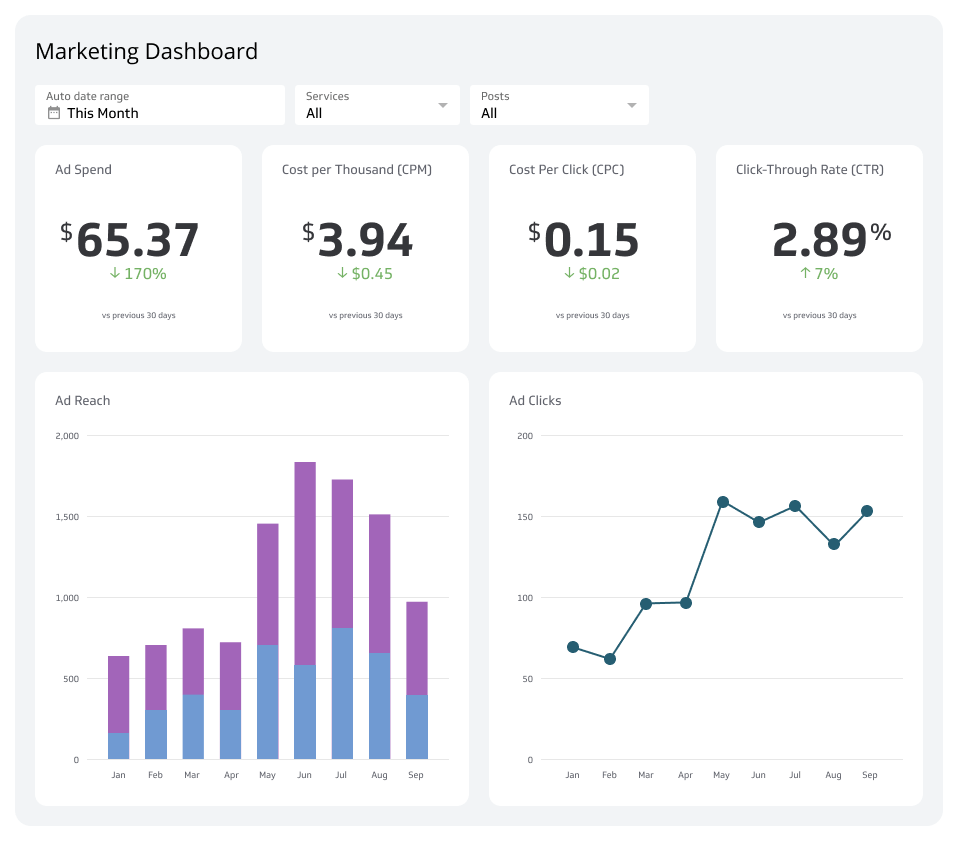
What is a marketing dashboard?
A marketing dashboard centralizes your key marketing metrics in one place so you always know what's working, what isn't, and where to focus next.
Marketing dashboards typically include metrics such as website traffic, lead generation, conversion rates, and social media engagement. The goal isn't just visibility. It's giving the right people reliable numbers so they can make confident decisions without waiting on someone to pull a report.
Think of it like the dashboard of a car: you shouldn't need to stop and investigate to know how things are running. Your marketing dashboard should surface what matters without being asked, so you're never left guessing or pasting numbers into a spreadsheet to figure out where you stand.
Design your dashboard for continuous monitoring and broad distribution. That level of transparency means your whole team is working from the same numbers, and you can adjust your strategy in real time, not just at the end of the month.
Marketing dashboards and reports
This section provides dashboard templates and reports used to track social media, advertising, email, SEO, website, and demand generation programs.
The top metrics to track on your marketing dashboard
Successful marketing starts with understanding your customers: what they need, how they behave, and where they engage. A marketing dashboard surfaces that understanding so you can act on it, not just observe it.
Here are the most popular metrics tracked by marketing teams:
- Leads
- Marketing Qualified Leads (MQLs)
- Sales Qualified Leads (SQLs)
- Opportunities
- Won Customers
- Page Views
- Sessions
- Users
- Bounce Rate
- Average Session Duration
- Goal Completion Rate
- Cost per Click
- Click-Through Rate
- Return on Ad Spend (ROAS)
Each of these metrics tells a story about where your pipeline is healthy and where it needs attention. Tracking them together, in one place, is what turns a collection of numbers into a clear picture of what to do next.
Marketing Dashboard Examples
- Marketing
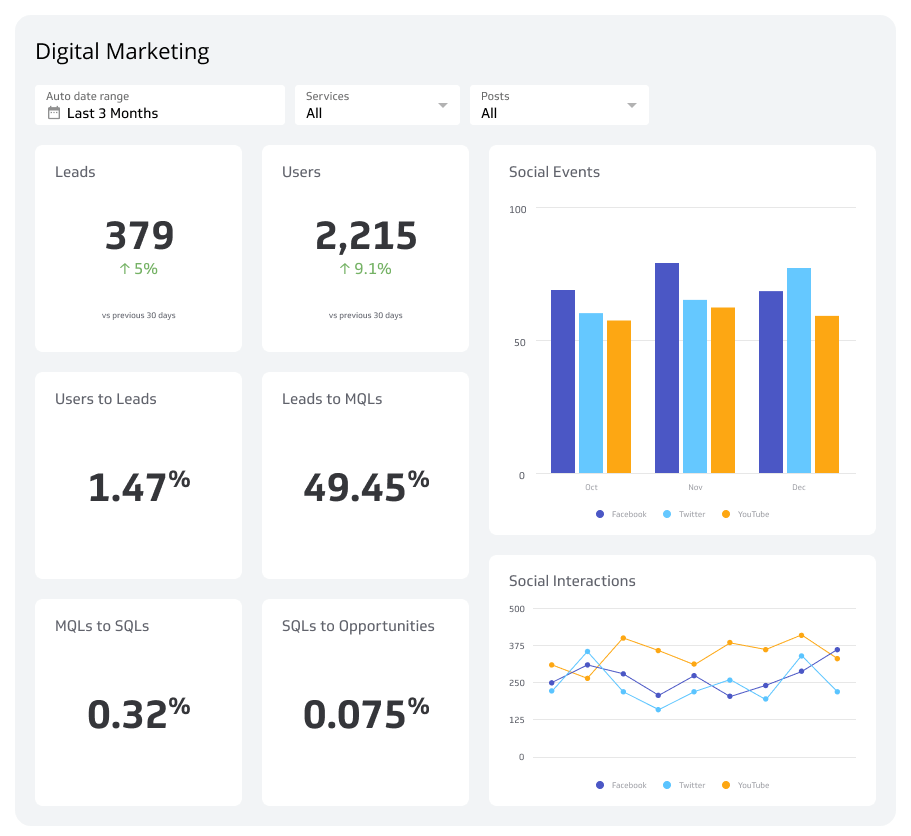
Digital Marketing Dashboard
Reach your target audience by tracking top digital marketing metrics that measure your success.
- Marketing
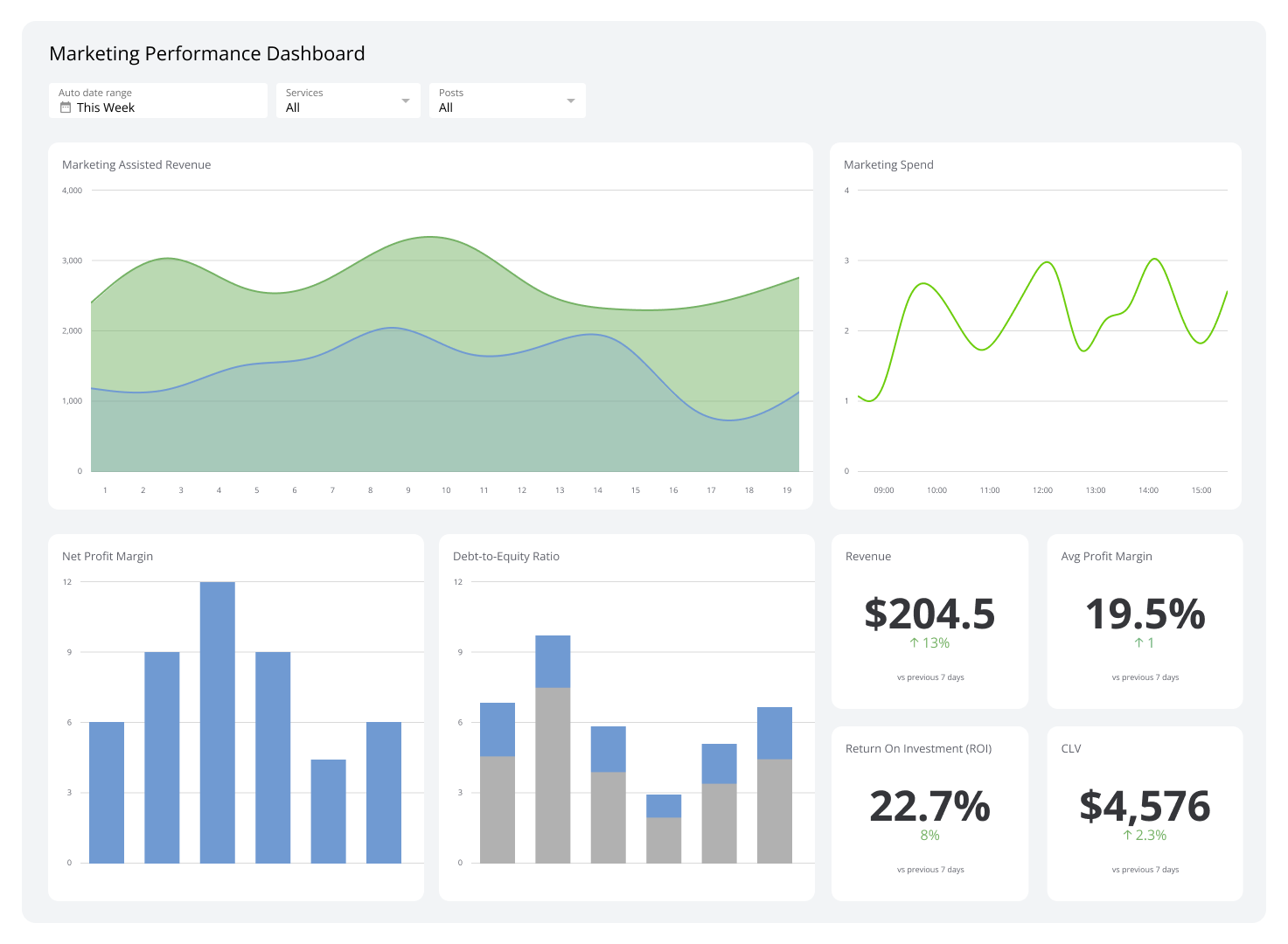
Marketing Performance Dashboard
Your marketing ROI, in real-time.
- Marketing
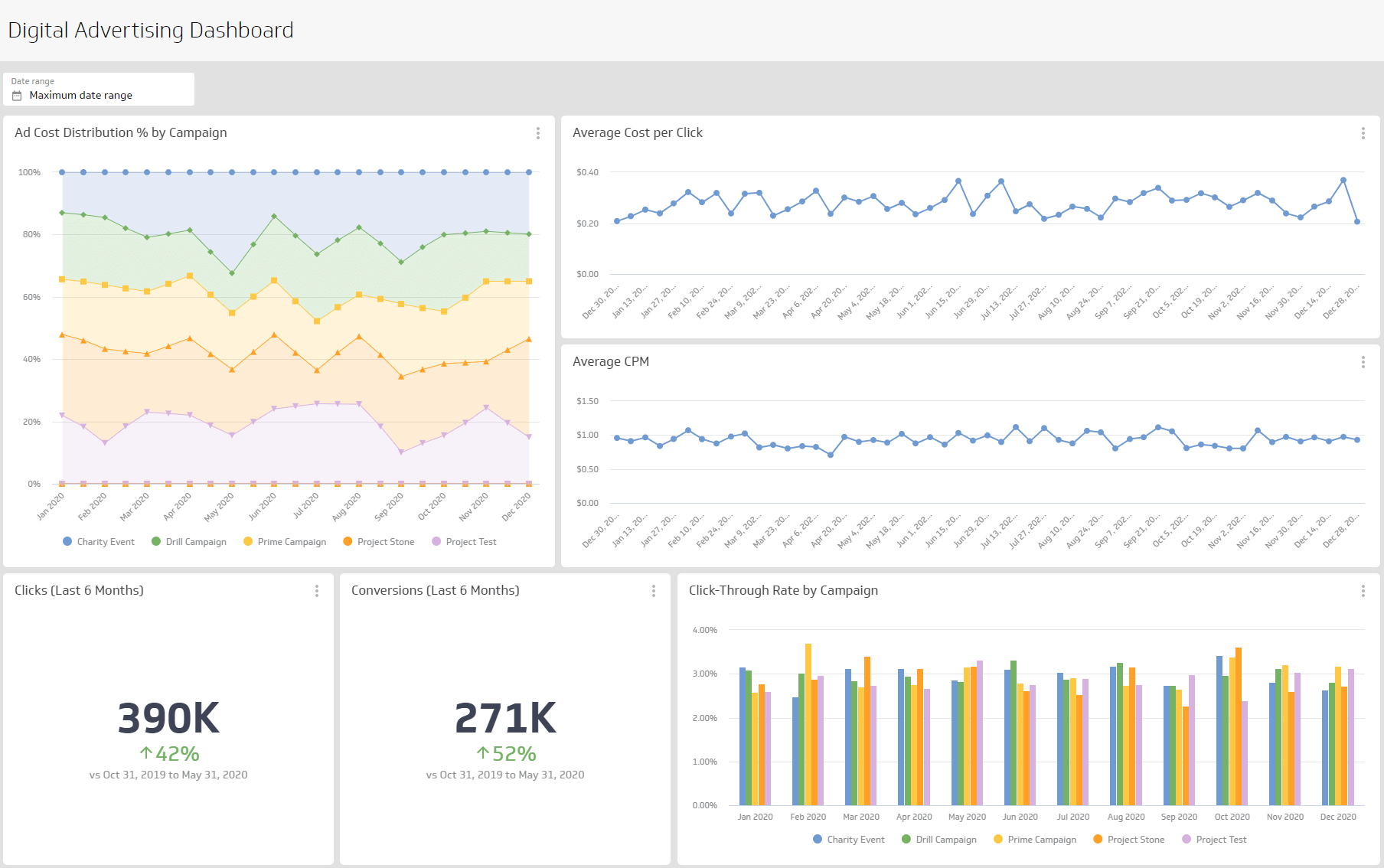
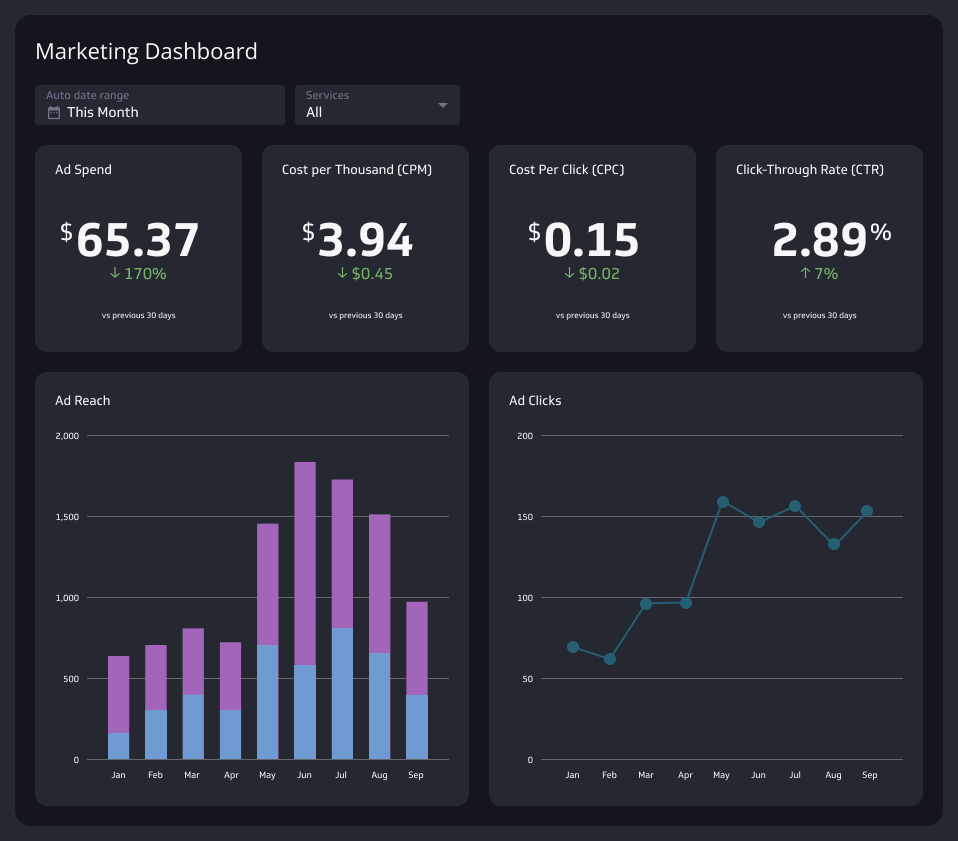
Digital Advertising Dashboard
Your command centre for digital advertising success.
- Marketing
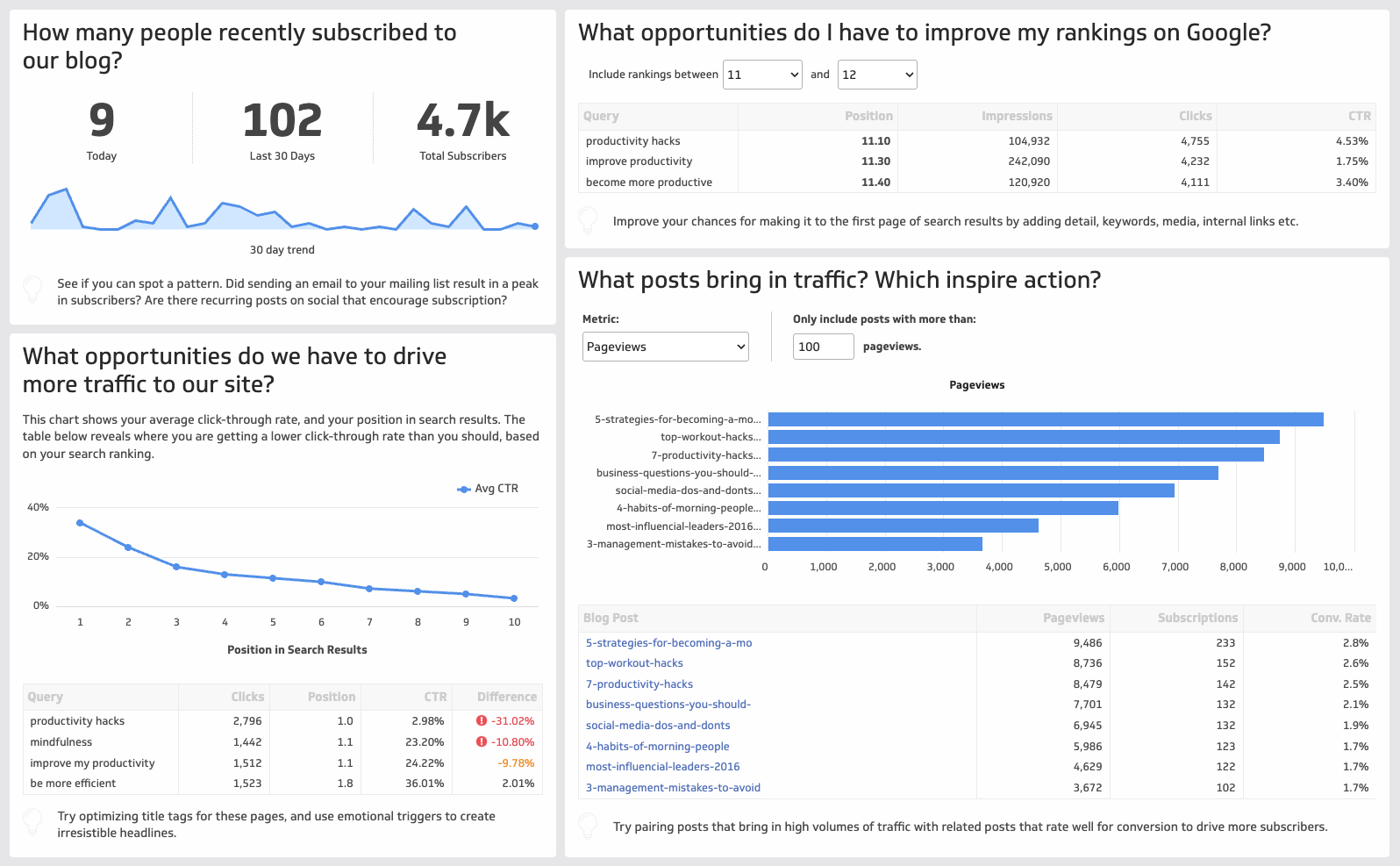
Content Marketing Dashboard
The ultimate guide to measuring your content's performance and proving its ROI.
- Marketing
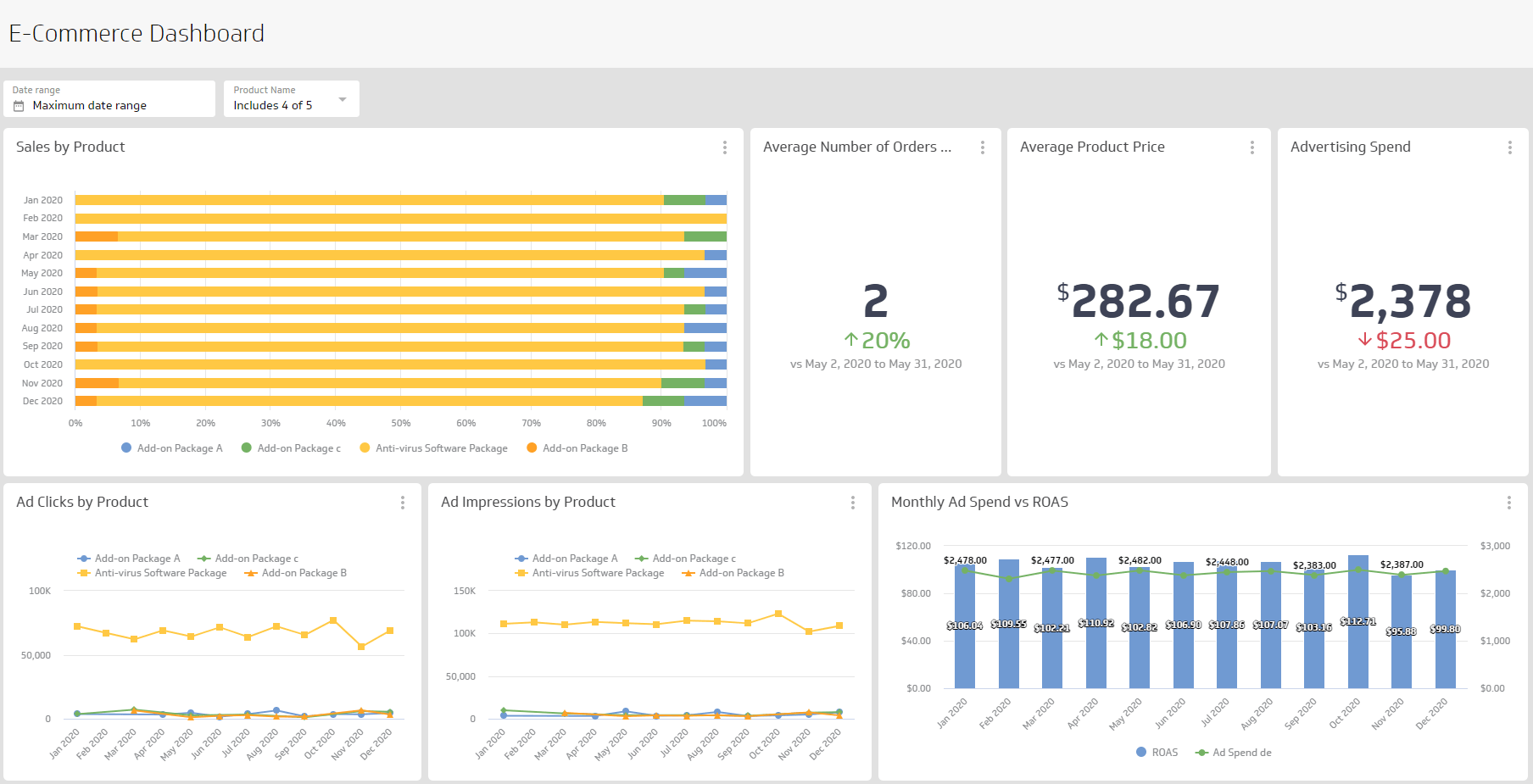
Ecommerce Dashboard
The complete guide to monitoring the metrics that matter for your online store.
- Marketing
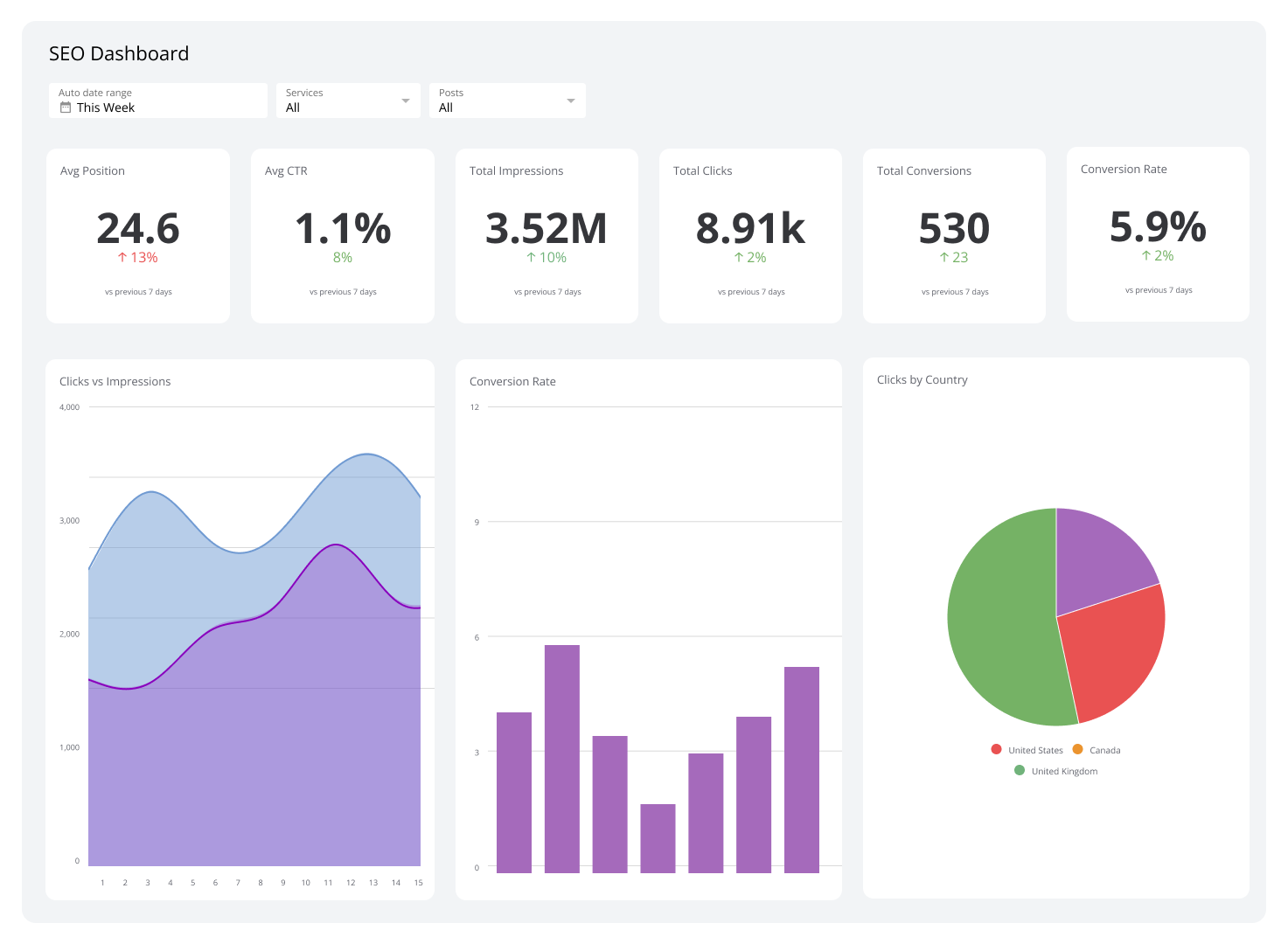
SEO Analytics Dashboard
Track keyword rankings, organic traffic, and backlinks in one place to measure and improve your SEO performance.
- Marketing
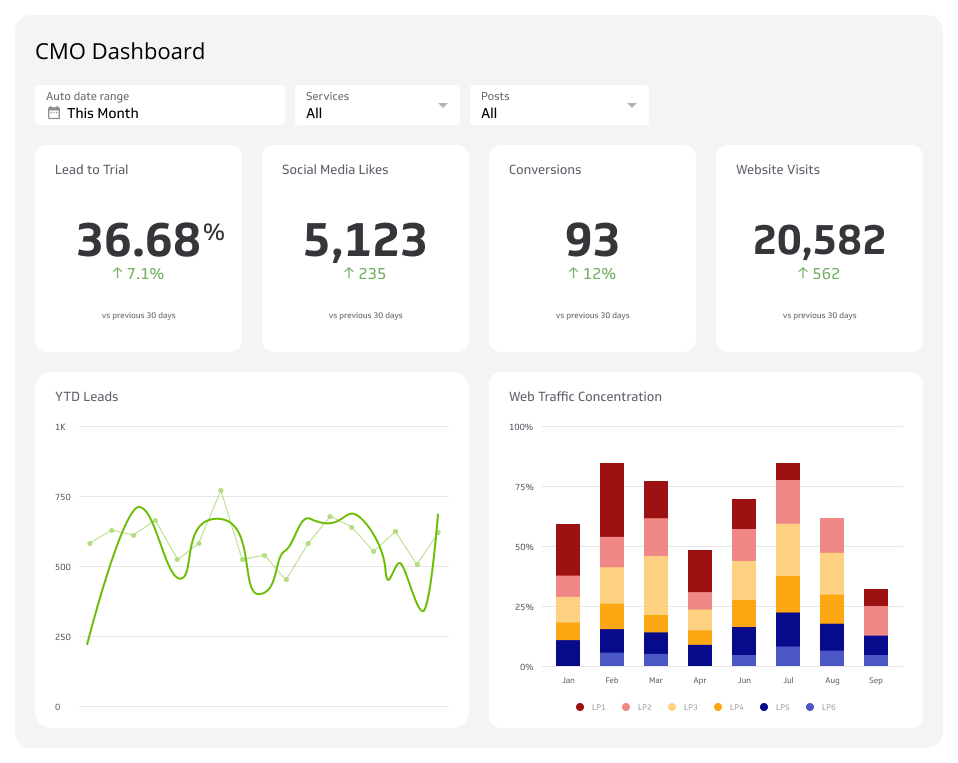
CMO Dashboard
Your marketing command centre for real-time insights.
- Marketing
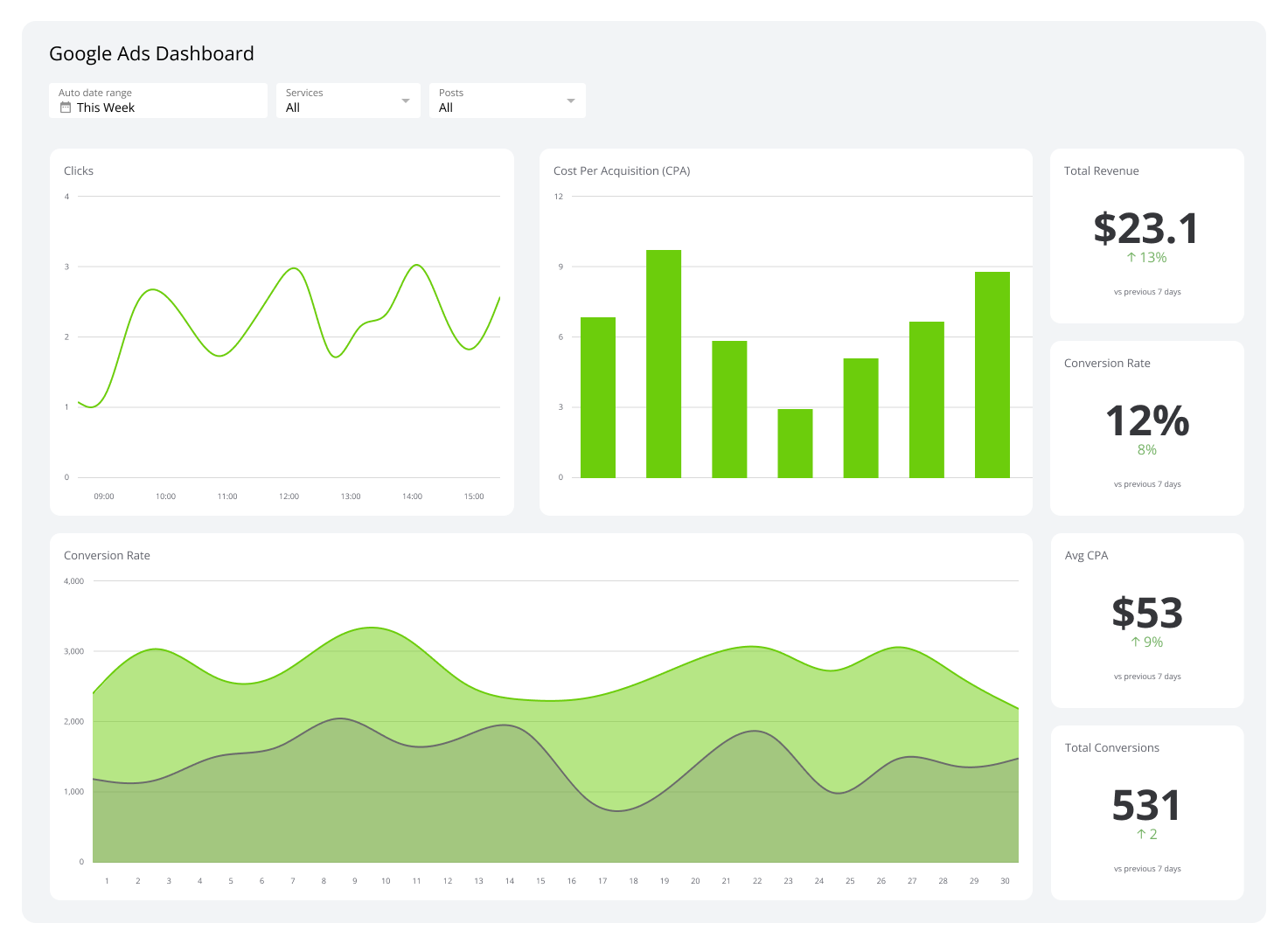
Google Ads Dashboard
A Google Ads dashboard gathers and displays metrics like click-through rates and cost per click to track the performance of your Google-executed ad campaigns.
- Marketing
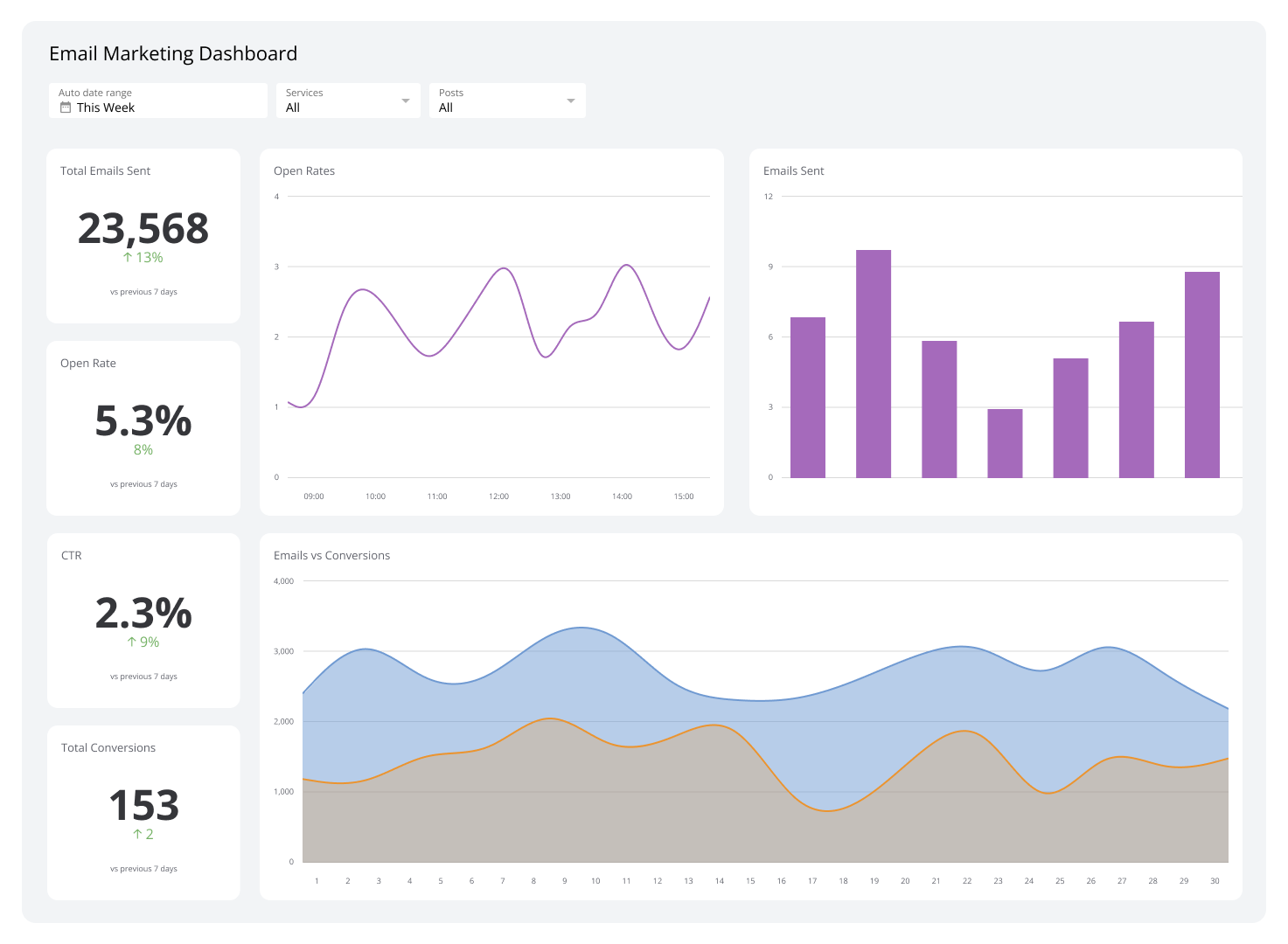
Email Marketing Dashboard
Take a data-driven approach to your email marketing campaigns.
- Marketing
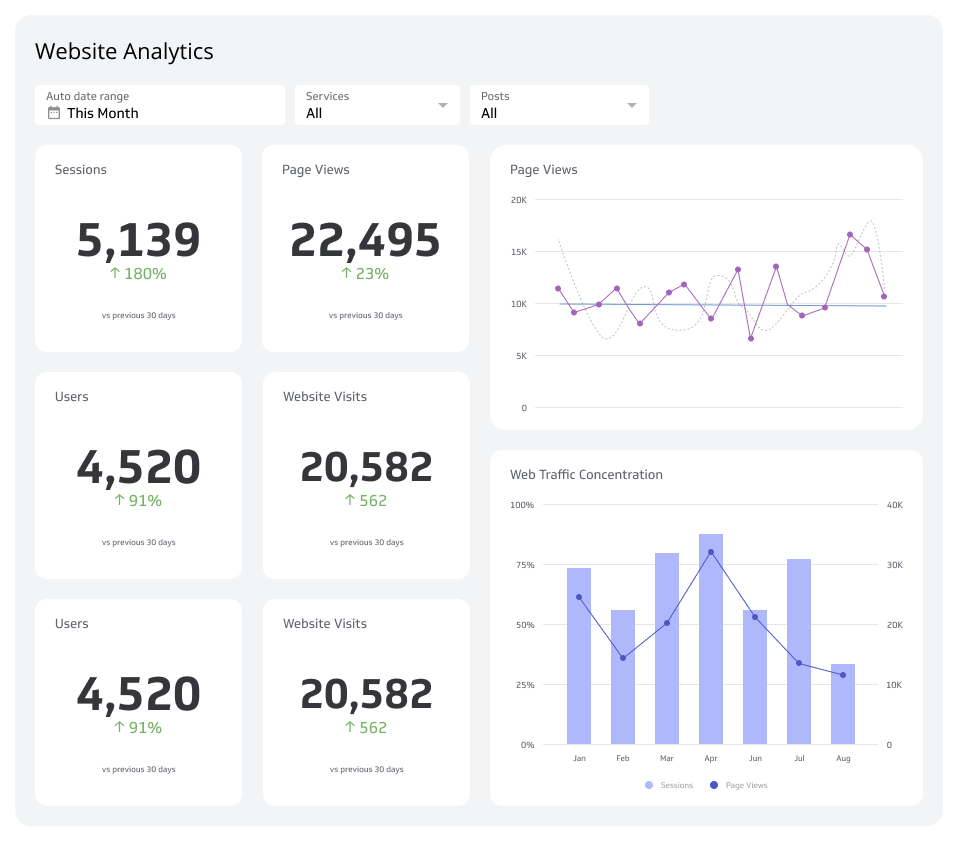
Web Analytics Dashboard
A web analytics dashboard tracks website performance metrics to provide insights needed to optimize site performance, improve engagement, and identify online trends in real time.
- Marketing
Lead Generation Dashboard
Track the metrics that matter and turn insights into action.
How do I create a marketing dashboard?
Before you build, get clear on who the dashboard is for and what decision it needs to support. The best dashboards don't show everything — they show the right things to the right people.
Ask yourself:
- Who is the audience? Executives need high-level KPIs they can act on. Marketing teams can handle more granular data.
- What do they need to know? Focus on the questions they ask most often, not every metric available.
- What data sources are required? Identify your tools upfront: Google Analytics, email platforms, ad networks, CRMs.
- What does a good outcome look like? Define what the dashboard should help someone decide or do.
Once you've answered these questions, narrow the scope and choose the metrics that matter most for that audience. A well-designed marketing dashboard communicates a clear message. It's a tool your team trusts, not just a report they glance at.
Marketing dashboard examples and templates
The examples below cover the most common marketing use cases. Use them as starting points, then customize around your team's core questions. Browse the full library of dashboard examples and templates to find the right fit.
Social media dashboard
This template tracks social media performance across platforms like Facebook, Instagram, X (platform), and LinkedIn. It shows follower growth, engagement, and post reach. The social media dashboard helps you monitor your social strategy and make better decisions across channels, without logging into each platform separately.
Website marketing analytics dashboard
A web analytics dashboard tracks your website's performance. It shows Page Views, sessions, Bounce Rate, and time on site, pulling data from Google Analytics and Google Search Console. You get a clear view of user behaviour and the areas with the most room to improve, without digging through raw reports.
Email marketing dashboard
This template shows how well your email campaigns perform. It tracks open rate, Click-Through Rate, and Conversion Rate in one place. An email marketing dashboard gives you the confidence to refine your email strategy based on what's actually resonating, not guesswork.
SEO dashboard
An SEO dashboard tracks how your website performs in search. It monitors organic traffic, keyword rankings, and backlinks so you can see what's driving visibility and where to focus your efforts to grow it.
Create custom dashboards for you and your team.
Get started with KlipsAdvertising and ROI dashboard
This template tracks the results of your paid campaigns, including Google Ads and Facebook Ads. It shows Cost per Click, Click-Through Rate, and Return on Ad Spend (ROAS). The digital advertising dashboard helps you evaluate ad performance and make smarter budget decisions, so every dollar is working as hard as it should.