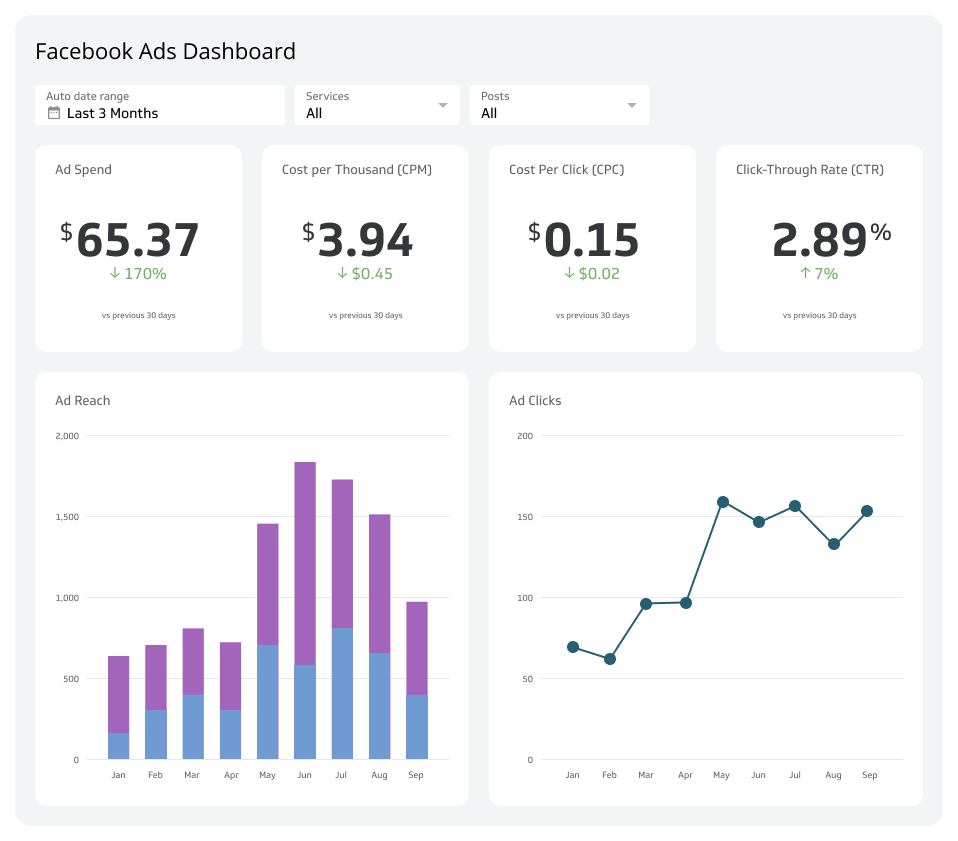
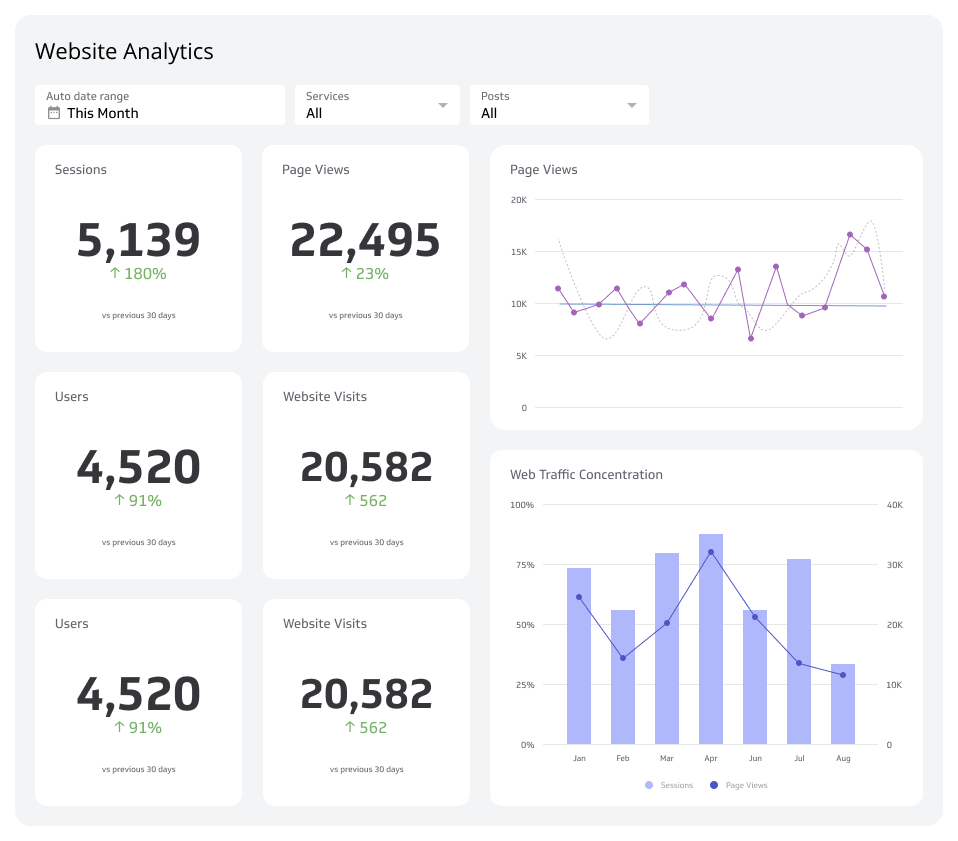
X analytics dashboard
Track reach, engagement, and follower growth on X with a live dashboard that keeps your whole team on the same page.
What is an X analytics dashboard?
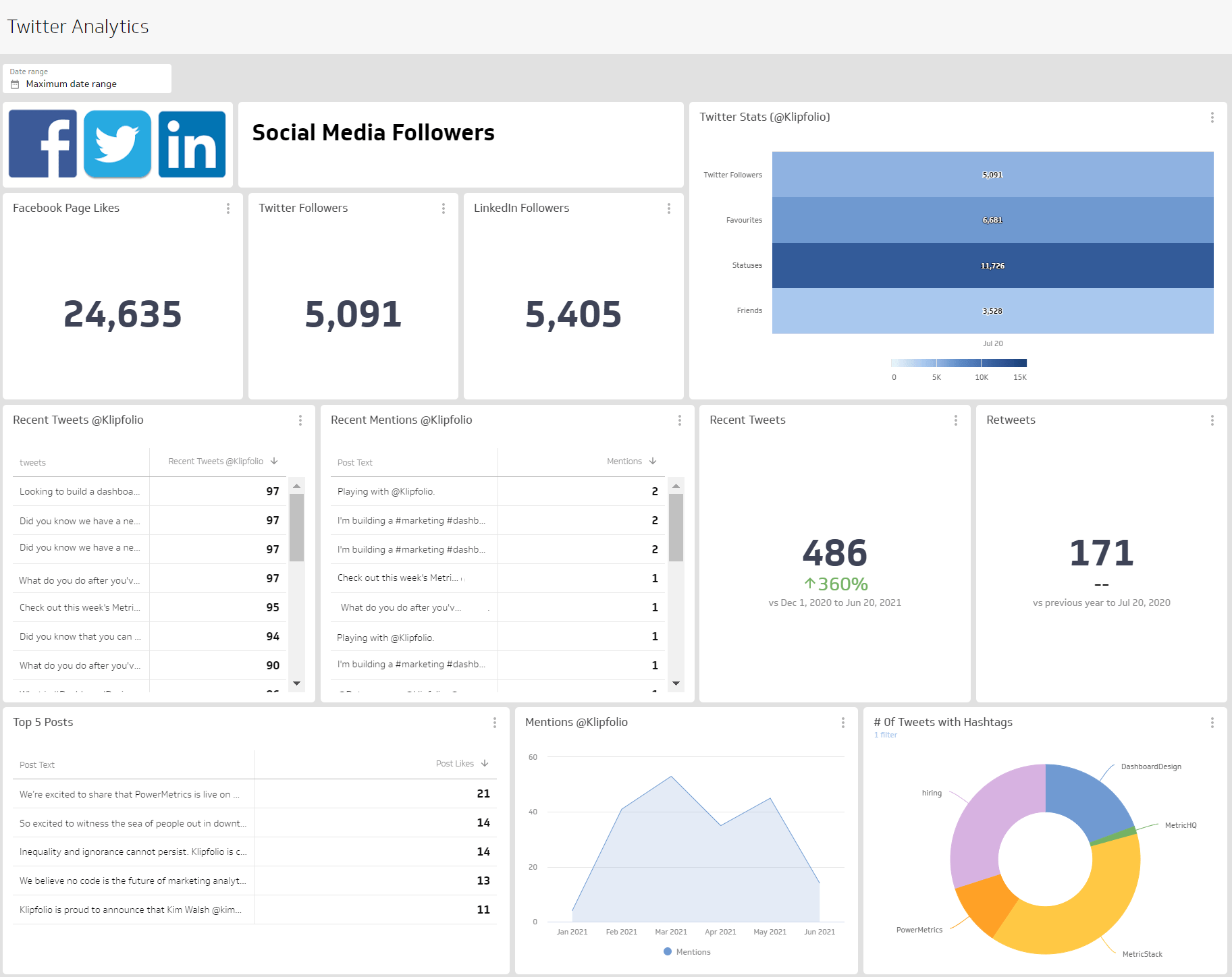
An X analytics dashboard displays the metrics and KPIs that show how your social media presence is performing. Connect your X account to a live dashboard and you'll know, without logging in or pulling a report, whether your content is reaching people and whether that audience is growing.
When your X metrics are in one place, you can answer the questions that actually drive decisions:
- How many people are my posts reaching each week?
- How is my audience engaging with my content, and is that changing over time?
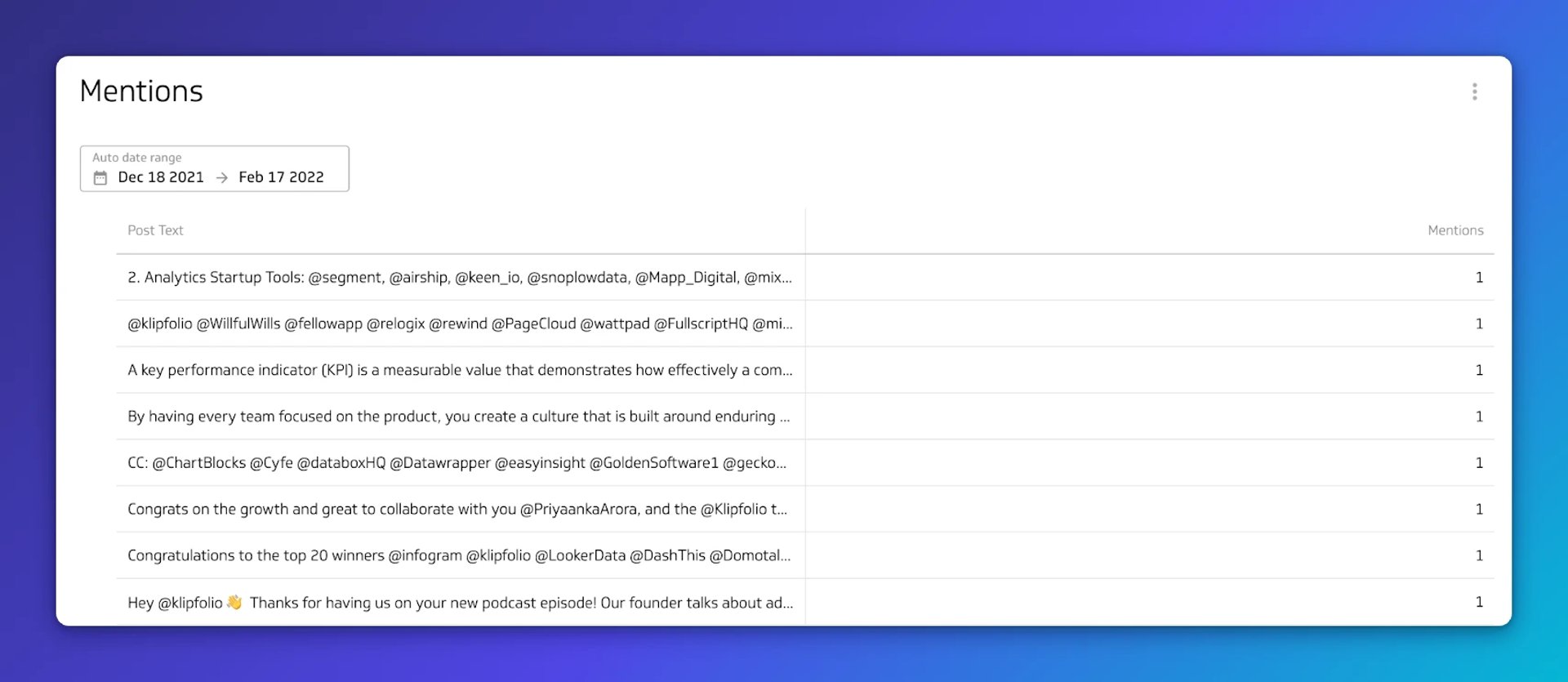
- Is anyone talking about my brand, product, or service on X?
The goal isn't a prettier report. It's knowing what's working, trusting the numbers, and deciding what to do next, without waiting for someone to pull a figure or paste it into a chat window.
What metrics should you include on an X dashboard?
The metrics below give you a complete picture of reach, engagement, and audience growth. Each one answers a different question about how your content is performing.
Followers
Followers is the number of users who have chosen to follow your account. Track this over time, not just as a total count, to understand whether your audience is growing or stagnating.
Following
Following is the number of accounts your brand has chosen to follow. Useful context for understanding your network and industry presence.
Mentions
Mentions are instances where users reference your account using the @ symbol. Monitoring Mentions tells you whether people are talking about your brand and what they're saying.
Media Likes
Media Likes is the total count of likes received across the media you post. A reliable signal of content resonance.
Reposts
Reposts (formerly retweets) is the number of people who share your post with their own followers. A strong Reposts count means your content is reaching beyond your existing audience.
Website Clicks
Website Clicks counts how many times someone clicked the link to your website from your X profile. This connects social activity to actual intent.
What visualizations work best on an X dashboard?
X metrics are largely time-based. You'll want to compare follower growth week over week, track engagement by month, or spot a spike in mentions after a campaign. Temporal visualizations handle this well.
Bar charts or line charts
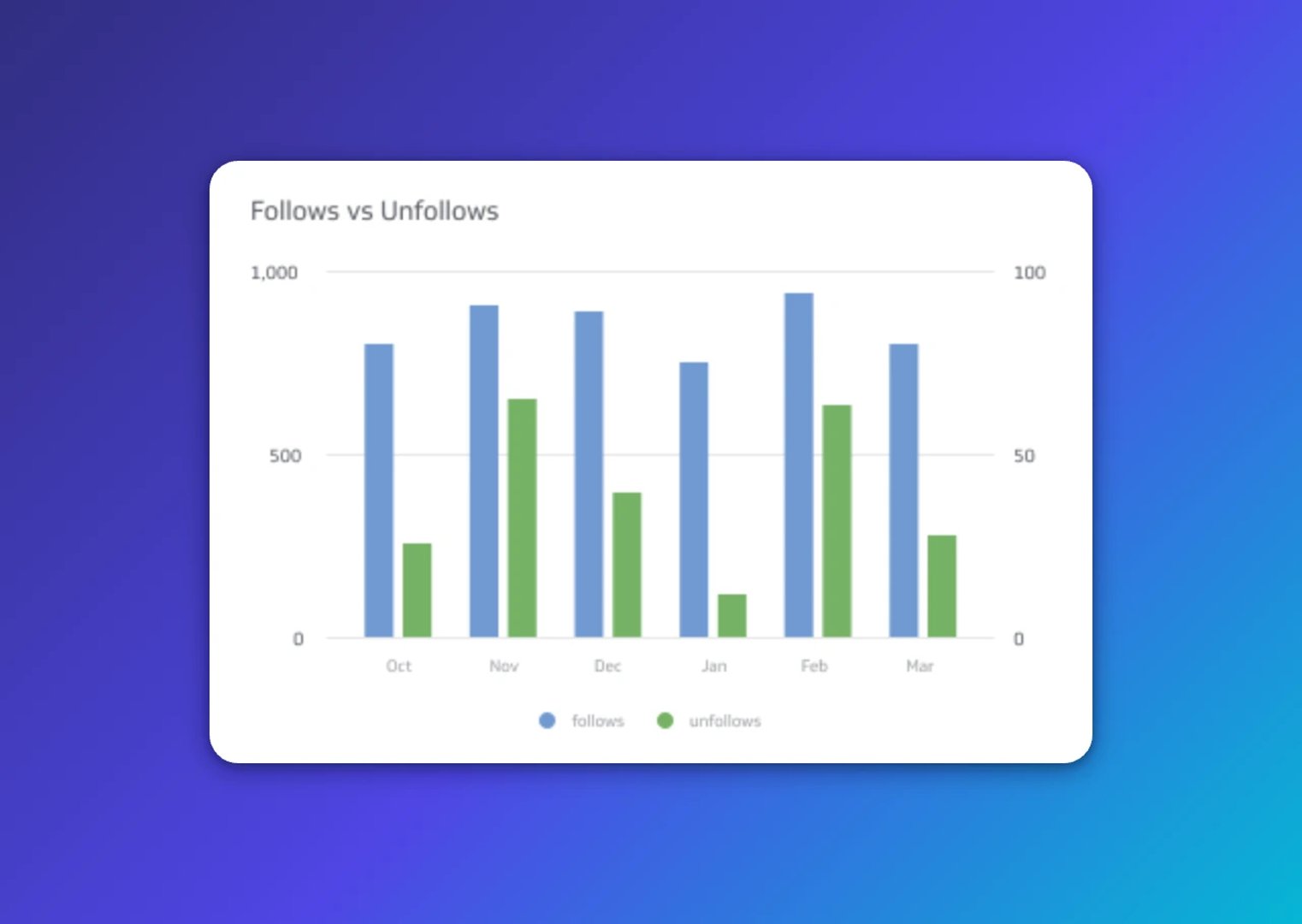
Bar charts and line charts both plot values along an x- and y-axis, making it easy to compare performance across days, weeks, or months. Use either to track follower growth, impressions, or engagement over time.
Summary charts
A summary chart displays a single numeric value, making it ideal for total follower count or total reposts. Add a comparison value and you get a colour-coded variance indicator: green for growth, red for decline. At a glance, you know whether things are moving in the right direction.
Tables
Tables display data in rows and columns, similar to a spreadsheet. For X mentions, a list table shows each mention in the order it was captured. Keep the view manageable by filtering to your top 10 mentions. Pivot and ranked tables are also available when you need a different cut of the data.
Why an X analytics dashboard matters
X does not store historical follower data by default. The platform surfaces impressions, profile visits, and mentions, but follower history disappears unless you capture it yourself. That's a gap for any leader trying to understand whether their audience is growing or stagnating.
A dashboard closes that gap. You track follower growth continuously, compare across time periods, and identify trends without logging into X or manually recording numbers. When a stakeholder asks whether the audience grew last quarter, you have a clear, reliable answer ready, without reconstructing it from a spreadsheet or explaining your numbers from scratch.
Beyond followers, a dashboard keeps your whole team on the same page. Instead of someone pulling a number on request or pasting figures into a chat, the right people see current performance automatically. That's a meaningful shift: from checking when you remember to knowing without having to check.
Dashboard inspiration for your X analytics
Knowing which metrics to track is one thing. Designing a dashboard that surfaces the right information for the right audience is another. These three approaches give you a starting point based on what you're trying to understand.
Track your performance on an X analytics dashboard
A performance dashboard covers follower growth, post engagements, and overall account activity. It answers questions like:
- How many new followers did we gain this week?
- How many people liked our posts?
- How many reposts did we receive this week versus last?
Monitoring these metrics consistently helps you identify what content resonates and where to focus next.
Track engagement with your X content
An engagement dashboard shows how users interact with your content beyond just seeing it. It answers questions like:
- What is the average engagement rate per post?
- How many impressions did my posts receive this month?
- How many link clicks did my posts get today?
These numbers tell you whether your content is driving action or just generating views.
Track the growth of your X account
A growth dashboard tells the story of your account over time. It answers questions like:
- Is my follower count increasing month over month?
- Are followers and other X users reposting my content?
- Are impressions, engagement, and link clicks moving together with follower growth?
Tracking these metrics together helps you understand whether growth is sustainable or driven by a single spike.
What does success look like with an X analytics dashboard?
Success means your team stops guessing and starts deciding. A well-built X analytics Dashboard gives leaders a reliable, consistent view of social media performance without anyone having to log in, pull a report, or explain the numbers from scratch.
When your dashboard is connected to live data and shared with the right people, it becomes a source of confidence, not just a reporting artefact. Everyone, regardless of their role or data experience, sees the same numbers and understands what they mean. That's when a dashboard earns its place: not as something you check, but as something that keeps you informed.