Click Rate vs Click-Through Rate
Click Rate and Click-Through Rate measure different things in email marketing. Tracking both tells you exactly where your campaigns are winning or losing.
Click Rate vs Click-Through Rate
Click Rate vs Click-Through Rate are two of the most commonly confused email marketing metrics, and mixing them up leads to bad decisions about what's actually working in your campaigns.
The email marketing metrics you track determine what you improve. Click Rate tells you whether your subject line earns the open. Click-Through Rate tells you whether your content earns the click. Both matter, and they measure different things.
What is Click Rate?
Click Rate is the percentage of delivered emails that recipients opened, calculated against total delivered messages. It measures subject line and preheader effectiveness.
What is Click-Through Rate?
Click-Through Rate is the percentage of delivered emails where a recipient clicked a link or button inside the message. It measures how well your content and calls-to-action drive action.
How to calculate Click Rate
To calculate Click Rate, you need three numbers: emails opened, emails sent, and emails bounced. Subtract bounced emails from sent to get delivered, then divide opens by delivered and multiply by 100.
Click Rate = (Emails Clicked / (Emails Sent - Emails Bounced)) × 100
Example: Jim's Widget Store sends coupons to 450 subscribers. Eight emails bounce, and 29 recipients open the message.
29 / (450 - 8) = 0.0656 × 100 = 6.56%
Jim's Click Rate is 6.56%.
What affects Click Rate
The average professional receives around 120 emails daily. Getting someone to open yours depends almost entirely on two things.
Subject line: This is the single biggest lever. You have roughly 60 characters to give someone a reason to open your email instead of deleting it. Make it specific and relevant, not clever for its own sake.
Preheader text: The preheader is the short snippet visible next to the subject line in most inboxes. It's your second chance to earn the open. Use it to add context or urgency, not to repeat the subject line.
How to calculate Click-Through Rate
The formula is nearly identical to Click Rate, with one difference: instead of opens, you use the number of recipients who clicked a link or button inside the email.
Click-Through Rate = (Links/CTAs Clicked / (Emails Sent - Emails Bounced)) × 100
Example: Dan's Gidget Shop sends a monthly newsletter to 857 subscribers. Fifteen emails bounce, and 87 recipients click the product link.
87 / (857 - 15) = 0.1033 × 100 = 10.33%
Dan's Click-Through Rate is 10.33%.
Create custom dashboards for you and your team.
Get started with KlipsWhat affects Click-Through Rate
A low Click-Through Rate means your content isn't earning the next step, even when people open the email. Three factors drive most of the variance.
Structure and layout: A cluttered email is a closed email. Use headers, short paragraphs, and white space so readers can scan quickly and find the action you want them to take.
Content quality: Write to what your audience actually cares about, not what you want to say. Relevant, specific content outperforms polished but generic copy every time. Visuals help when they add meaning, not just decoration.
Call-to-action: Every email needs a clear next step. Test button styles, anchor text, and placement. A well-placed, specific call-to-action converts better than a vague one, regardless of how strong the rest of the email is.
Using Click Rate and Click-Through Rate together
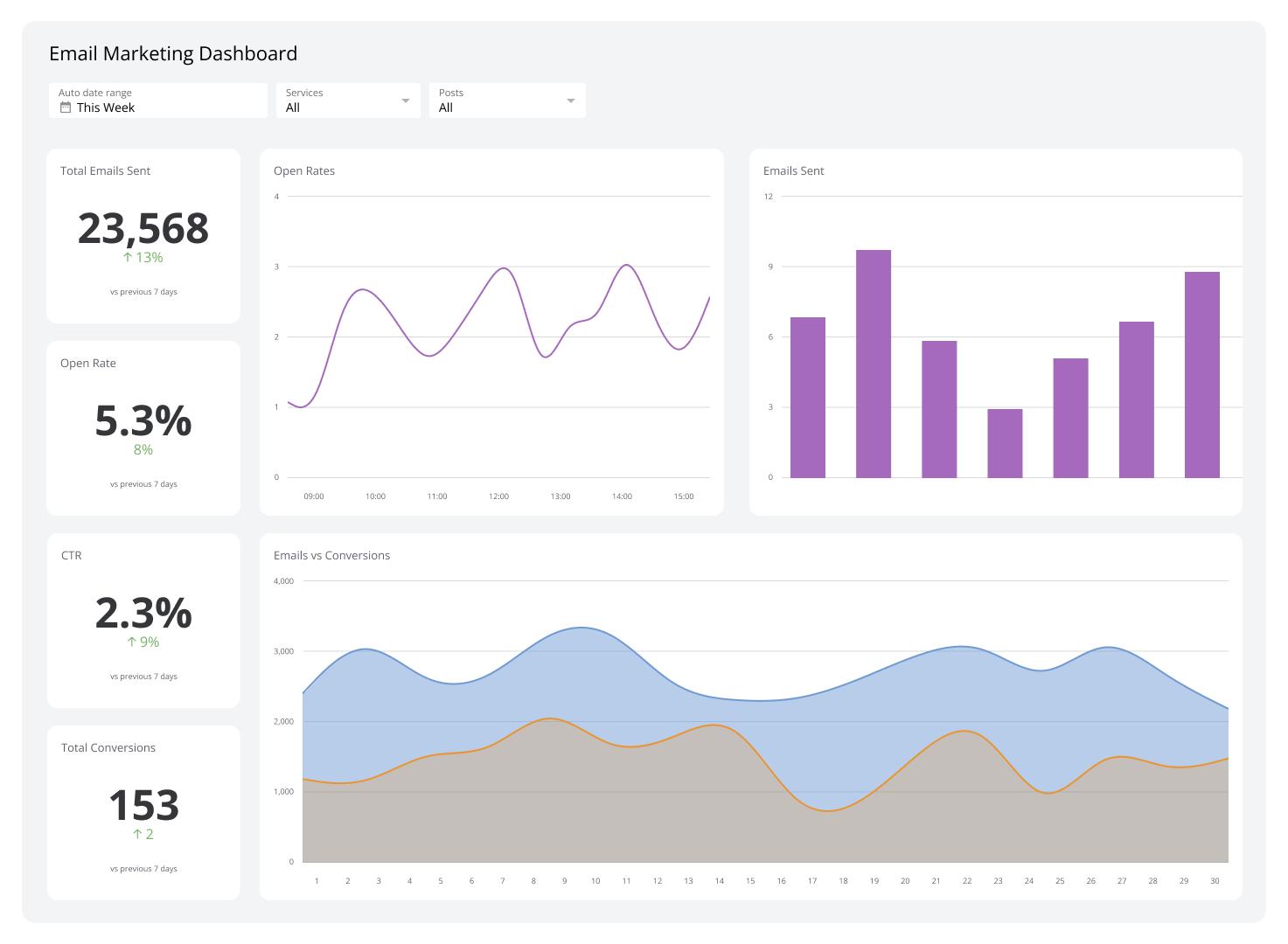
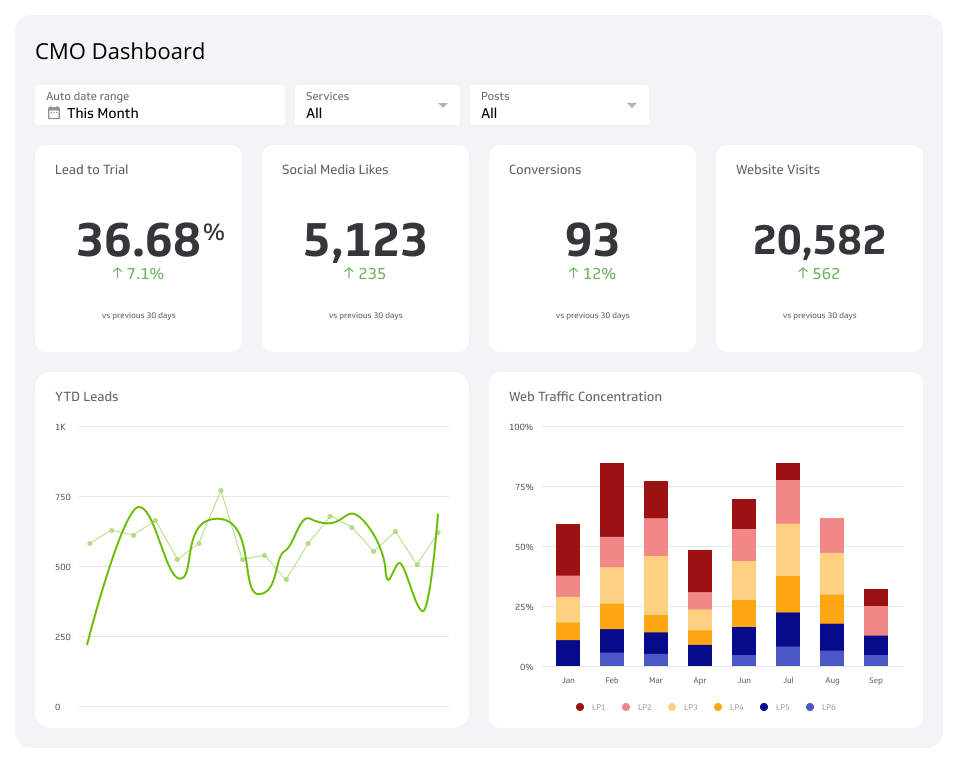
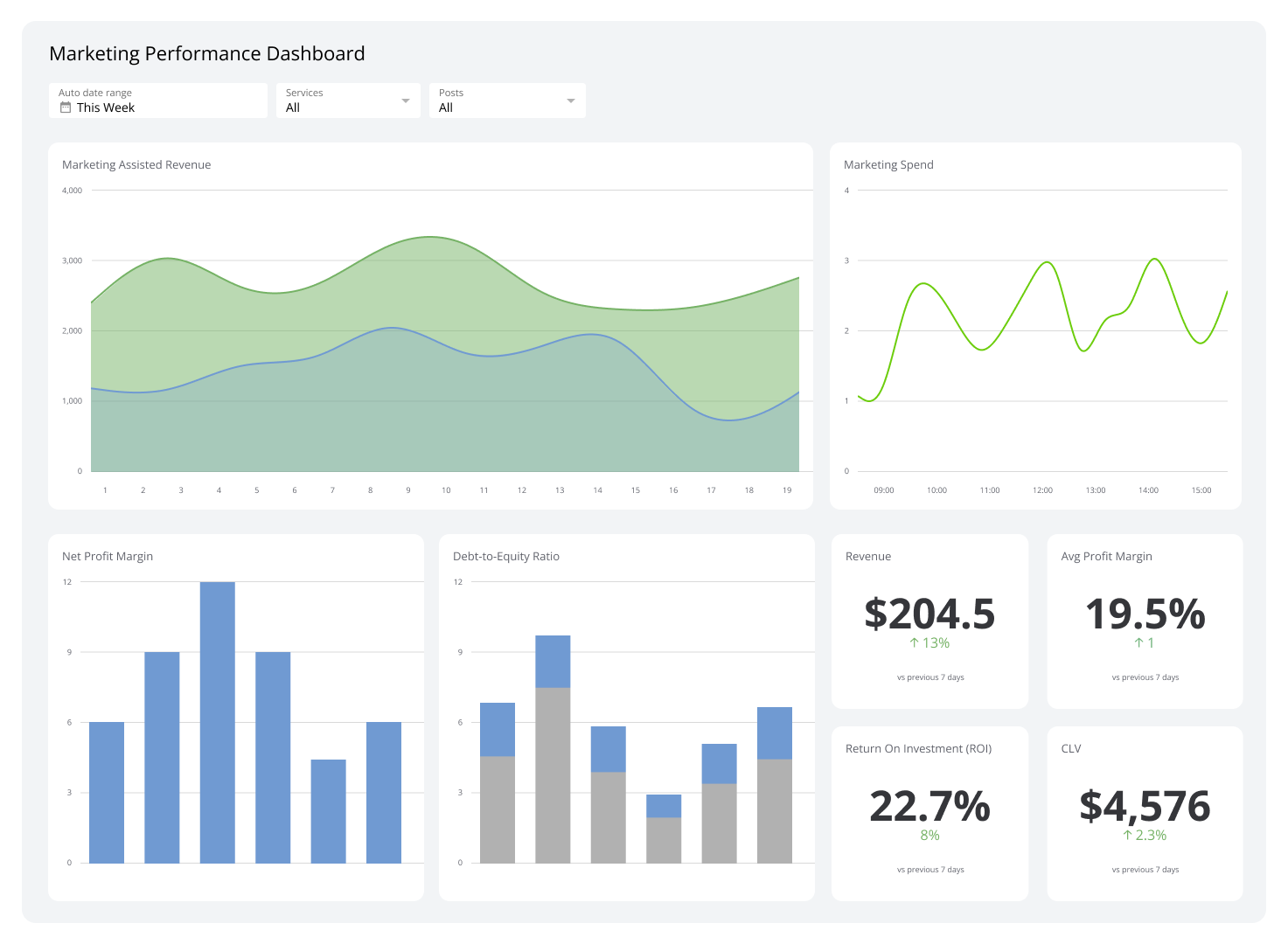
Tracking both metrics in the same place is what makes them actionable. When you can see Click Rate and Click-Through Rate side by side on a dashboard, patterns surface quickly: a strong Click Rate with a weak Click-Through Rate points to a content or layout problem, not a subject line problem. You stop guessing and start making the right fix.
Segment and personalize
Sending the same email to every subscriber is the fastest way to watch both metrics decline. Segmentation splits your list by demographics, behaviour, or interest so you can send content that's actually relevant to each group.
For example, a gardening supply company might segment by USDA growing zone and send each subscriber a link to the blog post covering their region. That subscriber sees a brand that understands their situation, not one blasting generic content.
Dynamic elements like first-name personalization or product recommendations based on past behaviour push this further. Small gestures, but they signal that you're paying attention.
A/B test one variable at a time
In A/B testing, you send two versions of an email, identical except for one variable, to different subsets of your list. The metric you watch depends on what you changed.
If the variable is the subject line, Click Rate tells you which version won. If the variable is the call-to-action button or link text, Click-Through Rate is the metric that matters. Testing one thing at a time keeps the result meaningful.
Optimize for mobile
Around 47% of people check email on a smartphone or tablet. An email that renders poorly on a small screen loses clicks regardless of how good the content is. Images that don't scale, text that requires zooming, and buttons too small to tap all drag down both metrics.
Mobile optimization isn't optional. It's the baseline.
Click Rate vs Click-Through Rate: key differences
| Click Rate | Click-Through Rate | |
|---|---|---|
| What it measures | Opens as a share of delivered emails | Link clicks as a share of delivered emails |
| Primary signal | Subject line and preheader effectiveness | Content and call-to-action effectiveness |
| What to improve | Subject line, preheader text, send timing | Layout, copy quality, call-to-action design |
| Formula numerator | Emails opened | Links or CTAs clicked |
Create custom dashboards for you and your team.
Get started with KlipsTracking both metrics without the manual work
Copying these numbers from your email platform into a spreadsheet, then pasting them into a report, is exactly the kind of task that introduces errors and eats time your team doesn't have. A dashboard that pulls Click Rate and Click-Through Rate automatically means you always have current numbers without having to chase them down.
Klips connects to your email marketing platform and surfaces both metrics in real time, so you can see what's working, spot a drop before it becomes a problem, and make decisions based on numbers you trust.