Hard vs Soft Email Bounces
When an email fails to reach its destination, it bounces. Understanding the difference between hard and soft bounces helps you protect your sender reputation and keep your list clean.
Hard vs soft email bounces
When an email fails to reach its destination, it bounces. That bounce is either permanent (hard) or temporary (soft), and knowing the difference helps you protect your sender reputation and keep your list clean.
What is an email bounce?
An email bounce is a failed delivery notification, formally called a Non-Delivery Report (NDR). The receiving server sends it back to tell you the message didn't get through.
Bounces fall into two categories: hard and soft. Hard bounces are permanent failures. Soft bounces are temporary and may resolve on their own.
Why emails bounce
Email lists degrade naturally. People change jobs, abandon old accounts, or switch providers. Even a freshly verified list will start losing valid addresses the moment you stop updating it.
Common reasons a list develops bad addresses:
- Inactivity: The recipient stopped using that email account.
- Job changes: A work address disappears when someone leaves a company.
- Email changes: People switch providers and let old addresses expire.
- Entry errors: A typo at signup means the address was never valid.
On average, about 2% of any email list is undeliverable at any given time. For a send of 100,000 messages, that's roughly 2,000 bounces before you've even accounted for new attrition.
Natural attrition
List decay is continuous, not periodic. The moment a contact changes roles, their old work address is gone, regardless of when you last verified it. That's why list hygiene isn't a quarterly task; it's ongoing.
What the bounce message tells you
Every NDR carries useful diagnostic information:
- The date and time of the bounce
- The name of the server that rejected the message
- The specific reason delivery failed
That reason code is what separates a hard bounce from a soft one.
Hard bounces
A hard bounce means the email address is permanently unreachable. Continuing to send to it damages your sender reputation and signals to inbox providers that your list isn't well maintained.
Causes of hard bounces
Deleted email account: The account owner permanently closed the account.
Domain no longer exists: If the domain associated with the address has been deleted or suspended, every address at that domain will hard bounce.
Address error: A typo in the address (for example, yahoo.com.. instead of yahoo.com) means the destination never existed.
Sender blocked by recipient server: The receiving server has flagged your sending domain or IP as a spam source and is refusing delivery outright.
Policy restrictions: Some servers reject email based on attachment type, message size, sender geography, or bulk sending patterns.
Network failure after repeated attempts: If the recipient's server is unreachable and the sender's server exhausts its retry attempts, some systems will classify the result as a hard bounce.
Hard bounce messages and what to do
"Recipient does not exist": Double-check the address for typos. If the address looks correct, reach out to the contact through another channel to get a valid one.
"Mailbox full" (permanent): If a mailbox has been full long enough that the server stops accepting messages, treat it as a hard bounce. Ask the recipient for a current address.
"Blocked email address": Contact the recipient's server support to request removal from their blocklist, or ask the recipient to whitelist your sending domain on their end.
Soft bounces
A soft bounce means the message reached the recipient's server but couldn't be delivered at that moment. The failure is temporary, and many email platforms will retry automatically.
Causes of soft bounces
Mailbox full (temporary): The recipient's inbox is at capacity but still active. Some servers allow a grace period for known senders. If the mailbox clears, delivery completes on retry.
DNS failure: The recipient's mail server is down, in maintenance, or returning an invalid domain response. Retry after 24 to 48 hours.
Challenge-response filter: Some servers ask senders to complete a verification step before accepting mail. Respond to the challenge, or shift that contact to an opt-in list where they've already confirmed intent.
Auto-reply: The email was technically delivered but the recipient is away. No action needed, though if urgency matters, follow up through another channel.
Message too large: Attachments or rich content pushed the message over the server's size limit. Compress attachments or use a file-sharing link instead.
Greylisting: The server temporarily rejected your message because your sending address was unfamiliar. Legitimate mail is typically accepted on the next retry. This resolves itself.
Server misconfiguration: The recipient's server has a configuration problem that prevents it from processing certain message types. The recipient's administrator needs to fix this on their end.
Server overloaded: High traffic on the recipient's server means it's temporarily not accepting new mail. Wait and retry.
Hard bounce vs soft bounce: key differences
| Hard bounce | Soft bounce | |
|---|---|---|
| Failure type | Permanent | Temporary |
| Address still valid? | No | Usually yes |
| Retrying helps? | No | Often yes |
| Action required | Remove from list immediately | Monitor; remove if persistent |
| Reputation risk | High if ignored | Low if managed |
Create custom dashboards for you and your team.
Get started with KlipsHow to reduce your bounce rate
A high bounce rate tells inbox providers your list isn't trustworthy. That affects deliverability for everyone on your list, not just the bad addresses.
A few practices that keep bounce rates low:
- Use double opt-in: Confirm each address before adding it to your active list.
- Validate addresses at signup: Catch typos before they become hard bounces.
- Remove hard bounces immediately: Most email platforms do this automatically, but verify your settings.
- Monitor soft bounces: If an address soft bounces repeatedly, treat it as a hard bounce.
- Scrub your list regularly: Quarterly at minimum, more often for high-volume senders.
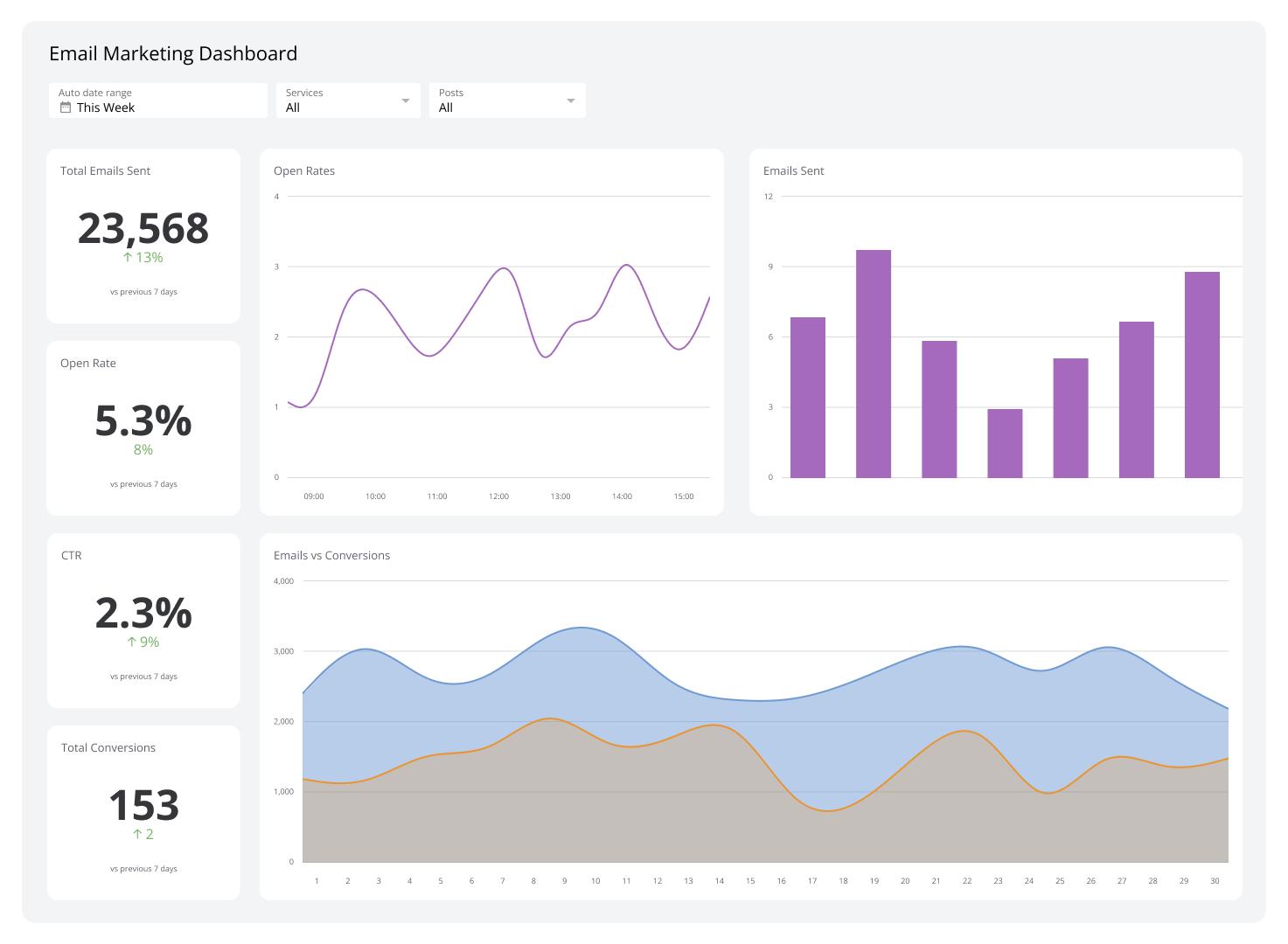
Tracking your Email Bounce Rate in a dashboard gives you a real-time signal when something is wrong, whether that's a bad import, a deliverability issue, or list decay accelerating faster than expected. You see the problem before it compounds.