Firebird
Firebird is a free, open-source relational database management system (RDBMS) known for its performance, reliability, and scalability
Track all your Firebird KPIs in one place
Sign up for free and start making decisions for your business with confidence.
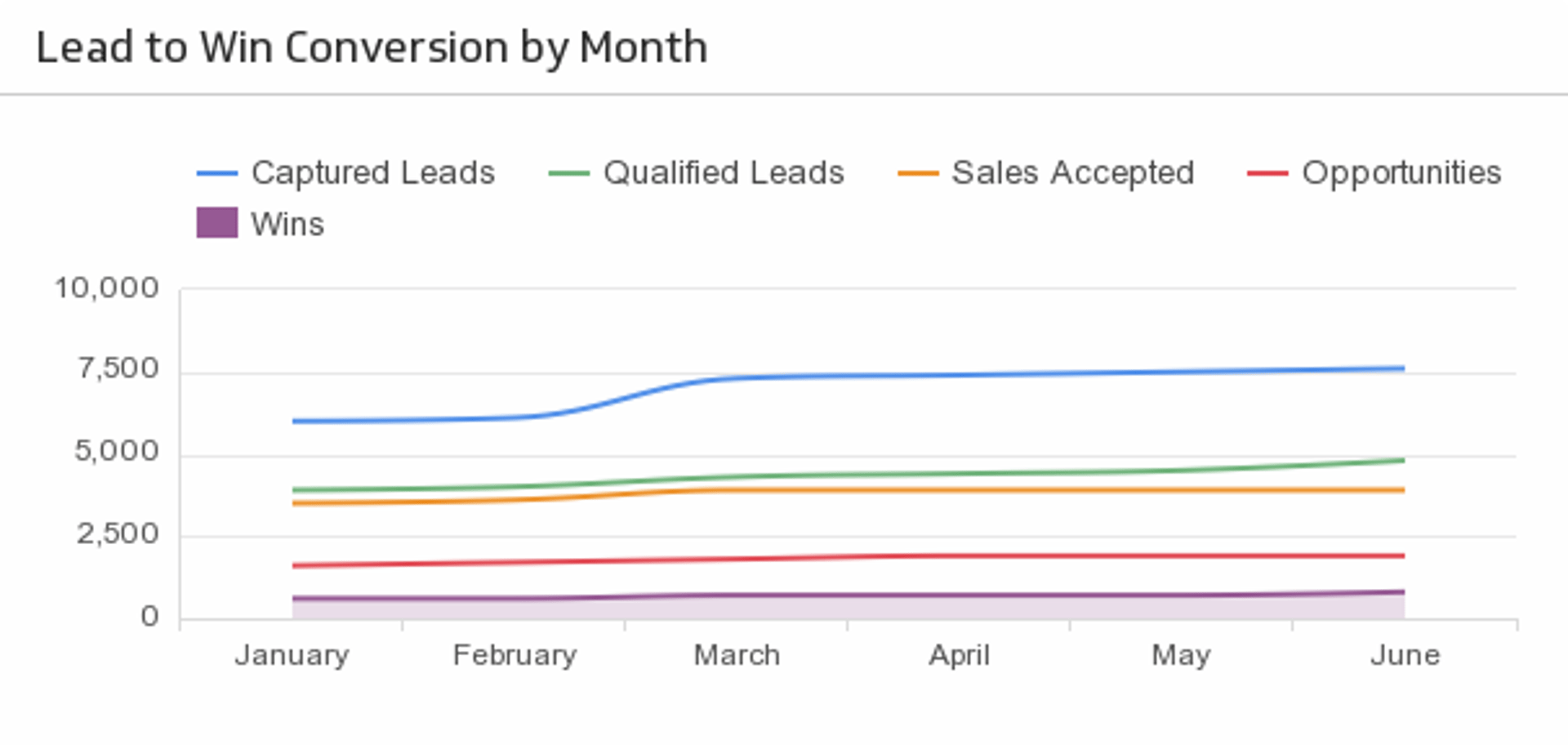
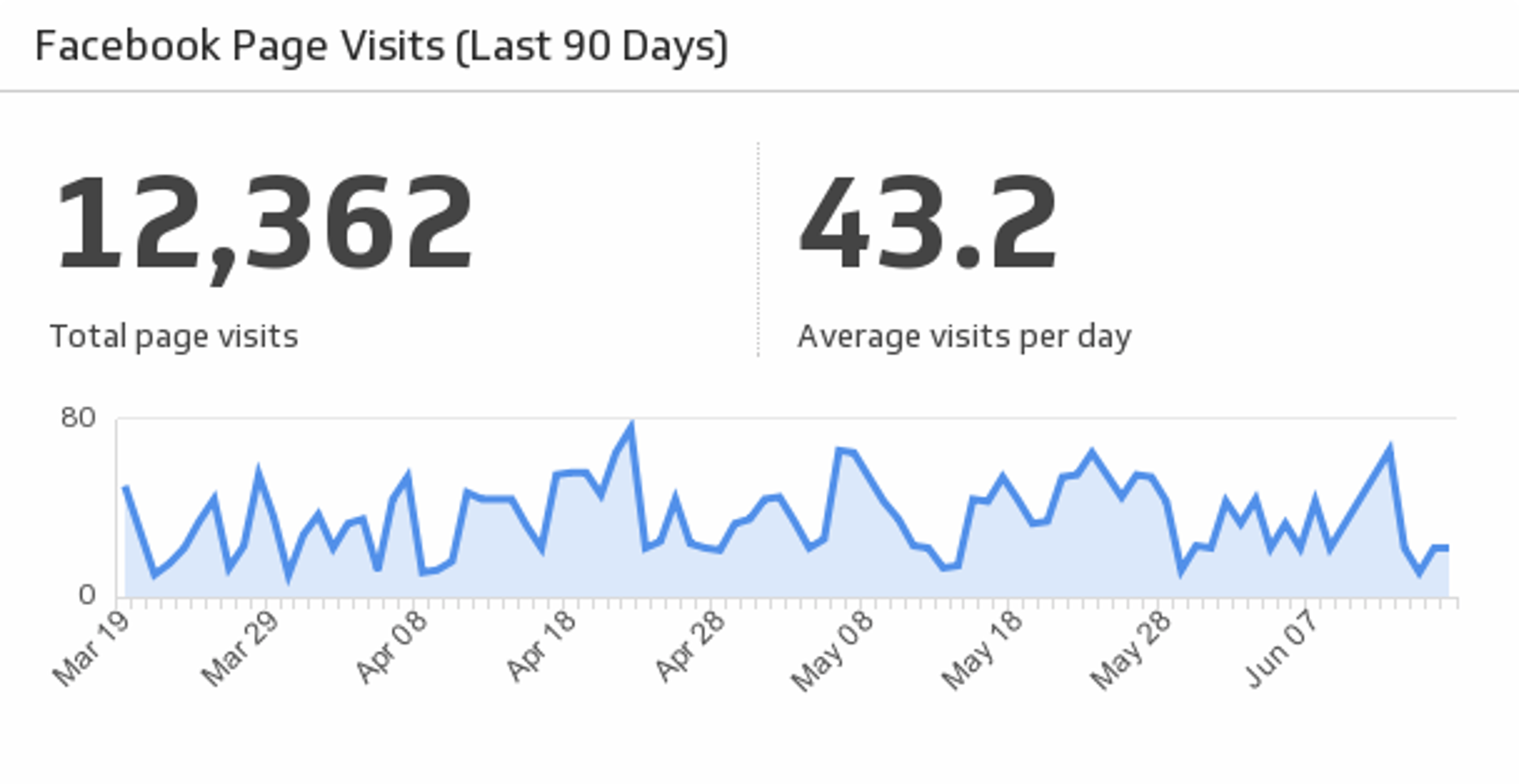
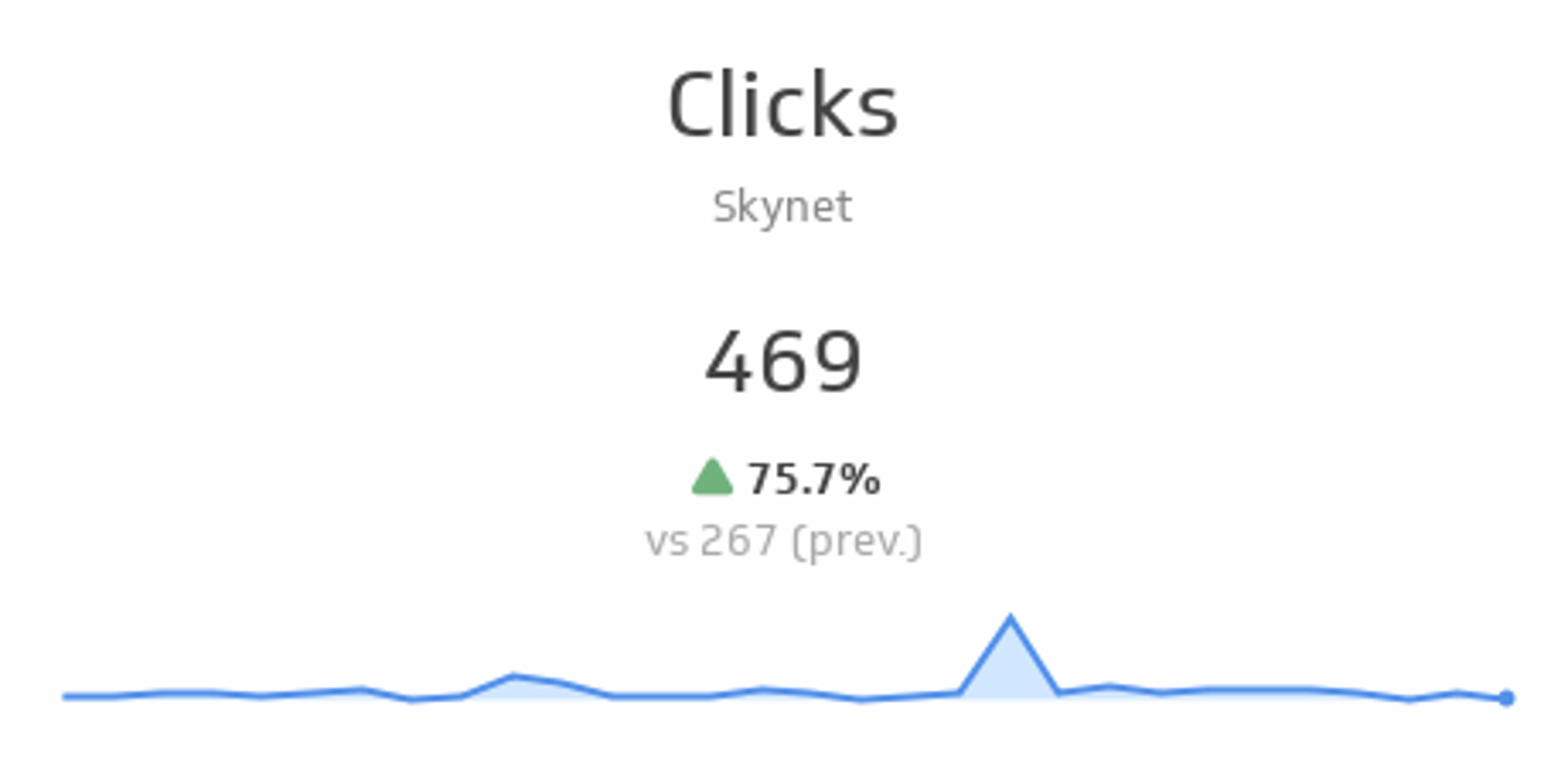
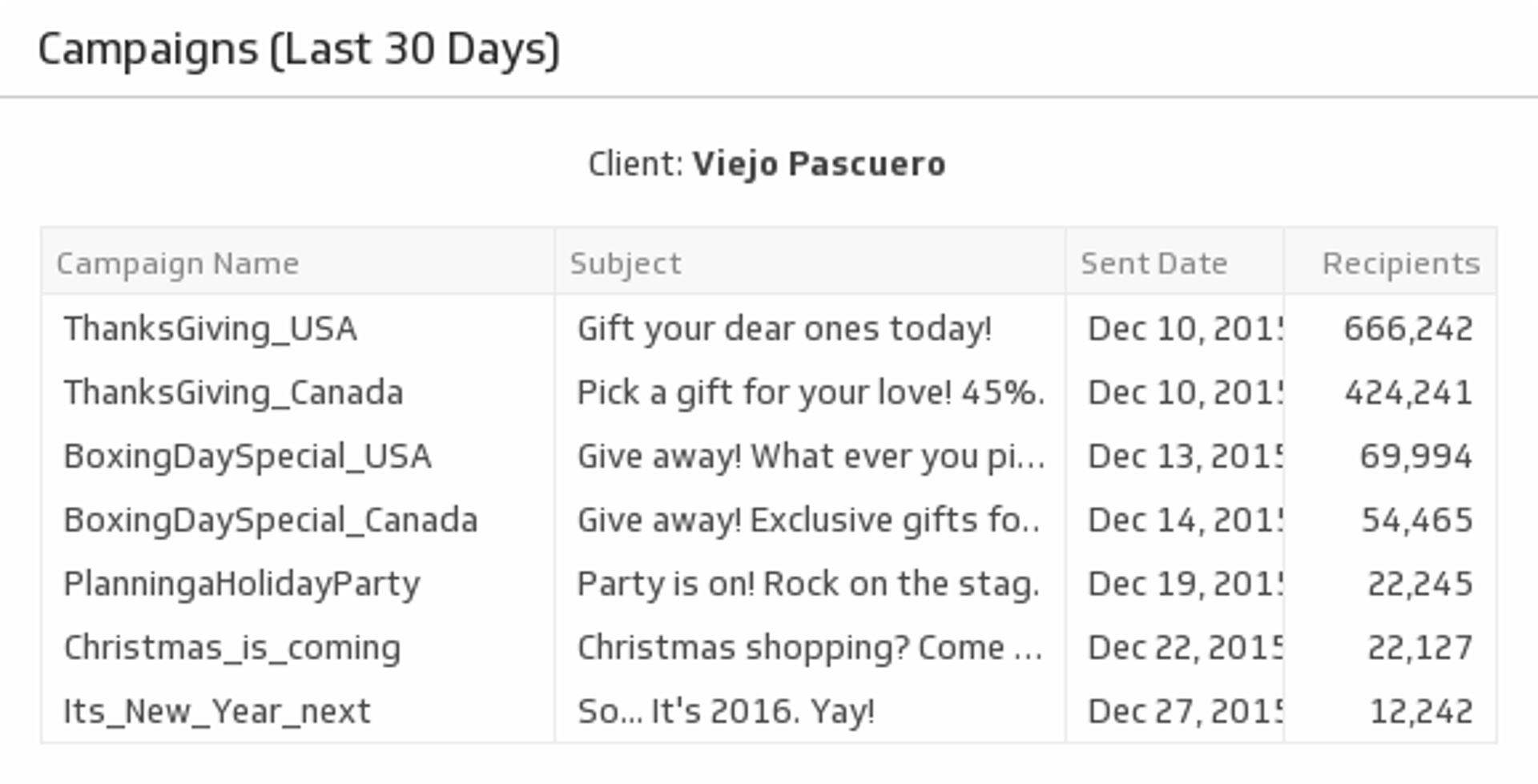
Manually pulling data out of Firebird to build reports takes time you don't have. Connect Firebird to Klipfolio Klips and your dashboards update automatically — no exports, no copy-paste, no stale numbers.
How to connect Firebird to Klipfolio
Klipfolio connects to Firebird through a direct SQL query. You'll need your database host, credentials, and a valid SQL query ready before you start.
- In the left navigation bar, click Data Sources.
- Click Create a New Data Source and select SQL Query.
- Set Driver to Firebird.
- Fill in your Host, Port, Database, Username, and Password.
- Enter your SQL Query to retrieve the data you want to visualize.
- Choose whether to Include column headers.
- (Optional) Under Connection security, enable Use SSL/TLS for encrypted connections.
- If your database sits behind a firewall, click Use an SSH tunnel and enter the required credentials.
- Click Get data and save your data source.
View the step-by-step setup guide
Top reasons to use Klipfolio for Firebird dashboards
Real-time visibility into your data. Query your Firebird database on a schedule — from every minute to every 24 hours — so dashboards always reflect current data without manual refreshes.
No data export required. Pull records directly from Firebird using SQL. Skip the CSV exports and the version-control headaches that come with them.
Centralized reporting across tools. Combine Firebird data with metrics from 130+ other connectors — CRMs, marketing platforms, financial tools — in a single dashboard view.
Distribute reports your way. Share dashboards via public link, embedded view, scheduled PDF, or TV mode. Everyone sees the same numbers at the same time.
Flexible visualization. Use 30+ chart types and Excel-like formulas to model and present your Firebird data exactly the way your team needs it.
What Klipfolio adds to your Firebird workflow
| What you do in Firebird | What Klipfolio adds |
|---|---|
| Write SQL queries to extract data manually | Scheduled queries that run automatically and feed live dashboards |
| Export results to spreadsheets for reporting | Dashboards that pull directly from Firebird with no file transfers |
| Share static reports with stakeholders | Live, shareable dashboards accessible via link, embed, or email |
| Manage data in isolation from other tools | Unified view combining Firebird with your other data sources |
Stop exporting data to build reports. Connect Firebird to Klipfolio and start seeing your database in real time.
Use the Connector Gallery to create a custom Firebird dashboard
With our Connector Gallery, you can create custom API queries to pull in data from your Firebird account. Building custom queries allows you to specify the metrics and time periods that you want to track.
You can use custom queries to build out visualizations in Klipfolio. You can also combine your Firebird data with other relevant data to create your custom dashboard.
Learn more about working with the Firebird API and how you can start building your own Firebird queries in Klipfolio.