MySQL
Stop running the same MySQL queries manually. Connect MySQL to Klipfolio and build live dashboards that refresh automatically — no exports, no repeat requests.
Track all your MySQL KPIs in one place
Sign up for free and start making decisions for your business with confidence.
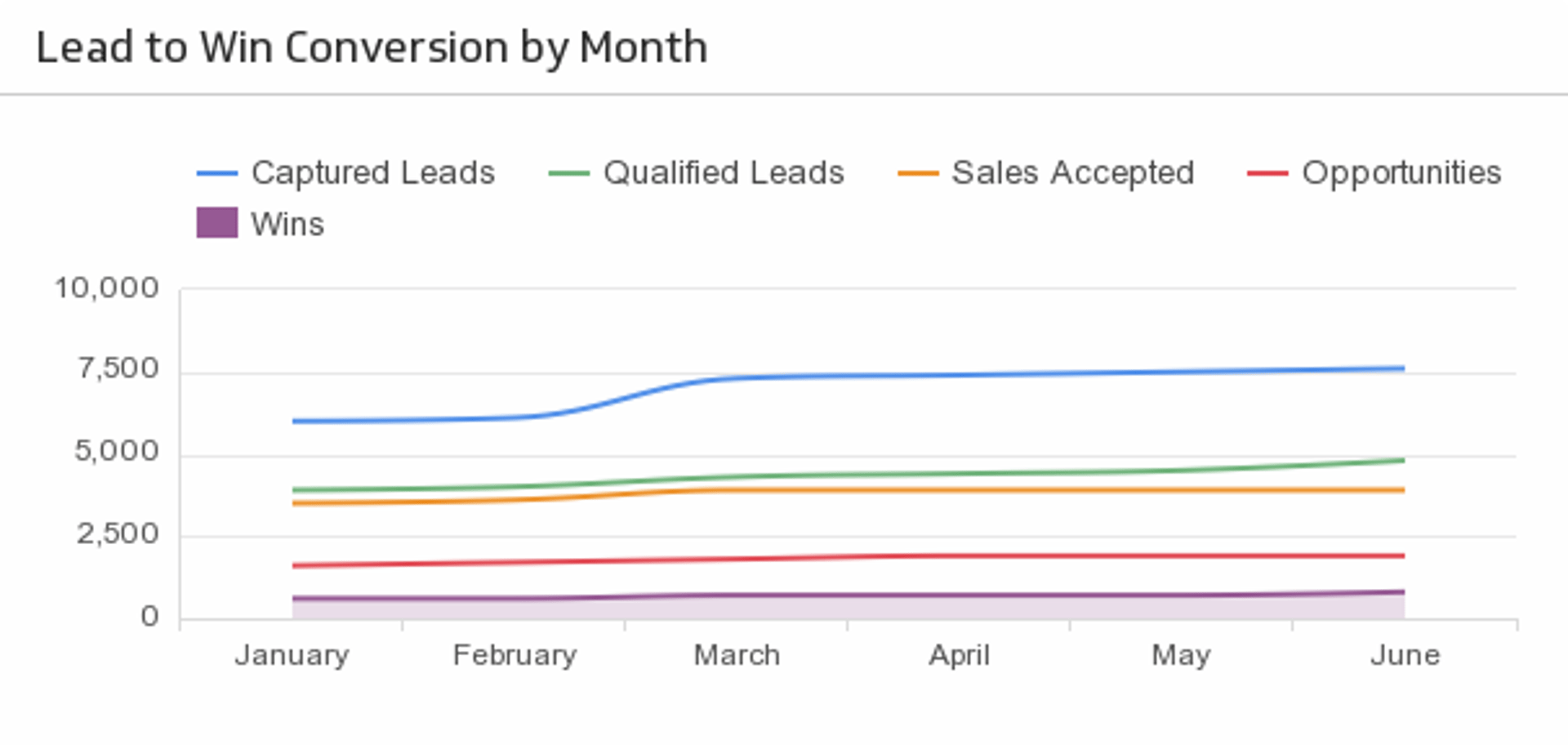
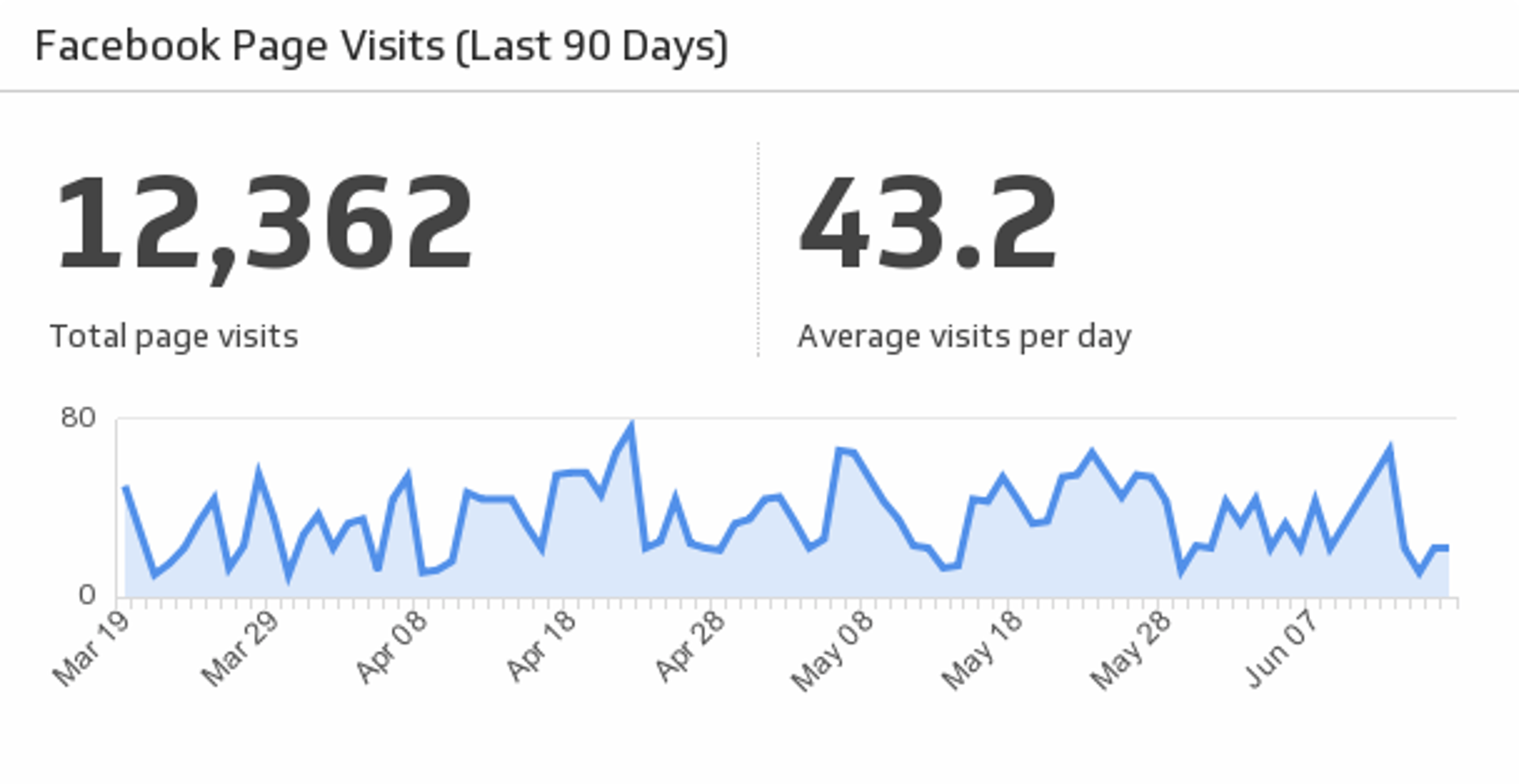
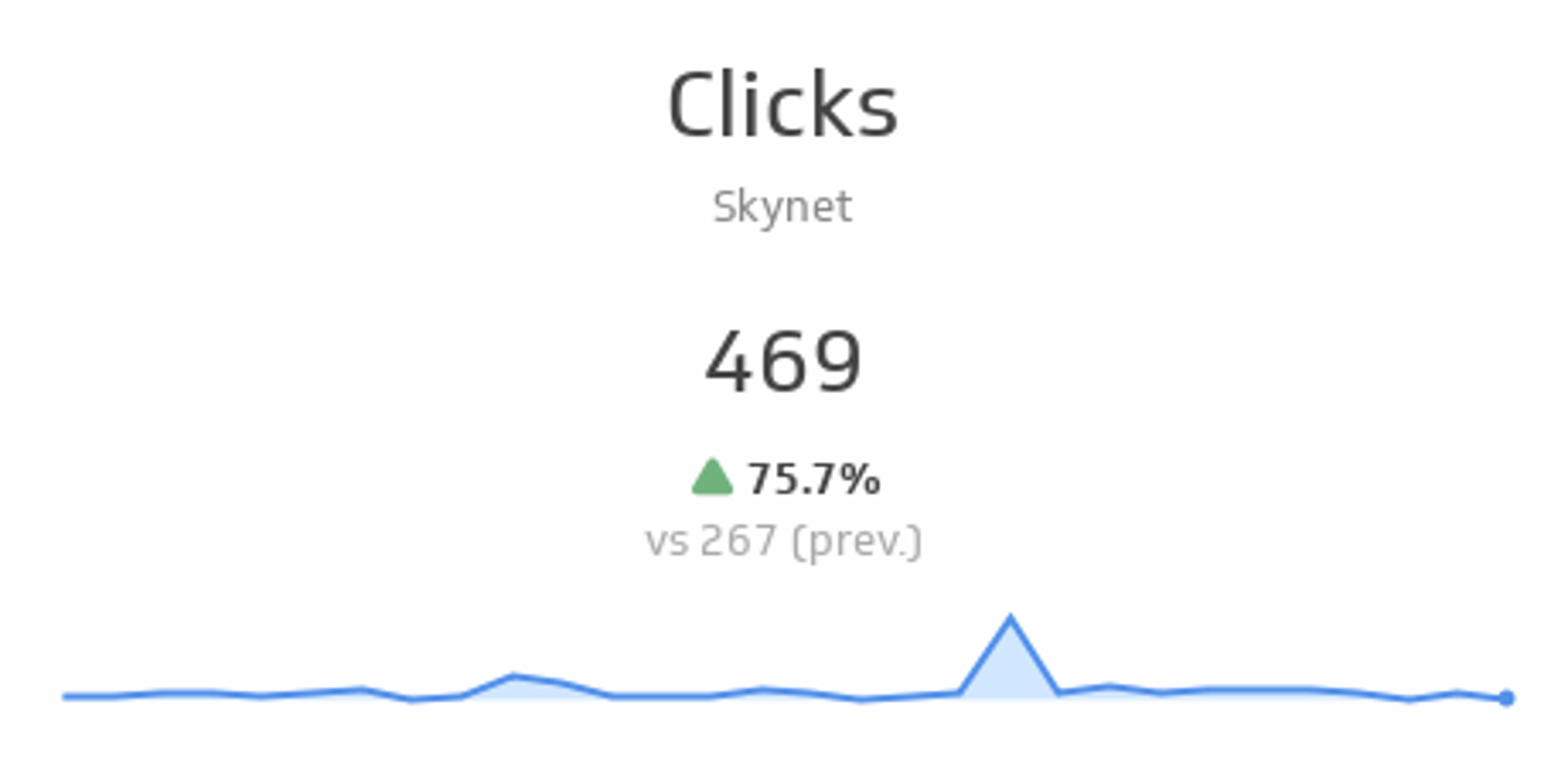
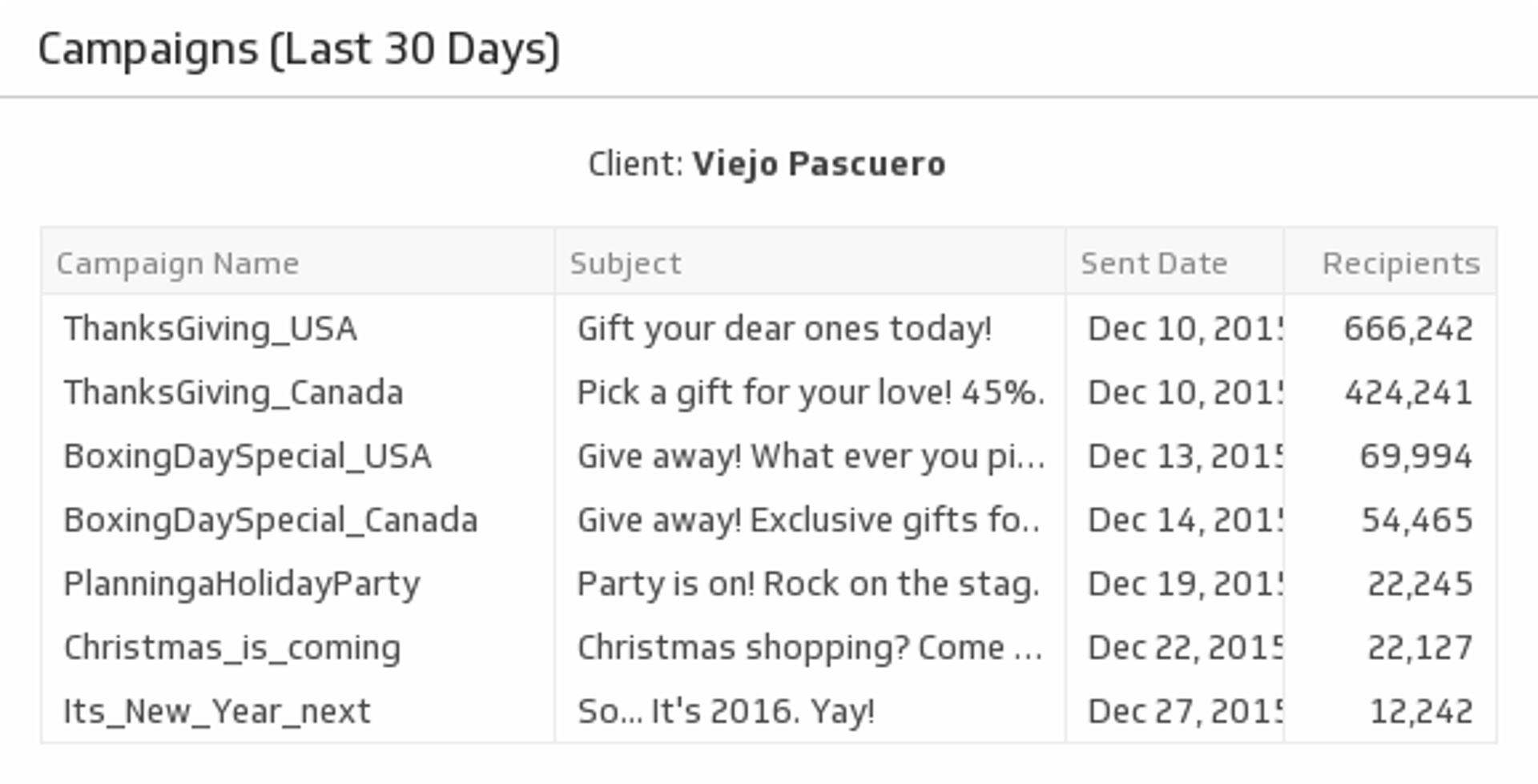
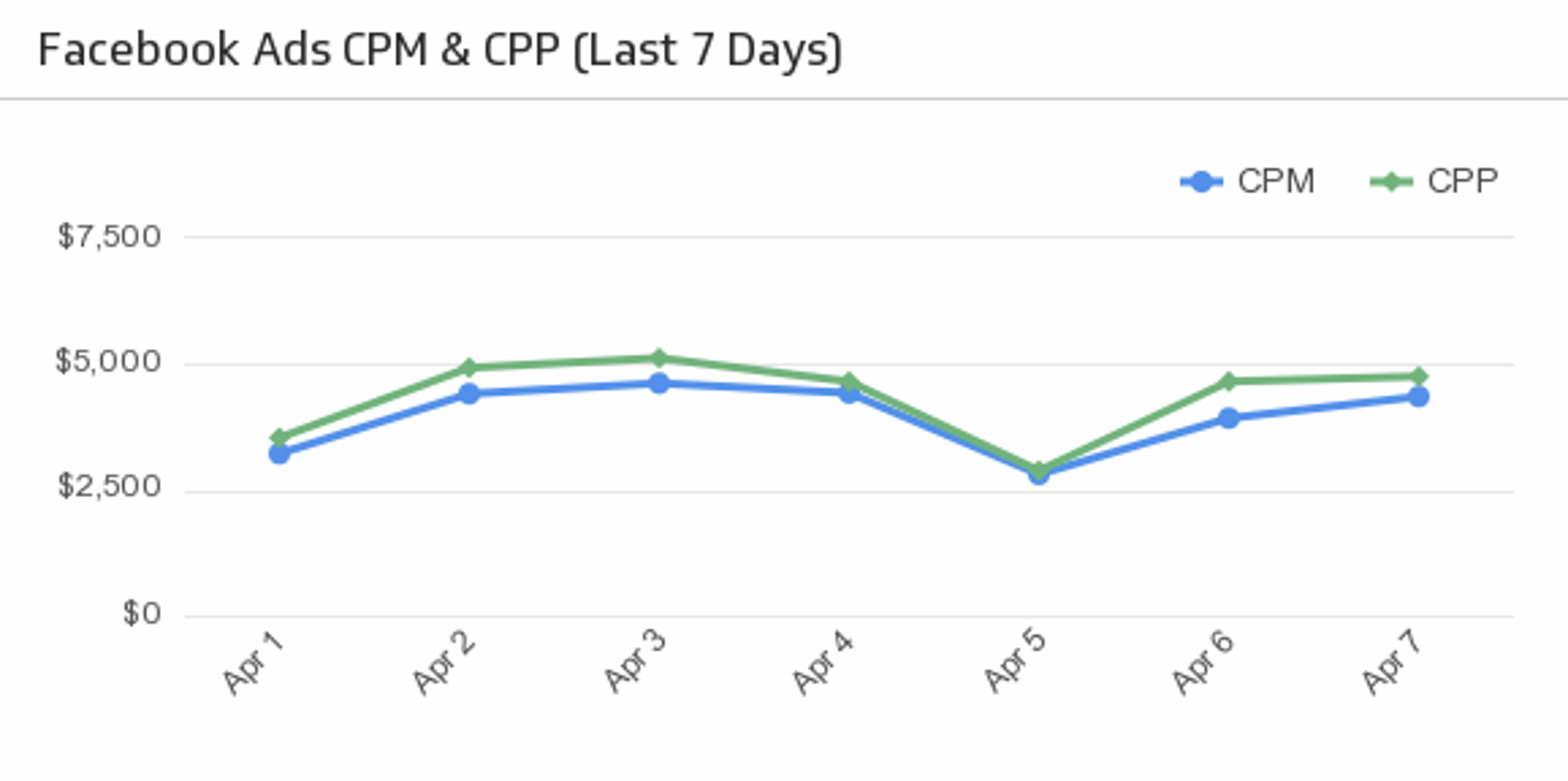
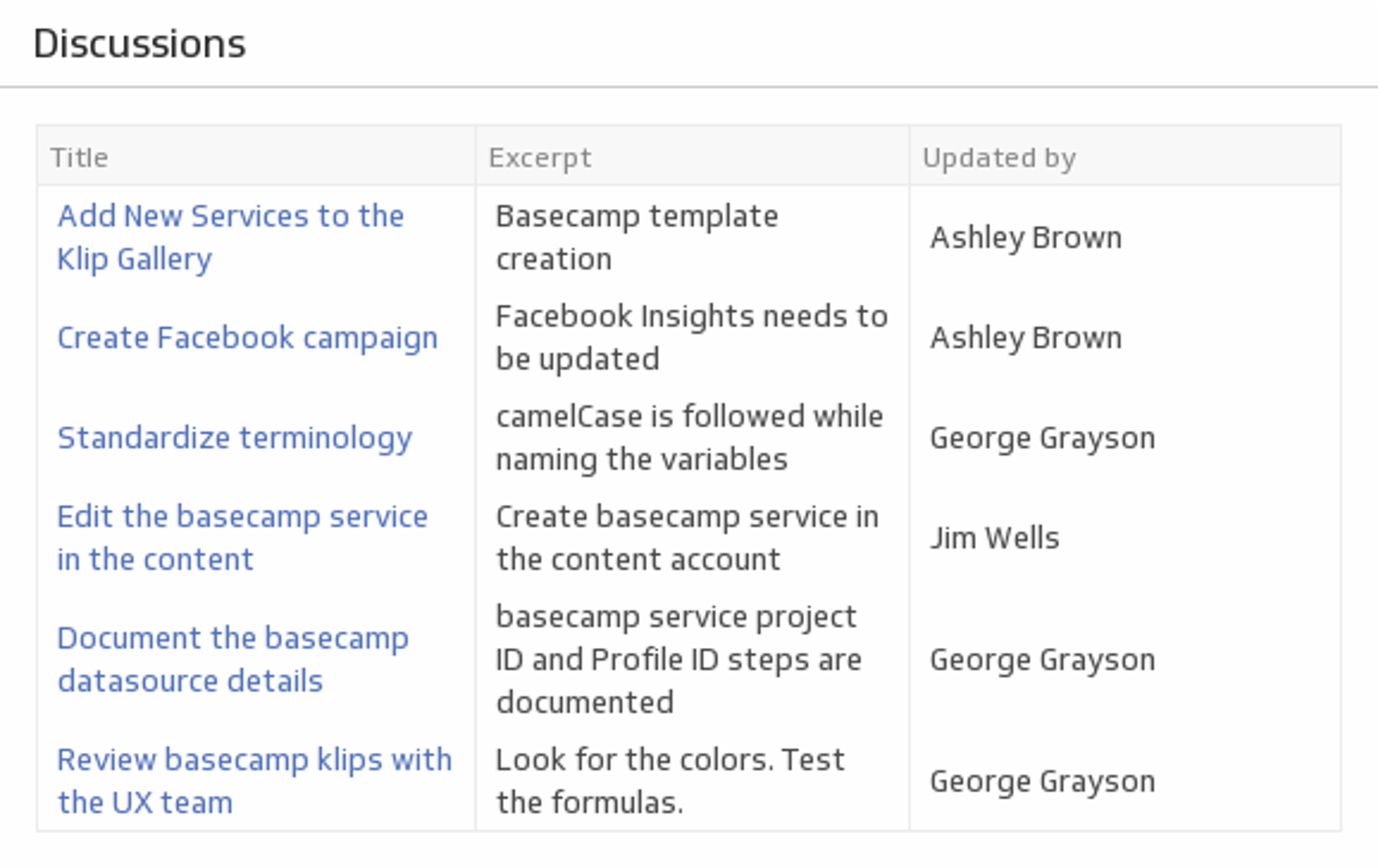
Stop running the same queries manually. With Klipfolio, your MySQL data flows directly into live dashboards that update on their own schedule — no exports, no copy-paste, no repeat requests.
How to connect MySQL to Klipfolio
- In the left navigation bar, click Data Sources.
- Click Create a New Data Source and select SQL Query.
- Fill in your connection details: Host, Port, Database, Driver (select MySQL), Username, and Password.
- Enter your SQL Query to define the data you want to pull.
- Choose your refresh rate — from every minute to once a day — and save the data source.
View the step-by-step setup guide
Top reasons to use Klipfolio for MySQL dashboards
Automatic updates: Your dashboards refresh on a schedule you set, so the data is always current without manual queries.
Real-time visibility: Everyone on your team sees the same numbers at the same time — no version confusion, no stale exports.
Custom visualizations: Choose from 30+ chart types, or inject custom HTML to build exactly the layout you need.
Formula-powered analysis: Use 100+ Excel-like functions to calculate, join, and mash up data from MySQL and other sources in a single view.
Flexible sharing: Send automated email reports, display dashboards on office TVs, publish a public link, or embed dashboards wherever your team works.
What Klipfolio adds to your MySQL workflow
| What you do in MySQL | What Klipfolio adds |
|---|---|
| Write and re-run queries manually | Scheduled queries that refresh automatically |
| Export results to a spreadsheet | Live dashboards your whole team can view |
| Build reports one request at a time | Shared dashboards with role-based access |
| Analyze data in isolation | Combine MySQL with 130+ other data sources |
Stop running queries on demand. Start building dashboards that do the work for you — view the setup guide to get connected in minutes.
Use the Connector Gallery to create a custom MySQL dashboard
With our Connector Gallery, you can create custom API queries to pull in data from your MySQL account. Building custom queries allows you to specify the metrics and time periods that you want to track.
You can use custom queries to build out visualizations in Klipfolio. You can also combine your MySQL data with other relevant data to create your custom dashboard.
Learn more about working with the MySQL API and how you can start building your own MySQL queries in Klipfolio.