Product Sales Dashboard
See which products are driving your business forward.
What is a product sales dashboard?
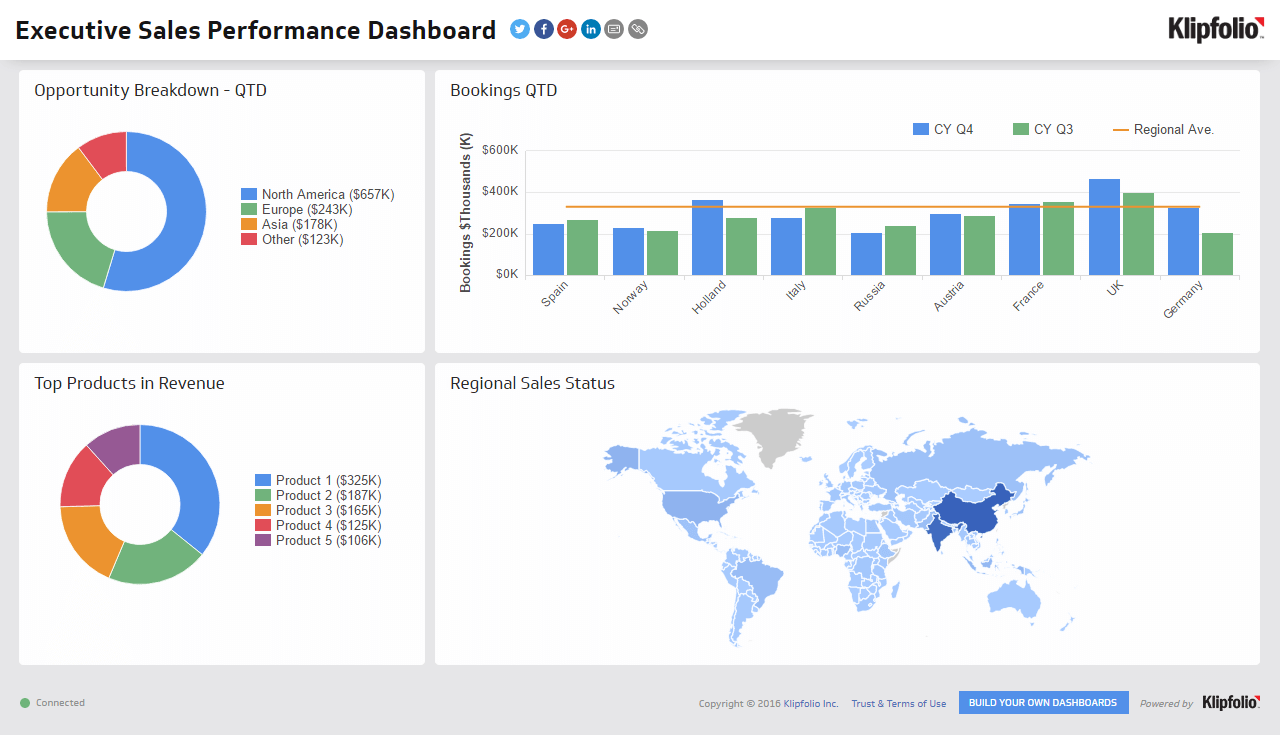
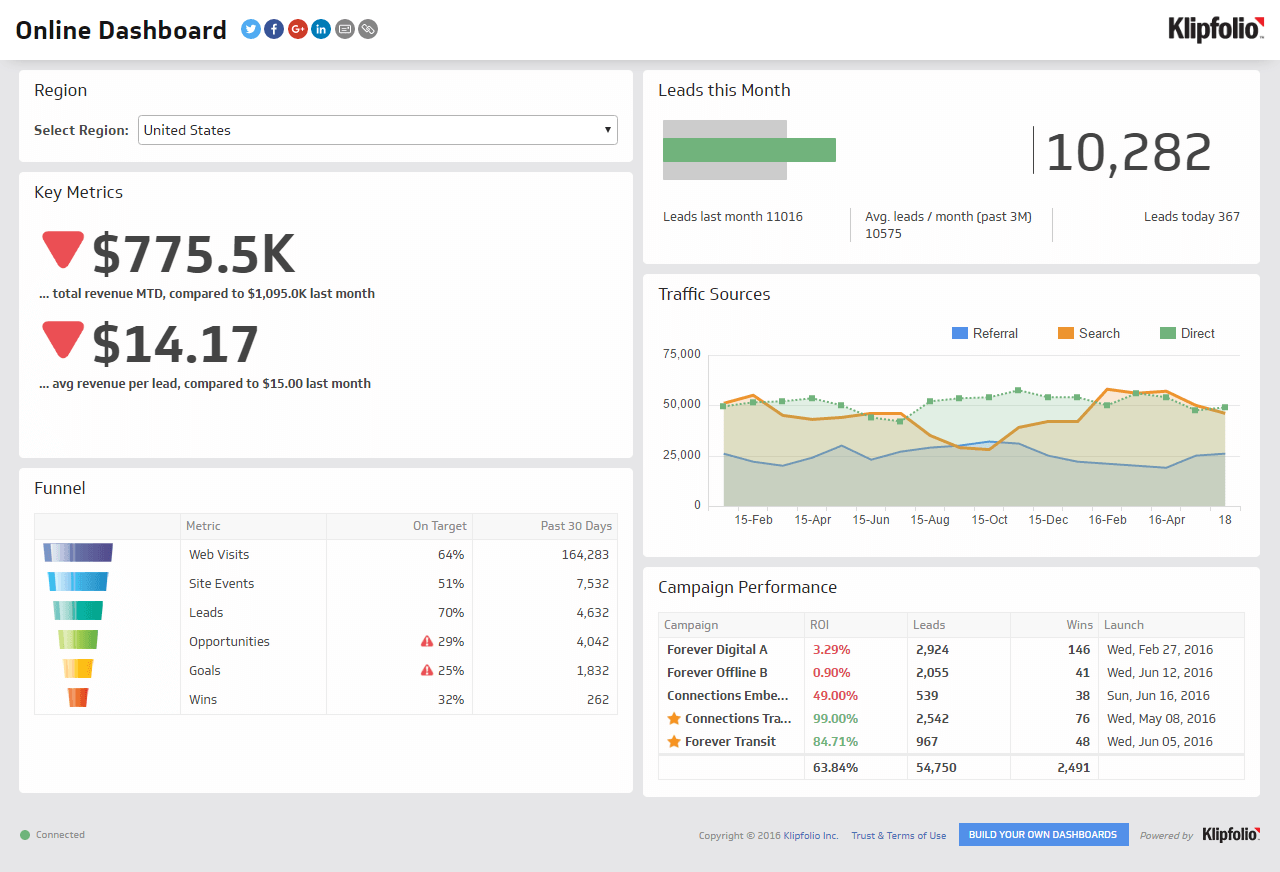
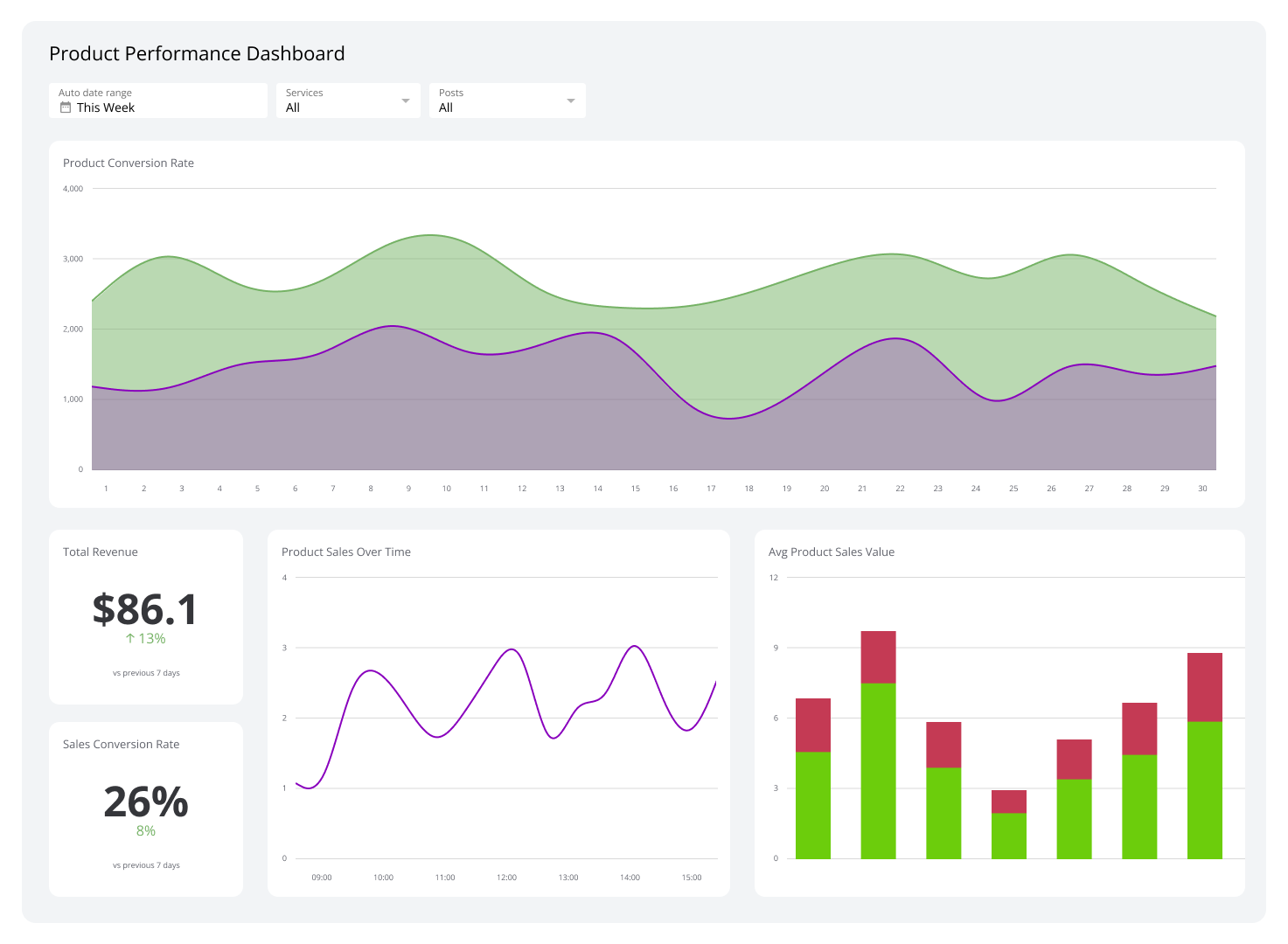
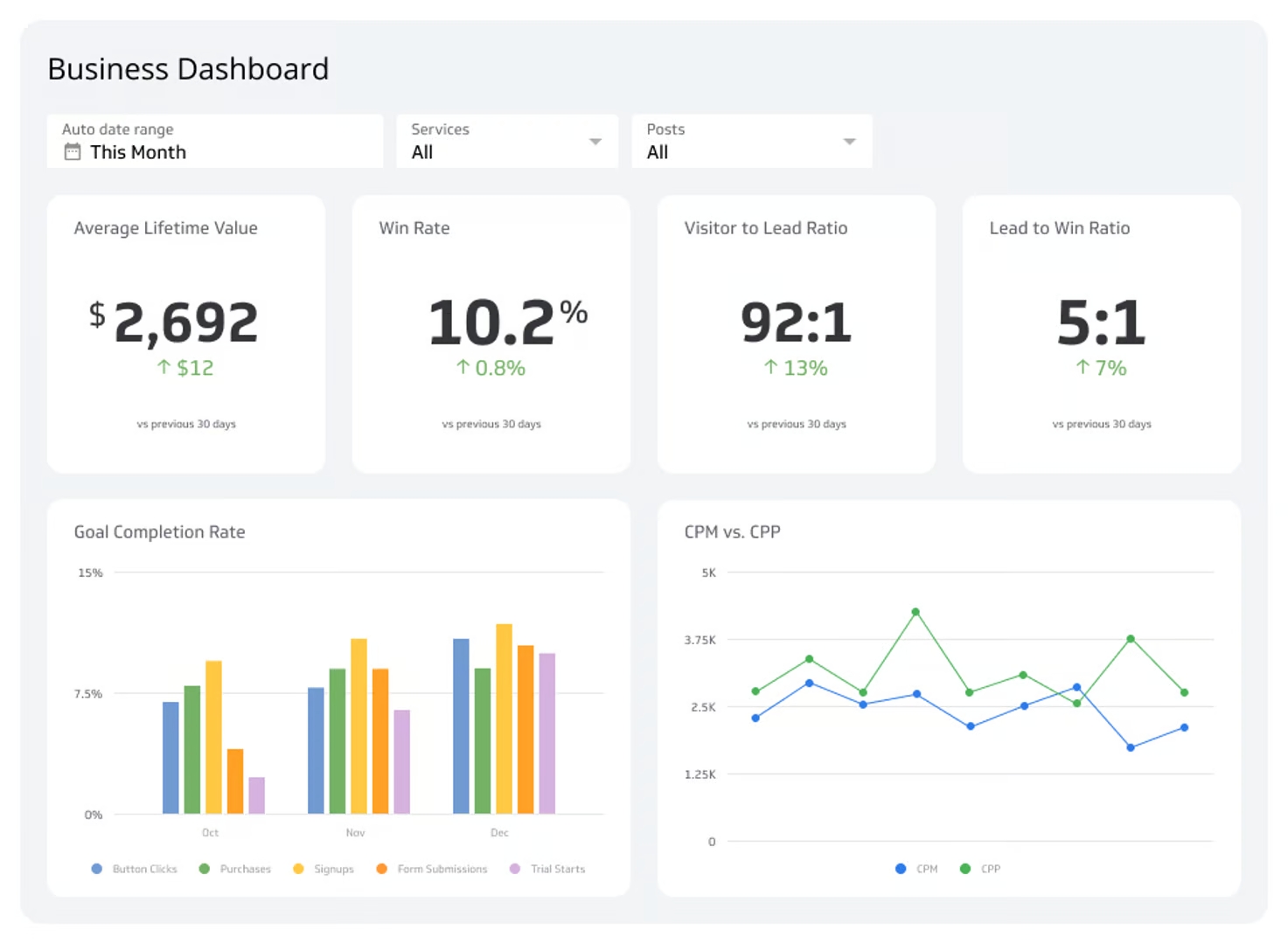
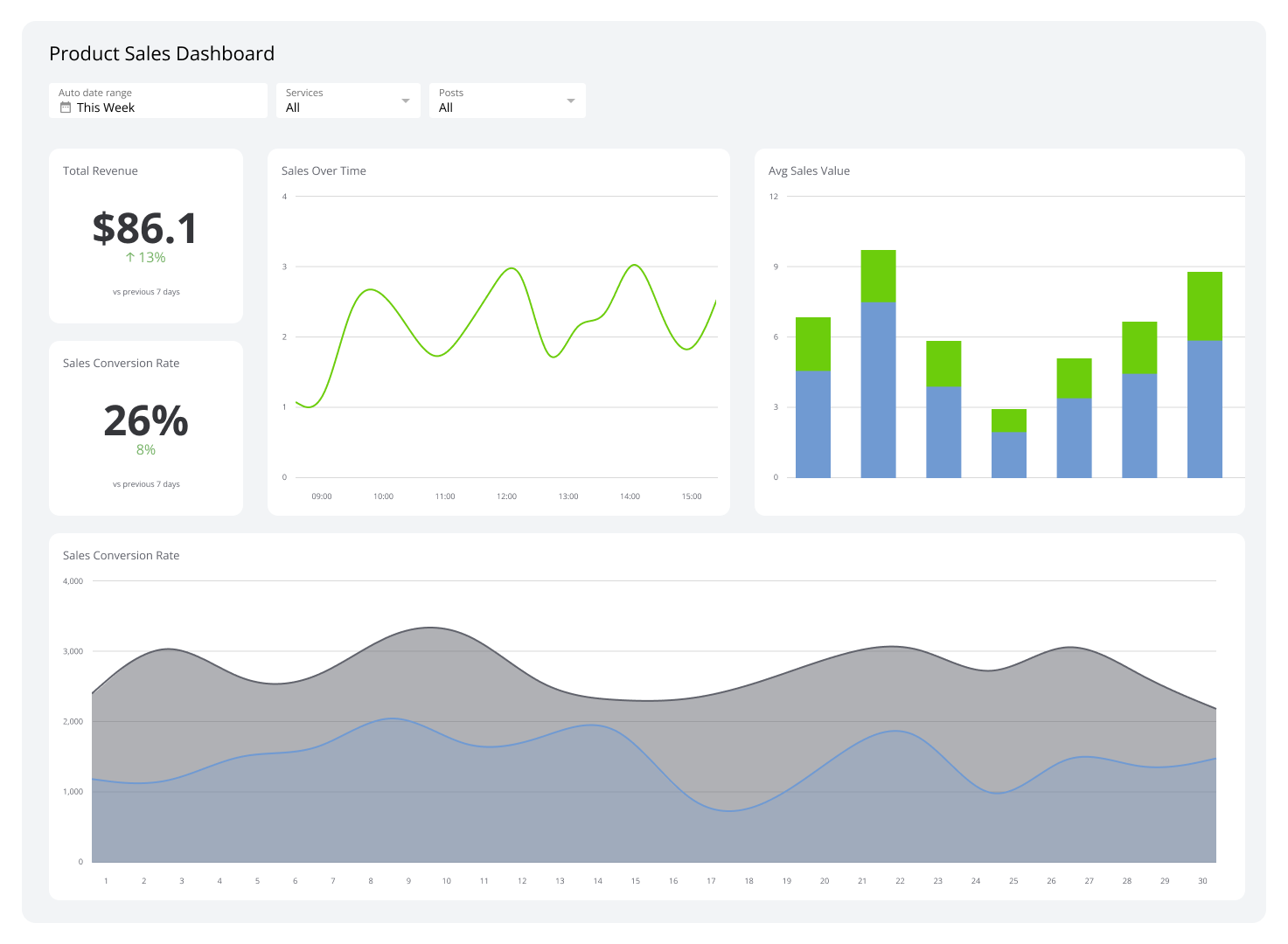
Which of your products are truly driving growth? A product sales dashboard gives you a real-time, visual overview of your product-related sales data: what's selling, where it's selling, and which items are most profitable.
By consolidating metrics like Revenue per Product, Sales Volume by Region, and Inventory Levels into a single view, a sales dashboard replaces the guesswork of spreadsheets and scattered systems. You see what's working, catch problems early, and know what to do next — without waiting for someone to pull a report.
Key metrics for your Product Sales Dashboard
An effective Product Sales Dashboard tracks performance from production to final sale. These are the metrics that matter most:
Revenue per Product: See which products are your top performers and which are underperforming. Focus your sales and marketing effort where it will move the number.
Sales Volume by Region: Understand geographic performance to identify high-demand areas and untapped markets. Smarter distribution and inventory decisions follow from this.
Profit Margin per Product: Top-line revenue can be misleading. Profit Margin per Product shows which products actually contribute to the bottom line, so you can make confident calls on pricing, promotions, and product development.
Inventory Levels: Track stock in real time to prevent stockouts on popular items and reduce the cost of holding slow-moving products.
Stop digging through separate systems for numbers you should already have. Klipfolio Klips connects to your sales and inventory data, brings it together in one place, and keeps it current — so you always know where things stand.
Why a Product Sales Dashboard matters
Without a centralized view of product performance, decisions get made on instinct rather than data. A Product Sales Dashboard removes that guesswork.
When your sales, inventory, and margin data live in separate tools, spotting a trend or catching a problem takes time you don't have. A well-built dashboard surfaces those insights automatically, so you can act quickly: reorder stock, adjust pricing, or double down on a high-margin product.
For growing companies managing multiple product lines, this kind of visibility isn't a nice-to-have. It's what keeps operations aligned and revenue growing.
What to look for in a product sales dashboard
Not all dashboards are built the same. These are the capabilities worth prioritizing:
Real-time data connectivity: Your dashboard should pull live data from your sales platform, ERP, or inventory system — not a spreadsheet you update by hand.
Customizable visualizations: Bar charts, trend lines, and heatmaps each tell a different story. The right tool lets you match the visual to the metric.
Multi-source integration: Product sales data often lives across several platforms. A strong dashboard connects them all.
Role-based access: Sales managers, executives, and operations leads need different views. Granular permissions mean each person sees what's relevant to them.
Scheduled reporting: Automated PDF or email reports keep stakeholders informed without requiring them to log in every day.
Klipfolio Klips supports all of these, with 130+ data connectors, 30+ visualization types, and distribution options including TV mode, public links, and scheduled email reports.
Create custom dashboards for you and your team.
Get started with KlipsHow to build a Product Sales Dashboard with Klips
Building a Product Sales Dashboard in Klips starts with connecting your data. Klips supports direct connections to popular sales platforms, cloud storage, and SQL databases, so you're not starting from scratch.
Connect your data: Link your sales platform, inventory system, or ERP using one of Klips' 130+ connectors.
Choose your metrics: Revenue, margin, volume, and inventory are a strong starting point. Add or remove based on your product lines.
Build your Klips: Use the drag-and-drop editor and Excel-like formulas to create visualizations for each metric.
Set your refresh rate: Schedule data refreshes from every minute to every 24 hours, depending on how often your data changes.
Distribute your dashboard: Share via secure link, embed it in an internal portal, or display it on a TV in your office.
You shouldn't have to explain your business to a spreadsheet or paste numbers into a chatbot to get a straight answer about your products. Klips gives you that answer automatically, every time you look. Try Klipfolio Klips free and build your first Product Sales Dashboard today.