UpContent
Connect UpContent to Klipfolio Klips and bring your custom content feeds into a live dashboard. Monitor topics, track conversations, and share insights — all in one place.
Tracking data across content sources is time-consuming when your feeds live in one tool and your reporting lives somewhere else. Connecting UpContent to Klipfolio Klips brings your custom content feeds into a live dashboard — so you can monitor topics, track conversations, and share insights without switching tabs.
How to connect UpContent to Klipfolio
- Sign in to your UpContent account or create a free account.
- If you don't have any topics yet, create one in UpContent.
- In the left navigation menu, hover over a topic and click the link icon.
- In the popup, copy the second link under Copy the link below to get an RSS feed.
- In Klipfolio, paste the link into the Your RSS Feed URL field, then click Add Klip.
View the step-by-step setup guide
Top reasons to use Klipfolio for UpContent dashboards
Monitor topics in real time. Your UpContent feed updates automatically inside Klipfolio, so you always see the latest content without manually refreshing or exporting.
Centralize content intelligence alongside other metrics. Combine your UpContent feed with data from other sources — marketing, social, or web analytics — in one shared dashboard.
Share insights with your team. Distribute your dashboard via TV mode, public links, or scheduled email reports so everyone stays aligned on the topics that matter.
Save time on manual reporting. Once connected, your feed populates automatically. No CSV exports, no copy-paste, no manual updates.
UpContent and Klipfolio: what changes
| What you do in UpContent | What Klipfolio adds |
|---|---|
| Browse topics manually in the UpContent app | Automated feed display inside a live dashboard |
| Copy and share RSS links individually | Centralized view with your other business metrics |
| Check content updates on demand | Scheduled refreshes that keep your Klip current |
Stop switching between tools to track your content feeds. Start building a dashboard that brings UpContent into your reporting workflow.
Use pre-built UpContent metrics
Assemble a UpContent dashboard by selecting pre-built metrics from the Klip Gallery.
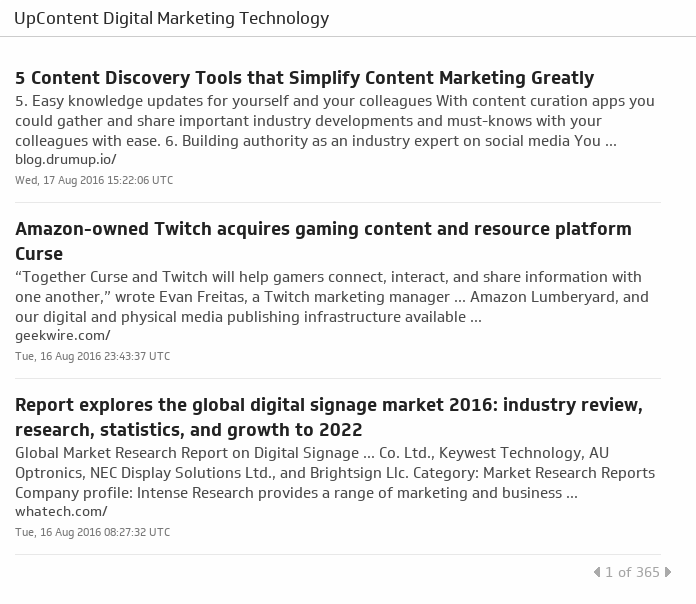
Digital Marketing Technology
Gain a competitive edge by keeping up with the latest and greatest articles in digital marketing technology.
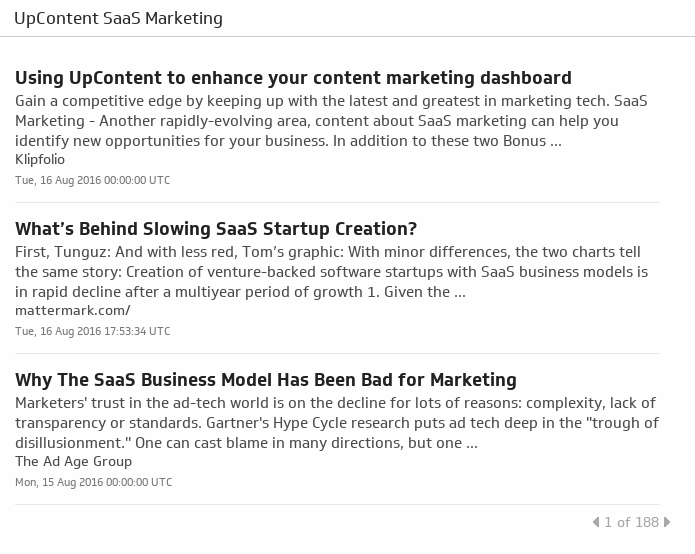
UsesSaaS Marketing
Your go-to curated list of SaaS Marketing articles based on relevance, recency, shareability and influence.
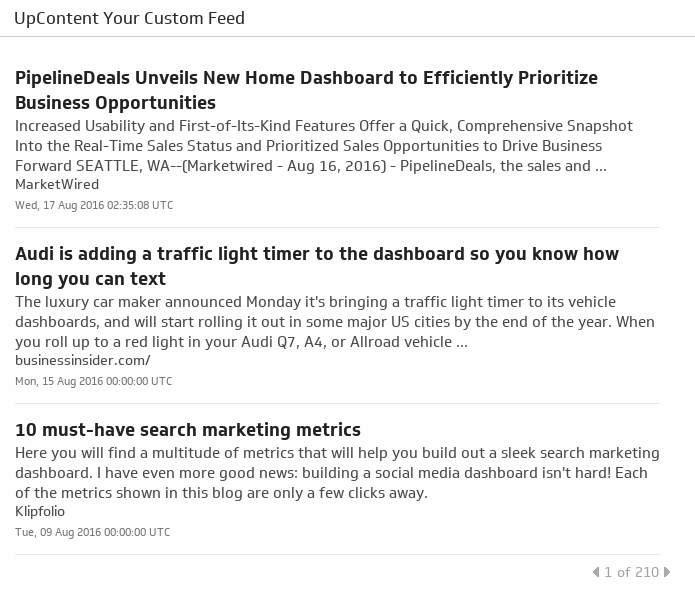
UsesUpContent Your Custom Feed
Get a custom RSS Feed on the topic of your choice from your free UpContent account.
Uses