Email Bounce Rate
Email Bounce Rate is the percentage of emails that fail to reach recipients' inboxes. Learn how to calculate it, what causes a high rate, and how to reduce it.
Email Bounce Rate
Email Bounce Rate is the percentage of emails that fail to reach recipients' inboxes, returned to the sender undelivered. A high rate signals list quality problems, sender reputation risk, or delivery failures.
Knowing your Email Bounce Rate tells you whether your emails are actually reaching people. A campaign with great copy and strong offers delivers nothing if the messages never land.
What is Email Bounce Rate?
Email Bounce Rate is the percentage of sent emails that could not be delivered and were returned to the sender. It reflects the health of your email list and your standing with email service providers.
Email Bounce Rate = (Bounced Emails / Emails Sent) × 100
For example: if you sent 1,000 emails and 100 bounced, your Email Bounce Rate is 10%.
Types of email bounces
Not all bounces carry the same weight. Understanding the difference helps you decide how to respond.
Hard bounces happen when an email cannot be delivered permanently. The address is invalid, non-existent, or the recipient's server has blocked your domain outright. Hard bounces damage your sender reputation quickly. Remove these addresses from your list immediately.
Soft bounces are temporary delivery failures. The recipient's inbox is full, the receiving server is down, or your message is too large. Soft bounces are less harmful, but a pattern of them against the same address is worth flagging.
Why Email Bounce Rate matters
A high Email Bounce Rate is not just a deliverability inconvenience. It affects decisions and outcomes across your business.
Sender reputation: Email providers track your bounce history. A high rate signals poor list hygiene, which can push future sends into spam folders or block them entirely.
Campaign ROI: Bounced emails represent wasted spend. Every message that never arrives is a missed opportunity to convert.
Customer communication: For teams using email to onboard, retain, or support customers, bounces mean gaps in the relationship, often at critical moments.
Revenue impact: For SaaS teams, a bounce during an onboarding sequence or renewal reminder can mean churn you never saw coming.
When your numbers look off, the instinct might be to ask an AI tool to explain it or paste your data somewhere to get a quick read. But that approach starts from scratch every time. Knowing your Email Bounce Rate consistently, in context, means you can act on a shift the moment it appears rather than investigating it after the damage is done.
Common causes of a high Email Bounce Rate
Before you can reduce your bounce rate, you need to know what is driving it.
Invalid email addresses: Addresses that no longer exist or were never real produce hard bounces every time. This is the most common cause of a high Email Bounce Rate.
Spam filters: If your sending domain or content triggers spam filters, emails may be rejected before they reach the inbox.
Full inboxes: A recipient's inbox at capacity causes a soft bounce. Usually temporary, but worth monitoring if it recurs.
Syntax errors: A typo in an address (missing "@", wrong domain extension) results in an immediate bounce. Double opt-in catches most of these.
Outdated lists: Lists that have not been cleaned recently accumulate addresses that have gone dormant or been deactivated.
How to measure your Email Bounce Rate
Your email service provider (ESP) handles bounce tracking automatically. Here is how to get the most from that data.
Access your campaign reports. Every major ESP surfaces bounce data at the campaign level. Look for total sent, total delivered, and total bounced.
Separate hard from soft bounces. Most platforms distinguish between the two. Focus your immediate action on hard bounces.
Calculate your rate. Divide bounced emails by total sent, then multiply by 100. This gives you your Email Bounce Rate as a percentage.
Benchmark against industry norms. A rate below 2% is generally considered healthy. Anything above that warrants investigation.
Track over time. A single campaign's bounce rate is less useful than a trend. Rising rates signal a list hygiene problem before it becomes a deliverability crisis.
Identified a reliable ESP that provides granular bounce reporting is the foundation of this process.
Strategies for reducing your Email Bounce Rate
Verify your email list
Use an email verification tool to validate addresses before you send. Verification catches invalid formats, non-existent domains, and known spam traps. Running this before a large send can prevent a hard bounce spike that damages your sender reputation.
Use double opt-in
Double opt-in requires new subscribers to confirm their address by clicking a link in a follow-up email. This step verifies the validity of email addresses at the point of capture, eliminating typos and fake entries before they reach your list.
Clean your list regularly
Remove hard bounce addresses immediately after each campaign. Flag soft bounce addresses and suppress them if they fail repeatedly. Subscribers who have not engaged in six months or more are worth suppressing too. A smaller, accurate list consistently outperforms a bloated one.
Monitor your sender reputation
Your sender reputation determines whether email providers trust your messages. Track your click-through rates, unsubscribe rates, and other email metrics alongside bounce rate. A drop in engagement combined with a rise in bounces often points to a deliverability problem before your ESP flags it directly.
Segment your list
Sending relevant content to the right people reduces disengagement, which in turn reduces the conditions that lead to soft bounces and spam complaints. Segmentation by behaviour, industry, or lifecycle stage keeps your sends targeted and your list healthy.
Best practices for improving email deliverability
Reducing your Email Bounce Rate is one part of a broader deliverability effort. These practices reinforce the work you do on list hygiene.
Write subject lines that earn opens. Misleading or spammy subject lines increase the chance your email gets marked as spam, which harms your sender score over time. Keep subject lines clear, specific, and relevant to the recipient.
Optimize images and calls to action. Oversized images slow load times and can trigger filters. Make sure every CTA is clear and points to a functioning destination.
Test before you send at scale. A/B test subject lines, send times, and email frequency on smaller segments before rolling out to your full list. Testing surfaces deliverability issues before they affect your entire campaign.
Authenticate your sending domain. SPF, DKIM, and DMARC records tell receiving servers that your emails are legitimate. Missing authentication is a fast path to the spam folder.
Tracking Email Bounce Rate with Klipfolio
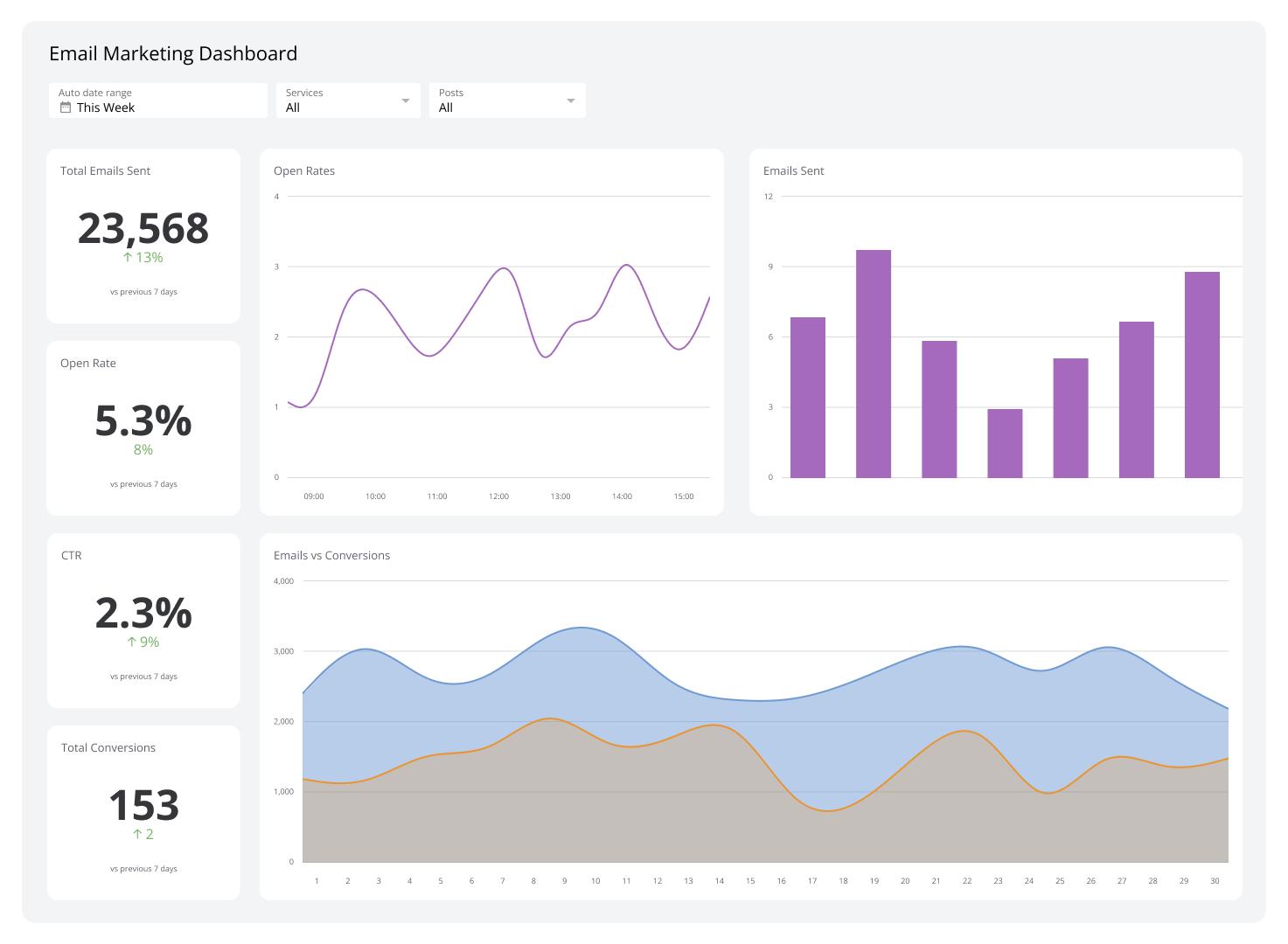
Monitoring Email Bounce Rate in isolation misses the full picture. Pairing it with open rate, click-through rate, and unsubscribe rate gives you a complete view of campaign health.
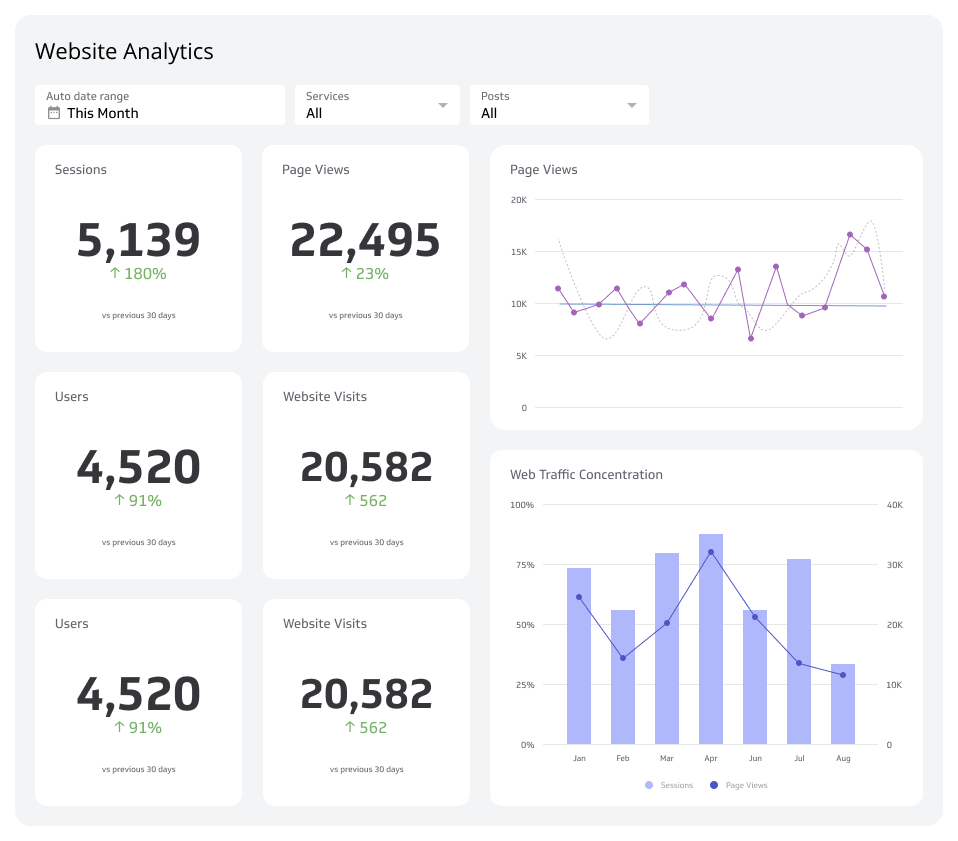
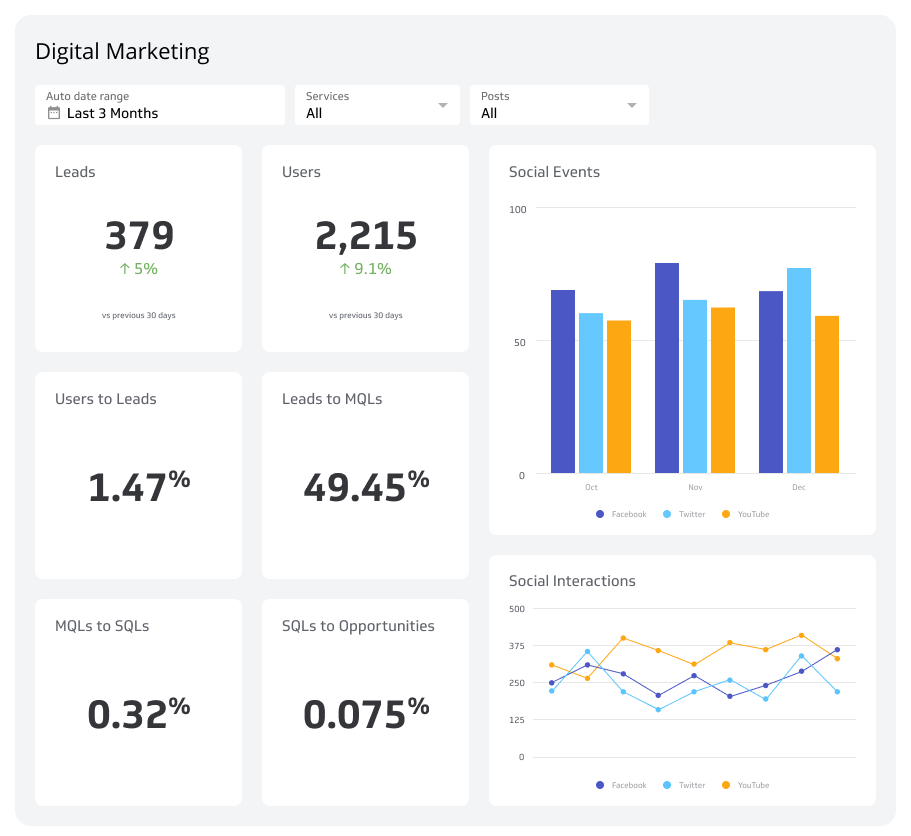
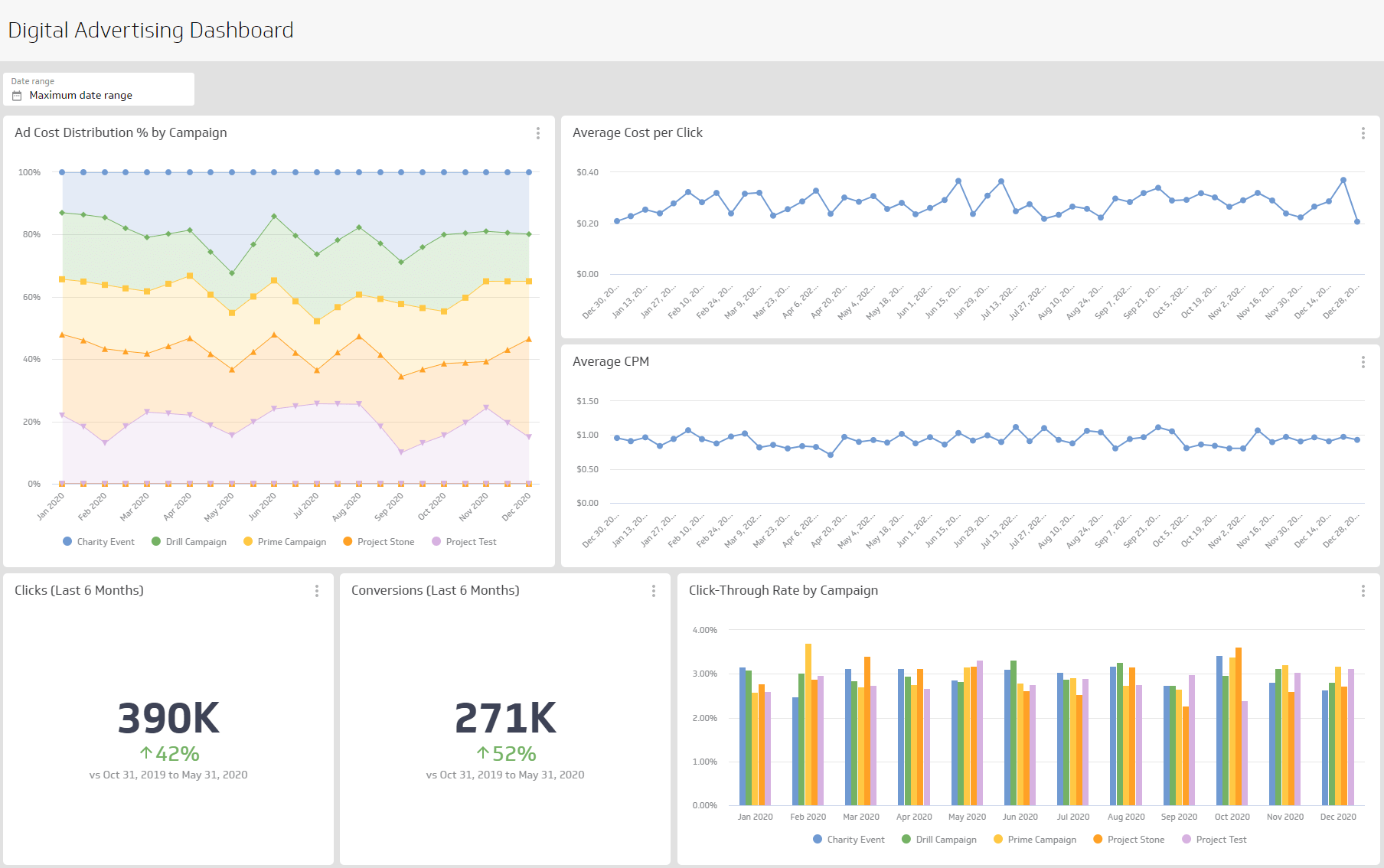
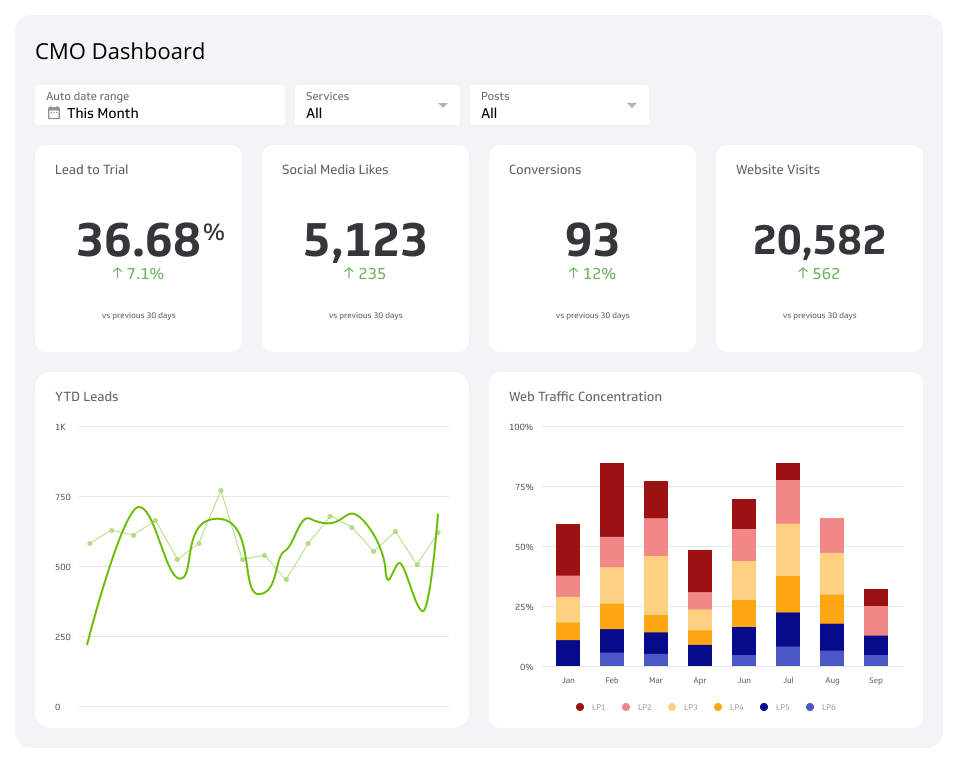
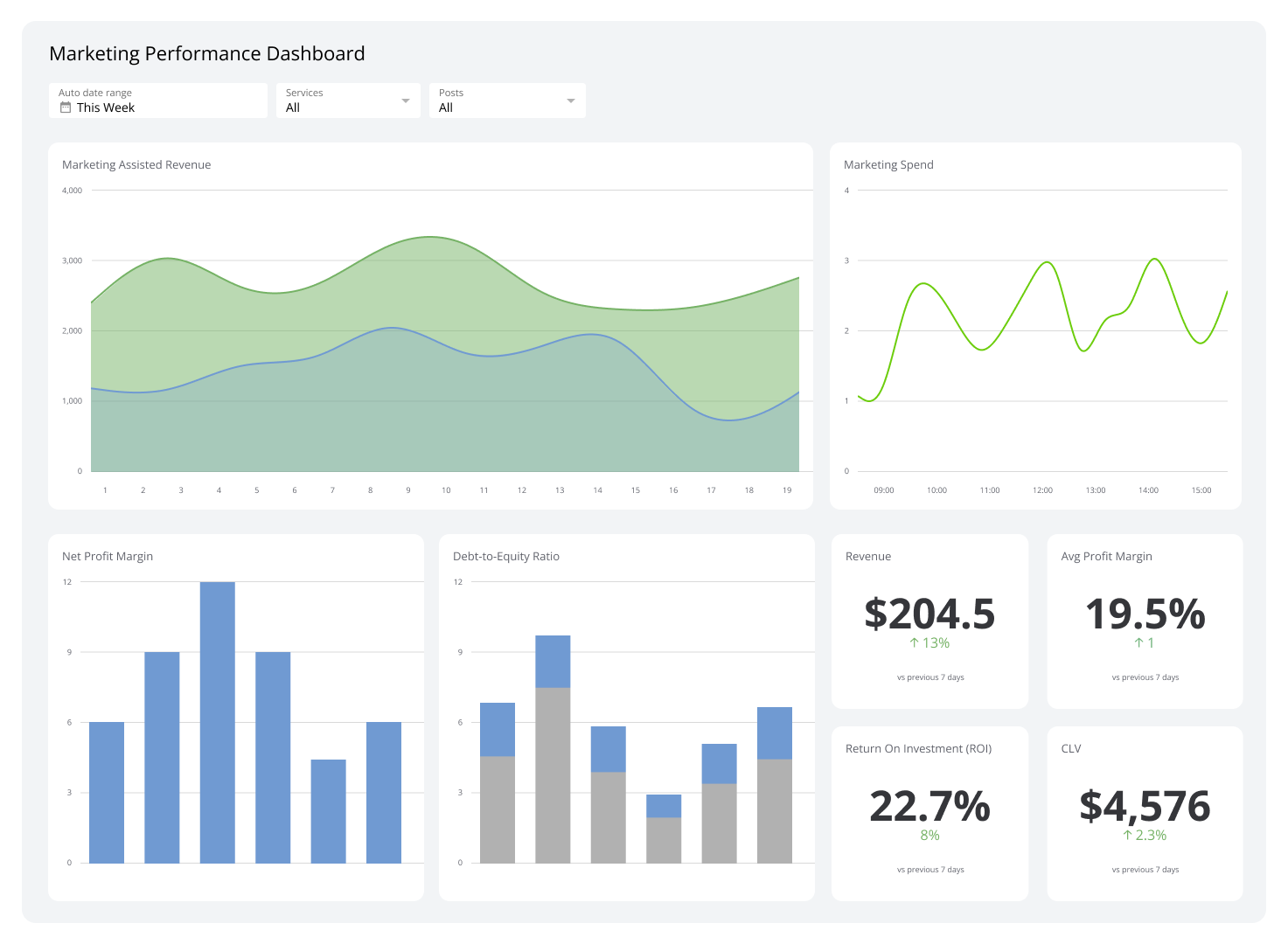
Klipfolio connects to your ESP and other marketing tools to pull these metrics into a single dashboard, updated automatically. Instead of pulling reports manually or piecing together numbers from separate platforms, you see your email performance in one place, in real time. When your bounce rate shifts, you know immediately, with the context to understand why.