SEO Analytics Dashboard
Track keyword rankings, organic traffic, and backlinks in one place to measure and improve your SEO performance.
What is an SEO dashboard?
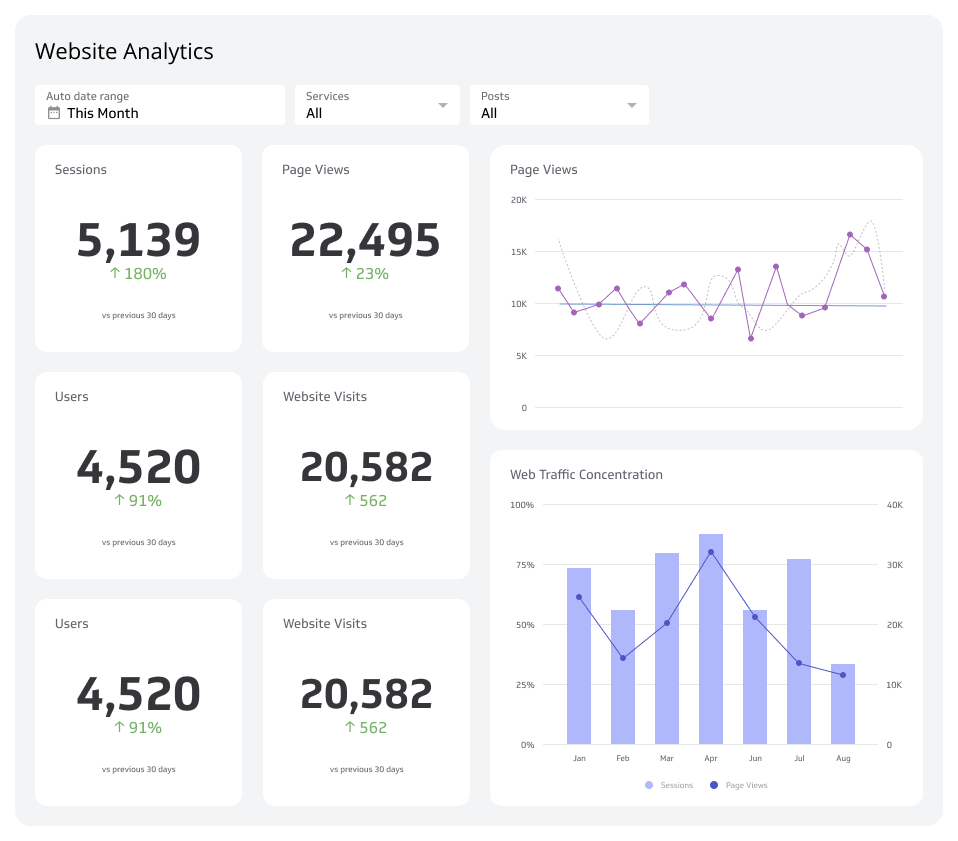
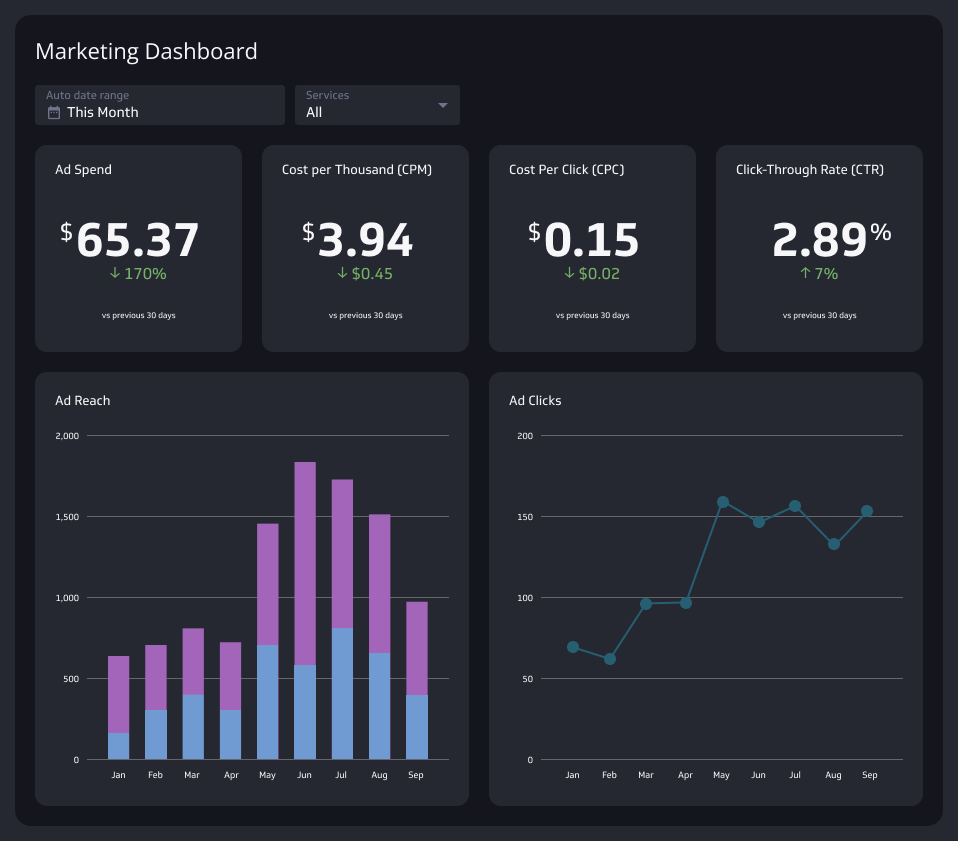
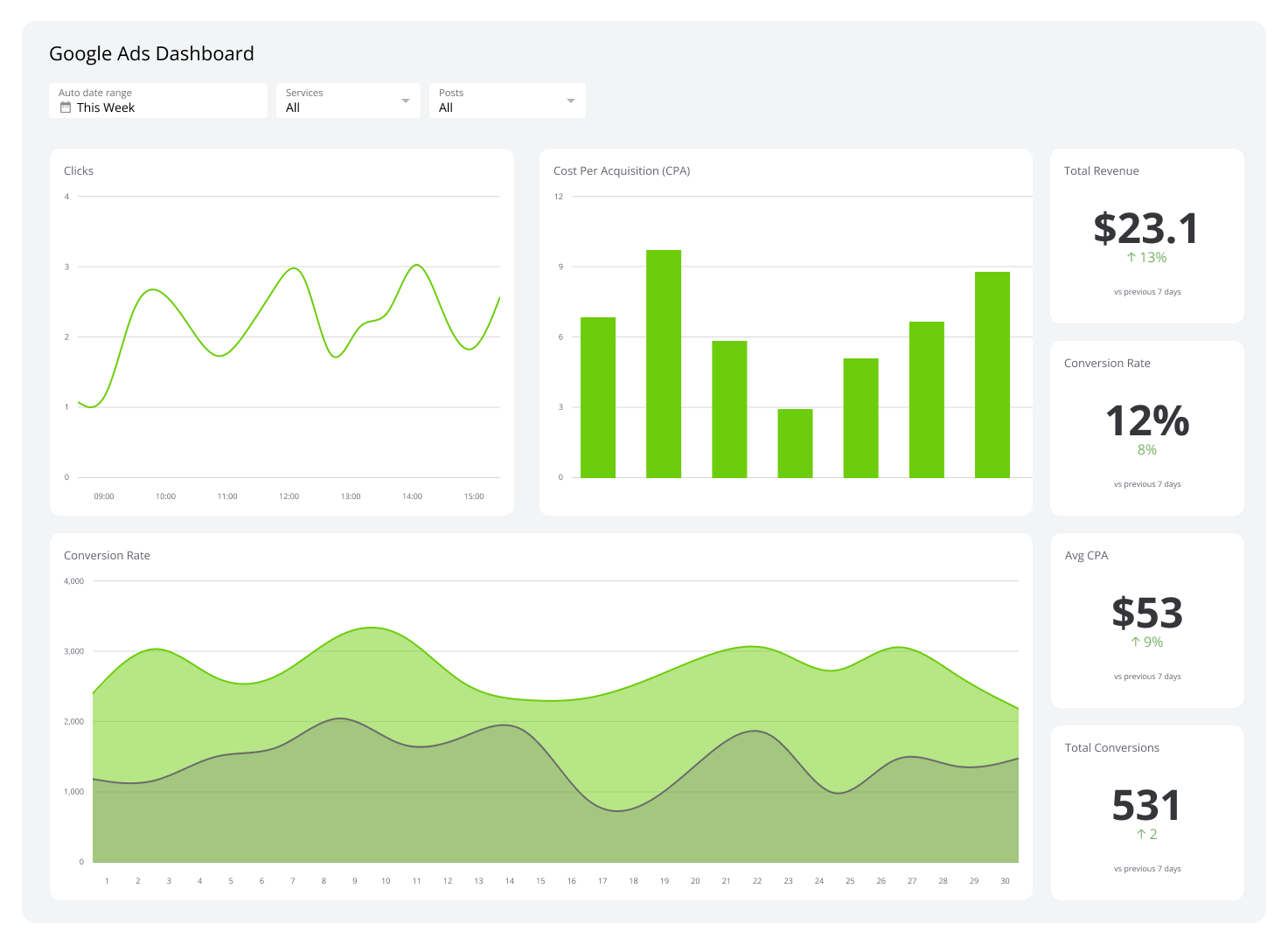
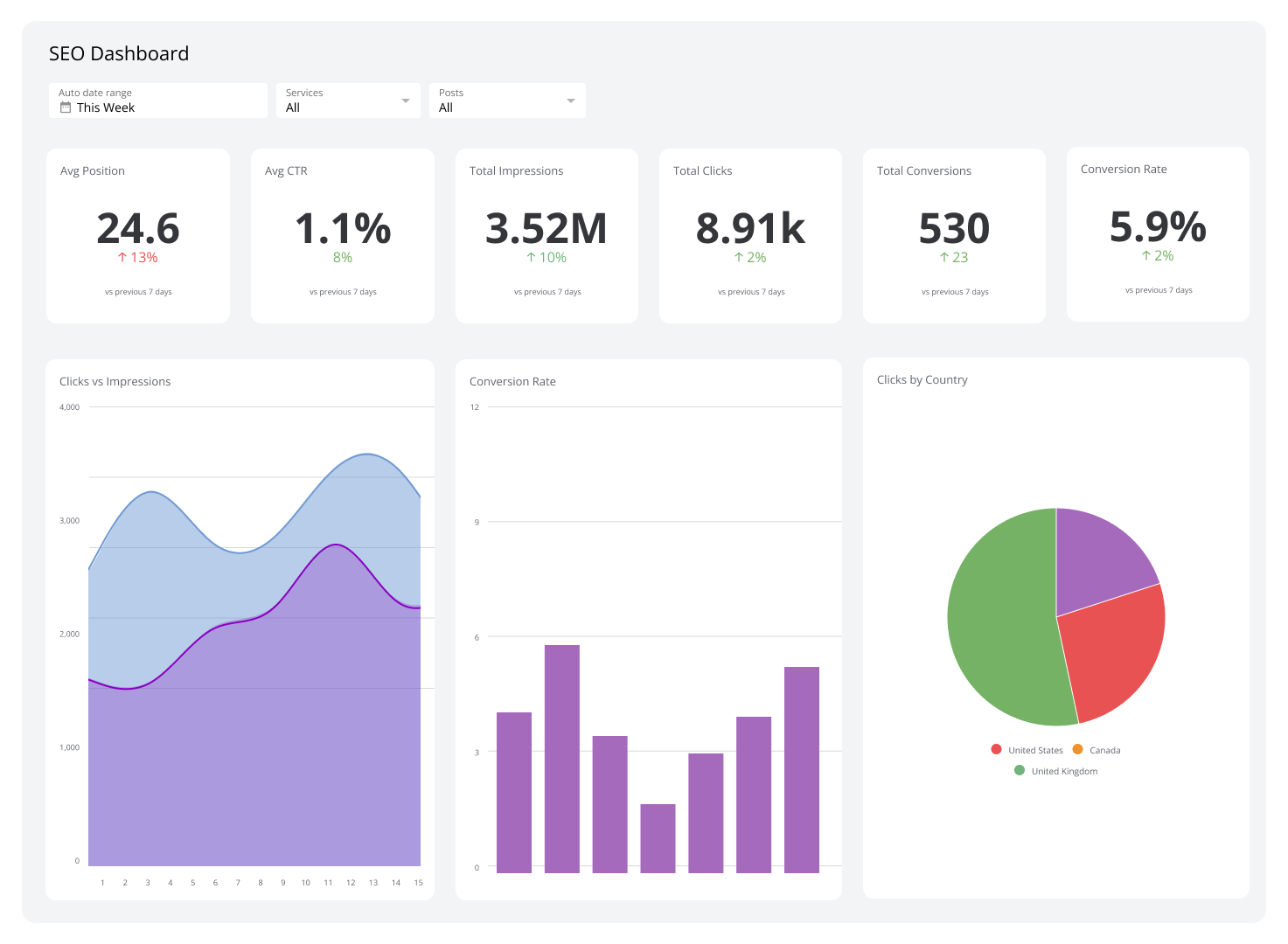
An SEO dashboard is a centralized interface that tracks your website's search performance, including keyword rankings, organic traffic, backlink profiles, and conversion data, in one place.
What is SEO?
Search Engine Optimization (SEO) is the process of improving a website's visibility in organic (unpaid) search results. The goal is to create content that satisfies what users are searching for and that search engines recognize as authoritative and relevant.
Modern SEO covers more ground than it used to. It includes technical health (site speed, crawlability, Core Web Vitals), on-page signals (content quality, keyword relevance, internal linking), and off-page authority (backlinks, brand mentions). It also increasingly factors in how AI-powered search features, like Google's AI Overviews and Bing Copilot, surface and summarize content.
Why use an SEO dashboard?
SEO generates data across dozens of sources: search consoles, analytics platforms, rank trackers, and link tools. Without a centralized dashboard, your team spends more time collecting numbers than acting on them.
An SEO dashboard brings those sources together so you can stop waiting for someone to pull a report and start knowing what's happening. The alternative, pasting metrics into a spreadsheet or asking a generic AI tool to interpret last week's export, costs time and introduces errors that compound over months.
A well-built SEO Dashboard helps you:
Spot ranking changes fast: See which pages are gaining or losing ground before small shifts become big problems.
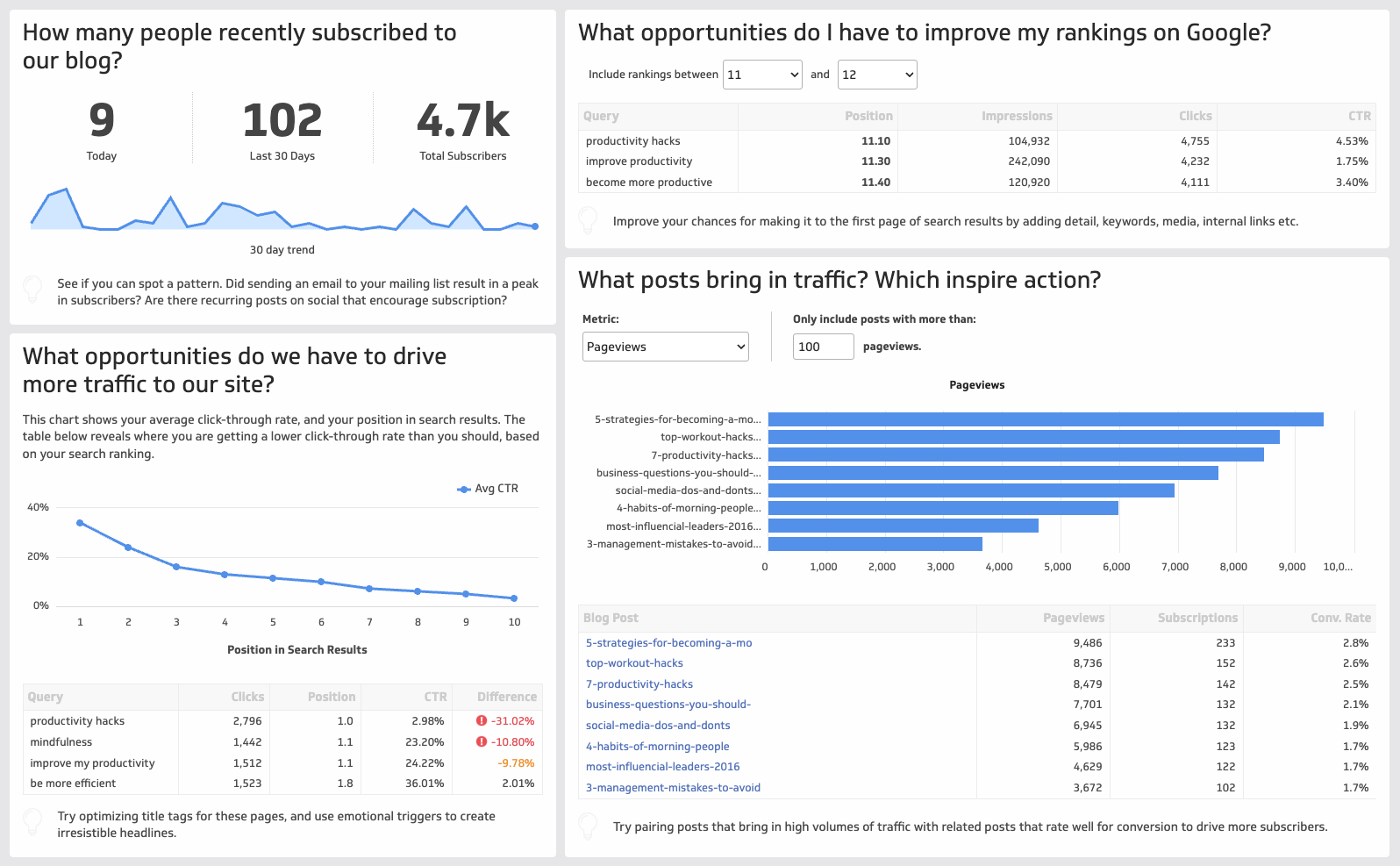
Identify high-impact opportunities: Find keywords in striking distance of Page 1, or pages with strong impressions but low click-through rates.
Align the team: Give stakeholders a shared view of performance without exporting reports manually.
Connect SEO to business outcomes: Track how organic traffic contributes to leads, signups, or revenue, not just sessions.
Features of an effective SEO dashboard
An effective SEO dashboard brings together the metrics that matter most, without cluttering your view with vanity data. Look for these core components:
Keyword tracking: Monitor rankings for your target keywords over time, segmented by page, intent, or geography. Track movement, not just position.
Backlink analysis: Review the volume and quality of inbound links. A strong backlink profile signals authority to search engines and protects against ranking volatility.
Organic traffic analysis: Break down traffic by source, landing page, and device. Understand which channels and pages are driving real visits, not just impressions.
Competitor analysis: Benchmark your rankings and content coverage against key competitors. Identify gaps where they rank and you don't.
Site audit and technical health: Surface crawl errors, broken links, slow pages, and indexing issues before they drag down rankings.
Google Search Console integration: Pull data directly from Google Search Console to track impressions, clicks, average position, and CTR by query and page.
AI and featured snippet visibility: Track whether your content appears in AI Overviews, featured snippets, or People Also Ask boxes, since these placements affect click volume even when your ranking holds steady.
How to track SEO performance
SEO performance reflects how well your efforts are driving qualified traffic to the right pages. The most useful tracking connects inputs (content published, links built, technical fixes made) to outputs (rankings, traffic, conversions).
The best way to measure SEO performance is through a combination of analytics tools. Google Analytics tracks on-site behaviour and conversions. Google Search Console shows how your pages appear in search results. Tools like Moz add Moz rank tracking and backlink analysis. An SEO dashboard pulls these sources together so you see the full picture without switching between tabs, and without having to explain your business context from scratch every time you need an answer.
A few tracking principles worth building into your process:
Segment by intent: Group keywords by informational, navigational, and transactional intent. Performance expectations differ across each group.
Track rankings at the page level: A single page may rank for dozens of keywords. Monitoring page-level traffic alongside keyword positions gives you a more complete view.
Monitor Core Web Vitals: Google uses page experience signals, including Largest Contentful Paint (LCP), Cumulative Layout Shift (CLS), and Interaction to Next Paint (INP), as ranking factors. These belong on your dashboard.
Watch CTR alongside position: A page ranking in position 3 with a low CTR may need a stronger title tag or meta description, not more backlinks.
Set a reporting cadence: Weekly for rank tracking and technical issues; monthly for traffic trends and content performance.
Create custom dashboards for you and your team.
Get started with KlipsMetrics and KPIs for your SEO dashboard
SEO Traffic
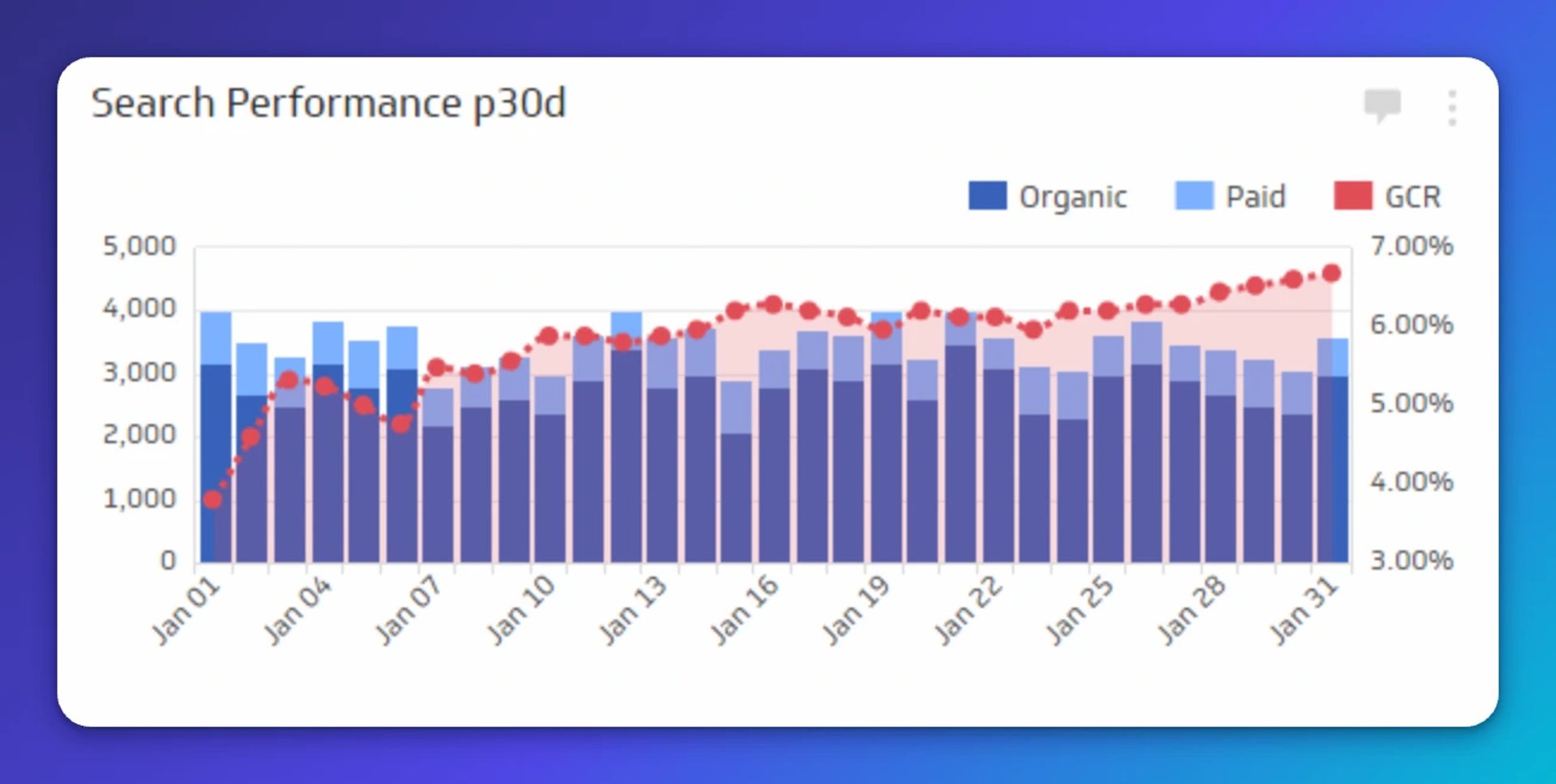
SEO Traffic measures the number of visits to your website from organic or paid search traffic.
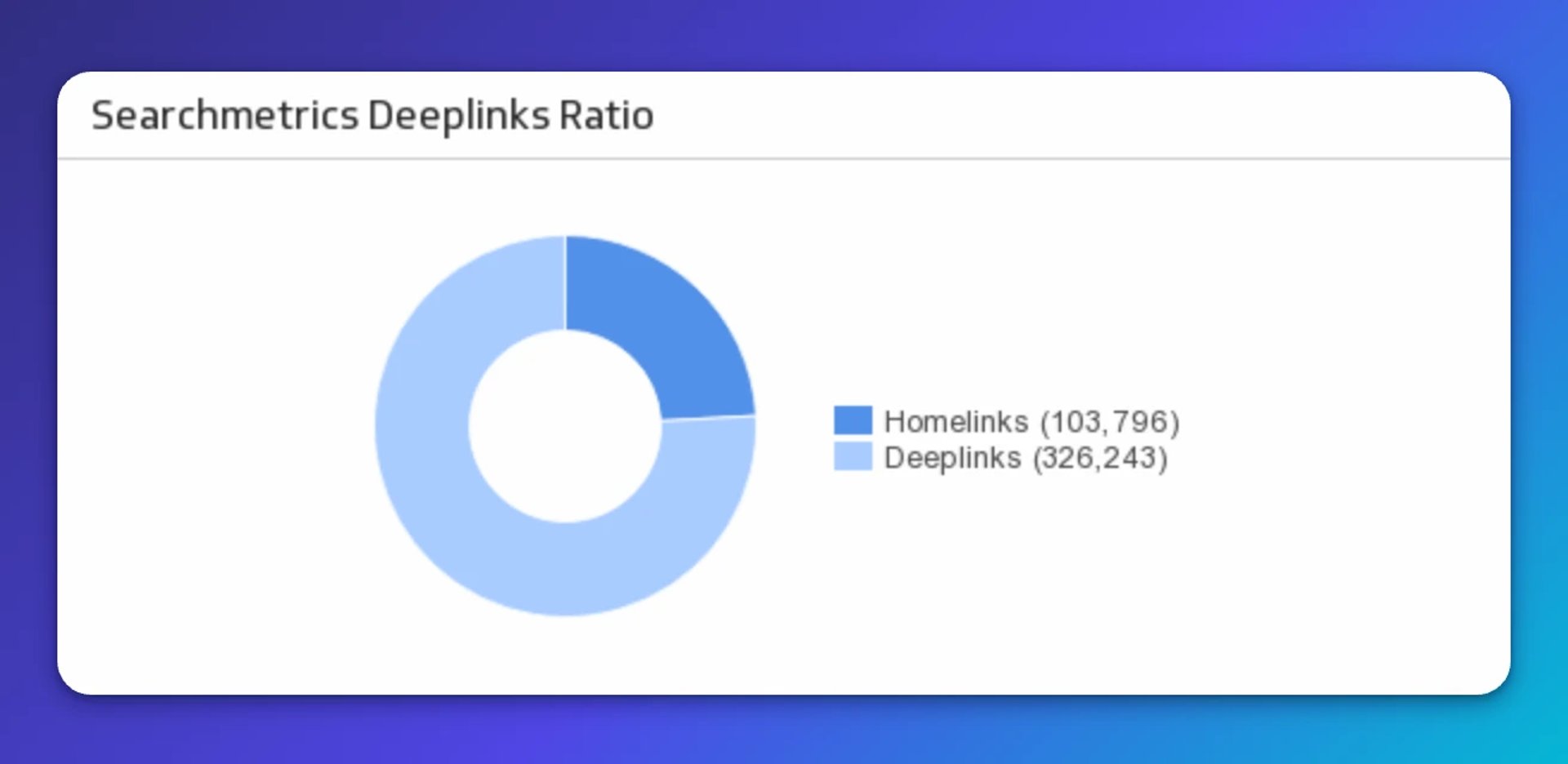
Link Building Metrics
Link building is the process of acquiring hyperlinks from other websites to your own.
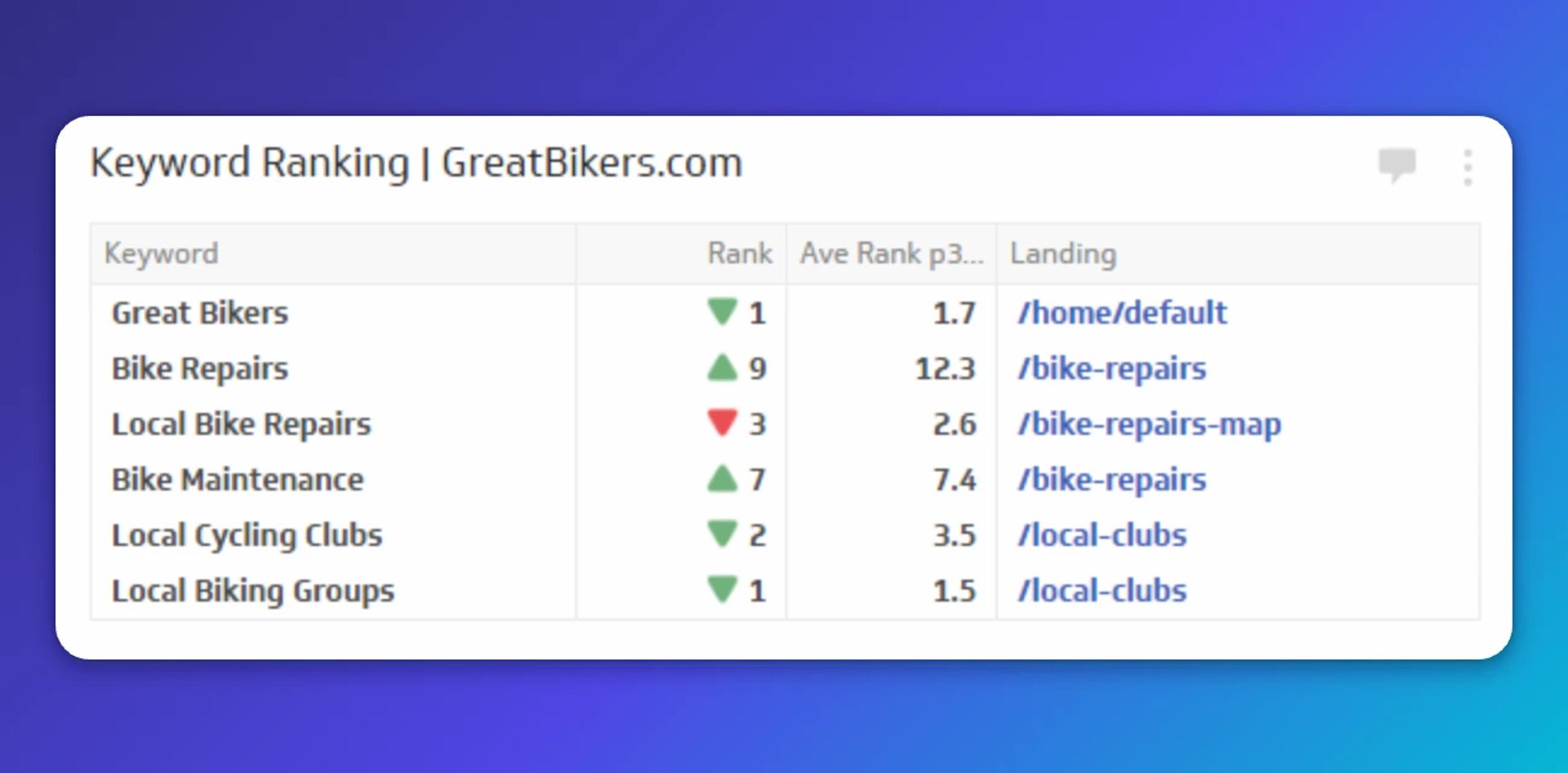
SEO Keyword Ranking
Don't let your SEO efforts fall behind. Learn how to improve your page ranking and the keyword ranking tracking metrics you need to be paying attention to.
Learn More
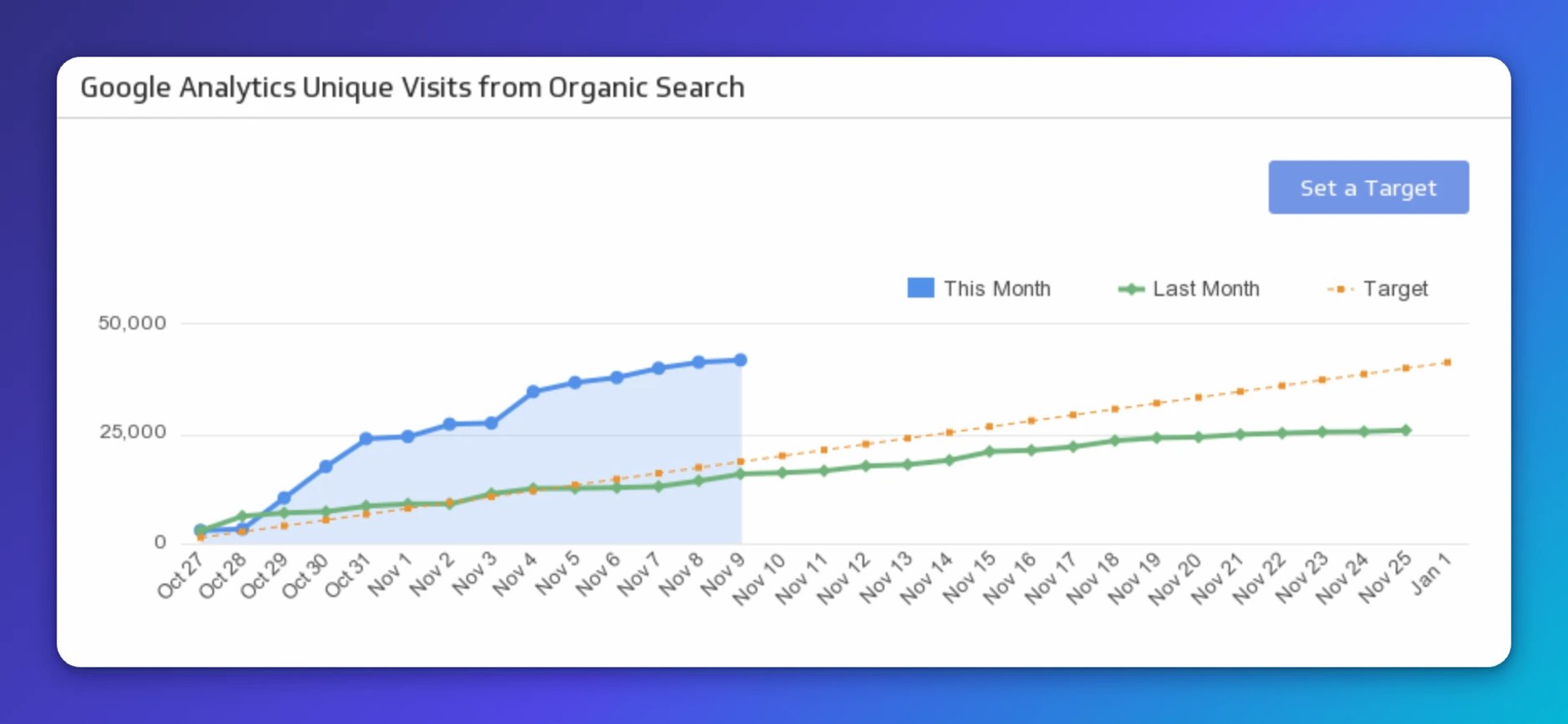
Organic Search Traffic for SEO optimization
Track your organic search traffic to understand which pages and queries are generating visits. Connect organic sessions to downstream conversions so your team can prioritize the work that moves the needle.
Learn More
Top SEO metrics to track
Here are the metrics worth including on a KPI-driven SEO dashboard:
Number of indexed pages
Keywords ranked in position 1
Keywords on Page 2+ (striking distance)
Top 10 pages by traffic share
Organic traffic vs. other channels
Page load time and Core Web Vitals scores
Mobile usability score
External links (volume and domain authority)
Keyword density per page
Internal and external links per page
Search Lost Impression Share (Rank)
Click-Through Rate by query and page
Featured snippet and AI Overview appearances
Create custom dashboards for you and your team.
Get started with KlipsBuilding your SEO dashboard
Start with the questions your team asks most often: Which pages are ranking? Where are we losing ground? What's driving conversions from organic? Build your dashboard to answer those questions at a glance, so the answer is already there when you need it, not buried in a tool you have to log into and configure.
A well-structured SEO Dashboard typically has three layers:
| Layer | What it shows | Example metrics |
|---|---|---|
| Performance summary | Top-level health of organic search | Total organic sessions, total conversions, average position |
| Keyword and content view | How individual pages and queries perform | Keyword Rankings, impressions, CTR, page-level traffic |
| Technical and authority view | Site health and link equity | Crawl errors, Core Web Vitals, backlink count, domain authority |
Connecting your dashboard to live data sources, like Google Analytics and Moz, means your team always works from current numbers rather than last week's export. That consistency is what makes the numbers trustworthy, and trustworthy numbers are what let you make a confident call instead of a qualified guess.
For a broader view of what's possible, explore the full library of SEO metrics and marketing dashboard examples.