Financial Dashboard

See your revenue, expenses, and cash flow in one place — so you can make faster, more confident financial decisions.

What is a financial dashboard?

A financial dashboard consolidates your company's financial data into a single, real-time view so you can monitor revenue, expenses, and profitability without waiting for someone to pull a report.

Instead of piecing together numbers from spreadsheets or separate systems, a financial dashboard gives you one reliable source of truth. You can track financial metrics across the business, spot trends early, and make decisions grounded in current data — not last week's export.

These dashboards are highly customizable, so you can surface the metrics that matter most to your role and goals.

Financial dashboard examples

Below are seven financial dashboard examples to inspire your own.

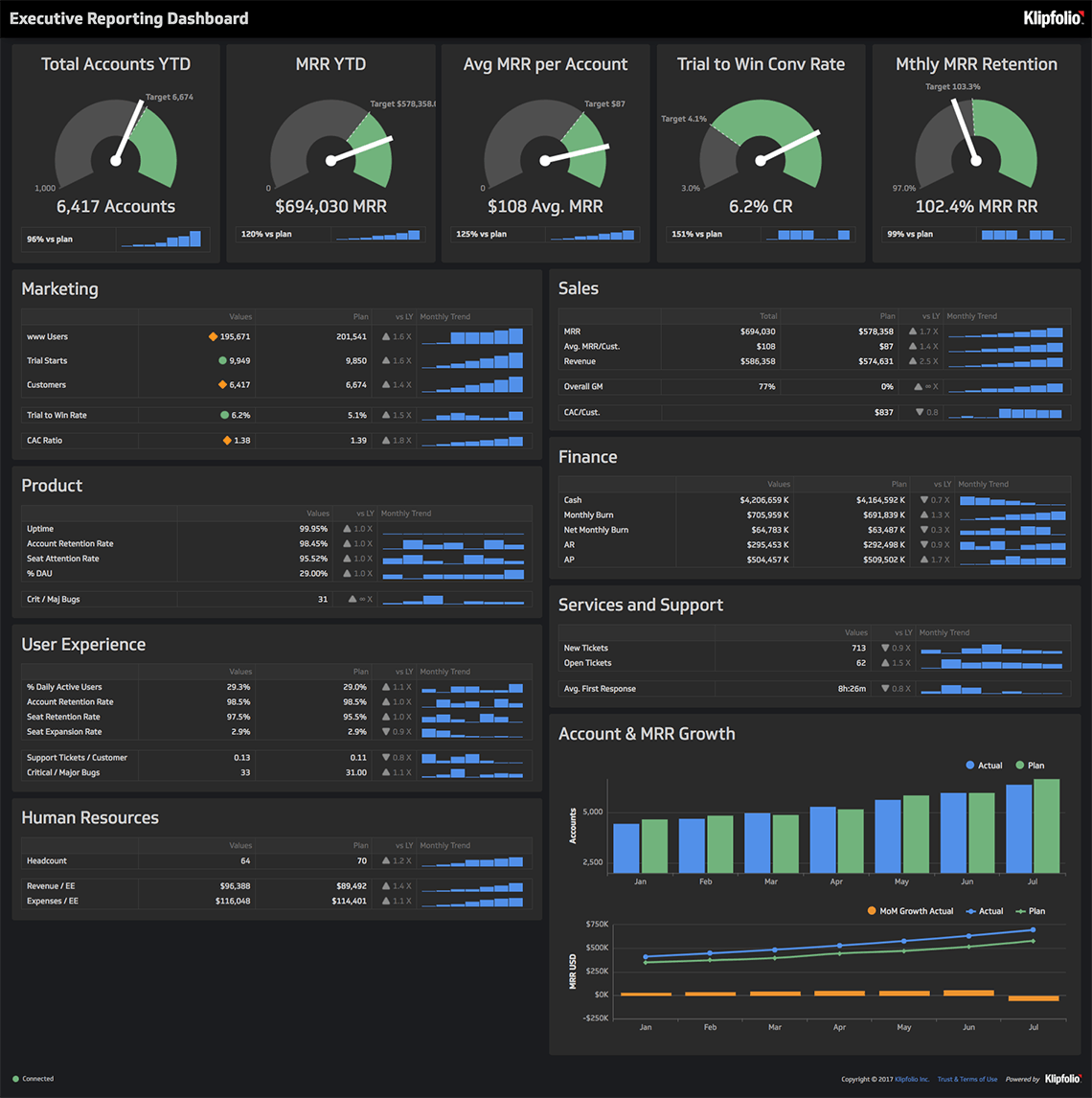
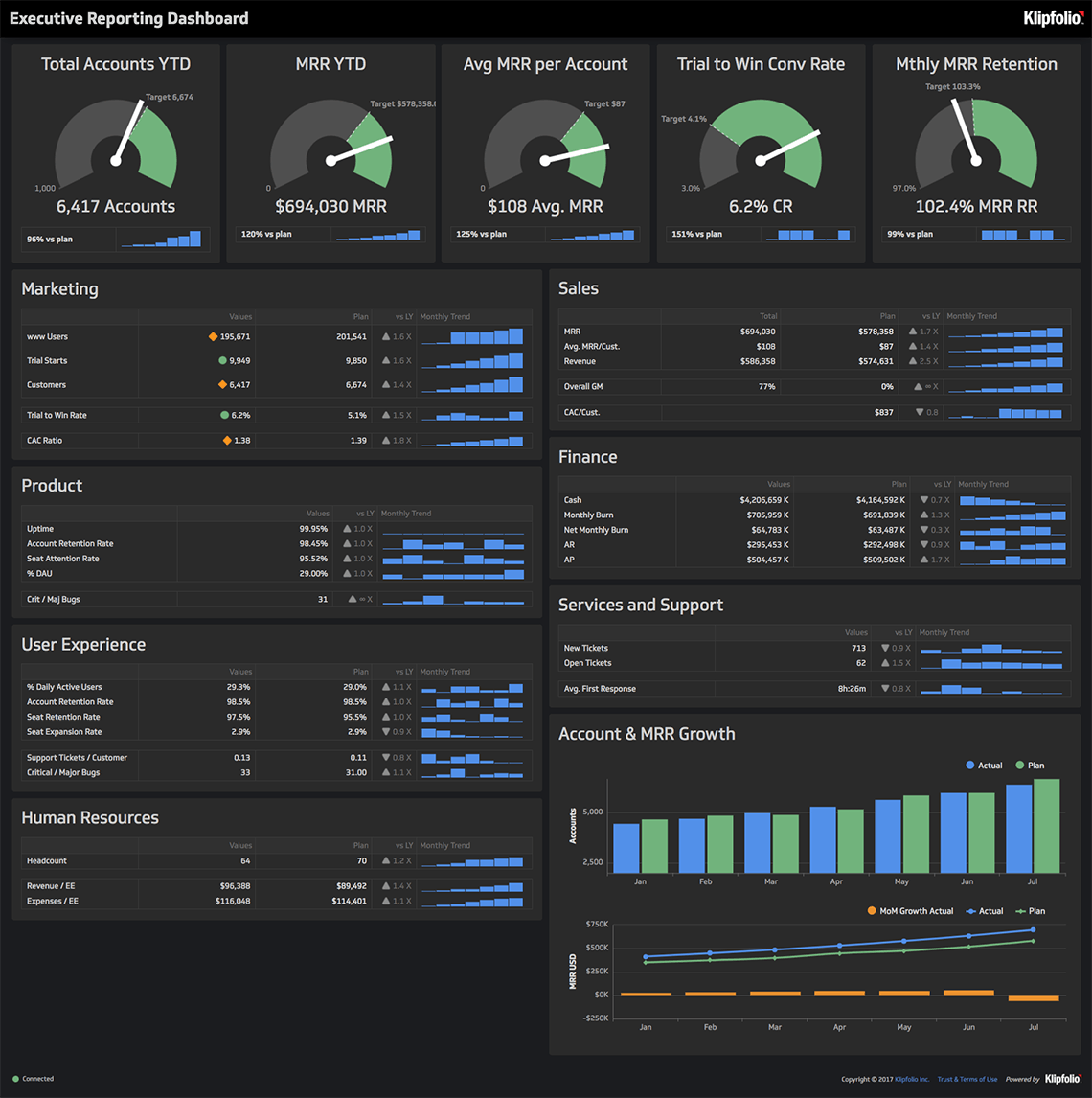
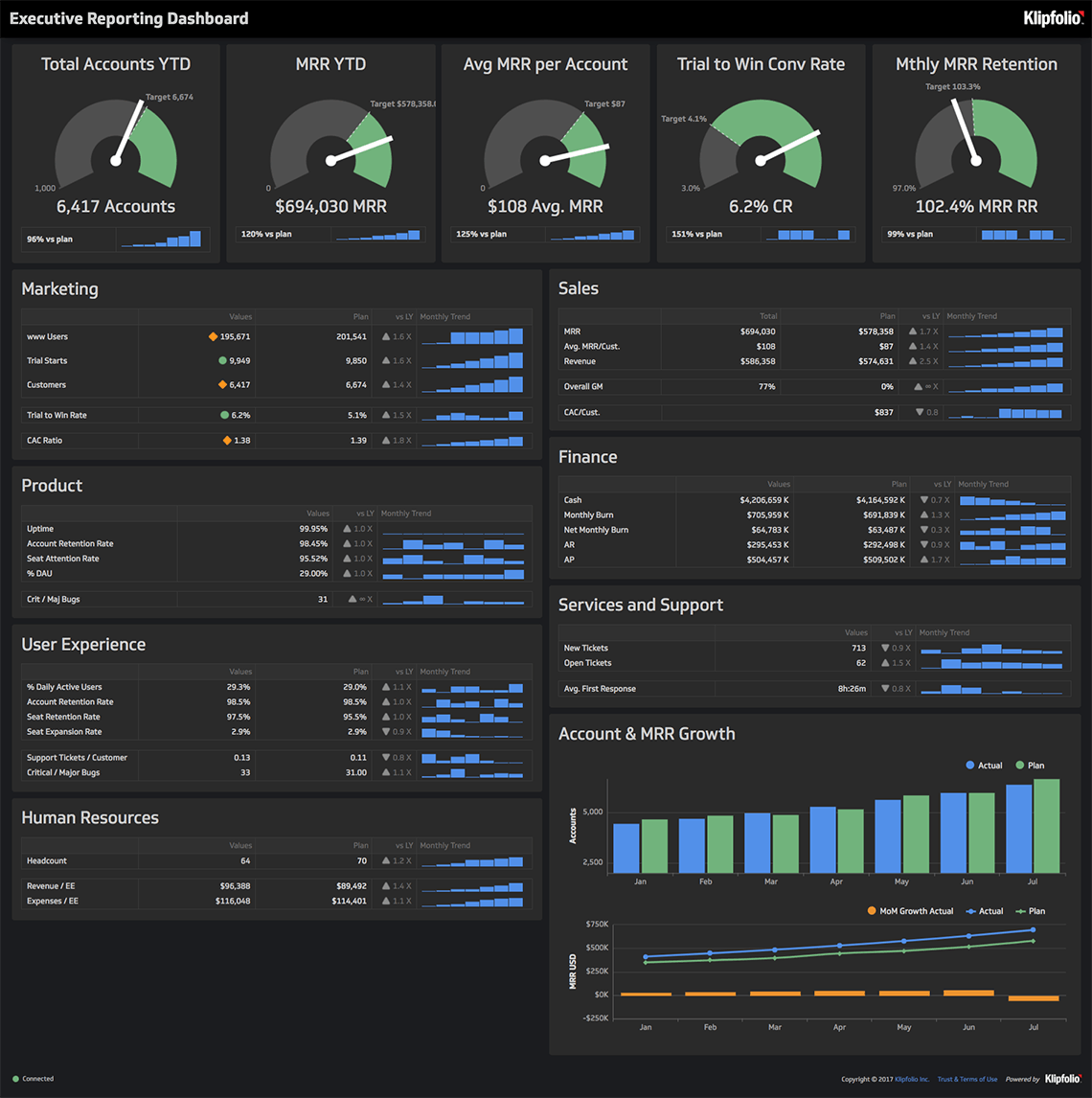
CFO dashboard

A CFO dashboard gives you a comprehensive view of your company's financial standing. It delivers live data so you can respond quickly to revenue declines, evaluate cost-cutting initiatives, and measure whether your financial strategies are working.

The payoff: fewer surprises, faster decisions, and a clearer read on where the business stands at any given moment.

Who's it forChief financial officers (CFOs), financial controllers, finance managers, accounting teams, budget analysts, investment analysts
How often it's neededDaily, weekly, monthly, quarterly, yearly
Covered KPIsRevenue, net profit margin, gross profit margin, operating income, cash flow, accounts receivable turnover, accounts payable turnover, working capital, debt-to-equity ratio, return on assets (ROA), return on equity (ROE), current ratio, quick ratio, cost of goods sold (COGS), earnings before interest, taxes, depreciation, and amortization (EBITDA), operating expenses, capital expenditures (CapEx), budget variances, financial forecasting accuracy, investment performance, liquidity ratios, credit risk exposure, key performance trends over time

Revenue metrics dashboard

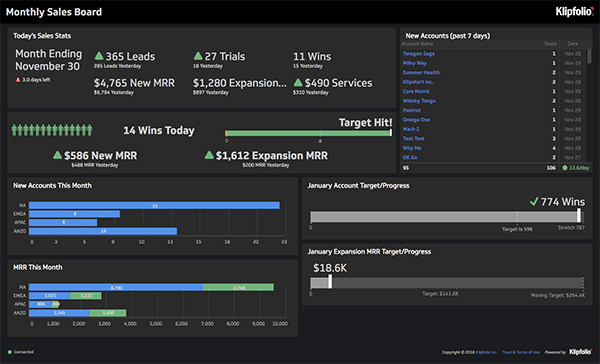
A revenue metrics dashboard shows you exactly how your business generates income — and whether it's on track. It visualizes revenue growth against targets, surfaces trends in customer behaviour and product performance, and helps you evaluate whether your pricing and sales tactics are working.

When revenue dips or spikes, you'll know why — and what to do next.

Who's it forChief revenue officers (CROs), CFOs, sales managers, marketing managers, business development teams, revenue analysts
How often it's neededDaily, weekly, monthly, quarterly, yearly
Covered KPIsRevenue growth rate, recurring revenue (monthly recurring revenue or annual recurring revenue), revenue by product or service, revenue by region, total revenue, customer acquisition cost (CAC), customer lifetime value (CLV), average revenue per user (ARPU), churn rate, upsell and cross-sell revenue, gross profit margin, net profit margin, revenue forecast accuracy, sales pipeline value, conversion rates, deal size, contract renewal rates, revenue per employee, revenue from new versus existing customers

Cash flow dashboard

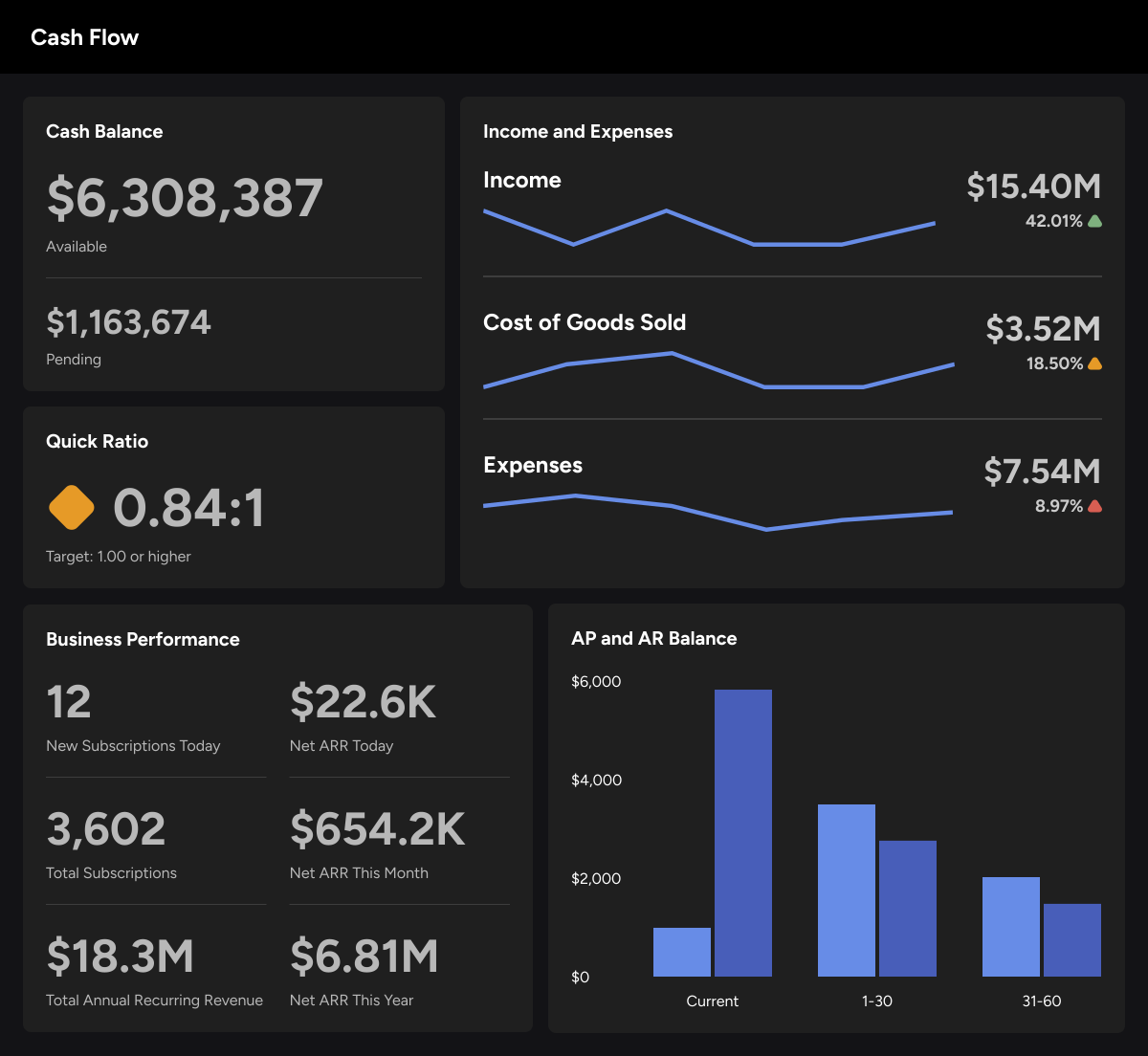
A cash flow dashboard tracks money moving in and out of your business in real time. It monitors cash inflows from sales and outflows for expenses, payroll, and debt repayments — so you can forecast future cash needs before a shortfall becomes a problem.

With this dashboard, you always know where you stand on liquidity, which makes budget decisions and operational planning considerably more confident.

Who's it forCFOs, financial controllers, accountants, finance managers, treasury teams, cash flow analysts, business owners
How often it's neededWeekly, monthly, quarterly, yearly
Covered KPIsTotal cash inflows, total cash outflows, net cash flow, operating cash flow, investing cash flow, financing cash flow, cash flow forecast, free cash flow, cash burn rate, days sales outstanding (DSO), days payable outstanding (DPO), days inventory outstanding (DIO), cash conversion cycle, working capital, accounts receivable turnover, accounts payable turnover, liquidity ratios (current ratio, quick ratio), debt repayment schedules, CapEx, ending cash balance by period

Fundraising insights dashboard

Fundraising dashboards track the performance of your organization's fundraising campaigns and donor contributions. They surface funds raised, average donation amounts, goal progress, and donor engagement — all in one place.

With reliable, current data, you can build stronger donor relationships and predict future fundraising outcomes with enough confidence to plan around them.

Who's it forNonprofit executives, finance managers, budget analysts, financial controllers, development directors, fundraising managers, donor relations teams, grant managers, finance departments, event coordinators, board members
How often it's neededDaily, weekly, monthly, quarterly, yearly
Covered KPIsFundraising goal progress, number of active donors, donor retention rate, average donation amount, donor acquisition cost, donor lifetime value, top donors by contribution, campaign-specific funds raised, grant funding received, total funds raised, online donation performance, recurring donation metrics, event fundraising totals, pledge fulfillment rates, donor segmentation breakdowns, email open and click-through rates, social media engagement for campaigns, cost per dollar raised, peer-to-peer fundraising activity

Expense analysis dashboard

An expense analysis dashboard gives you a detailed view of where your company's money is going — and where it shouldn't be. It identifies overspending, flags underutilized budgets, and segments data by category, department, or timeframe so you can act on the right problem.

The goal isn't just to track costs. It's to give you the clarity to reduce them without compromising what's working.

Who's it forCFOs, finance managers, accountants, department heads, budget analysts, procurement teams, operational managers
How often it's neededDaily, weekly, monthly, quarterly, yearly
Covered KPIsExpense-to-revenue ratio, budget utilization rate, departmental spending breakdown, expense category distribution (travel, marketing, payroll), total expenses, cost per employee, variance between actual and budgeted expenses, recurring expense trends, vendor payments, overdue payments, procurement cycle time, operating cost ratio, cost savings from negotiated contracts, capital expenditure tracking, indirect cost allocation, month-over-month expense changes
Klips logoLevel up your decision making

Create custom dashboards for you and your team.

Get Started

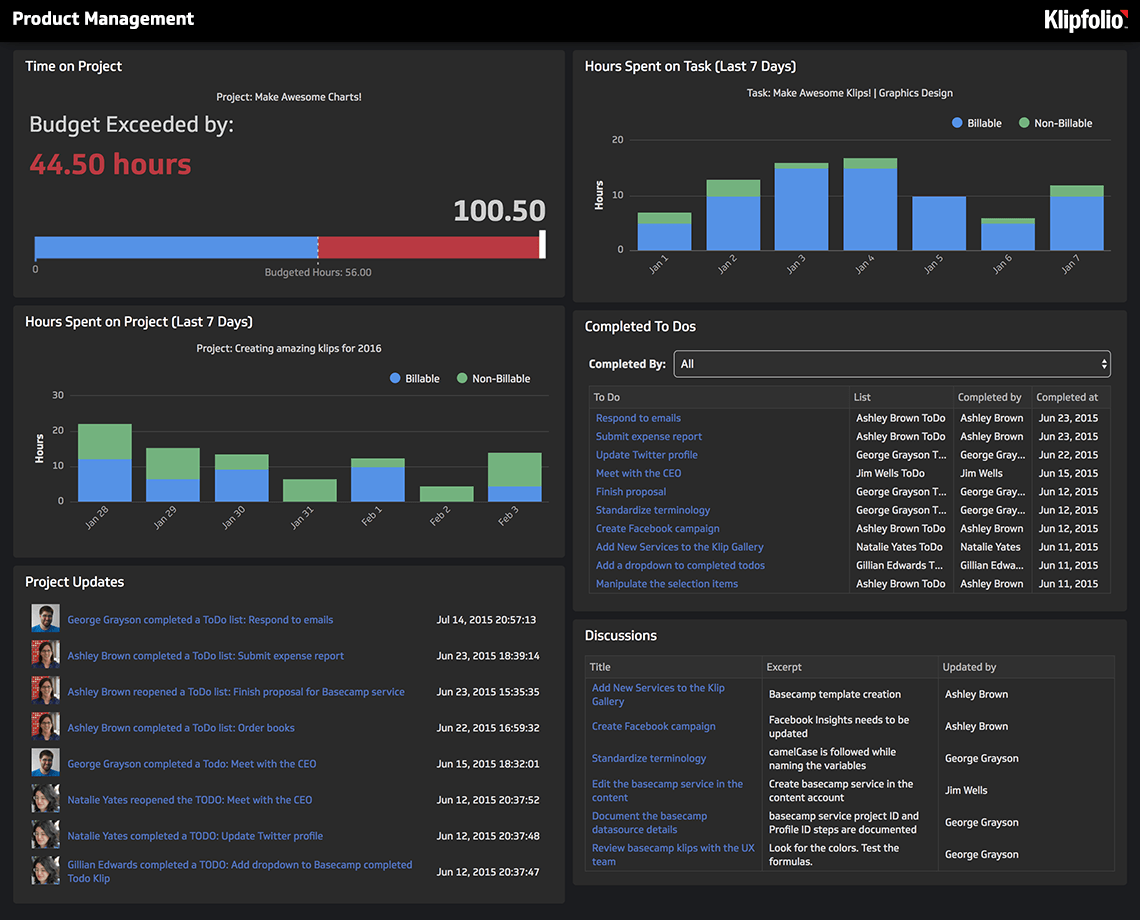
Sales and product dashboard

A sales and product dashboard gives sales teams and finance departments a shared view of performance — built on key sales metrics like revenue, deal conversion rates, and customer acquisition costs.

With consistent, reliable numbers in front of everyone, it's easier to identify pipeline bottlenecks, track progress against targets, and make the calls that move revenue forward.

Who's it forSales managers, account executives, business development representatives, regional sales directors, chief sales officers (CSOs), marketing and sales alignment teams, strategic planning teams
How often it's neededDaily, weekly, monthly, quarterly, yearly
Covered KPIsTotal sales revenue, sales growth rate, revenue by product or service, regional sales performance, sales by channel, average deal size, sales cycle length, customer acquisition cost, customer lifetime value, lead-to-close conversion rate, sales forecast accuracy, pipeline value by stage, win rate, opportunity-to-lead ratio, salesperson performance rankings, churn rate, upsell and cross-sell rates, quota attainment, sales activity metrics, discount utilization rate

Profit and loss dashboard

A profit and loss dashboard breaks down revenue, expenses, and net profit in real time so you can see not just what's happening — but why. It identifies cost drivers, surfaces revenue growth opportunities, and flags profitability bottlenecks before they compound.

With this level of visibility, you can adjust pricing, streamline operations, and align financial outcomes with your strategic goals.

Who's it forCFOs, financial controllers, accountants, business unit managers, chief executive officers (CEOs), board members, investors
How often it's neededDaily, weekly, monthly, quarterly, yearly
Covered KPIsCost of goods sold (COGS), gross profit, gross margin percentage, operating expenses, net operating income, net profit, net profit margin percentage, revenue by product or service, revenue by region or channel, expense breakdown by category, EBIT, EBITDA, year-over-year profit growth, operating cash flow, income-to-expense ratio, budget variance, tax liabilities

Build financial dashboards that support confident decisions

A financial dashboard replaces the guesswork of piecing together numbers from multiple sources with one consistent, current view of your business. When your team sees the same reliable data — revenue, expenses, cash flow, profitability — decisions happen faster and with more confidence.

Klipfolio's financial dashboards are customizable to fit your reporting needs, your team structure, and the metrics that matter most to your business. Try them out today.

Frequently asked questions

How do I create a finance dashboard?

To create a finance dashboard:

  • Identify your key metrics: Start with the financial data you need to track — revenue, expenses, profit margins, or cash flow.
  • Connect your data sources: Link tools like QuickBooks, Excel, or Google Sheets to your dashboard platform.
  • Choose or customize a template: Use a pre-built layout or build your own with charts, tables, and KPI Klips.
  • Share with your team: Distribute your dashboard so everyone works from the same current numbers.

You can also use Klipfolio, which walks you through the setup and saves your metrics so you're not rebuilding from scratch each time.

Can I create a financial dashboard in Excel?

Yes, you can build a financial dashboard in Excel using pivot tables, charts, and slicers. That said, dashboard platforms like Klipfolio automate data updates, connect to live sources, and make sharing straightforward — without the manual effort of maintaining a spreadsheet.

What is the best chart to use for financial dashboards?

The right chart depends on what you're trying to communicate:

  • Line charts track trends over time, like monthly revenue or cash burn.
  • Bar charts compare categories, such as expenses by department.
  • Pie charts show proportions, like how costs are distributed across the business.

Can I share my financial dashboard with others?

Yes. Klipfolio lets you share financial dashboards securely via email links, embedded views, or live presentations. Your team gets access to real-time data without needing additional downloads or logins.

Klips logoLevel up your decision making

Create custom dashboards for you and your team.

Get Started

Why should I use a dashboard platform for financial analysis?

Dashboard platforms automate data collection from multiple sources, so your numbers are always current — no manual updates, no version confusion. You get a centralized view of your key financial metrics, customizable to what each role actually needs to see. Compared to maintaining spreadsheets by hand, the time savings are significant and the risk of errors is much lower.

At a glance

Focus Area

Financial performance monitoring and decision-making

Metrics List

Revenue, expenses, cash flow, profit margins, budget variance, liquidity ratios

Related Dashboards

View all dashboards
  • Executive

    Cash Flow Dashboard

    Timing differences between income and expenditure can influence immediate cash availability. A cash flow dashboard monitors your company's immediate spending power and cash position.

    Executive Dashboards - Cash Flow Dashboard
  • Executive

    QuickBooks Dashboard

    The QuickBooks Dashboard offers a comprehensive view of your business's financial health

    Executive Dashboards - QuickBooks Dashboard
  • Executive

    CEO Dashboard

    A CEO dashboard is a vital tool that consolidates and visualizes key performance indicators (KPIs) from all areas of a business into a single, easily accessible location.

    Executive Dashboards - CEO Dashboard
Klips logo

Build custom dashboards
for you and your team.